Top Artificial Intelligence Security Companies of 2026
You roll out an AI customer support bot on Monday. By Friday, it is answering routine questions faster than your team ever could. Then someone phrases a prompt in a clever way, and the bot reveals information it was never supposed to share.
That kind of failure is easy to miss because the system still looks helpful on the surface. AI can sound confident, follow instructions, connect to tools, and handle sensitive data, all at the same time. That creates new security problems that do not look like older software bugs. Instead of only worrying about malware or stolen passwords, teams now have to handle prompt injection, data leakage, unsafe model behavior, and AI-generated impersonation.
That is why artificial intelligence security companies matter. They build the checks around the model, the app, and the people using it. Some test models before launch, like a crash test for AI. Some watch live systems for bad prompts or risky outputs. Others focus on employee behavior, such as stopping someone from pasting private company data into a public chatbot.
The market is growing quickly, which matches what many IT and security teams are seeing in day-to-day work. More companies are putting AI into customer support, internal search, coding tools, and agent-based workflows. At the same time, legal, privacy, and security teams are being asked to approve tools they may not fully understand yet.
If you're currently assessing Microsoft 365 Copilot risks, or trying to secure an internal chatbot, code assistant, or agent workflow, the vendor list can get confusing fast. One company may focus on model red teaming. Another may focus on runtime monitoring. A third may act more like data loss prevention for generative AI. If you want a clearer starting point, these AI security best practices for real-world teams help frame what to look for before you buy anything.
This guide goes beyond a simple vendor roundup. I grouped the companies into AI Natives, Acquired Specialists, and Niche Solvers, then added a plain-English "Who is this for?" lens for each one. The goal is simple. Help non-experts choose the right kind of protection without needing a cybersecurity background first.
1. Protect AI now part of Palo Alto Networks
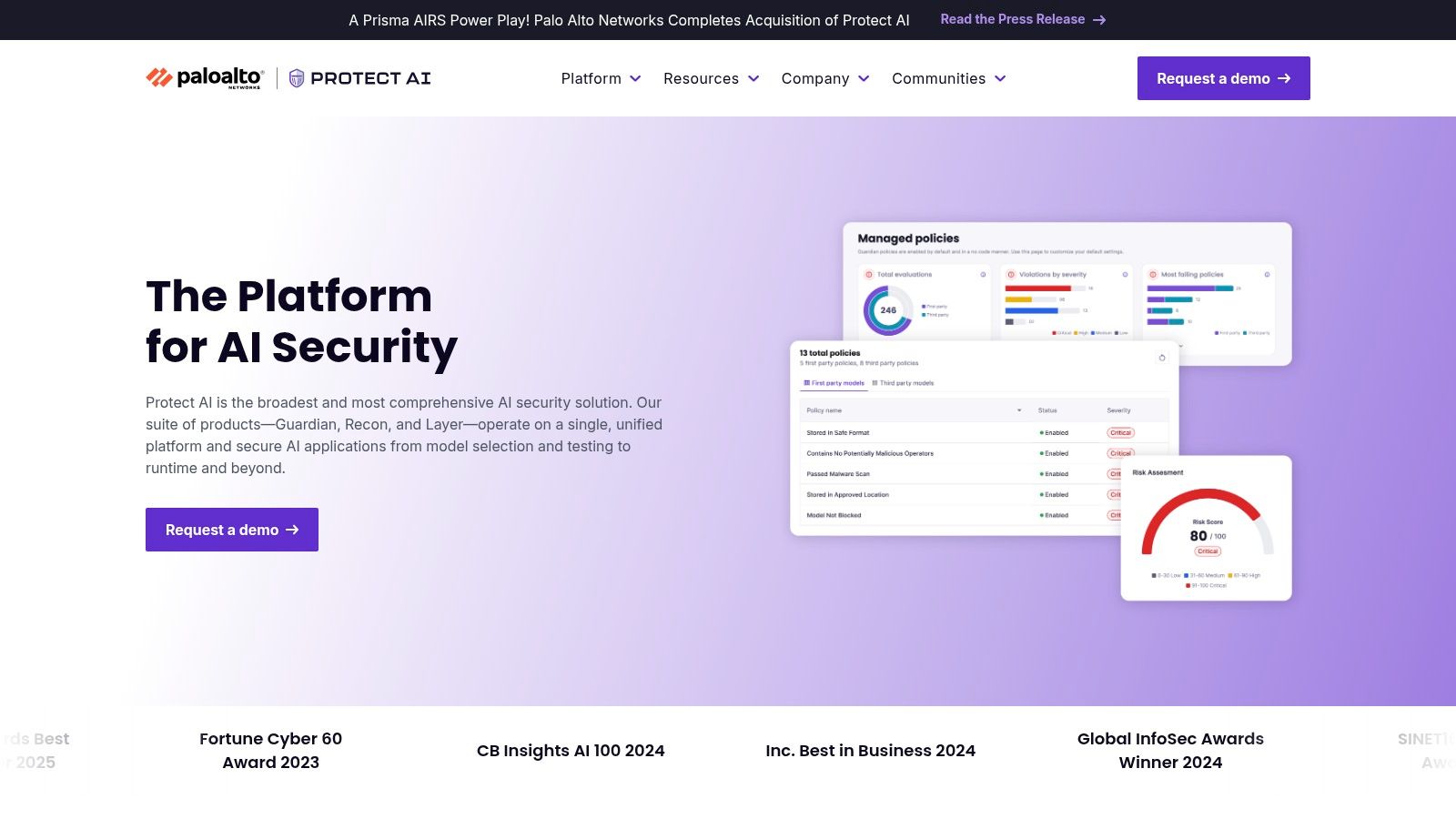
Protect AI is one of the clearest examples of an AI-native security company that grew into a broader enterprise story. Its platform is built around a practical idea: secure the model before deployment, stress-test it before launch, and keep watching it after it goes live.
That end-to-end approach matters because AI systems fail in more than one place. A model can arrive with hidden supply-chain issues. An app can look safe in staging and still break under live prompts. An agent can follow the wrong instruction once it gets tool access.
What it actually does
Protect AI’s product family is designed to cover those stages. Guardian focuses on model security and validation. Recon automates red teaming. Layer adds runtime controls so teams can watch and restrict risky behavior after deployment.
It also connects with platforms many teams already use, including AWS, Databricks, and Microsoft. For larger organizations, that makes evaluation easier because security teams don't want another isolated dashboard if they can avoid it.
- Model checks early: It scans models and artifacts for problems before they enter production workflows.
- Red teaming without manual grind: Teams can automate attack simulation instead of relying only on human testers.
- Runtime protection: It helps monitor prompts, outputs, and application behavior once the AI app is live.
Practical rule: If your AI app touches customer data, don't treat launch-day testing as enough. You need runtime monitoring too.
Who is this for
This is a strong fit for enterprises building or governing multiple AI applications across departments. It also makes sense for teams that want one vendor spanning model import, testing, and runtime controls, rather than stitching together point tools.
The tradeoff is complexity. Smaller teams may find it heavier than they need, especially if they’re still learning the basics of AI security best practices and only running one internal chatbot. Pricing is sales-led, and setup usually needs security, platform, and AI teams to agree on policy.
Use it when you want an AI security program, not just a single scanner. Learn more at Protect AI.
2. HiddenLayer
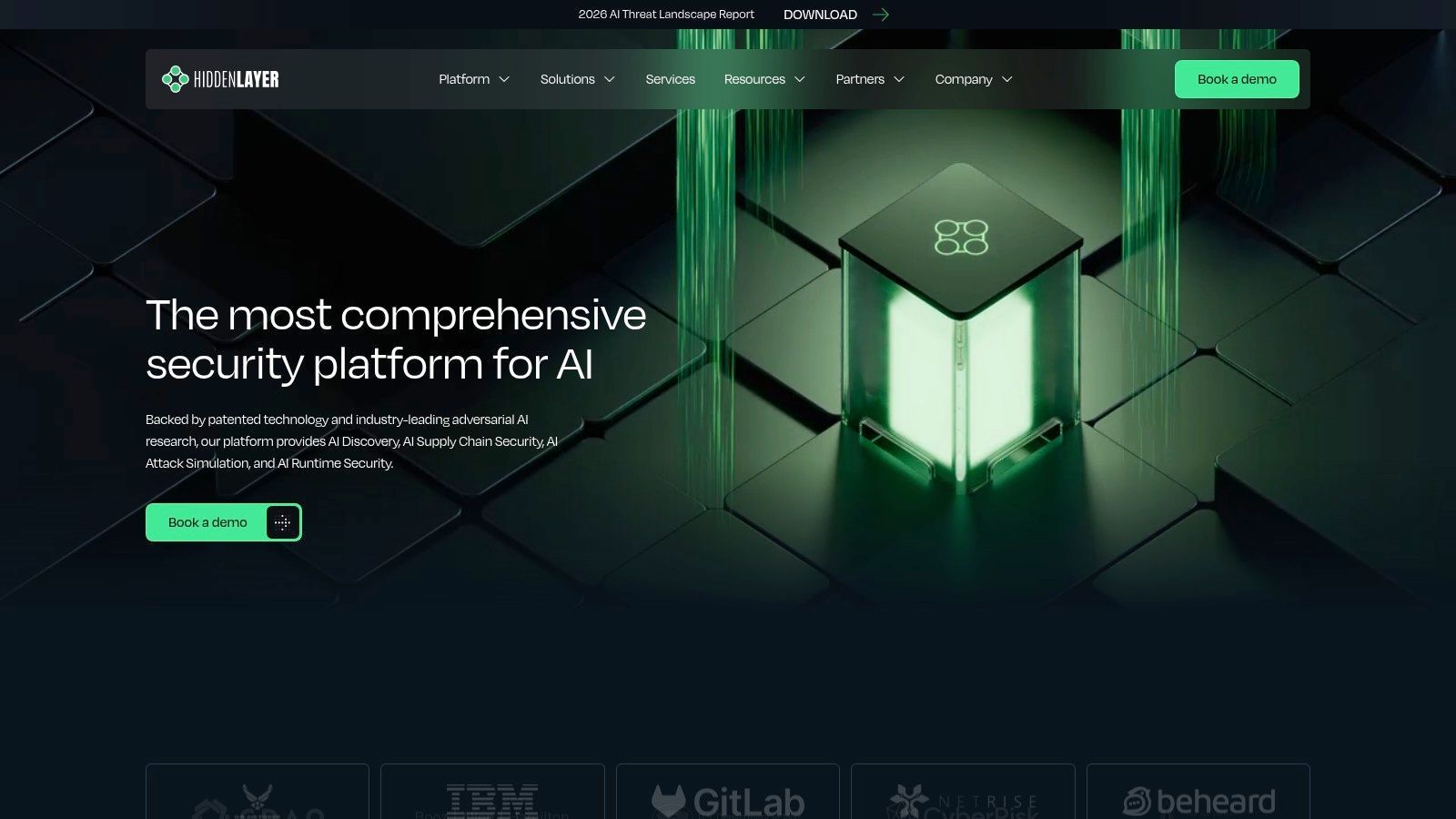
HiddenLayer takes a lifecycle view of AI security. In plain English, it’s trying to answer a hard question: what if the AI model, the app around it, and the deployment pipeline all need protection at the same time?
That makes it useful for organizations that aren’t just experimenting anymore. Once a company has several models, several environments, and several teams touching AI, “just add a prompt filter” stops being enough.
Why teams look at it
HiddenLayer offers runtime defense, supply-chain protections, asset discovery, posture management, and automated red teaming aligned to OWASP-style LLM risk categories. That’s a broad range, but the pieces connect logically.
For example, think about a company with an internal document assistant. One part of the security problem is stopping prompt injection. Another part is proving which model version is in use, who approved it, and whether the model was signed and tracked properly. HiddenLayer tries to cover both worlds.
- Runtime defense: Helps detect prompt injection, indirect injection, data exfiltration, and model theft risks.
- Supply-chain controls: Includes ideas like AI bill of materials tracking and model signing.
- Discovery and posture: Helps teams find AI assets and understand what’s deployed.
Who is this for
HiddenLayer suits enterprises and public-sector organizations that need broad AI coverage, not just LLM guardrails. It’s especially relevant when security leaders want visibility into both predictive AI and generative AI systems.
This isn't a lightweight plug-in for a solo developer. Teams usually need engineering and security resources to deploy it well, and buying happens through a sales process. Visit HiddenLayer if you want a platform that treats AI like a full security domain rather than a narrow chatbot problem.
3. Cisco AI Defense
Cisco AI Defense is what happens when AI security gets folded into a large enterprise security portfolio. The product story draws on Robust Intelligence, which Cisco acquired, and it centers on automated validation, guardrails, and algorithmic red teaming for AI applications.
If that sounds abstract, think of it this way. Before you trust a new employee with a sensitive process, you test them, train them, and supervise them. Cisco AI Defense tries to do the AI equivalent at enterprise scale.
Where it fits best
This offering will make immediate sense to companies already invested in Cisco’s broader security stack. Integration matters more than many beginners expect. A tool can look great in a demo and still create friction if your team has to rebuild workflows around it.
Cisco also brings global support, partner channels, and enterprise procurement familiarity. For large companies in regulated environments, that can be almost as important as the underlying detection features.
A good AI security product doesn't just catch bad prompts. It has to fit the way your security team already works.
Who is this for
Cisco AI Defense is for large enterprises, especially those that want AI controls connected to a broader governance and security program. It’s also a practical option for leadership teams asking a very common beginner question: is AI safe to use? The honest answer is that it depends on how you deploy it, test it, and control access.
The downside is straightforward. If you’re a startup with one AI feature in production, this may feel too large and too procurement-heavy. But if you need enterprise support and a vendor your legal and security teams already know, Cisco AI Defense deserves a look.
4. Lakera
Lakera is easier to explain to developers than some of the heavier enterprise platforms. Its core appeal is real-time protection for LLM applications, especially against prompt injection, jailbreaks, and data leakage.
That focus is useful because many teams don't need a giant governance suite on day one. They need a reliable security layer around an app that already exists.
What developers usually like
Lakera Guard is the runtime protection layer. Lakera Red handles automated red teaming and attack simulation. The company leans into API-first integration and public documentation, which matters when developers want to test quickly rather than sit through a long sales process before understanding the product.
A simple example helps. Say you built a chatbot that can search internal docs and send actions to another tool. Lakera’s kind of runtime monitoring is there to inspect what comes in and what goes out, looking for malicious instructions, policy-breaking prompts, or sensitive output before harm happens.
- Real-time detection: Watches prompt and response flows for risky patterns.
- Red teaming support: Lets teams simulate attacks before users do it for them.
- Developer-friendly setup: Good fit for cloud-native teams that prefer APIs and quickstarts.
Who is this for
Lakera fits product teams, AI engineers, and startups that need fast runtime protection for LLM apps. It also works well for larger companies that want a focused layer rather than a broad governance platform.
Its narrower focus is both strength and limitation. You may still need separate controls for employee AI use, data governance, or model supply chain. Explore the platform at Lakera.
5. CalypsoAI
CalypsoAI focuses on securing LLM and agent use with scanning, policy controls, and observability. It’s one of those tools that makes sense when your first AI security concern isn't “is the model smart enough?” but “how do we stop it from exposing the wrong thing?”
That’s a very common business concern. Teams often discover that privacy risk enters through normal usage patterns, not only obvious attacks.
Where it stands out
CalypsoAI offers scanners for common LLM risks such as prompt injection, sensitive information disclosure, and system prompt leakage. It also supports custom scanners, which matters for companies with unusual workflows or industry-specific restrictions.
This makes it easier to turn security policy into something operational. For example, a company might allow internal summarization but block certain categories of data from being sent to an external model. A policy-driven setup helps security teams enforce that consistently.
Security for AI often starts with a simple rule: decide what the system must never reveal, then enforce that rule everywhere.
Who is this for
CalypsoAI is a fit for organizations that want out-of-the-box LLM scanning plus room for custom controls. It’s especially relevant for teams thinking seriously about artificial intelligence privacy concerns because that’s where many early AI incidents begin.
One thing to check carefully is procurement and packaging, because company ownership and go-to-market details can shift after acquisitions. In other words, validate the current buying path before you budget around it. Start with CalypsoAI.
6. Prompt Security
Prompt Security takes a broader view than many LLM-only vendors. It isn’t just watching your app. It’s also watching how employees use AI tools, how code assistants behave, and how agentic workflows connect to outside systems.
That matters because AI risk often spreads through human behavior first. A company may lock down its customer-facing chatbot while employees paste sensitive data into public AI tools.
A practical way to think about it
If some tools protect the model, Prompt Security tries to protect the whole AI usage surface. That includes shadow AI discovery, policy controls, prompt and output inspection, and controls for agentic systems and MCP-style workflows.
For a security leader, that can simplify the picture. Instead of buying one product for internal AI usage, another for homegrown apps, and another for agent gateways, they can evaluate one platform that spans all three.
- Shadow AI visibility: Finds AI tools employees are already using.
- App protection: Monitors homegrown LLM apps for prompt injection and leaks.
- Agent controls: Adds allow or deny logic, logging, and enforcement around agent behavior.
- Flexible deployment: Offers SaaS and self-hosted options.
Who is this for
Prompt Security is a good match for organizations where employee AI use is already widespread and difficult to track. It also suits businesses building internal apps and experimenting with agents at the same time.
The catch is overlap. Some companies already have DLP, CASB, or governance tooling, so they’ll need to think carefully about integration and policy ownership. See Prompt Security if you want one platform that covers human, app, and agent layers together.
7. Lasso Security
Lasso Security sits in a practical middle ground between governance and defense. It focuses on observability, policy enforcement, audit trails, and real-time protection across employee AI use, applications, and agents.
If your company uses tools like Copilot, Bedrock, or Vertex AI across multiple teams, this category becomes important quickly. Security teams need to know who used what, what data moved where, and whether policy was followed.
Why governance matters more than it sounds
Beginners often hear “governance” and assume it means paperwork. In AI security, governance is what lets you answer basic questions after something goes wrong.
Who accessed the model? Which prompt caused the issue? Was the user allowed to paste that document? Did an agent call a tool it shouldn’t have used?
Lasso is built around that visibility. It also addresses shadow AI discovery and agentic security, which helps when adoption spreads faster than policy.
Who is this for
Lasso Security is for enterprise and public-sector teams that care as much about oversight and auditability as they do about blocking attacks. It’s especially useful when leadership wants controlled AI adoption instead of a hard ban that employees will work around.
The product is enterprise-oriented, and reference checks matter with newer vendors. But if visibility is your biggest gap, Lasso Security is worth shortlisting.
8. Adversa AI
A team ships an AI feature, runs a few prompts, and sees that it works. Then a harder question shows up. What happens when someone tries to break it on purpose?
That is the lane Adversa AI focuses on. In this guide’s framework, it fits the Niche Solver category. Instead of covering employee AI usage across the whole company, it concentrates on adversarial testing, AI threat modeling, and ongoing assurance for the system you built.
That distinction matters. A general AI security tool may tell you whether a policy was followed. Adversa AI is built to test whether your model, agent, or workflow can be manipulated, misdirected, or pushed into unsafe behavior.
Best use case
Adversa AI makes the most sense when your AI setup has custom parts. That could mean an agent with tool access, a retrieval layer, memory, system prompts, or multiple models working together. The more pieces you connect, the more ways an attacker can probe for weak points.
A useful comparison is a building inspection. A standard checklist can confirm the doors lock and the alarms exist. Adversarial testing checks whether someone can still get in through a window nobody thought to test.
The company offers both managed services and platform options. Some teams want specialists to run the tests and explain the findings. Others want a system they can use continuously as prompts, models, and workflows change over time.
Who is this for
Adversa AI is for product teams, AI labs, and enterprise security groups that need to answer a practical question: how could someone break our specific AI application?
It is a strong fit for buyers who care more about pre-release testing and ongoing validation than broad governance across employee AI use. That makes it different from tools focused on usage monitoring, policy controls, or audit trails.
It also helps with a blind spot new buyers often miss. AI security products and custom AI apps can introduce new exposure if nobody pressure-tests them under realistic attack conditions.
If your shortlist needs a specialist that examines failure modes in depth, Adversa AI is worth a closer look.
9. Reality Defender

Reality Defender solves a different AI security problem than the LLM-focused tools above. It’s built for deepfake and manipulated media detection across images, audio, and video.
That may sound narrower, but for the right buyer it’s urgent. A contact center, KYC workflow, executive communications channel, or fraud team faces a very different threat model from a team securing an internal chatbot.
What it actually protects
Reality Defender offers APIs, SDKs, and deployment options for organizations that need to evaluate whether media is authentic. Think of it as a document scanner for synthetic content, except the “document” might be a voice call, a selfie video, or a suspicious image.
This can matter in places where trust decisions happen fast. If a customer support team gets a voice call that sounds right but isn’t, the problem isn’t prompt injection. It’s impersonation.
- Multimodal detection: Checks image, audio, and video signals.
- Operational use cases: Fits KYC, contact centers, meetings, and brand protection.
- Explainable output: Helps analysts understand why content was flagged.
Who is this for
Reality Defender is for fraud teams, trust and safety groups, identity platforms, media operations, and public-sector buyers dealing with synthetic media risk. It’s not a replacement for an LLM guardrail product. It’s a specialist tool for authenticity checking.
If your AI security problem is “can we trust this media?” rather than “can we trust this chatbot?”, Reality Defender is in the right category.
10. Nightfall AI
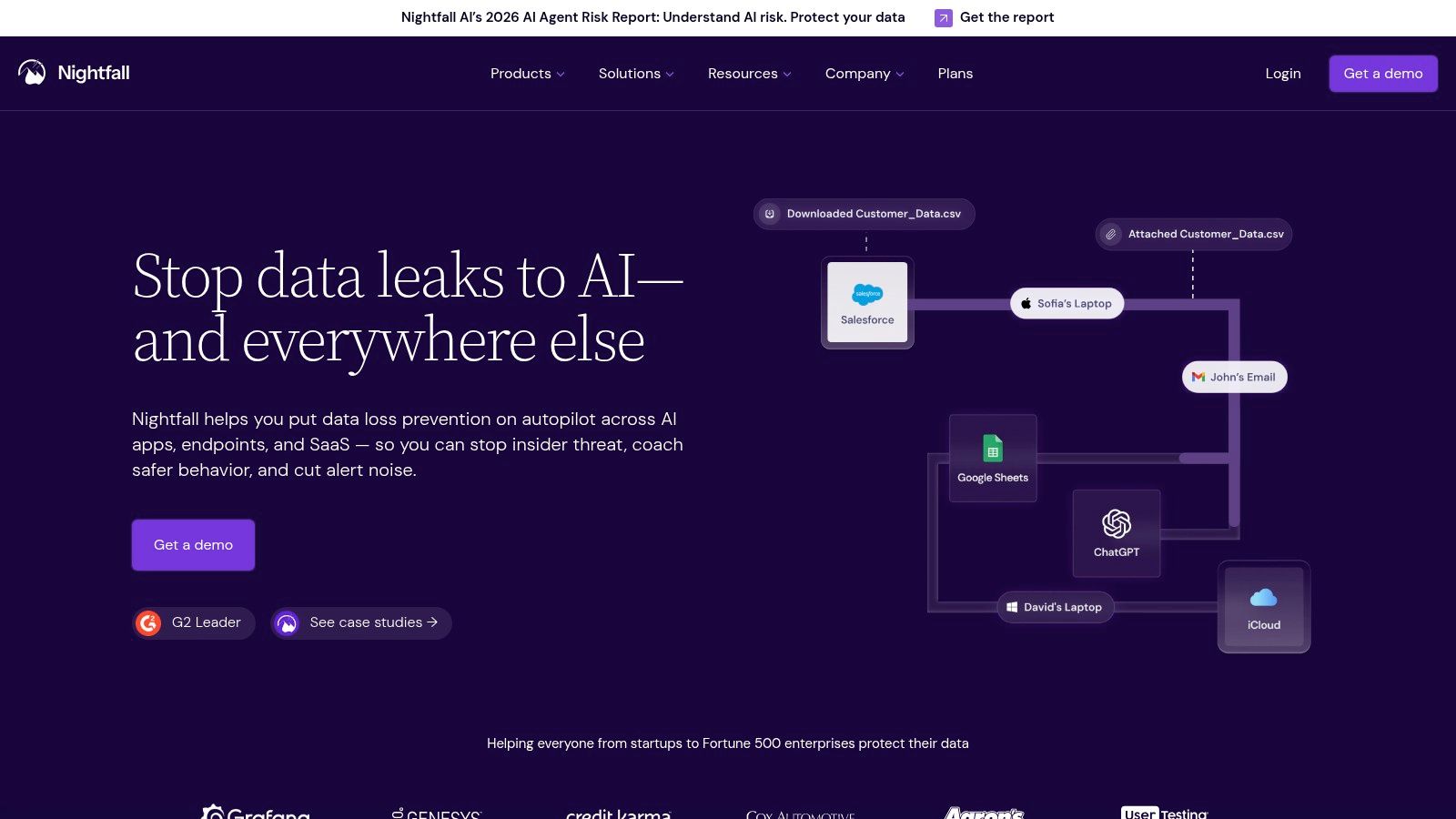
Nightfall AI approaches AI security from the data side. That’s a smart angle because many organizations don't lose sleep over jailbreaks first. They lose sleep over employees leaking customer records, secrets, or internal documents into AI tools and SaaS apps.
So instead of acting like an AI firewall for one application, Nightfall behaves more like a sensitive-data watchdog across business systems.
Why this matters
Nightfall focuses on AI-aware data loss prevention across SaaS, email, endpoints, and enterprise apps. It also adds shadow AI discovery and data lineage capabilities, which helps teams understand where sensitive information moved after an AI interaction.
That’s especially relevant in cloud-heavy environments. According to Grand View Research, cloud security is positioned as the fastest-growing segment in this market, while network security currently holds 36% market share. In practice, that means businesses increasingly need controls that follow data across hybrid and multi-cloud workflows.
Who is this for
Nightfall AI is a strong fit for companies that already use many SaaS tools and want to prevent sensitive data leakage into or through AI systems. It pairs well with runtime LLM security tools because it solves a different problem.
Use Nightfall when your main question is, “How do we stop confidential data from spreading through AI usage across the business?” Visit Nightfall AI.
Top 10 AI Security Companies Comparison
| Vendor | Core Focus ✨ | Top Strengths 🏆 | Ideal For 👥 | Pricing 💰 | Trust/Quality ★ |
|---|---|---|---|---|---|
| Protect AI (Palo Alto) | End-to-end model security: ModelScan, Guardian/Recon/Layer; cloud & data-platform integrations | Mature ecosystem; Palo Alto backing; wide integrations | Large enterprises, security teams, regulated orgs | 💰 Sales-led enterprise (premium) | ★★★★☆ |
| HiddenLayer | Full-stack AI security: runtime defence, AIBOM, model signing, OWASP-aligned red teaming | Research-driven; Gartner/RSA recognition; public-sector use | Enterprise & public sector security teams | 💰 Sales-assisted (enterprise) | ★★★★☆ |
| Cisco AI Defense (Robust Intelligence) | Automated validation, algorithmic red teaming, AI guardrails integrated with Cisco stack | Global support; deep product integration; enterprise pedigree | Regulated enterprises, large deployments | 💰 Cisco enterprise pricing/partners | ★★★★☆ |
| Lakera | AI-native runtime protection: ultra-low latency, API-first, multilingual, Lakera Red red teaming | Strong runtime precision; excellent developer docs & quickstarts | Dev teams, latency-sensitive AI apps, startups → scale-up | 💰 Not public; contact sales | ★★★★ |
| CalypsoAI | LLM/agent scanners, policy controls, real-time prevention, SaaS & enterprise options | Rich scanner library mapped to LLM risks; documented admin/API flows | Enterprises needing scanner + policy/observability stacks | 💰 Sales-led; M&A may affect packaging | ★★★★ |
| Prompt Security | Shadow AI visibility, agentic gateway, prompt protection, red teaming & self-host options | Holistic coverage (human, app, agent); flexible deployments | Organizations needing governance + self-hosting options | 💰 Sales-assisted; custom packages | ★★★★ |
| Lasso Security | Observability, Shadow AI discovery, policy engine, audit trails, agentic security | Strong enterprise governance; federal/public-sector traction | Enterprises & government agencies focused on compliance | 💰 Enterprise sales; pricing not public | ★★★★ |
| Adversa AI | Adversarial red teaming & continuous assurance; threat modeling & remediation guidance | Deep adversarial ML expertise; tailored assessments & managed services | Teams needing customized red teaming and remediation | 💰 Custom engagements / subscription | ★★★★ |
| Reality Defender | Multimodal deepfake detection: images, audio, video; API/SDK & real-time monitoring | Explainable detections; analyst & enterprise plans; KYC/contact-center ready | Brand protection, KYC, contact centers, media authenticity | 💰 Analyst → enterprise plans (tiered) | ★★★★ |
| Nightfall AI | AI-aware DLP: SaaS/email/endpoints with Shadow AI discovery & data lineage | Rapid integrations across Slack/Drive/M365/GitHub; autonomous analyst | Data-governance teams, SaaS-first enterprises | 💰 Per-user & enterprise quotes (can scale costly) | ★★★★ |
The Next Step Securing Your AI Future
A practical buying decision usually starts with a simple scene. Your team has already launched one AI feature, or employees are pasting company data into public tools, and now someone asks, “Do we need AI security software?” The hard part is that “AI security” can mean very different jobs.
Some tools protect a live chatbot or agent while it is running. Some watch how employees use AI across the company. Some act like a stress test before launch, probing models for weak spots. Others focus on narrow problems such as deepfakes or sensitive-data leaks. Once you sort vendors into groups like AI Natives, Acquired Specialists, and Niche Solvers, the list becomes easier to read because you can match the category to the problem in front of you.
That is also why the “Who is this for?” lens matters. A startup building one support assistant does not need the same controls as a bank with dozens of internal copilots, approval rules, and audit requirements. Buying well starts with naming your actual use case, not chasing the widest feature sheet.
A plain-English checklist helps:
- Start with the asset. Are you protecting a model, an AI app, employee AI use, an agent workflow, or media authenticity?
- Identify the control point. Do you need testing before launch, runtime guardrails, data-loss controls, governance, or a mix?
- Check the fit with your stack. Ask whether the tool works with your cloud, identity system, logs, ticketing flow, and existing security tools.
- Match the tool to the buyer. A developer API, a SOC workflow product, and an enterprise governance suite solve different problems for different teams.
- Test your real risk. Use your own prompts, your own policies, and one workflow that would be critical if it failed.
- Assign ownership early. Decide whether security, platform engineering, data, or a shared group will run the tool day to day.
For a new buyer, the safest approach is usually narrow and specific. Pick the riskiest AI use case you already have. Evaluate one product category that fits that risk. Learn from a real pilot before you add more layers.
The pressure to do this is no longer limited to large enterprises. As noted earlier, organizations are seeing both the cost benefits of better security automation and the rise of AI-related attack activity. The important point is simple. AI systems are becoming part of normal business operations, so protecting them is becoming part of normal business security.
The same pattern shows up in adoption. AI tools are now used in support, coding, sales, search, and internal knowledge work across companies of every size. That creates a wider security surface. A small business may not train its own model, but it can still face prompt injection, data exposure, shadow AI use, or brand risk from synthetic media.
There is also a gap in plain-English buying advice. Vendor material often assumes a mature security team, a formal procurement process, and specialists who already know the difference between model scanning, runtime filtering, and AI governance. Many SMBs do not have that setup. They need help understanding what to buy first, what can wait, and which category fits their current stage. That is part of the reason this guide uses categories and “Who is this for?” sections instead of giving you a flat vendor list.
YourAI2Day can be useful as a learning resource if you are still building that foundation. It covers AI tools, risks, and business use cases in a factual way that helps non-experts get oriented before vendor calls.
If you are unsure where to begin, keep it simple. Inventory your current AI use cases. Rank them by business impact and likelihood of misuse. Then run one evaluation with realistic prompts, policies, and users. That process will teach you more than a week of reading product pages.
For teams that also want a broader look at offensive validation, this guide on securing applications with AI pen testing is a helpful next read.
If you want practical, beginner-friendly guidance on AI tools, risks, and real-world implementation, YourAI2Day is a good place to keep learning. It covers AI news, tools, and applied business use cases in a way that helps you move from curiosity to confident adoption.