10 Best AI Tools for Human Resources in 2026
Your HR team doesn’t need more dashboards. It needs relief.
AI adoption in HR is already mainstream in recruiting, with 67% of organizations and 99% of talent acquisition teams using AI tools according to Feedough’s roundup of AI in HR statistics. That matters because most HR teams aren’t struggling with strategy. They’re struggling with volume. Too many applicants, too many employee questions, too many disconnected systems, and too little time to do the human part of human resources well.
That’s why the best ai tools for human resources aren’t the ones with the flashiest demos. They’re the tools that remove repetitive work without creating new admin burdens. They help recruiters move faster, managers make better decisions, and HR operations teams stop answering the same question twenty times a week.
A lot of roundups lump everything together, from consumer chatbots to enterprise HCM suites. That’s not useful if you’re an HR manager trying to decide whether you need better candidate screening, stronger internal mobility, cleaner analytics, or a self-service layer for employees. The right answer depends on your current stack, your team size, and how much change your organization can absorb.
This guide stays practical. It focuses on tools that solve HR problems in recruiting, performance, workforce planning, and employee experience. It also calls out the trade-offs, because implementation is where most AI projects either become valuable or become shelfware.
If you want a broader starting point before choosing a platform, this overview of Top AI Tools for HR is also useful. Below, I’m narrowing the list to the platforms I’d put in front of an HR leader who wants to buy carefully and implement with less pain.
1. Workday Human Capital Management (HCM)
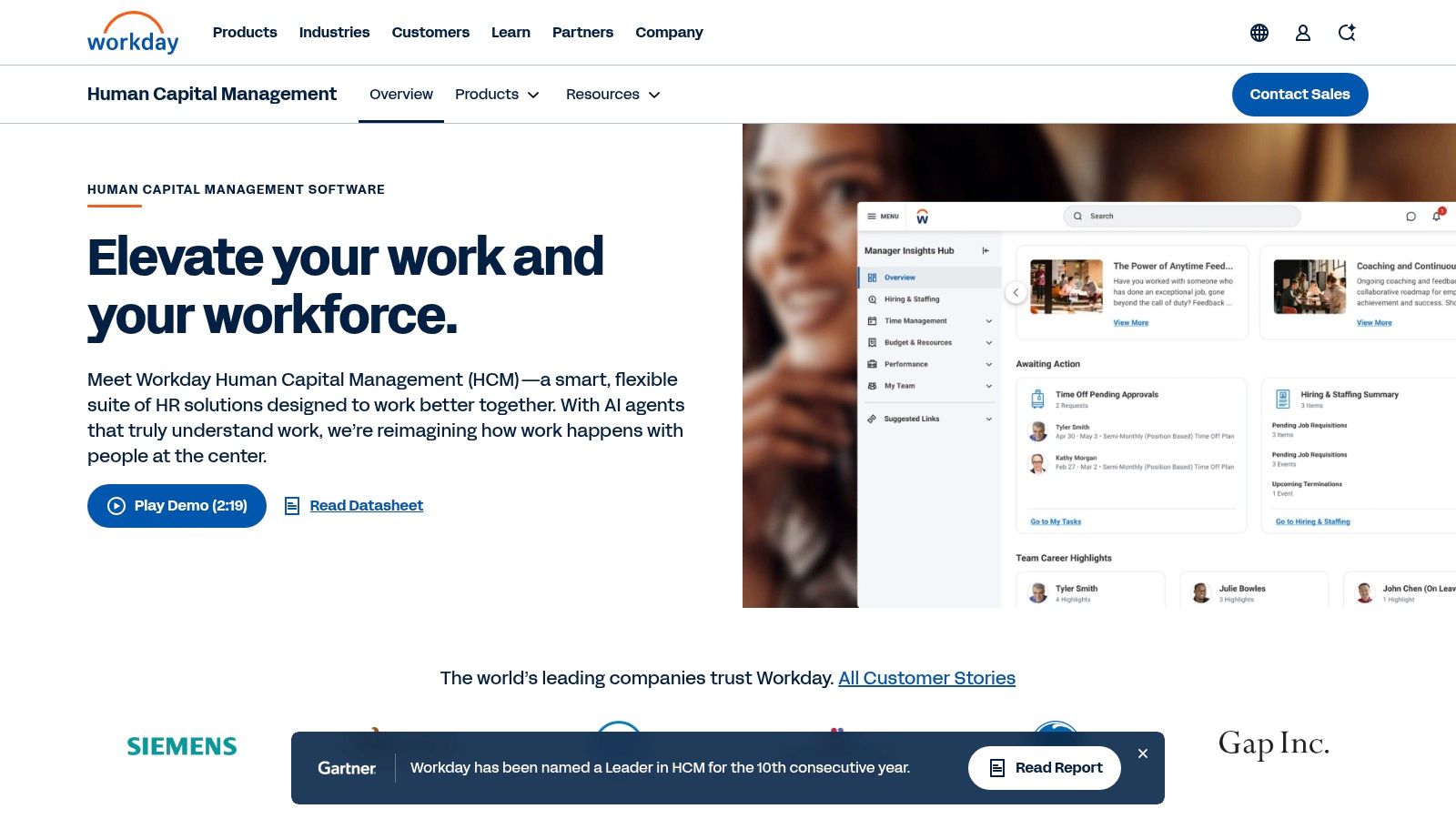
Workday makes sense when HR wants one core system that spans talent, payroll, learning, recruiting, and workforce planning, instead of stitching together point tools.
Its AI story is strongest when you care about skills. Workday’s Skills Cloud helps organizations move away from rigid job titles and toward a clearer view of what employees can do, where they can move internally, and what learning they need next. That’s useful in large companies where internal mobility is a real lever, not just a talking point.
Where Workday earns its place
The biggest advantage is consistency. HR, finance, managers, and employees work inside the same environment, which usually means fewer handoff problems than you get with heavily patched stacks.
Useful strengths include:
- Skills-first architecture: Better for organizations trying to match people to roles, projects, and learning based on capabilities rather than resume keywords.
- Unified workflows: Recruiting, core HR, and learning sit together, which reduces duplicate data entry.
- Analytics inside the suite: Teams can query data and plan workforce needs without exporting everything into side spreadsheets.
If your company is serious about AI automation for businesses, Workday is often part of that conversation because it gives HR a system of record plus embedded intelligence.
What usually goes wrong
Workday is not a quick fix. It’s a platform decision.
The teams that struggle are usually the ones hoping AI will compensate for messy job architecture, weak data governance, or unclear ownership between HRIS, IT, and payroll. It won’t. If your employee data is inconsistent, the AI layer surfaces that inconsistency faster.
Practical rule: Buy Workday when you want standardization across HR. Don’t buy it just because one business unit wants smarter recruiting.
Best fit: Large organizations, global employers, and companies already committed to a skills-based operating model.
Website: Workday HCM
2. SAP SuccessFactors with Joule (AI copilot)
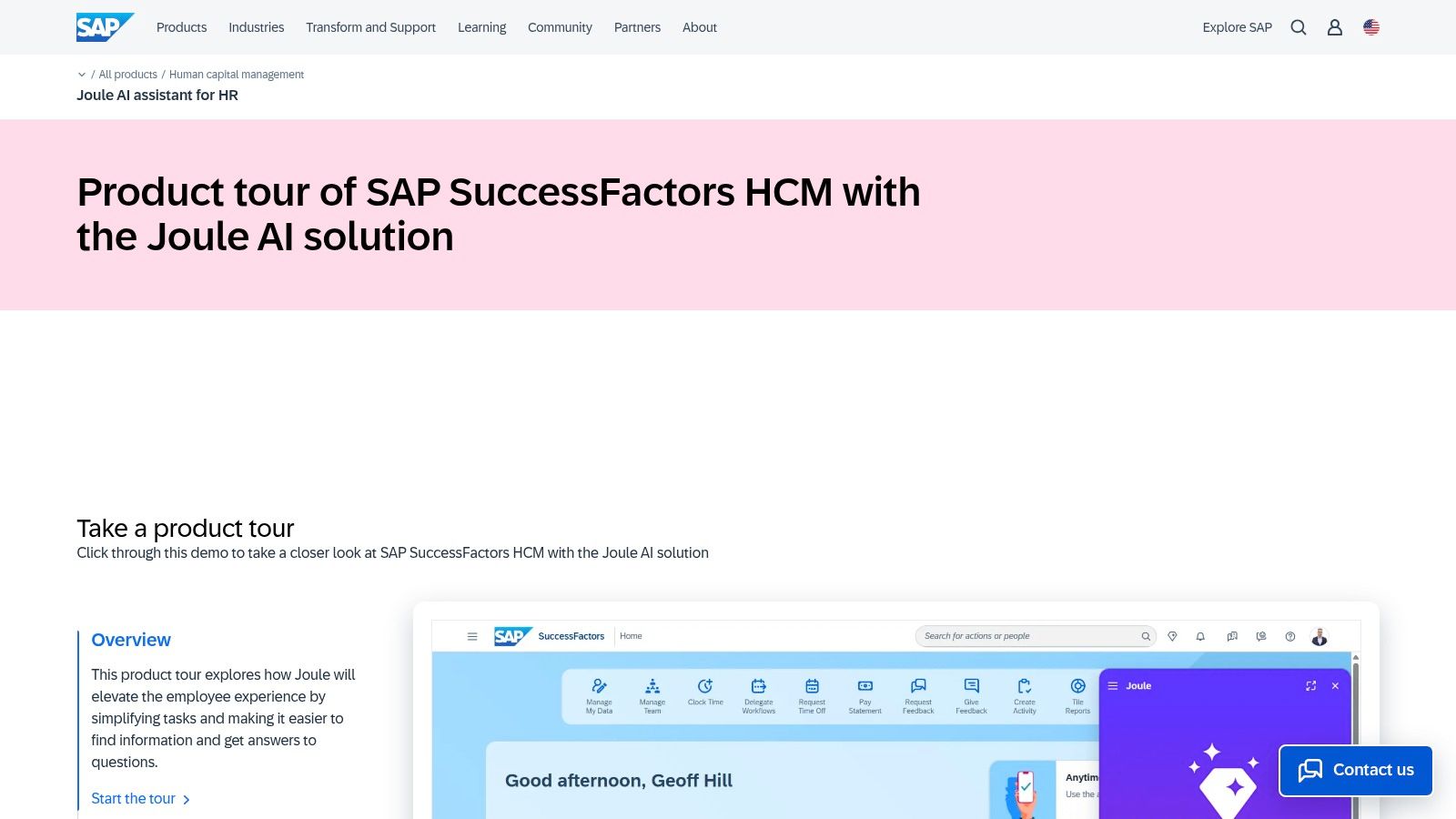
A large share of HR service volume comes from repeat questions, status checks, and routine approvals. SAP’s case for Joule is straightforward. It puts AI inside the workflows employees and managers already use, so HR can reduce that traffic without introducing another standalone tool.
That matters more than flashy prompts. In SAP environments, adoption usually rises when AI sits inside existing HR transactions such as onboarding, manager approvals, policy guidance, and pay-related questions. Employees do not need to learn a new destination. HR does not need to support one more disconnected app.
Why SAP teams shortlist it
SuccessFactors with Joule fits companies that already run core people processes in SAP and want to improve self-service without breaking governance. The value is not just content generation. The stronger use case is guided execution inside an enterprise system that already holds employee records, workflow rules, and permissions.
For HR leaders new to AI, this is one of the easier paths to pilot because the implementation question is narrower. The main decision is whether your current SuccessFactors setup is clean enough for AI to be useful. If data definitions, approval paths, or policy content vary by region and no one owns them, Joule will expose those gaps fast.
The practical trade-off
Joule works best when the underlying HR operation is standardized. It is less forgiving in environments with outdated knowledge articles, inconsistent naming conventions, or heavily customized processes that few people understand.
I usually advise HR teams to test three things before a broad rollout: where employees get stuck today, which answers are safe to automate, and which workflows still need human review. That keeps the pilot grounded in service outcomes instead of novelty.
Start with one or two high-volume scenarios, such as onboarding questions or manager approvals. Clean the policy content first, then measure whether ticket volume drops and whether employees complete tasks faster.
Best fit: Enterprises already standardized on SAP, especially teams that want AI embedded in core HR operations and have the HRIS discipline to support it.
Website: SAP SuccessFactors with Joule
3. Oracle Fusion Cloud HCM
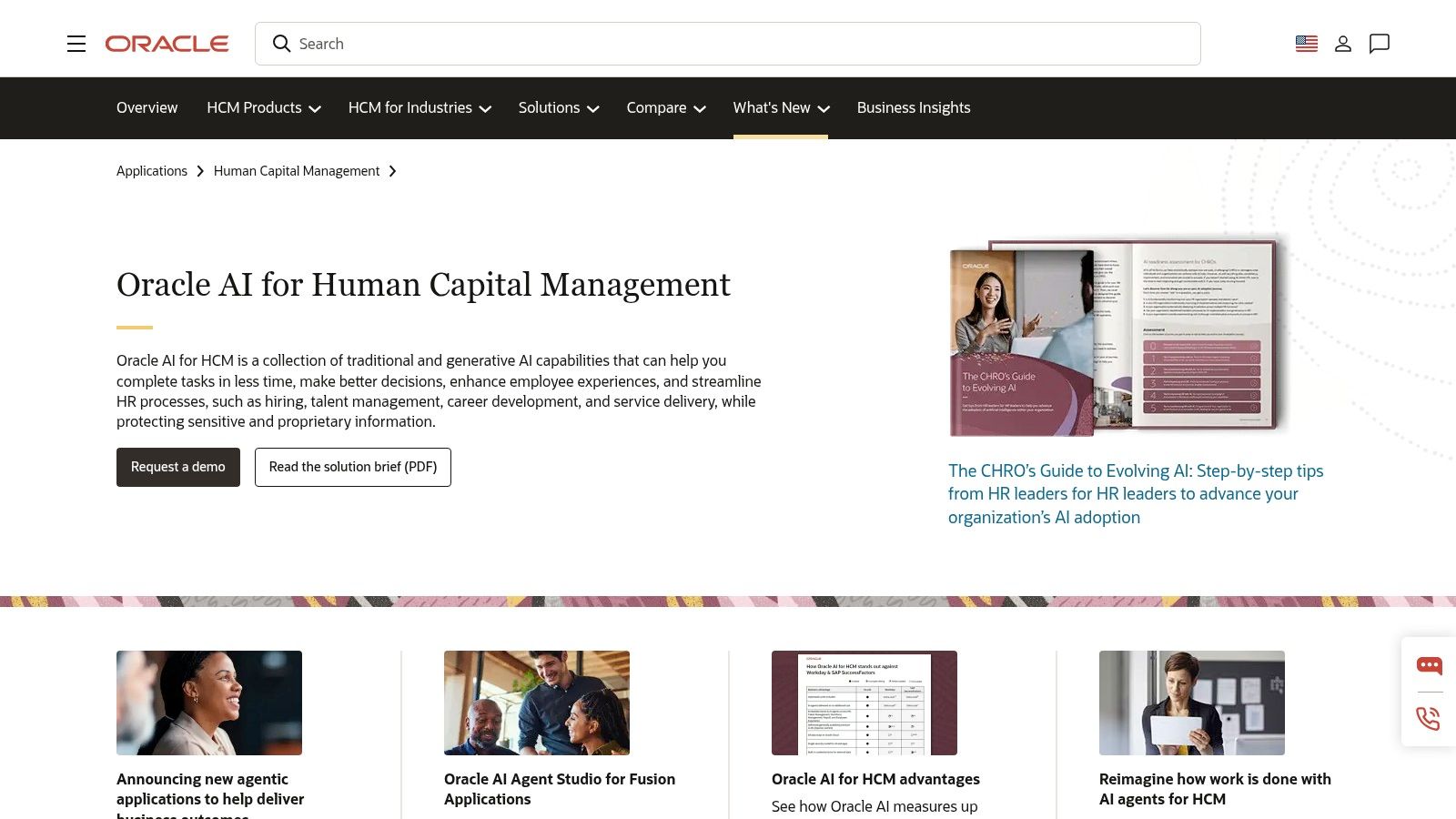
Oracle has gone beyond sprinkling AI features across HCM screens. It’s pushing toward agentic workflows, where AI doesn’t just suggest next steps but helps complete work across hiring, HR service, payroll, and workforce management.
This is the reason to consider Oracle Fusion Cloud HCM. Not because it can draft content. Plenty of tools can do that. Oracle is interesting because it ties AI to outcome-driven workflows inside a governed enterprise system.
Where Oracle stands out
The practical differentiator is AI Agent Studio. HR teams can shape agents around actual business processes instead of relying only on canned assistance. For complex organizations, that opens up useful scenarios such as guided case management, task routing, or structured support for managers making people decisions.
Oracle is strongest when HR and IT are willing to collaborate. If HR wants an AI layer but doesn’t want to think about workflow design, Oracle can feel heavier than expected.
A few strong points:
- Broad HCM coverage: HR, talent, payroll, and workforce management sit in one enterprise platform.
- Secure workflow orientation: Better fit for companies that prioritize permissions, process controls, and auditability.
- Agent-building potential: Helpful for organizations that want AI to support repeatable HR service outcomes.
What to watch before rollout
Agentic HR sounds attractive, but it increases the need for change management. Employees and managers need to know when the system is assisting, when it is acting, and where human review still matters.
This is especially important in regulated environments. Integration and privacy issues are still under-discussed in HR AI buying. A background review from Kvistly notes that buyers frequently ask harder questions around GDPR, CCPA, interoperability, and legacy HCM integration, yet many vendor lists stay focused on features instead of implementation risk in this analysis.
Best fit: Large enterprises, Oracle-first organizations, and teams that want AI embedded in governed HR operations rather than bolted on.
Website: Oracle AI for HR
4. UKG Pro (with Bryte AI)
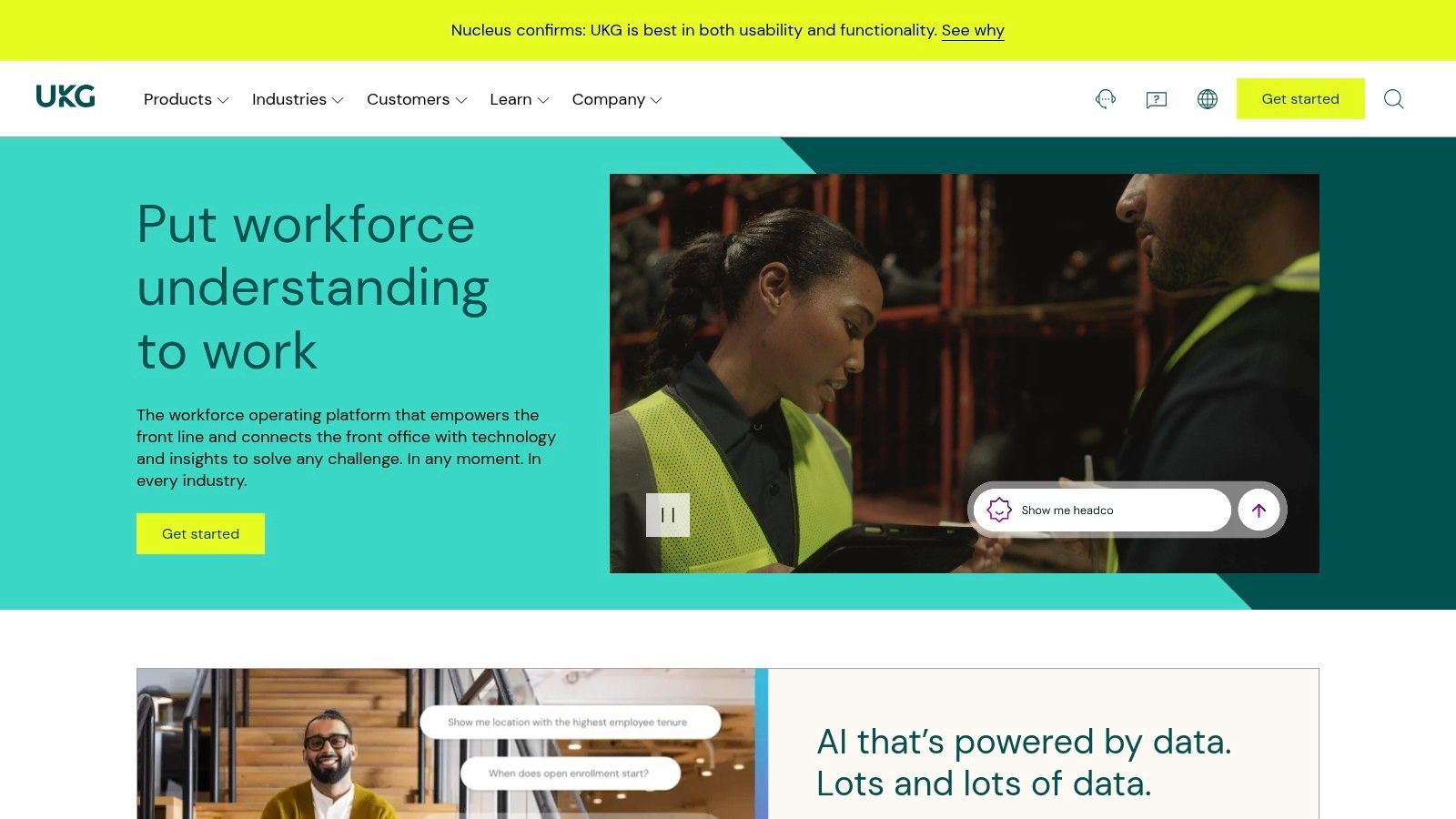
If your workforce includes lots of hourly staff, multiple locations, rotating schedules, and frontline managers who don’t have time to dig through menus, UKG Pro deserves serious attention.
UKG’s strength has always been the pairing of HR and workforce management. Bryte AI builds on that by adding conversational and agent-style support across pay, HR, and scheduling-related tasks. That combination matters more in real operations than many HR buyers expect. Workforce complexity breaks generic AI tools fast.
Best use case for UKG
UKG tends to shine in environments like retail, healthcare, hospitality, logistics, and manufacturing, where labor scheduling and compliance aren’t side issues. They’re central to the employee experience.
That means the value isn’t just nicer interfaces. It’s whether managers can complete actions quickly and whether employees can get answers without escalating every issue to HR or operations.
What works well:
- HR plus workforce management together: Better than trying to pair a general HRIS with a separate scheduling tool.
- Conversational guidance: Useful for managers who need quick answers in the flow of work.
- Operational fit: Strong option for organizations with complex labor realities.
Where teams misjudge it
Some buyers evaluate UKG as if it were mainly a white-collar HCM suite. That misses the point. UKG is most compelling when scheduling, attendance, labor rules, and hourly workforce needs drive the software decision.
The trade-off is that large deployments need careful testing. AI guidance in workforce contexts touches pay, compliance, and manager behavior. You don’t want broad automation until the workflows are validated in the field.
Best fit: Mid-size and large employers with complex workforce management needs, especially hourly and frontline populations.
Website: UKG
5. Eightfold AI
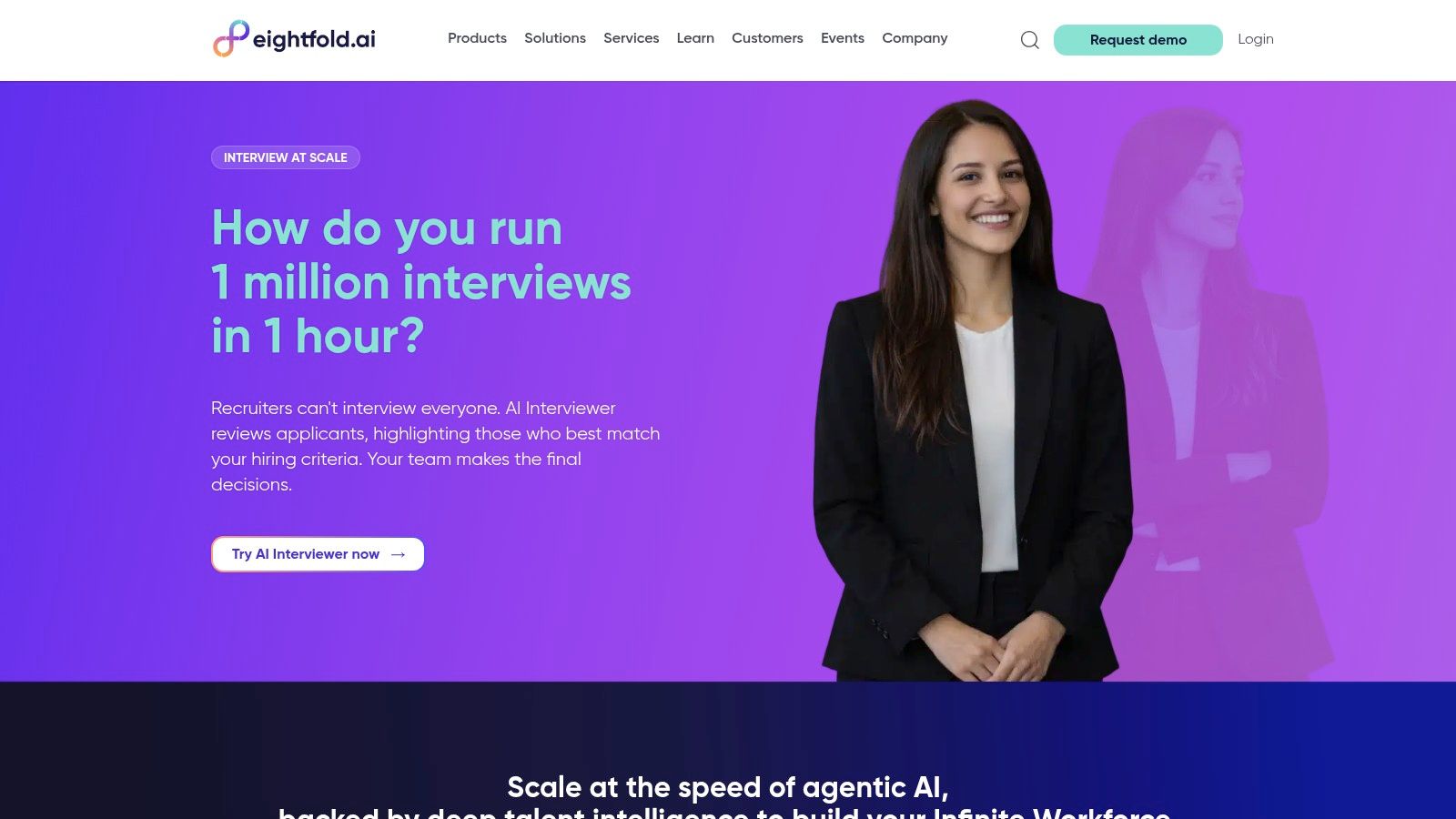
Skills-based hiring sounds straightforward until an HR team tries to match candidates, employees, and open roles across multiple systems. That is the problem Eightfold is built to address.
Eightfold adds a talent intelligence layer on top of your existing HR stack. For large organizations, that usually means using it alongside the ATS, HRIS, and CRM already in place. Its value comes from connecting external recruiting, internal mobility, and skills inference so teams can make better matching decisions with the data they already have.
That makes Eightfold a serious option for enterprises that want more than faster sourcing. It is often strongest when the business wants to fill roles from both outside and inside the company, and when recruiters need help spotting adjacent skills instead of relying on resume keywords alone.
If you are comparing AI-powered recruitment tools for enterprise hiring teams, Eightfold stands out for organizations that want recruiting and internal talent movement to work from the same skills model.
Where Eightfold works best
Eightfold tends to perform well in companies with enough hiring volume and workforce complexity to justify a dedicated intelligence layer. That includes global employers, multi-business-unit organizations, and teams trying to reduce external hiring by improving redeployment and career path visibility.
The practical upside is clear. Recruiters get stronger candidate matching. Talent teams get a better view of transferable skills. HR leaders get a platform that can support workforce planning discussions with something more useful than static job histories.
The trade-offs to plan for
Eightfold depends on data quality, governance, and cross-functional alignment. If job architecture is inconsistent, skills taxonomies are vague, or recruiting workflows vary by region, the recommendations can look smart in a demo and messy in production.
Implementation also requires discipline. I would not roll out AI-driven matching broadly until the team has validated job families, mobility rules, and integration flows between the ATS, HRIS, and any career site or CRM. Eightfold can improve decision-making, but it does not fix weak process design.
Best fit: Large employers that want a dedicated talent intelligence layer across recruiting, internal mobility, and workforce planning without replacing their core HR systems.
Website: Eightfold AI
6. Beamery
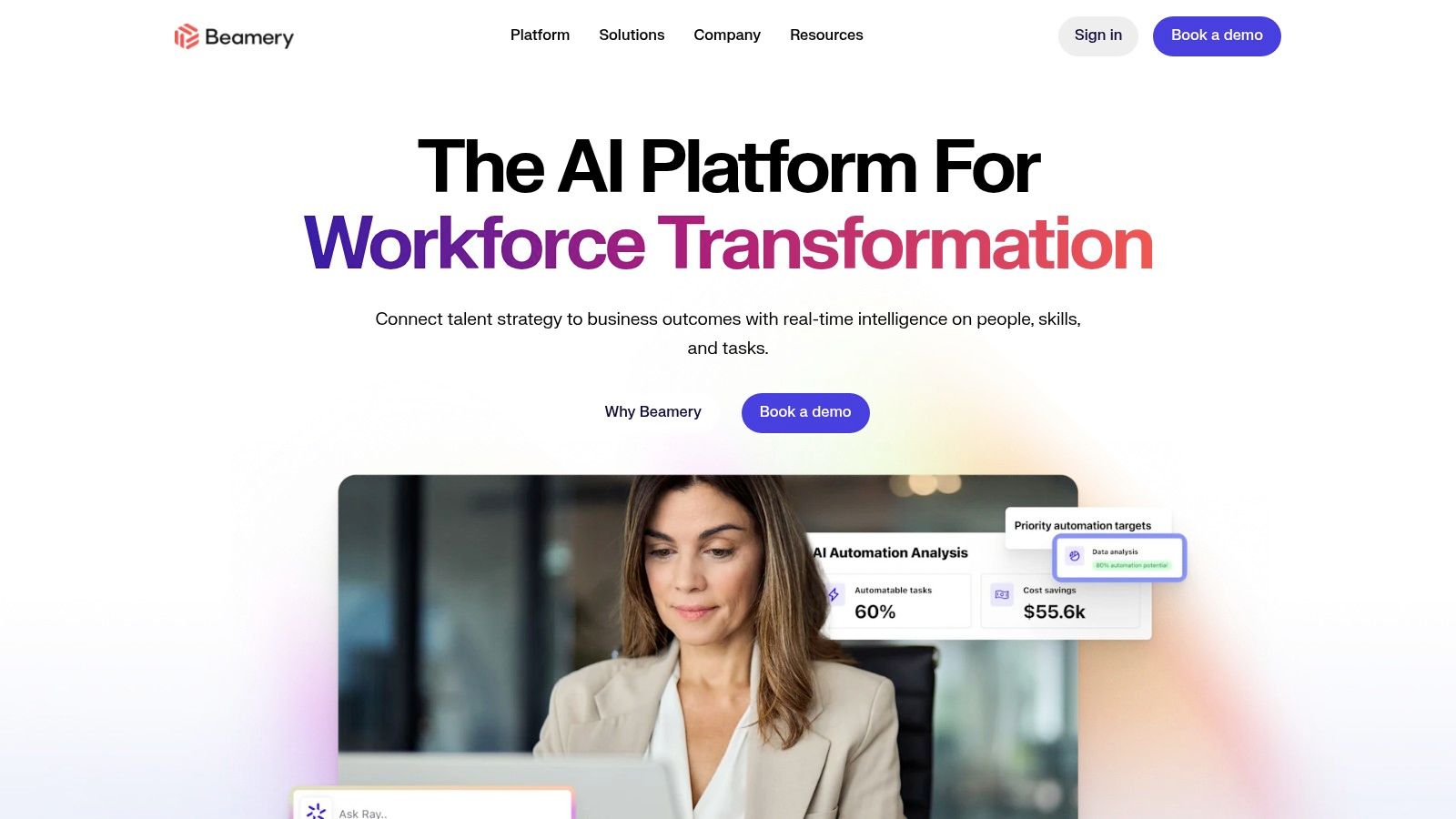
Beamery is one of the more strategic platforms on this list. It’s less about automating one workflow and more about building a unified talent lifecycle model across attraction, CRM, skills, internal mobility, and workforce intelligence.
That sounds ambitious because it is. Beamery usually works best when a company is trying to stop treating recruiting, talent marketing, and internal mobility as separate programs with separate data.
What Beamery does well
Beamery is especially useful for large organizations that want a long-term skills and talent data layer without fully replacing the rest of the HR stack. It helps unify external and internal talent views, which is valuable when hiring pressure is high but leadership also wants better redeployment and succession visibility.
You’ll get the most from Beamery if your recruiting and talent teams already work cross-functionally. If they don’t, the platform can expose organizational silos faster than it fixes them.
A few notable strengths:
- Talent CRM plus skills intelligence: Good for teams that care about pipelines before requisitions open.
- Internal and external talent in one picture: Helpful for organizations trying to reduce dependency on external hiring.
- Enterprise compliance posture: Important in regulated and global environments.
The real implementation issue
Beamery needs executive backing. Not casual support. Real sponsorship.
Without that, the data model design drifts, teams define skills inconsistently, and the platform gets used as a fancy recruiting database instead of a workforce intelligence layer. That’s not a Beamery problem. It’s a governance problem buyers often underestimate.
Best fit: Large enterprises building a skills-based talent architecture across recruiting, CRM, and internal mobility.
Website: Beamery
7. Gloat

Gloat addresses a common gap in large organizations. HR leaders talk about internal mobility, but employees still struggle to find short-term projects, stretch assignments, mentors, or realistic next roles based on their skills.
The platform is built as an internal talent marketplace. It matches people to jobs, gigs, projects, and learning opportunities using skills data, career history, and business demand. That makes it far more useful than a static internal job board, especially for companies trying to redeploy talent instead of defaulting to external hiring.
What stands out in practice is the operating model behind the software. Gloat works best when the business is serious about skills-based workforce planning and willing to let talent move across functions. If managers are measured only on team retention, internal matches look good in demos and stall in real use.
That is the actual implementation test.
Teams evaluating Gloat should look beyond matching quality and ask harder questions early:
- Do you have reliable skills data, or will the marketplace be fed by incomplete profiles?
- Are business leaders willing to post project work and part-time opportunities, not just full-time roles?
- Who owns mobility rules, talent visibility, and manager participation?
- Can your HRIS, learning platform, and recruiting systems share clean data with Gloat?
These details decide whether Gloat becomes a live marketplace or another underused talent platform.
Gloat is a strong fit for enterprises running reskilling, redeployment, or organizational redesign programs. It is less compelling for smaller HR teams that do not have enough internal movement to justify a dedicated marketplace layer.
Best fit: Large companies with mature internal mobility programs, strong executive sponsorship, and a clear plan for skills data governance.
Website: Gloat
8. Paradox (Olivia)
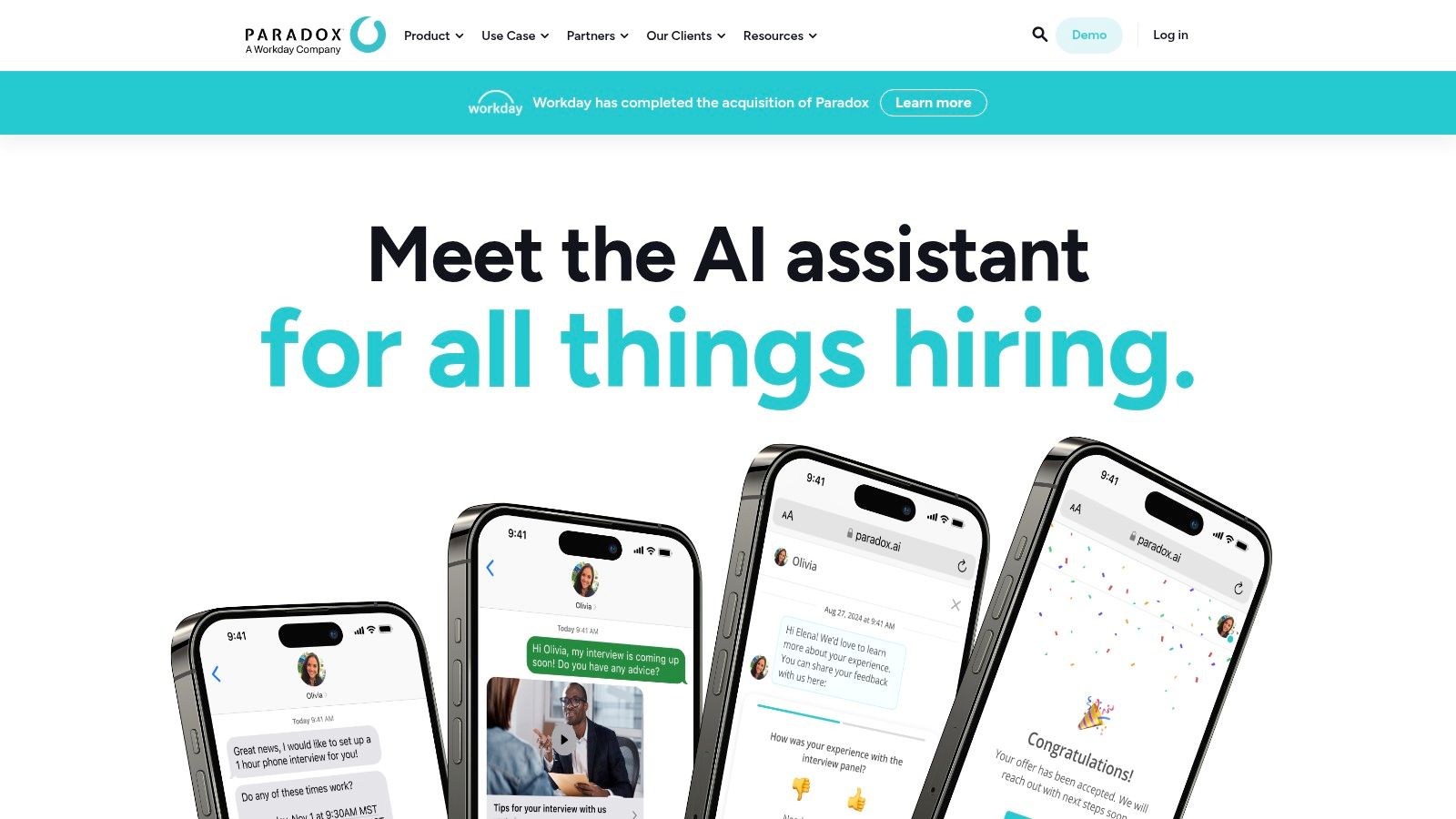
Recruiting teams lose hours every week to scheduling and candidate follow-up. Paradox is built to take that work off recruiters so they can spend more time on selection, hiring manager alignment, and offer decisions.
Olivia, Paradox’s conversational assistant, is strongest in high-volume recruiting environments where speed, mobile response rates, and after-hours engagement matter. That usually means retail, hospitality, healthcare, contact centers, and other frontline hiring teams with large applicant pools and short hiring windows.
Where Paradox works best
Paradox handles the repetitive parts of hiring well. It can screen applicants, answer common questions, schedule interviews, send reminders, and keep candidates updated through a conversational interface instead of long email chains or ATS portals that hourly workers rarely revisit.
That matters because drop-off usually happens between steps, not at the moment of application.
In practice, I’d look at Paradox less as a sourcing tool and more as a workflow acceleration layer. If your ATS already captures applicants but your team struggles to respond fast enough, book interviews, or keep candidates warm, Paradox can improve throughput quickly. For many HR teams new to AI, that makes it easier to implement than broader talent platforms because the use case is narrow, measurable, and tied to hiring velocity.
The real implementation challenge
Paradox does not fix a broken hiring process. It exposes one.
If knockout questions are inconsistent, interview availability is poorly managed, or recruiters and managers do not agree on who qualifies, Olivia will move candidates through a flawed process faster. The best rollouts start with one hiring segment, clear screening rules, and a documented handoff to a human recruiter when the conversation gets complicated.
Candidate trust also needs attention. Tell applicants when they are interacting with automation, explain what the assistant can and cannot do, and provide an obvious path to a person. Teams that skip that step often create frustration, especially if applicants think they were rejected by a bot. That concern sits close to broader AI bias risks in hiring workflows, especially when automated screening questions influence who reaches an interview.
Best fit: Mid-size to enterprise employers with high-volume, mobile-first hiring needs and enough recruiting discipline to standardize screening and scheduling.
Website: Paradox
9. HireVue
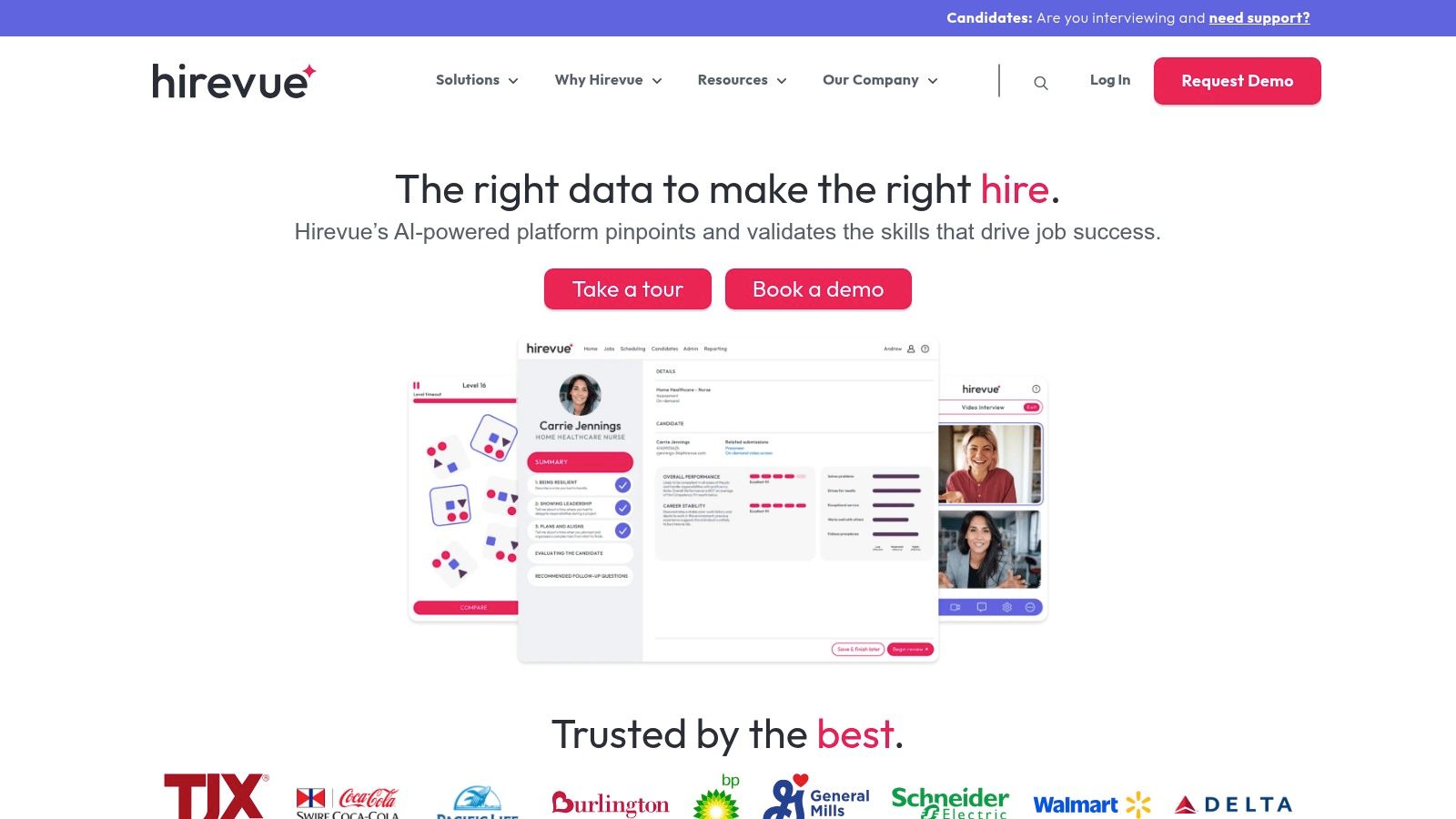
Structured interviews usually beat informal ones on consistency, and that is the primary reason HR teams buy HireVue.
HireVue combines video interviewing, scheduling, and assessments into one hiring workflow. For HR leaders trying to reduce interviewer variation across locations, business units, or high-volume roles, that matters more than flashy AI claims. The practical value is process control. You can define the interview steps, standardize questions, and create a clearer record of how hiring decisions were made.
That makes HireVue a better fit for organizations that already know ad hoc interviewing is hurting quality, compliance, or hiring-manager alignment. I usually recommend it when the problem is not candidate flow at the top of funnel, but inconsistency in how candidates are evaluated once they enter the process.
Where HireVue works best
HireVue is strongest when the hiring process needs to be repeatable. Public sector teams, large employers, and regulated industries often care as much about documentation and audit trails as they do about speed. HireVue supports that kind of environment well because it puts more structure around interviews and assessments than a basic ATS typically does.
It can also help teams scale interviewer discipline. Instead of every manager running their own version of an interview, HR can set clearer expectations for questions, scoring, and handoffs. That usually improves decision quality. It also makes recruiter coaching easier because the process is visible.
The implementation risk most teams underestimate
HireVue does not create a fair hiring process on its own. It makes your current decision criteria more consistent, which is useful only if those criteria are job-related and reviewed regularly.
Before rollout, define what each interview stage is meant to measure. Then check whether hiring teams are scoring candidates in a consistent way. If assessments are part of the design, validate them against actual role requirements instead of treating vendor defaults as sufficient. Teams that skip this work often end up with a cleaner process on paper and the same decision problems underneath it.
That is also why bias governance needs to be part of implementation, not a policy document saved in a shared folder. HR should review adverse impact, train interviewers, and understand the AI bias risks in hiring decisions before automation is expanded across roles.
Best fit: Mid-size and enterprise employers that need standardized, scalable interviewing and assessment processes.
Website: HireVue
10. Textio
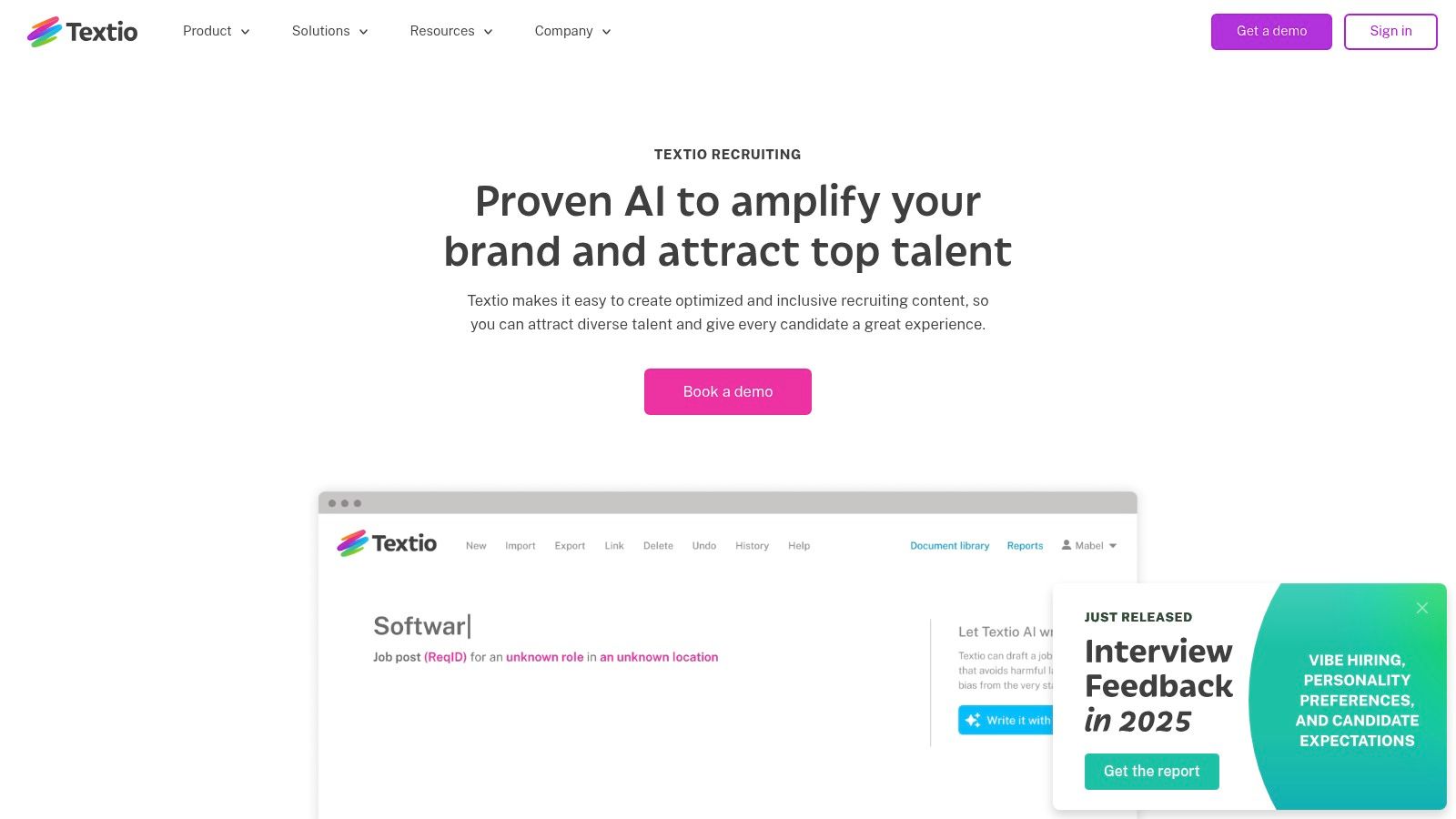
Not every HR AI purchase needs to be a platform overhaul. Textio is a good reminder that focused tools can deliver value quickly when the problem is clear.
Its job is language. Job posts, recruiter outreach, manager feedback, and other people-facing HR content. That narrower scope is exactly why many teams get traction with it faster than with bigger suites.
Why Textio is practical for beginners
Textio helps recruiters and managers write with more consistency, clarity, and inclusivity. For teams that know their communication quality is uneven, that’s a meaningful improvement without changing the entire HR stack.
This is particularly useful if your hiring team wants AI support but isn’t ready for a major systems project. Textio fits into existing workflows more easily than a new ATS or HCM would.
It also addresses a real risk. Research discussed in enterprise HR coverage shows small and mid-size teams are often underserved by HR AI guidance, even though they need lower-friction tools and practical guardrails more than giant enterprise feature sets. A lightweight writing layer often makes more sense for those teams than a complex talent intelligence platform.
The limitation is also the benefit
Textio won’t run recruiting operations. It won’t replace your ATS, analytics stack, or employee service workflow.
That’s the point. It solves a smaller problem well.
Field note: If your hiring managers write weak job ads and vague feedback, fixing that language can improve the candidate and employee experience faster than adding another giant system.
Best fit: Recruiting teams and HR leaders who want quick gains in content quality, consistency, and more inclusive language.
Website: Textio Recruiting
Top 10 HR AI Tools: Features & Capabilities
| Product | Core features ✨ | UX / Quality ★ | Value / USP 🏆 | Target audience 👥 | Pricing 💰 |
|---|---|---|---|---|---|
| Workday Human Capital Management (HCM) | Skills Cloud, AI analytics, unified HCM suite (recruiting, payroll, learning) | ★★★★, consistent enterprise UX | Skills-first platform + broad ecosystem | Large enterprises, HR leaders | 💰 Quote-based, premium |
| SAP SuccessFactors (Joule) | Joule copilot, explain-pay, embedded AI across HR tasks | ★★★★, copilot-driven task flows | Deep SAP integration & governance | SAP customers, global enterprises | 💰 Quote-based; region-dependent |
| Oracle Fusion Cloud HCM | Generative AI, Agent Studio, AI across talent/pay/WFM | ★★★★, agentic workflows, secure | Agent Studio for outcome-driven HR agents | Oracle-first enterprises | 💰 Quote-based, enterprise |
| UKG Pro (with Bryte AI) | Bryte AI agents, conversational UX, WFM + HR | ★★★☆, strong for frontline, mixed feedback | Best-in-class WFM + HR for hourly workforces | Multi-location & hourly/frontline teams | 💰 Quote-based |
| Eightfold AI | Skills inference, AI matching, sourcing & career pathing | ★★★★, deep matching accuracy | Talent intelligence that augments HCM/ATS | Large enterprises with HCM/ATS | 💰 Enterprise / quote-based |
| Beamery | Talent lifecycle CRM, skills data, workforce intelligence | ★★★☆, enterprise-focused UX | Talent attraction + compliance for regulated orgs | Regulated & large organizations | 💰 Quote-based; implementation-heavy |
| Gloat | Internal talent marketplace, AI matching, redeployment tools | ★★★★, action-oriented agents | Clear ROI in redeployment & retention | Large orgs with internal mobility programs | 💰 Quote-based, enterprise |
| Paradox (Olivia) | 24/7 candidate chat, conversational ATS, automated scheduling | ★★★★, mobile-first, candidate-friendly | High-volume frontline hiring automation | Retail, healthcare, hospitality, frontline | 💰 Quote-based |
| HireVue | Video interviews, validated assessments, FedRAMP compliance | ★★★☆, scalable, compliance-focused | Enterprise-grade assessments & public-sector creds | Mid-to-large enterprises, public sector | 💰 Custom enterprise pricing |
| Textio | Real-time inclusive writing guidance, benchmarks & scoring | ★★★★, easy wins, fast adoption | Improves attraction & reduces biased language | Recruiters, hiring managers, talent teams | 💰 Team/enterprise subscriptions (quote) |
Ready to Implement? Your First Steps into HR AI
Choosing software is the easy part. Implementation is where value is won or lost.
The most common mistake I see is teams trying to solve too much at once. They buy a broad AI platform because leadership wants transformation, then they launch it across recruiting, employee self-service, performance, and analytics in one push. That usually creates confusion, adoption fatigue, and a lot of support tickets. A narrower first move works better.
Start with one high-friction workflow. For some teams, that’s candidate screening and interview scheduling. For others, it’s internal mobility or HR helpdesk volume. Pick the problem your team complains about most often, and make sure it’s measurable in plain operational terms. Faster response time. Fewer manual handoffs. Cleaner manager experience. Better visibility into workforce risk. Keep the goal concrete.
AI in HR is no longer fringe. The market was valued at USD 3.25 billion in 2023 and is projected to reach USD 15.24 billion by 2030 according to Feedough’s market summary. Growth alone doesn’t make a tool worth buying, but it does tell you this category is becoming a permanent part of the HR stack, not an experiment.
The second mistake is treating AI as a feature instead of an operating change. A tool can’t clean your skills data, rewrite your policies, align recruiters on screening criteria, or force managers to release internal talent. People still have to do that work. The best ai tools for human resources amplify good process. They don’t rescue bad process.
If you’re new to AI, I’d break implementation into four decisions:
- Pick one workflow first: Recruiting automation, employee self-service, internal mobility, or people analytics. Don’t launch everything together.
- Confirm system ownership: HR, HRIS, IT, legal, and security need clear roles before rollout starts.
- Audit your data inputs: Job architecture, candidate stages, employee records, and policy content should be reviewed before AI touches them.
- Define human review points: Decide where AI can recommend, where it can act, and where a person must approve.
For recruiting, this is especially important. ClearCompany’s review notes that AI sourcing engines can search over 800 million professionals worldwide, and that organizations using similar recruiting AI report a 40 to 50% reduction in hiring time through sourcing, matching, rediscovery, and automation in its HR AI overview. That’s compelling, but those gains depend on process discipline. If your hiring managers are slow to review candidates or your interview process is inconsistent, the software can only do so much.
On the people analytics side, the promise is equally strong, but only when teams act on the insight. Workativ’s review says AI-driven HR tools have contributed to a 28% average improvement in retention rates globally by 2026, while integrated HCM environments aim for 90% data accuracy and some analytics tools support 25% increases in engagement scores or 35% faster issue resolution in enterprise settings in its AI tools for HR article. Those numbers point to potential. They do not remove the need for manager capability, policy clarity, and follow-through.
For smaller teams, my advice is even simpler. Don’t copy enterprise buying behavior. An SMB often gets more value from one focused tool that’s easy to roll out than from a giant suite with long implementation cycles. The background research on HR AI coverage makes this gap obvious. SMBs are often overlooked even though they represent 99.9% of U.S. businesses, and many need low-cost or fast-start options instead of enterprise-heavy architectures as noted in this Moveworks analysis.
The goal isn’t to replace HR professionals. It’s to get them out of low-value repetition so they can spend more time on judgment, coaching, employee trust, and workforce planning. That’s where HR changes outcomes.
When you evaluate tools, ask one question over and over: does this make the work better for HR, managers, and employees, or does it just add another layer of software? The right answer becomes obvious faster than most vendor demos suggest.
YourAI2Day helps teams cut through AI hype and understand what tools accomplish in practice. If you’re exploring HR automation, recruiting AI, or practical ways to bring AI into day-to-day operations without creating chaos, visit YourAI2Day for grounded reviews, implementation insights, and plain-English guidance built for people who want to use AI well.