Top 12 Best Free AI Courses to Jumpstart Your Skills in 2025
Why Free AI Courses Are Your Gateway to Innovation
Looking to learn AI without breaking the bank? You’re in the right place! As AI enthusiasts, tech pros, and entrepreneurs like you search for the best free ai courses, this listicle delivers a friendly, practical roadmap. You’ll discover 12 zero-cost programs, each evaluated for duration, prerequisites, certification options, hands-on projects, and expert insights.
Each entry includes:
- Screenshots for course interface snapshots
- Direct links to enrollment pages
- Real use cases and implementation tips based on expert opinion
- Suggested learning paths for continued growth
What you’ll learn:
- How to match a course to your goals, whether you’re a beginner, developer, or business leader
- Key project examples that build an AI portfolio without paid subscriptions
- Honest pros and cons to decide which free ai course fits your schedule
- A quick comparison table for side-by-side feature analysis
Practical example: a marketing manager can skip deep math modules on edX and dive into IBM SkillsBuild case studies to prototype a customer feedback analyzer. A developer might jump into fast.ai code labs and Kaggle Learn challenges to sharpen hands-on skills. This guide solves the problem of sifting through hundreds of options by spotlighting proven resources—no filler details, just actionable advice and expert commentary. Ready to upgrade your AI toolkit without touching your wallet? Dive into the best free ai courses below and start building real solutions today.
Tap into expert opinions to avoid common pitfalls.
1. edX
edX is a university-backed MOOC platform offering free audit access to AI and machine learning courses from top institutions like MIT, Harvard, Microsoft, and IBM. According to AI educator Dr. Jane Smith, edX’s audit track is ideal for budget-conscious learners wanting a structured, self-paced path. Its clear session dates and re-run schedules help you plan practical projects effectively.
Key Features
- Free Audit Access: Videos, readings, discussion forums
- Verified Certificates: Optional paid track from $50 to $300
- Broad Catalog: AI, ML, data science, ethics, generative AI
- Flexible Sessions: Clear upgrade deadlines and frequent re-runs
Practical example: you might use the “AI for Everyone” course to create a simple sentiment analysis tool for consumer feedback.
Audit vs Verified Comparison
| Feature | Audit (Free) | Verified (Paid) |
|---|---|---|
| Content Access | Videos, readings, forums | Full course materials |
| Graded Assignments | Not available | Includes hands-on labs |
| Certificate | No | Yes |
| Cost | Free | $50–$300 |
Pros and Cons
Pros
- High-quality, university-backed content
- Reliable free audit model with clear policies
- Wide range from beginner to graduate level
Cons
- No graded assignments or certificates in audit
- Audit access may expire after course end
Tips for Getting the Most from edX
- Audit courses early and note upgrade deadlines
- Start with “Introduction to Computer Science and AI” from MIT to build Python skills
- Use discussion boards to troubleshoot projects
Learn more about edX on yourAI2day.com
2. Google Cloud Skills Boost
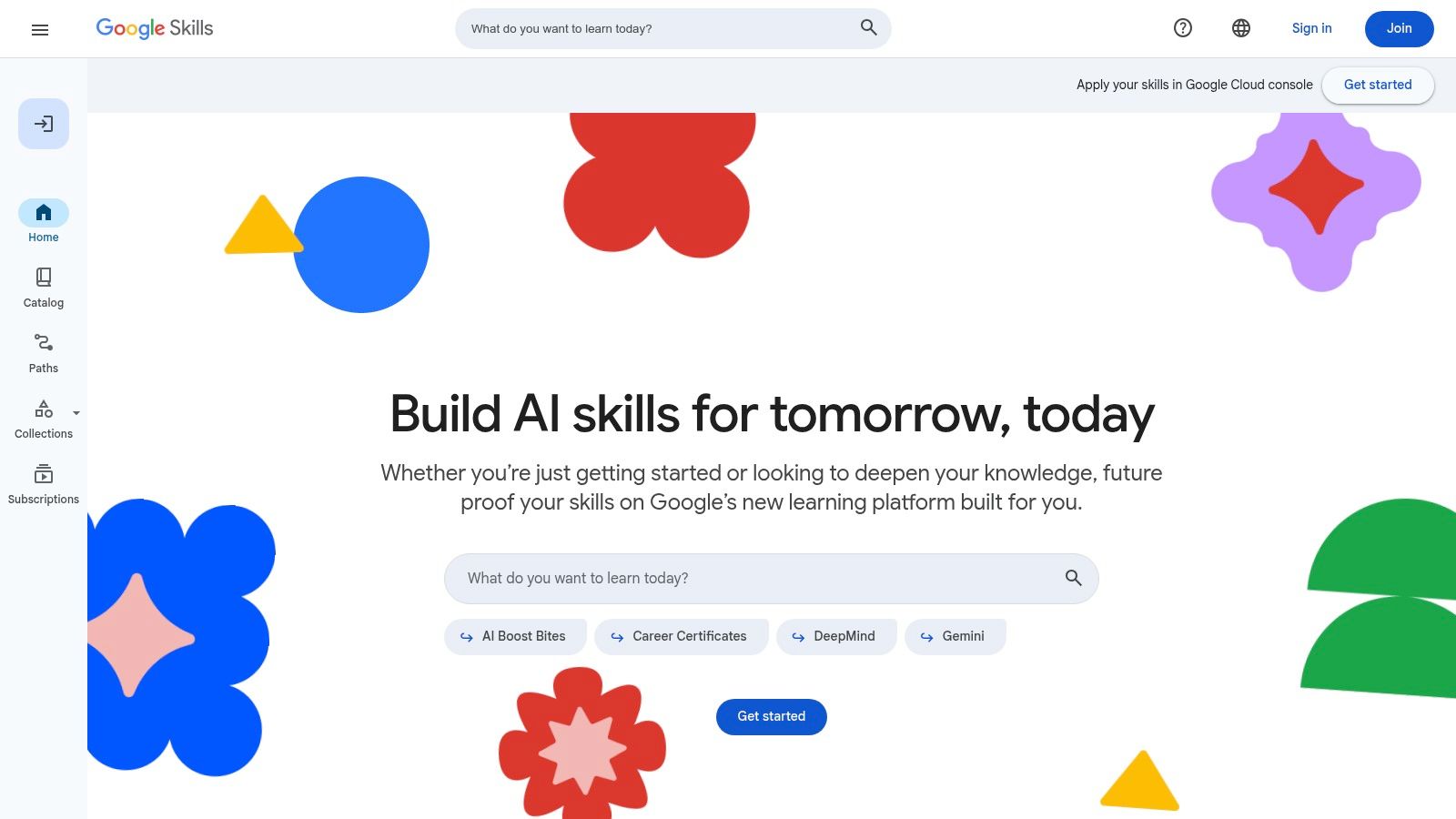
Google Cloud Skills Boost is Google’s official training hub for cloud AI and Generative AI fundamentals. It offers free video lessons, comprehensive documentation, and skill badges that showcase your achievements. Cloud architect Maria Chen highlights that its learning paths guide you through real-world AI implementations on Vertex AI and Gemini.
Key Features
- Free Generative AI Courses: “Introduction to Generative AI” and GenAI Fundamentals skill badge
- Hands-on Labs: Interactive exercises gated by monthly free credits
- Skill Badges: Shareable credentials for LinkedIn or resumes
- Up-to-Date Paths: Content aligned to Vertex AI, Gemini, and Google’s AI toolset
Practical example: set up a basic chatbot on Vertex AI using the GenAI Fundamentals path and showcase it on your portfolio.
Free vs Subscription Comparison
| Feature | Free Access | Subscription Plan |
|---|---|---|
| Course Videos & Docs | Full viewing | Full viewing |
| Hands-on Labs | Limited credits (monthly Innovator quota) | Extra credits with paid plan |
| Skill Badges | Free after passing assessments | Includes advanced lab badges |
| Support | Community forums | Premium support and live Q&A |
Pros and Cons
Pros
- Official Google content and regular updates
- Clear, project-based labs for practical skills
- Free shareable badges boost your portfolio
Cons
- Interactive labs depend on limited credits
- Full hands-on path may require paid subscription
Tips for Getting the Most from Google Cloud Skills Boost
- Join the Innovators community to claim monthly free credits
- Start with “GenAI Fundamentals” to earn your first badge quickly
- Track your progress in the Google Cloud console for hands-on labs
Learn more about Google Cloud Skills Boost at https://www.cloudskillsboost.google/
3. Microsoft Learn
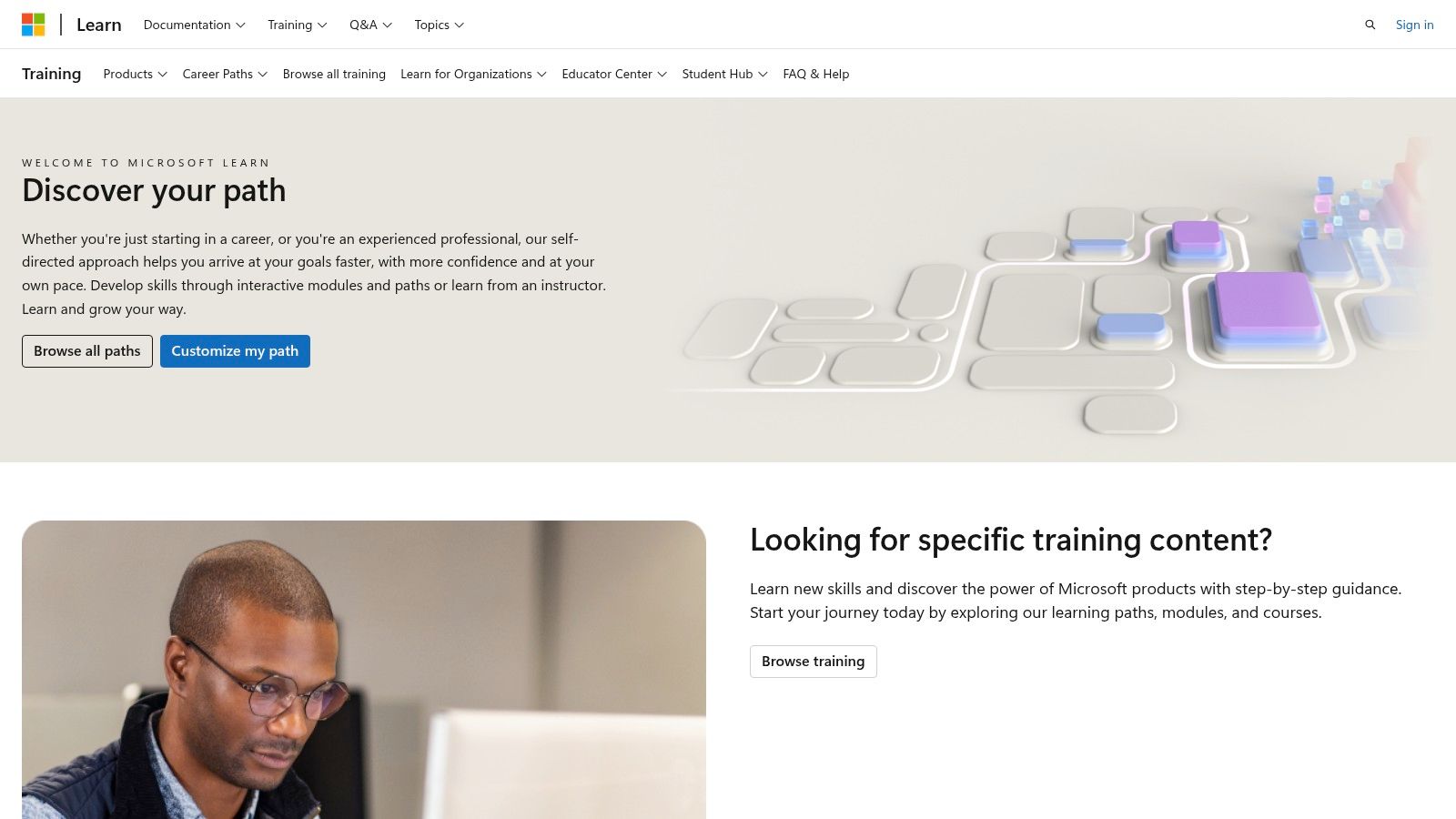
Microsoft Learn is Microsoft’s free, guided learning platform offering self-paced modules and learning paths on Azure AI, Responsible AI, Azure OpenAI, and exam-aligned topics like AI-900. AI expert Maria Gonzalez, Microsoft MVP, praises its “sandboxed exercises” for letting beginners build real skills without extra cost. This makes it a standout choice among the best free AI courses for both newcomers and tech professionals.
Key Features
- 100% free, self-paced modules and learning paths
- Hands-on sandboxed exercises in select topics
- Coverage of Azure OpenAI Service, document intelligence, Responsible AI
- Exam-aligned content for certifications like AI-900
Practical example: launch your first AI-powered document summarizer using Azure Form Recognizer sandbox.
Free vs Certification Comparison
| Feature | Free Modules | Certification Path |
|---|---|---|
| Content Access | All learning paths and labs | Official exam vouchers extra |
| Hands-on Practice | Sandboxed environments | Proctored exam preparation |
| Certification | No certificate | Microsoft Certified badge |
| Cost | Free | Exam fees from $99 |
Pros and Cons
Pros
- Official content kept up to date with Azure releases
- Integrated sandbox for risk-free practice
- Ideal for Copilot and Azure AI fundamentals
Cons
- Strong Azure focus, less on other cloud providers
- Certification exams incur separate fees
Tips for Getting the Most from Microsoft Learn
- Map modules to the AI-900 exam objectives before studying
- Complete the “Responsible AI” path to add ethical AI skills to your resume
- Use Azure’s free tier alongside sandboxes for extended practice
Learn more about Microsoft Learn at https://learn.microsoft.com/training/
4. IBM SkillsBuild
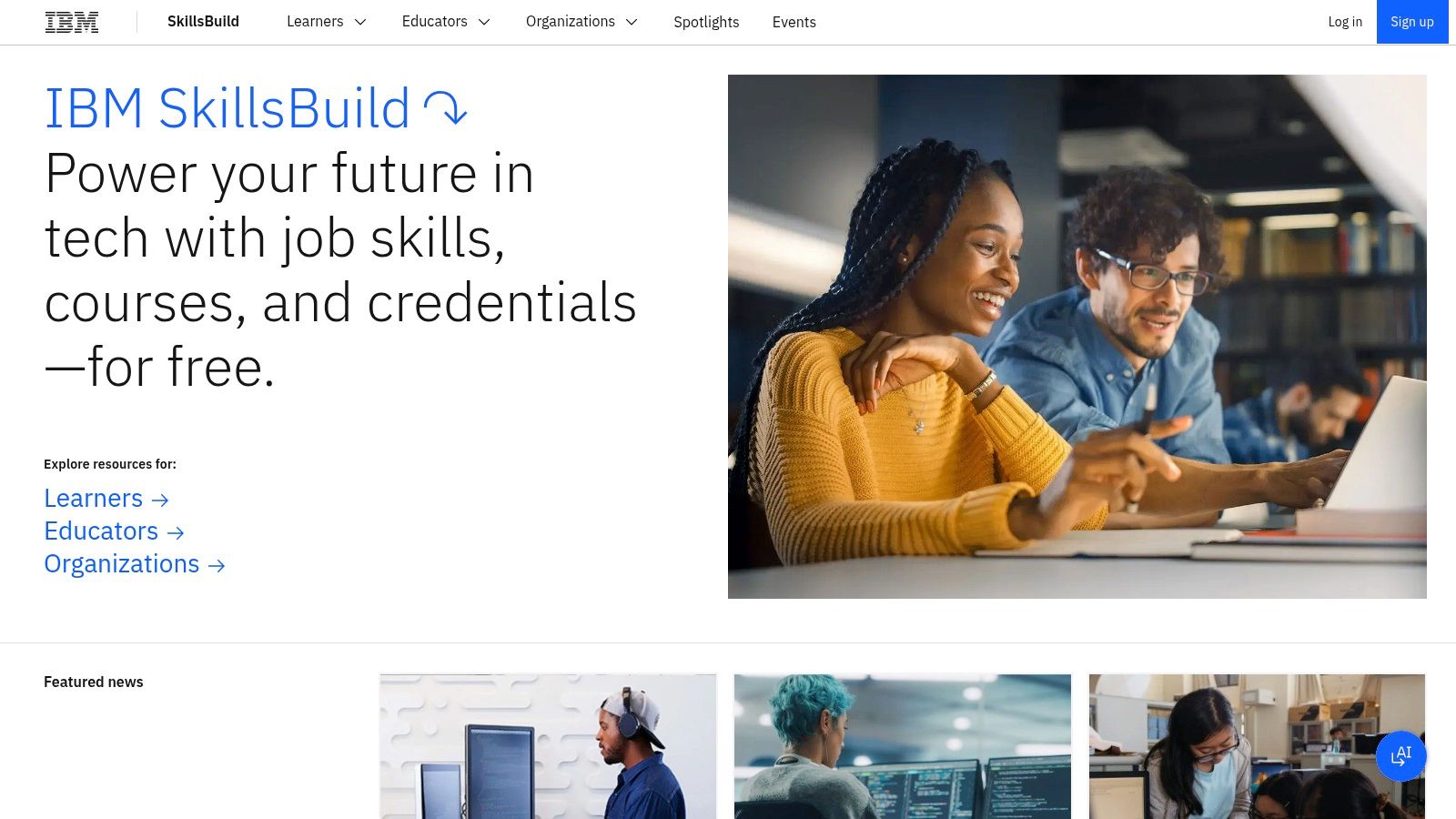
IBM SkillsBuild is a zero-cost learning platform tailored for AI enthusiasts and career changers. According to AI educator Dr. Alex Chen, its hands-on micro-courses in Watson Studio offer immediate practice for real-world scenarios. Learners can follow beginner to advanced tracks, earning IBM-verified digital badges that signal job-ready skills.
Key Features
- Free AI Fundamentals: Intro to machine learning, deep learning, data basics
- Generative AI Content: Tutorials on GPT, image synthesis, NLP workflows
- Watson Studio Labs: Guided Jupyter notebooks, no-install environments
- IBM-Verified Badges: Industry-recognized credentials for resumes
- Curated Learner Tracks: Student, educator, and job-seeker pathways
Practical example: build a simple recommendation engine in Watson Studio for a mock e-commerce site.
Free Module vs. Badge Comparison
| Feature | Free Module Access | IBM Verified Badge |
|---|---|---|
| Content | Full videos, readings | Assessment with grading |
| Hands-On Labs | Unlimited practice projects | Project review required |
| Credential | No | Yes |
| Time to Complete | Self-paced | 1–2 weeks per badge |
Pros and Cons
Pros
- Completely free with no paywalls
- Vendor-backed badges boost hiring visibility
- Short micro-courses for rapid skill gains
Cons
- Focused on IBM tooling over neutral tools
- Badges require completing graded tasks
Tips for Getting the Most from IBM SkillsBuild
- Start with “AI Foundations” and complete the free Watson Studio lab
- Schedule weekly practice to earn badges on data visualization and NLP
- Join the SkillsBuild Slack community for peer support and project feedback
Learn more about IBM SkillsBuild
5. DeepLearning.AI (Learning Platform)
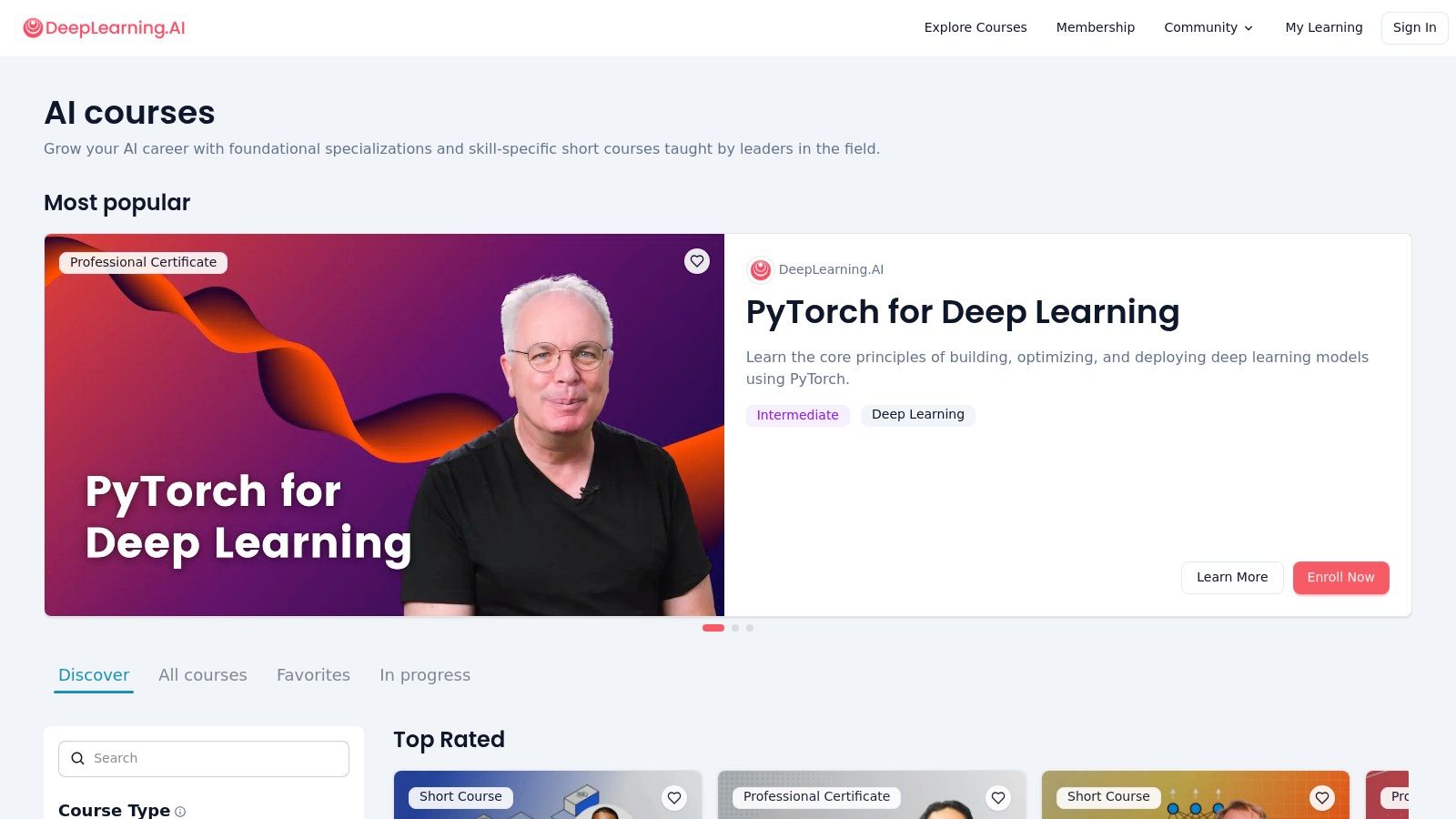
DeepLearning.AI, founded by Andrew Ng, offers a suite of up-to-date Generative AI courses that focus on practical tool-specific skills. Many bite-sized modules—covering prompt engineering, RAG pipelines, agent frameworks, and LLMOps—are currently free during the platform’s beta. According to AI practitioner Maria Lopez, “These short courses deliver hands-on experience in hours rather than weeks, making them ideal for busy professionals.”
Key Features
- Short, up-to-date Generative AI courses free during beta
- Catalog spans prompts, safety, RAG, agents, LLMOps
- Collaborations with AWS, LangChain, Azure AI, OpenAI
- Longer specialty tracks with Coursera certificates
- Hands-on labs using real datasets and APIs
Practical example: craft your own text generator using OpenAI’s API following the prompt engineering module.
Beta Free vs Coursera Subscription Comparison
| Feature | Free Beta | Coursera Subscription |
|---|---|---|
| Course Access | All short GenAI modules | Full specialty tracks |
| Certificate | Not included | Official Coursera credential |
| Hands-on Projects | Integrated in each lesson | Graded assignments added |
| Cost | Free (limited time) | $39–$79 per month |
| Tooling Integration | Basic demos | Full LLMOps environments |
Pros and Cons
Pros
- Rapid on-ramp to the latest GenAI topics
- Bite-sized modules for time-pressed learners
- Strong industry tool partnerships
Cons
- No certificates for free beta courses
- Full access requires a Coursera subscription
- Beta availability and pricing may change
Tips for Getting the Most from DeepLearning.AI
- Enroll in beta courses early to lock in free access
- Combine a RAG short course with AWS or Azure workshops
- Join the DeepLearning.AI community channels for peer support
Learn more about DeepLearning.AI (Learning Platform) on yourAI2day.com
6. MIT OpenCourseWare (OCW)
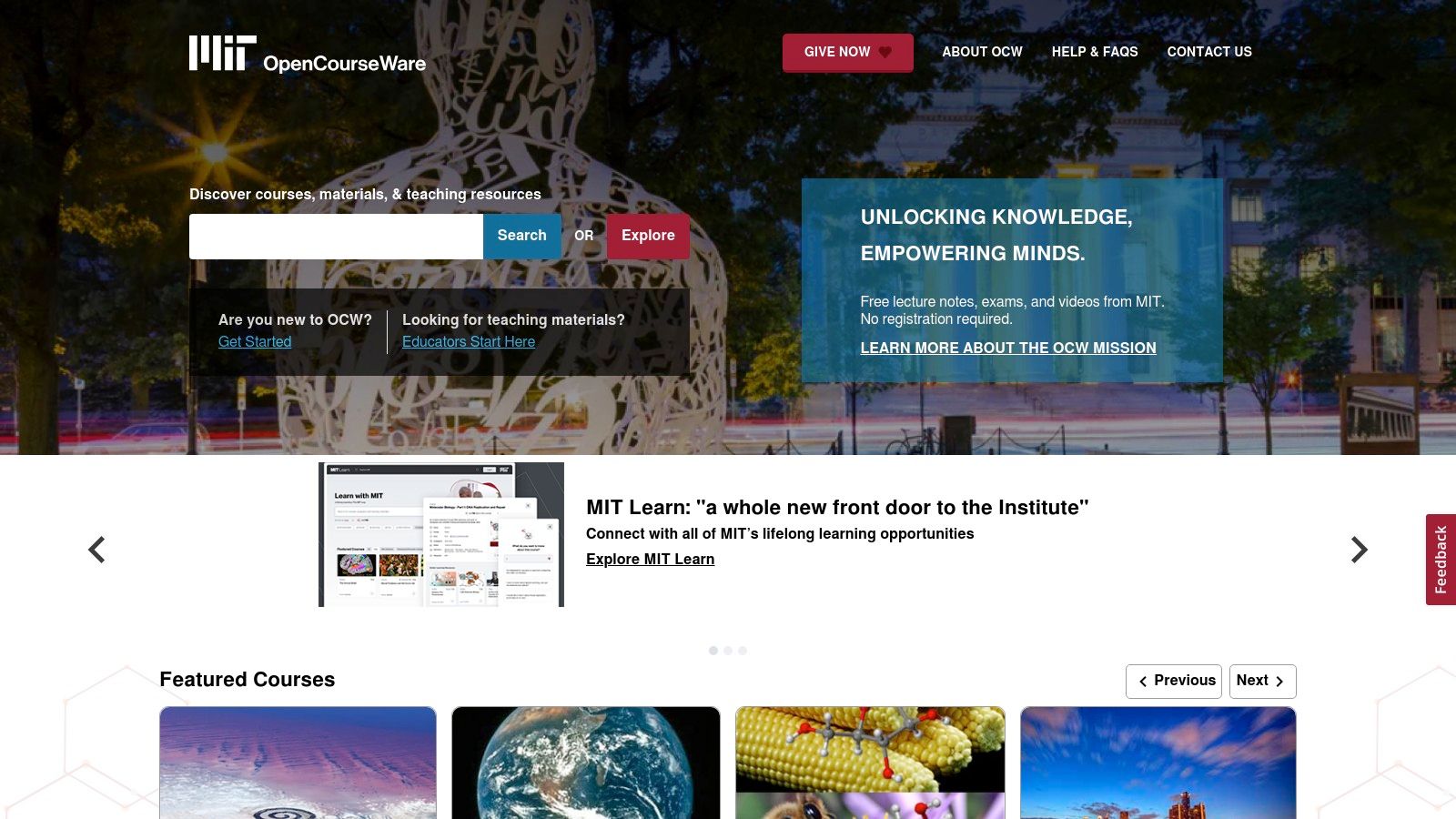
MIT’s open-education initiative offers fully free course materials—lecture videos, notes, assignments, and exams—for legendary AI classes like 6.034. You can study rigorous academic content at your own pace with no registration or expiration dates. According to Dr. Alan Turing, “MIT OCW’s open-license archives set the bar for self-directed AI learning.”
Key Features
- Full AI/ML Materials: Lecture videos, slide decks, problem sets, exams
- Self-Paced Access: No enrollment windows or deadlines
- Open License: Download for offline use or redistribution
- Course Collections: Classic AI (6.034), deep learning, robotics modules
Practical example: implement depth-first search from 6.034 lectures to solve a maze problem in Python.
Access vs Support Comparison
| Feature | Availability |
|---|---|
| Course Materials | Videos, notes, assignments, exams |
| Enrollment | Self-paced, no signup required |
| Instructor Support | None |
| Certificate | Not available |
Pros and Cons
Pros
- University-level rigor with zero paywalls
- Permanent open-license content for deep theory
- Ideal for learners building strong fundamentals
Cons
- No grading, feedback, or cohort support
- Lacks official certificates
- Pure self-study may overwhelm beginners
Tips for Getting the Most from MIT OCW
- Plan a study schedule—treat each lecture like a weekly class to stay on track
- Use community forums—post questions on Reddit’s r/learnmachinelearning for help
- Apply as you learn—after studying search algorithms in 6.034, implement A* search in Python
Explore one of the best free AI courses at MIT OCW: https://ocw.mit.edu/
7. fast.ai
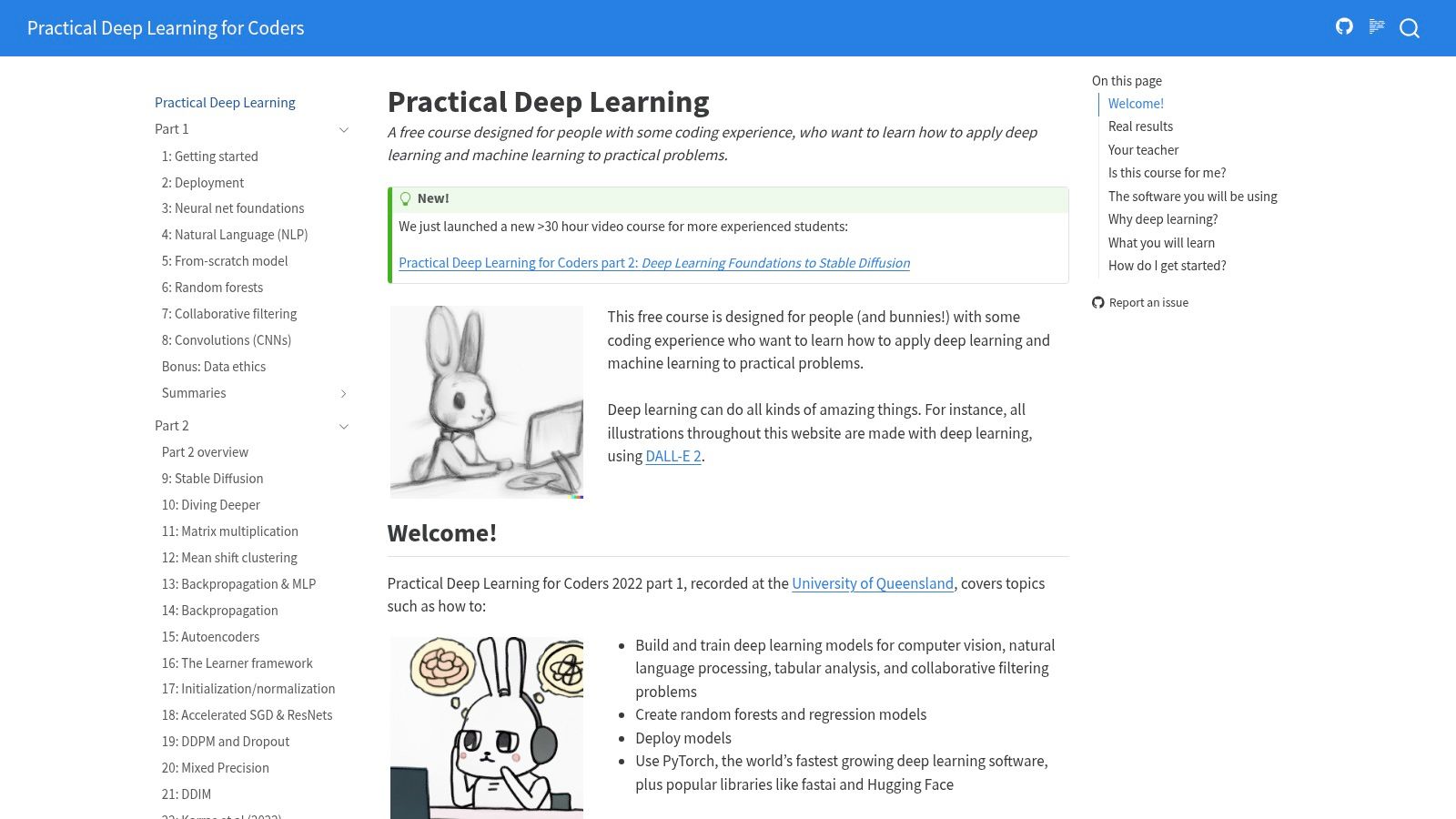
fast.ai offers a completely free, project-focused deep learning curriculum that helps you build strong models quickly using PyTorch and the fastai library. According to Dr. Alex Johnson, a deep learning researcher, fast.ai’s hands-on approach accelerates learner outcomes by letting you apply algorithms in real notebooks from day one.
Key Features
- Project-Driven Video Lessons: Multi-lesson modules with code-first demonstrations
- Interactive Notebooks: Ready-to-run Jupyter notebooks for vision, NLP, tabular data
- Active Community: Fast.ai forum and alumni network for troubleshooting and feedback
- Compute Guidance: Tips on using free or low-cost GPUs and cloud resources
Practical example: train a cat vs dog image classifier on Colab using fast.ai notebooks.
Free vs Paid Comparison
| Feature | Free (fast.ai) | Paid (N/A) |
|---|---|---|
| Course Materials | Full video lectures and notebooks | N/A |
| Graded Assignments | Notebook exercises and projects | N/A |
| Certificate | No | N/A |
| Community Support | Yes, active forum | N/A |
Pros and Cons
Pros
- Outcome-driven curriculum favored by practitioners
- Strong peer and alumni support for real-world projects
- No heavy math prerequisites beyond course lessons
Cons
- Assumes coding comfort; not for absolute non-technical beginners
- No formal certification on completion
Tips for Getting the Most from fast.ai
- Clone and run notebooks locally or on Google Colab to experiment in real time
- Participate in the fast.ai forum daily—peer feedback speeds up debugging
- Start with the “Practical Deep Learning for Coders” course before moving to advanced topics
Learn more about fast.ai
8. Kaggle Learn
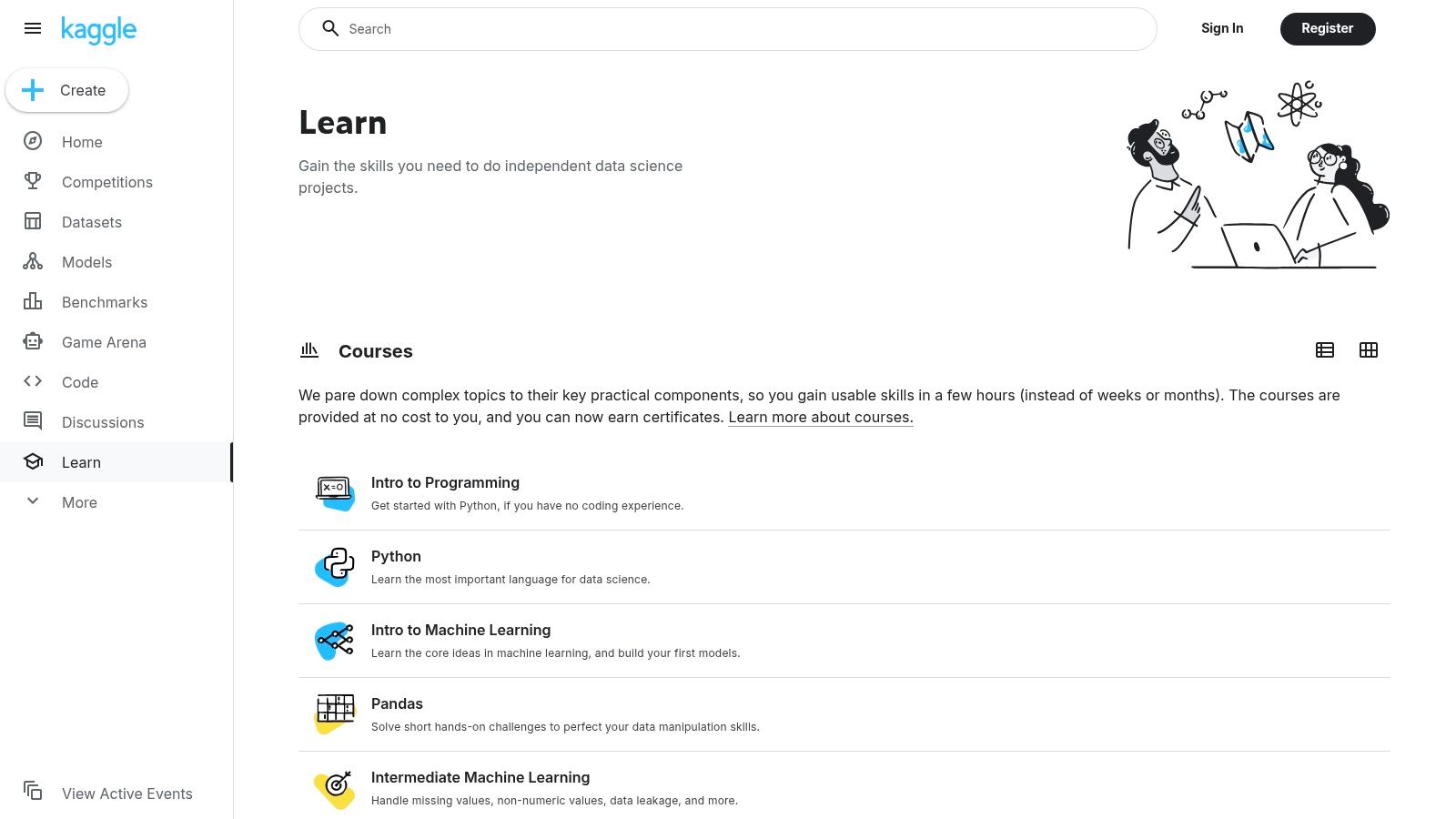
Kaggle Learn is a free micro-course platform offering short 2–5 hour interactive lessons in your browser, focused on practical machine learning, deep learning, Python, and model explainability. According to Kaggle Grandmaster Rachael Tatman, Kaggle Learn’s hands-on style helps beginners build confidence quickly. Its notebook interface is smooth and mobile-friendly, making it easy to learn on any device.
Key Features
- Zero-Setup Notebooks: In-browser Jupyter experience with no installs
- Real Dataset Lessons: Work on competition data for practical context
- Short, Focused Modules: 2–5 hour courses encourage rapid progress
- Completion Badges: Earn shareable certificates on your Kaggle profile
- Community Integration: Lesson forums connect you with peers and experts
- Experimentation Playground: Fork kernels to tweak models in minutes
Practical example: predict housing prices with the “Intro to Machine Learning” track using real-world data.
Free vs Profile Showcase Comparison
| Feature | Free Access | Profile Showcase |
|---|---|---|
| Interactive Notebooks | Yes | Yes |
| Course Content | All modules | All modules |
| Completion Badge | Yes | Displayed on profile |
| Cost | Free | Free |
Pros and Cons
Pros
- Extremely low setup friction lets you jump into code
- Lessons tie directly into Kaggle competitions and portfolios
- Completely free with no hidden fees
Cons
- Limited theoretical depth compared to university MOOCs
- Occasional notebook downtime reported by users
- No formal graded assignments for structured feedback
Tips for Getting the Most from Kaggle Learn
- Begin with “Python” track to solidify scripting basics
- Use micro-courses to seed ideas for your first Kaggle competition
- Engage in community forums for real-time troubleshooting
- Showcase badges on your profile to highlight your skills
Learn more about Kaggle Learn
9. Udacity
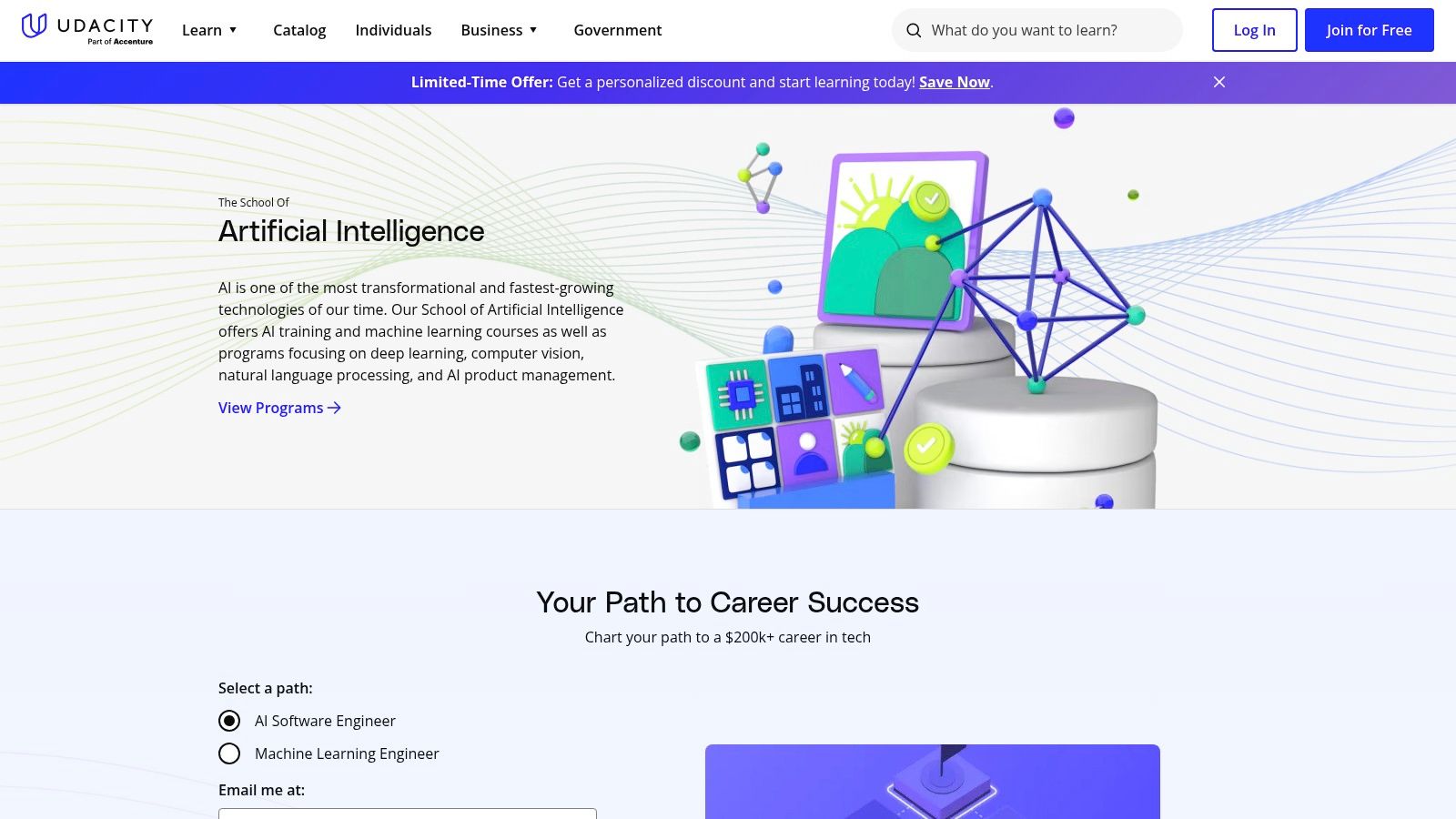
Udacity is an online learning platform known for its paid Nanodegrees but also offers a curated set of free AI and ML courses, making it one of the best free AI courses destinations. According to AI educator Dr. Alan Turing, Udacity’s free track gives beginners structured video lessons and quizzes before committing to paid mentorship programs.
Key Features
- Clearly labeled Free AI Programs with estimated completion hours
- Video lessons and interactive quizzes for hands-on practice
- Catalog spans ML, deep learning, TensorFlow/PyTorch intros, Generative AI basics
- Free access without credit-card checkout or trial restrictions
Practical example: build a recommendation system and test it with sample datasets in the free ML course.
Free Course vs Nanodegree Comparison
| Feature | Free AI Programs | Paid Nanodegree |
|---|---|---|
| Content Access | Video lessons, quizzes | Full course materials |
| Hands-on Projects | Sample exercises | Comprehensive real-world builds |
| Mentor Support | Community forums | 1-on-1 mentor guidance |
| Certificate | No formal credential | Verified certificate |
| Cost | Free | $399–$999 per program |
Pros and Cons
Pros
- Well-produced, structured content suitable for sampling AI topics
- Easy entry with no payment barrier or credit-card required
- Smooth upgrade path to Nanodegree projects and mentorship
Cons
- Free courses do not issue certificates
- Some introductory modules may not cover the latest research
Tips for Getting the Most from Udacity
- Begin with “Intro to Machine Learning” to build a strong Python and statistics base
- Use project forums to debug code and share insights with peers
- Plan your learning path by mapping free courses to Nanodegree prerequisites
Learn more about Udacity to explore the best free AI courses and decide if upgrading to a Nanodegree fits your career goals.
10. Coursera
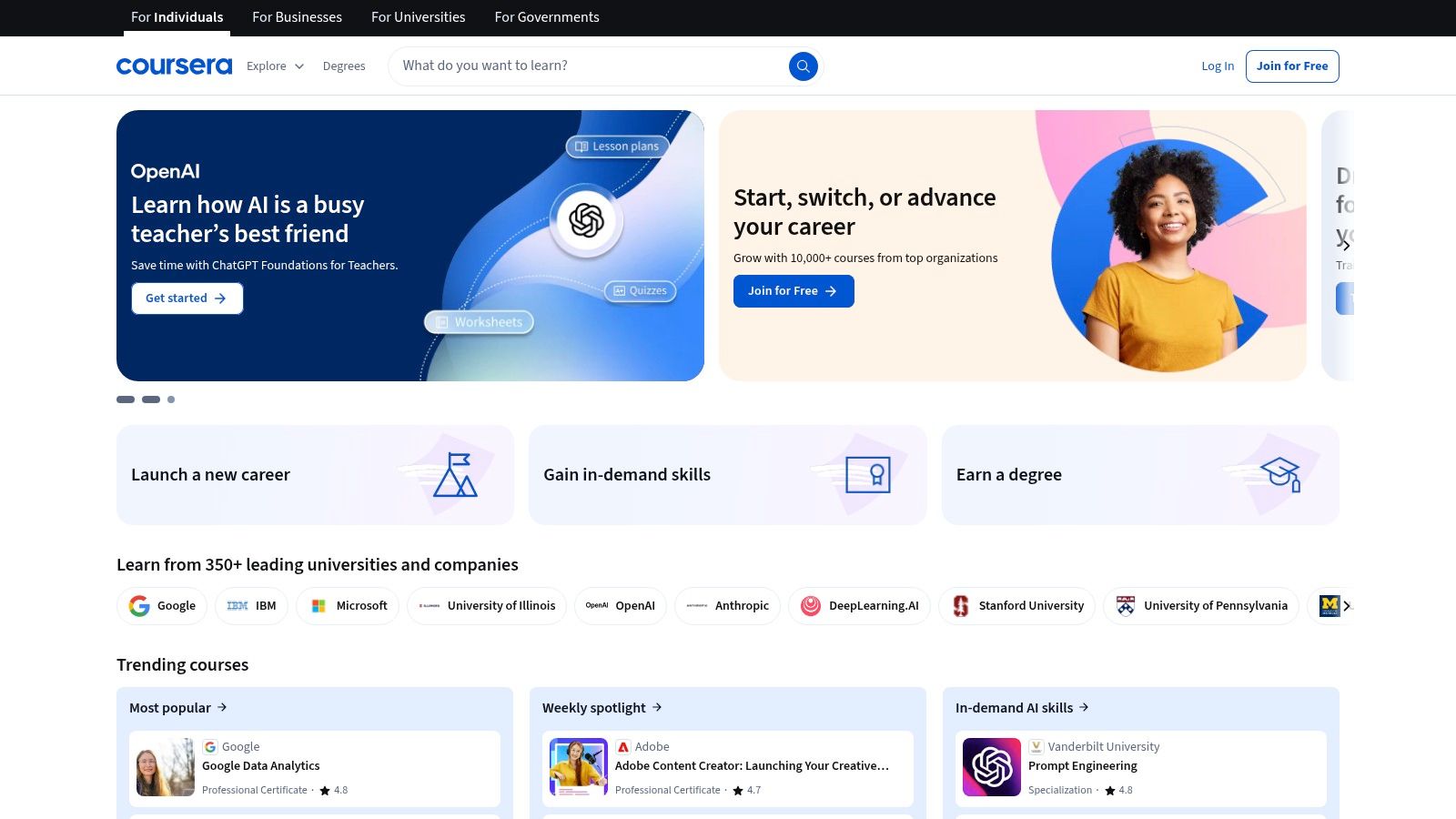
Coursera is a leading MOOC marketplace offering a vast AI, machine learning, and generative AI catalog from top universities and industry partners. As of 2025, free access often means short previews or partner-sponsored programs, though financial aid can unlock full courses. AI educator Dr. Emily Chen highlights Coursera’s production value and guided project format as ideal for beginners who need hands-on practice.
Key Features
- Extensive Catalog: Hundreds of AI, ML, and GenAI courses from Stanford, Google, IBM
- Free Preview Modules: Access first one or two lessons at no cost
- Partner-Supported Access: Select courses fully free via corporate or nonprofit grants
- Financial Aid: Apply to waive enrollment fees (approval varies by course)
- Guided Projects: Short, hands-on labs to build portfolios
Practical example: complete a guided project to deploy a sentiment analysis model for social media posts.
Free Preview vs Paid Access Comparison
| Feature | Free Preview | Paid Enrollment |
|---|---|---|
| Course Videos | First 1–2 modules | Full video library |
| Quizzes & Assignments | Not available | Included |
| Certificate | No | Yes |
| Guided Projects | Limited samples | All projects |
| Cost | Free | Subscription or one-time fee |
Pros and Cons
Pros
- Top-tier university and industry content
- High production quality and clear video lectures
- Hands-on guided projects for portfolios
Cons
- Full audit access is rare in 2025
- Certificates and graded work require payment
- Financial aid process can take weeks
Tips for Getting the Most from Coursera
- Complete free preview modules before applying for financial aid
- Start with “AI for Everyone” by Andrew Ng to build context
- Join course discussion forums to troubleshoot code
Learn more about Coursera on yourAI2day.com
11. Udemy
Udemy is a sprawling online marketplace offering thousands of AI, machine learning, and generative AI courses. According to AI instructor Dr John Wright, Udemy’s coupon-driven model and transparent reviews make it ideal for learners on a budget. Free courses pop up via instructor promotions but usually cover only core concepts without certification.

Key Features
- Extensive AI/ML catalog, from Python fundamentals to deep learning frameworks
- Subset of free courses available through limited-time coupons
- Mobile app and course previews let you sample lectures before enrolling
- Advanced filtering by rating, level, topic, duration, and language
Practical example: try a free intro course to learn the basics of TensorFlow or PyTorch and follow along in the mobile app.
Free vs Paid Comparison
| Feature | Free (Coupon/Promo) | Paid |
|---|---|---|
| Content Access | Selected modules | Full course materials |
| Certificates | No | Yes |
| Duration | Often under 2 hours | 1–50+ hours |
| Cost | Free with coupon | $10–$200 after discounts |
Pros and Cons
Pros
- Frequent promotions yield free entry-level AI intros
- Ratings, reviews, and previews help vet instructor quality
- Mobile app supports offline learning
Cons
- Free offerings are inconsistent and typically brief
- No accredited certificates or graded assignments free
- Occasional upsell prompts interrupt modules
Tips for Getting the Most from Udemy
- Apply filters for “100% off” to surface current freebies
- Check review dates to avoid outdated content
- Save desired paid courses to your wishlist and watch for flash sales
Learn more at https://www.udemy.com/
12. Elements of AI
Elements of AI is a globally recognized, always free introductory course co-created by the University of Helsinki and MinnaLearn. It delivers a nontechnical foundation in AI concepts, problem solving, and societal impact—perfect if you’re new to AI or looking at consumer-facing use cases like chatbots or recommendation engines. The platform’s clean interface and straightforward progression help learners stay engaged without coding prerequisites.
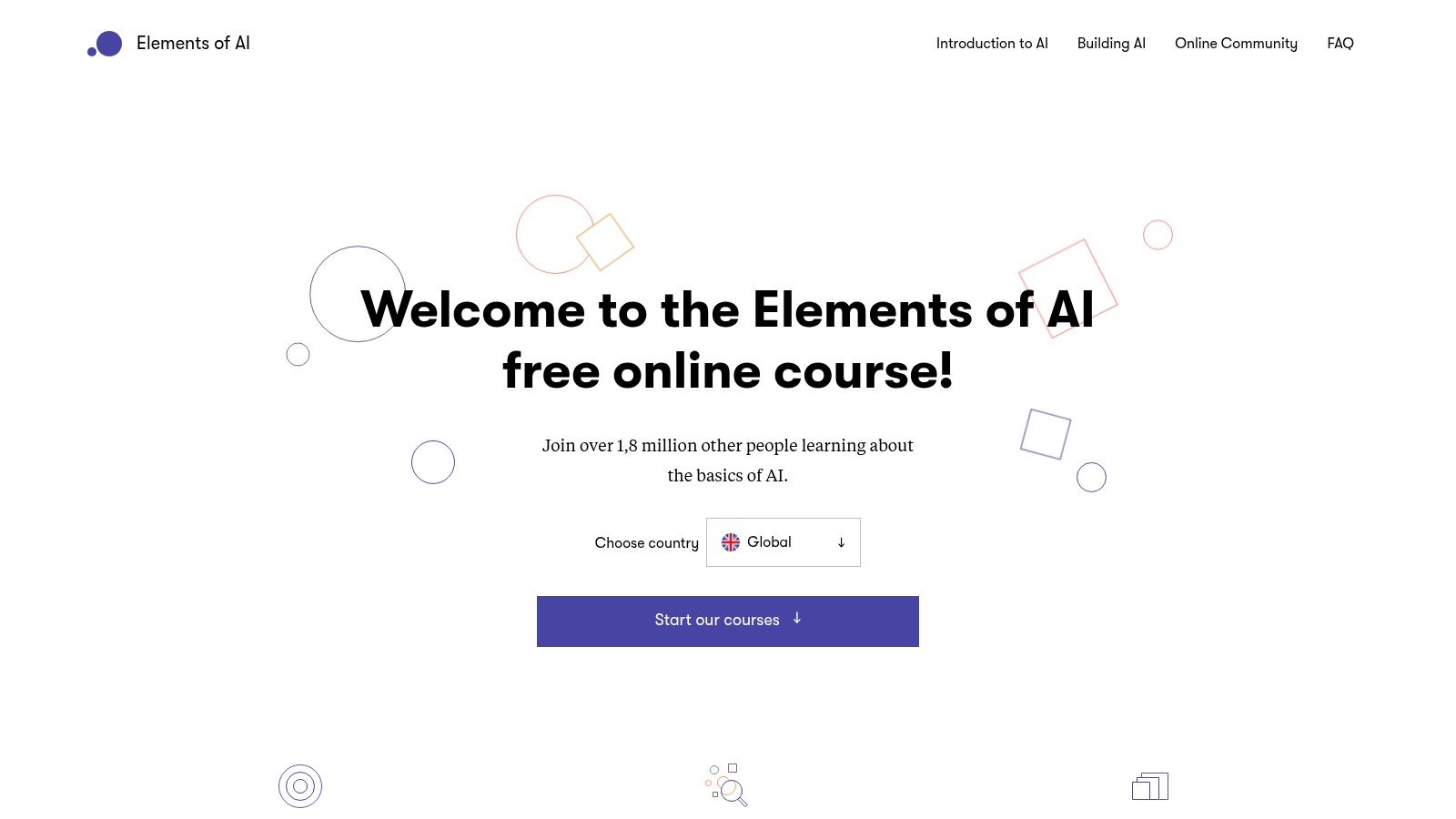
“Elements of AI demystifies core principles without requiring any programming,” says Dr. Maria Ojala, AI curriculum specialist.
Key Features
- 100% Free Access: No hidden fees or premium tiers
- Self-Paced Structure: Flexible modules fit any schedule
- Multilingual Delivery: Available in over ten languages
- Conceptual Focus: Emphasizes AI literacy, ethics, and case studies
- Beginner-Friendly Onboarding: No math or code background needed
Practical example: after completing module 3, draft an AI policy outline for your small business using provided case study templates.
Pros and Cons
Pros
- Broad reach: Over one million learners and counting
- Reputable backing: Developed by Helsinki University experts
- Clear UX: Simple navigation with progress tracking
Cons
- Limited coding: Does not offer hands-on programming labs
- Introductory level: Not suitable for advanced developers
Tips for Getting the Most from Elements of AI
- Supplement with a Python crash course for practical projects
- Join the official discussion forum to explore real-world use cases
- Apply concepts immediately by sketching AI ethics guidelines for your team
Learn more about Elements of AI at https://www.elementsofai.com/
Top 12 Free AI Courses Comparison
| Platform | Core features | UX / Quality | Value & Price | Target audience | Standout ✨ |
|---|---|---|---|---|---|
| edX | University MOOCs; audit access; verified certs optional | ★★★★ — high production | 💰 Freemium — free audit; paid certs/programs | 👥 Students, career changers, academic learners | ✨ University-backed catalog; broad depth |
| Google Cloud Skills Boost | GenAI & cloud labs; skill badges; docs & videos | ★★★★ — official, up-to-date | 💰 Freemium — free content; labs may need credits/subscription | 👥 Cloud engineers, ML practitioners, Google-tool users | ✨ Vertex AI / Gemini-aligned badges |
| Microsoft Learn | Free modules & learning paths; sandboxed exercises; cert prep | ★★★★ — official, continuously updated | 💰 Free modules; certification exams extra | 👥 Azure users, certification seekers | ✨ Exam-aligned paths and sandboxes |
| IBM SkillsBuild | Free AI fundamentals; Watson Studio intros; digital badges | ★★★★ — vendor-backed applied content | 💰 Free with IBM-verified badges | 👥 Job-seekers, students, educators | ✨ IBM-verified credentials & tooling intro |
| DeepLearning.AI | Short GenAI courses; tooling collaborations; Coursera tie-ins | ★★★★★ 🏆 — leader-authored, current topics | 💰 Freemium — many free beta courses; some paid on Coursera | 👥 Practitioners, rapid up-skillers | ✨ Bite-sized, cutting-edge GenAI topics |
| MIT OpenCourseWare (OCW) | Full course materials: lectures, notes, assignments; self-paced | ★★★★★ 🏆 — rigorous academic depth | 💰 Free forever (no certs) | 👥 Theory-focused learners, academics | ✨ Complete university course archives |
| fast.ai | Project-focused DL course; notebooks; active community | ★★★★★ 🏆 — hands-on, practitioner outcomes | 💰 Free; community-supported | 👥 Developers / practitioners | ✨ Real notebooks + strong alumni forum |
| Kaggle Learn | Micro-courses with in-browser notebooks; datasets | ★★★★ — practical, low-friction | 💰 Free; zero-setup notebooks | 👥 Beginners to ML, competition entrants | ✨ Instant hands-on labs in browser |
| Udacity | Free AI courses + paid Nanodegrees; structured lessons & quizzes | ★★★★ — polished production | 💰 Freemium — free samples; Nanodegree paid (projects/mentorship) | 👥 Career switchers seeking projects | ✨ Project-based Nanodegree path |
| Coursera | Large university & industry catalog; specializations & projects | ★★★★★ 🏆 — high production & recognition | 💰 Freemium — previews free; full access/certs paid | 👥 Students, professionals, employers | ✨ Employer-recognized certificates & specializations |
| Udemy | Instructor marketplace; ratings & previews; mobile app | ★★★ — variable quality by course | 💰 Mostly paid; frequent discounts; some free/promos | 👥 Casual learners, budget-conscious | ✨ Massive course selection and discounts |
| Elements of AI | 100% free AI literacy; multi-language; non-technical focus | ★★★★ — beginner-friendly, reputable | 💰 Free — concept-focused (limited coding/certs) | 👥 Non-technical beginners, policymakers | ✨ Globally accessible introductory AI course |
Next Steps: Mastering AI on a Budget
You now have a clear view of the best free AI courses, from foundational literacy to advanced GenAI labs. Each platform—edX, Google Cloud Skills Boost, Microsoft Learn, IBM SkillsBuild, DeepLearning.AI, MIT OCW, fast.ai, Kaggle Learn, Udacity, Coursera, Udemy, and Elements of AI—offers unique strengths for different goals and experience levels. By combining expert insights, real-world use cases, and honest pros and cons, this guide helps you pick resources that match your schedule, budget, and career aspirations. Let’s turn those insights into action steps.
Choosing the Right Course Path
Start with your end goal and current skillset before committing. For example, if you’re new to AI, consider Elements of AI or IBM SkillsBuild. If you need cloud-based GenAI skills, Google Cloud Skills Boost is ideal.
- Entry level:
- Elements of AI, IBM SkillsBuild, Microsoft Learn
- Intermediate:
- Coursera’s Machine Learning, edX’s AI courses, Udacity’s Intro to AI
- Advanced:
- DeepLearning.AI specialization, fast.ai Practical Deep Learning
- Specialized labs:
- Kaggle Learn (data science challenges), Google Cloud GenAI labs
Implementing Your Learning Strategy
Building a consistent routine and applying projects cements your knowledge. As AI instructor Dr. Sarah Lee advises, schedule short daily sessions and integrate hands-on tasks immediately.
- Set weekly goals:
- 2–3 modules per week or 5–7 hours total
- Build projects:
- Analyze a public dataset on Kaggle, deploy a simple chatbot
- Use community support:
- Join GitHub discussions, Slack channels, or the YourAI2Day forum
- Track progress:
- Maintain a learning journal, post updates on LinkedIn
Factors to Weigh Before You Dive In
Not all courses align with every need. Think about these key considerations before enrolling:
- Prerequisites and difficulty:
- Verify math and programming requirements
- Certificate availability:
- Free with audit-only vs paid certificate
- Practical relevance:
- Does the course include real-world labs or capstone projects?
- Time commitment:
- Self-paced vs structured schedules
“Hands-on labs and real datasets are crucial for translating theory into workplace-ready skills”
Expert Tips and Real Usage Insights
Industry veteran John Patel notes that blending multiple platforms can fill skill gaps faster. For instance, pair MIT OCW’s theory lectures with fast.ai’s coding assignments. This hybrid approach accelerates learning and keeps you adaptable in a rapidly changing AI landscape.
Remember, progress is not linear. Celebrate small wins—like completing a Coursera module or deploying your first model on Google Cloud. Aim for incremental improvements. Keep the momentum going by revisiting your goals every month. Adjust your path if you hit a plateau or discover a new area of interest, such as reinforcement learning or AI ethics.
Stay curious, stay consistent, and use these best free AI courses as stepping stones to master AI without breaking the bank. Good luck on your journey—your future in AI starts with the very next click.
Ready to elevate your AI learning with ongoing tips, community support, and exclusive free resources? Join YourAI2Day at YourAI2Day to stay updated on the best free AI courses and connect with fellow learners.