12 Best AI Tools for Small Business to Use in 2025
Feeling overwhelmed by the daily grind of running your small business? You're not alone. From marketing and customer service to managing finances and operations, the to-do list feels endless. But what if you could automate repetitive tasks, generate brilliant marketing ideas in seconds, and gain powerful insights into your business, all without hiring a huge team? Hey, that’s not science fiction anymore; it's the reality of AI today.
This guide is specifically for you, the ambitious small business owner who's heard the buzz but isn't sure where to start. We're cutting through the jargon and hype to show you the practical, affordable, and best AI tools for small business that can make a real difference, starting now. Forget generic lists and vague promises. We'll give you a hands-on look at exactly how these tools solve real-world problems.
Our goal is to help you find the right fit for your specific needs, whether you're looking to streamline your social media content creation, supercharge your email campaigns, or finally get a handle on your data. Each entry in this resource list includes:
- A breakdown of its core features and ideal use cases.
- Honest pros and cons based on real user experiences.
- Clear pricing information to fit your budget.
- Screenshots and direct links to get you started quickly.
We will provide real-world examples, expert advice, and honest assessments to help you choose the right tools to fuel your growth. Let’s dive in and find the perfect AI solution to help you work smarter, not harder.
1. OpenAI – ChatGPT for work
When you think of AI, ChatGPT is probably the first name that pops into your head, and for good reason. For small businesses, OpenAI’s paid plans (Plus, Team, and Enterprise) transform the popular chatbot into a powerful, multi-faceted workhorse. It’s far more than a simple content writer; think of it as a junior analyst, a brainstorming partner, and a first-line support agent all rolled into one. This versatility makes it one of the best AI tools for small business owners looking for a single, powerful solution.
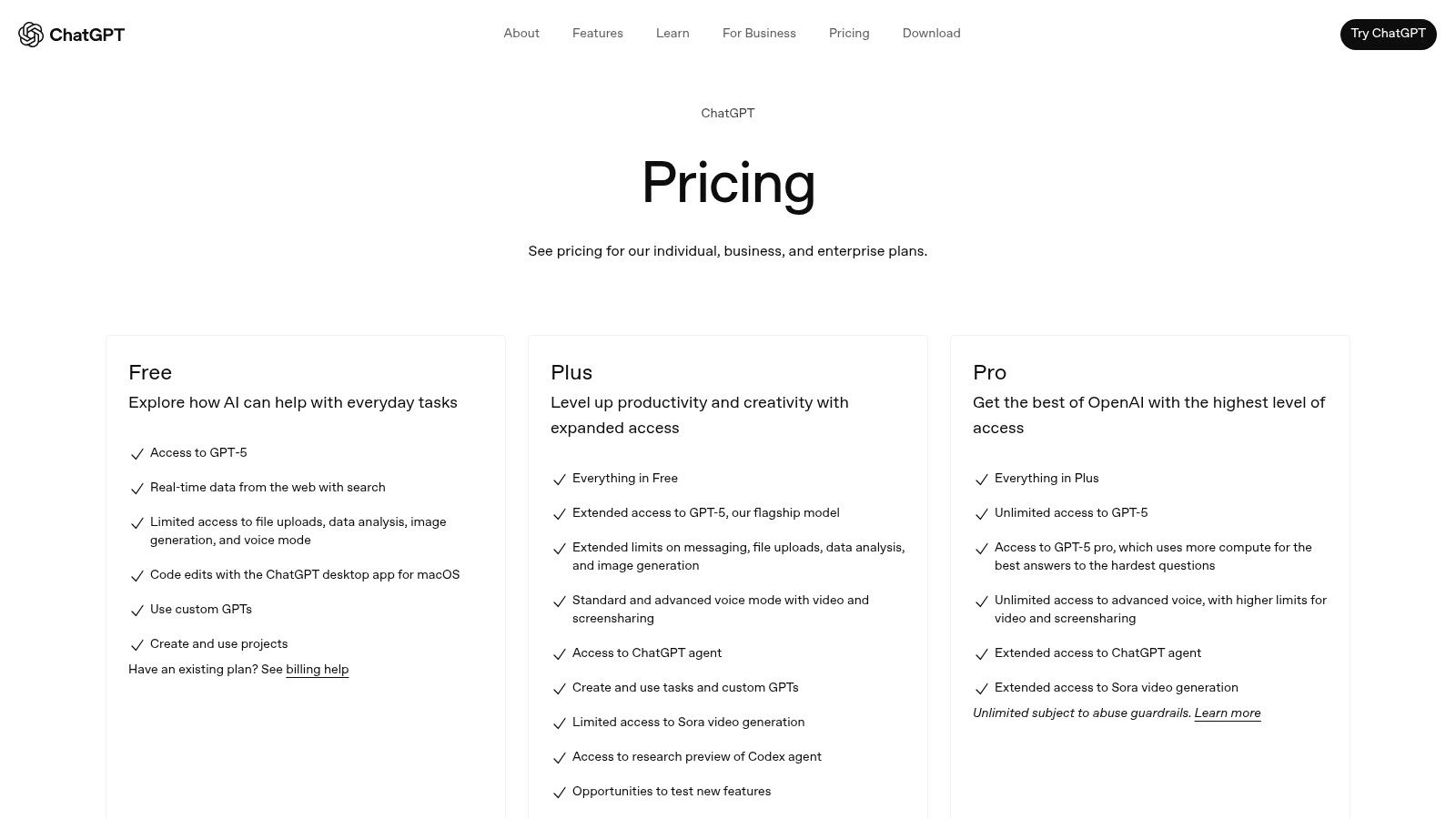
The platform shines when you move beyond basic queries. For example, a local bakery owner could upload a spreadsheet of customer feedback and ask it to "identify the top three complaints and suggest three new pastry ideas based on positive comments." Or, you can create a custom GPT trained on your company’s product manuals to quickly answer technical questions for your support team. The user interface is clean and friendly, making it accessible even if you're an AI beginner.
Why It's a Top Pick
What truly sets the paid ChatGPT experience apart is its ecosystem. The ability to build Custom GPTs allows you to tailor the AI to specific business functions without any coding. As marketing expert Sarah Evans notes, "A small e-commerce business can create a 'Brand Voice GPT' trained on their past ad campaigns. This ensures every piece of new copy, from emails to social posts, sounds consistently like them. It’s a game-changer for brand consistency." This level of customization and access to OpenAI's most advanced models provide a significant competitive advantage.
| Plan | Price | Best For |
|---|---|---|
| Plus | $20/user/month | Individuals & Solopreneurs |
| Team | $25/user/month (billed annually) | Small Teams needing collaboration |
| Enterprise | Custom | Larger organizations with advanced needs |
Pros:
- Ease of Use: Signing up is a breeze, and the interface is incredibly user-friendly.
- Versatility: It handles everything from drafting emails and analyzing data to generating code.
- Customization: Build custom GPTs for repeatable tasks and specific business knowledge.
Cons:
- Cost at Scale: The per-seat pricing can add up quickly for a growing team.
- Data Governance: The most robust security and privacy controls are reserved for the more expensive Enterprise plan.
Website: https://openai.com/pricing
2. Microsoft Copilot for Microsoft 365
For businesses already living within the Microsoft ecosystem, Copilot for Microsoft 365 is less of a new tool and more of a superpower upgrade. Instead of a separate app, it integrates directly into the software your team uses daily, like Word, Excel, Outlook, and Teams. Think of it as an expert assistant sitting right beside you, ready to summarize a long email thread in Outlook, draft a proposal in Word, or create a PowerPoint presentation from a simple prompt. This native integration makes it one of the best AI tools for small business teams looking to boost productivity without a steep learning curve.

The real magic happens in its collaborative features. Imagine joining a Teams meeting late and asking Copilot to give you a real-time summary of what you missed. Or, a practical example for a contractor: you could ask it to analyze sales data in an Excel sheet and "identify the top-performing service this quarter and create a chart to visualize the trend." Because it’s built on your business's data within the Microsoft 365 environment, its responses are contextually aware and secure, leveraging the same compliance standards you already have.
Why It's a Top Pick
What makes Copilot a game-changer is its seamless workflow integration. There's no need to switch between tabs or copy-paste information. You can ask it to "draft an email to the marketing team based on the key takeaways from our last Teams meeting," and it will pull the relevant information and compose it directly in Outlook. For small businesses, this massive reduction in "context switching" saves countless hours and minimizes the friction of adopting new technology, as it works within a familiar interface.
| Plan | Price | Best For |
|---|---|---|
| Copilot Pro | $20/user/month | Individuals & Solopreneurs (Microsoft 365 Personal/Family) |
| Copilot for Microsoft 365 | $30/user/month (annual commitment) | Businesses using Microsoft 365 Business Standard/Premium |
| Copilot for Sales | $50/user/month (annual commitment) | Sales teams needing CRM integration and sales-specific AI |
Pros:
- Seamless Integration: Works natively within the Microsoft 365 apps your team already knows.
- Familiar Environment: Reduces training time and encourages faster adoption.
- Built-in Security: Leverages your existing Microsoft 365 security and compliance controls.
Cons:
- Ecosystem Lock-in: Requires an existing Microsoft 365 Business subscription to be effective.
- Pricey Add-on: The per-user cost is in addition to your Microsoft 365 license fee.
Website: https://www.microsoft.com/microsoft-365/copilot
3. Google Workspace – Gemini for Google Workspace
For small businesses already living in Google’s ecosystem, integrating AI doesn't get more seamless than with Gemini for Google Workspace. Instead of adding a separate tool, Gemini embeds AI directly into the apps your team uses every day: Gmail, Docs, Sheets, and Meet. This isn't about learning a new platform; it's about supercharging the one you already know. Think of it as an intelligent assistant sitting right beside you, ready to draft an email, summarize a long document, or create a project plan from a simple prompt.
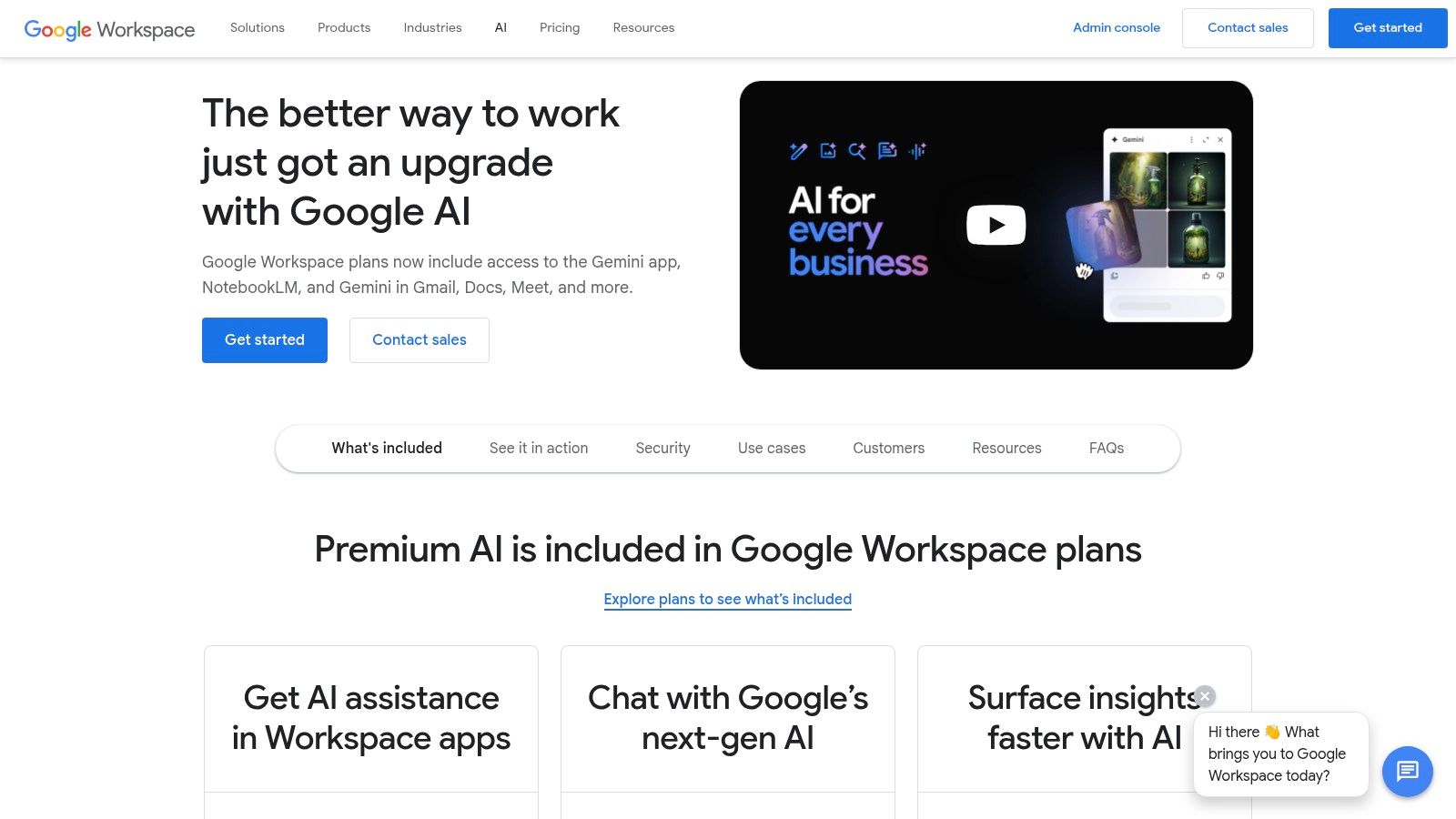
The real power lies in its contextual awareness. For example, in Google Sheets, you could give it a list of client names and project deadlines and use the "Help me organize" feature to automatically create a project tracker table. In Gmail, it can draft professional replies with a click, saving immense time on daily communications. The user experience is incredibly intuitive, appearing as a side-panel or a simple button within the familiar Google interface, making it one of the best AI tools for small business teams who need a frictionless adoption process.
Why It's a Top Pick
Gemini for Workspace excels at reducing the small, time-consuming tasks that add up throughout the day. Its deep integration means the AI understands the context of your work, providing more relevant and useful assistance. A marketing team can instantly generate presentation slides from a project brief in Google Docs, or a manager can get AI-generated meeting notes and action items from a Google Meet call. This connected experience removes friction and provides immediate productivity gains.
| Plan | Price | Best For |
|---|---|---|
| Gemini Business | $20/user/month (billed annually) | Individuals & teams wanting core AI features |
| Gemini Enterprise | $30/user/month (billed annually) | Teams needing advanced meeting features & security |
| AI Meetings & Messaging | $10/user/month (billed annually) | Users who only need AI for Google Meet |
Pros:
- Seamless Integration: Works directly inside the Google apps you already use, requiring zero context-switching.
- Productivity Wins: Dramatically speeds up common tasks like drafting emails, summarizing documents, and organizing data.
- Flexible Billing: Offers monthly and annual plans, allowing businesses to choose what works best for their budget.
Cons:
- Ecosystem Lock-in: Provides maximum value only if your business is heavily reliant on the Google Workspace suite.
- Phased Rollouts: Advanced features can sometimes be limited to higher-tier plans and may have staggered release schedules.
Website: https://workspace.google.com/solutions/ai/
4. AWS Marketplace – AI & ML category
For small businesses ready to move beyond off-the-shelf SaaS tools and integrate AI directly into their operations, the AWS Marketplace is a goldmine. Think of it less as a single tool and more as a specialized app store for powerful, pre-trained AI models. It’s where you go when you need a specific function, like advanced text-to-speech for your app or a fraud detection model for your e-commerce platform, without having to build it from scratch. This makes it one of the best AI tools for small business teams with some technical know-how looking to build custom solutions.
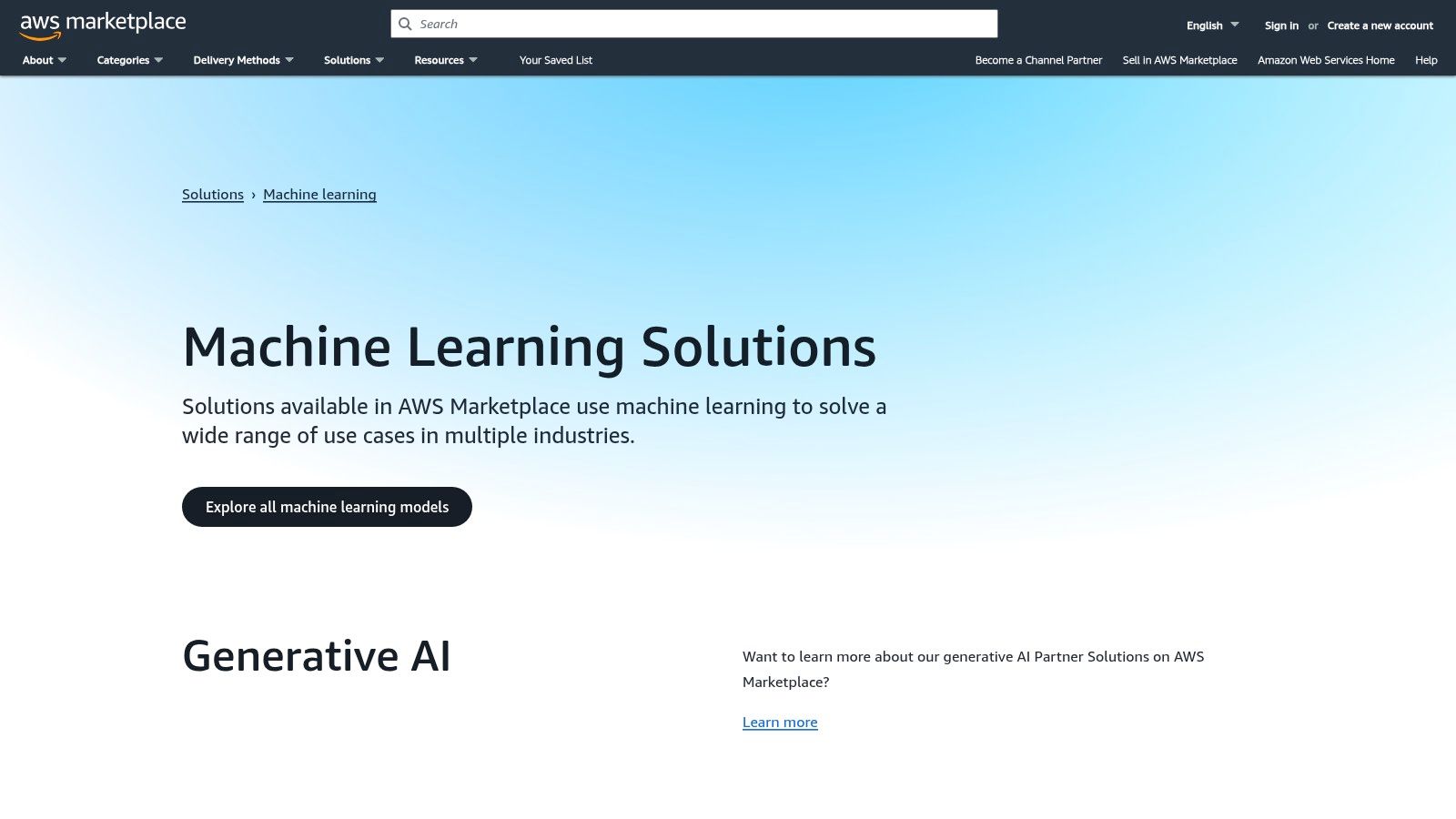
The platform allows you to subscribe to and deploy machine learning models directly into your AWS environment. For example, a small business could find a specialized algorithm for predictive inventory management and deploy it via Amazon SageMaker. Business analyst Mark Chen advises, "This is for the business that's hit a wall with standard software. Instead of hiring a data scientist, they can 'rent' a sophisticated model from the marketplace to solve a very specific problem, like optimizing delivery routes." This approach offers incredible power and flexibility compared to a simple SaaS subscription.
Why It's a Top Pick
The real strength of the AWS Marketplace is its pay-as-you-go pricing and sheer variety. You can experiment with enterprise-grade models for sentiment analysis, computer vision, or data labeling without a massive upfront investment. This allows a small business to test and validate an AI-powered idea on a budget. It bridges the gap between simple AI apps and the prohibitively expensive world of custom model development.
| Plan | Price | Best For |
|---|---|---|
| Free Tier | Free usage for select models | Developers testing models or very low-volume needs |
| Pay-As-You-Go | Varies by model (per-use/hour) | Experimentation and scaling based on actual demand |
| Private Offers | Custom | Businesses needing negotiated terms with specific vendors |
Pros:
- Flexible Pricing: The usage-based model is perfect for experimenting and managing costs effectively.
- Wide Selection: Access to hundreds of specialized, enterprise-grade AI and ML solutions.
- Secure Integration: Leverages the robust security and procurement workflows of the AWS ecosystem.
Cons:
- Technical Barrier: Requires existing AWS infrastructure knowledge and technical expertise to implement.
- Potential Overkill: Far too complex for businesses simply wanting a ready-to-use AI chatbot or content writer.
Website: https://aws.amazon.com/marketplace/solutions/machine-learning/
5. Microsoft AppSource – AI + Machine Learning
For small businesses already invested in the Microsoft ecosystem, AppSource is less a single tool and more of a specialized superstore. Instead of building AI solutions from scratch, you can browse a marketplace of vetted, third-party AI and machine learning apps designed to plug directly into the software you use daily, like Microsoft 365, Teams, and Dynamics. Think of it as an app store that supercharges your existing workflows, making it one of the best AI tools for small business teams looking to enhance their current Microsoft setup.
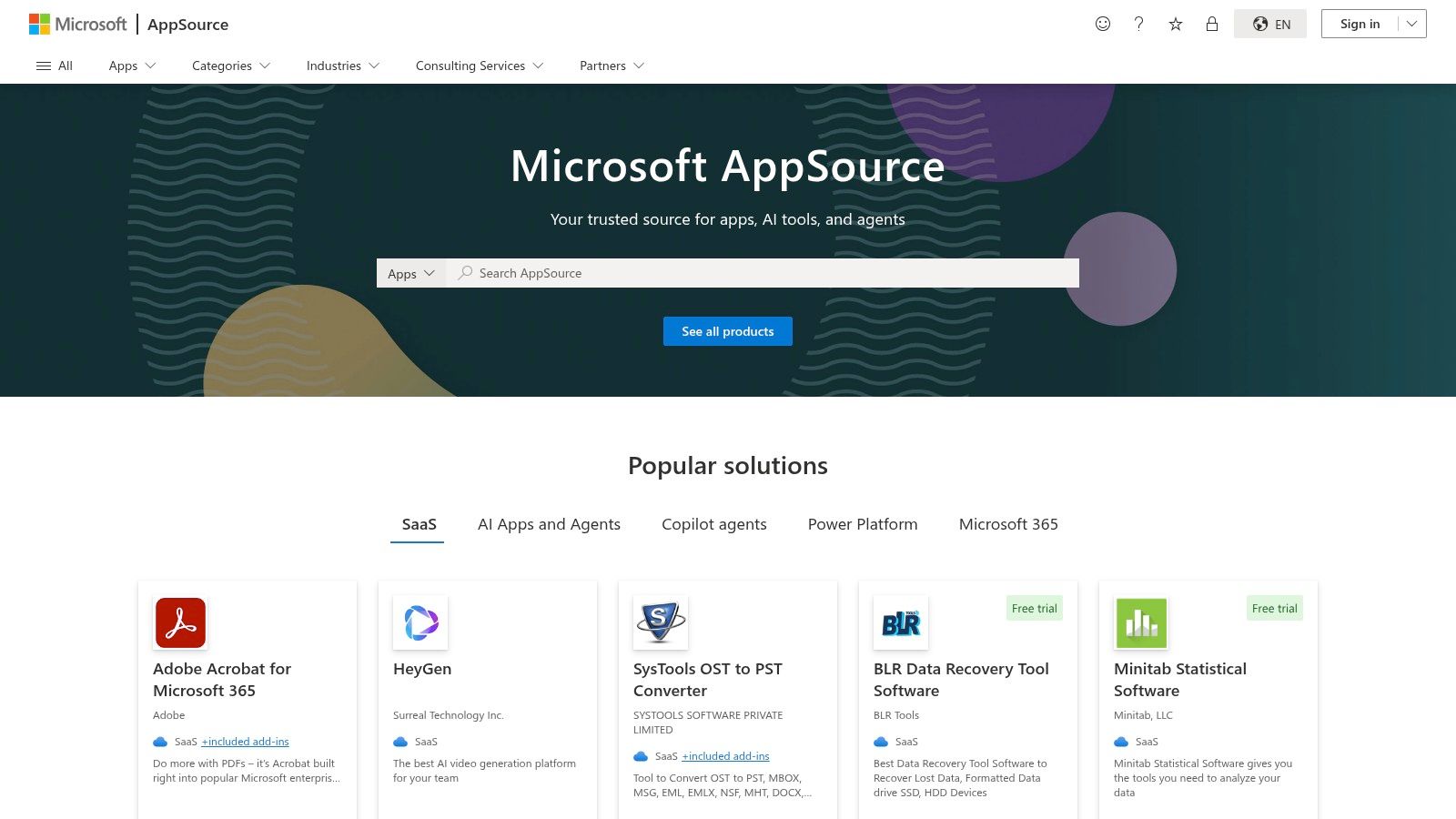
The platform allows you to find highly specific solutions without needing a developer. For example, a small accounting firm could find a document analysis app that works within SharePoint to automatically extract key data from invoices and receipts, saving hours of manual entry. Many apps offer one-click trials, so you can test their value before committing. The admin-friendly deployment means you can roll out new capabilities to your team with minimal technical fuss.
Why It's a Top Pick
What makes AppSource so powerful is its focus on integration. It eliminates the friction of adopting new AI by ensuring the tools are built to work seamlessly with familiar Microsoft products. Instead of juggling separate platforms, you can find a chatbot for Microsoft Teams or a data visualization AI for Power BI. This curated approach saves significant time on research and implementation, allowing you to quickly deploy AI that solves a specific operational bottleneck.
| Plan | Price | Best For |
|---|---|---|
| Various Apps | Varies by vendor | Businesses of all sizes using Microsoft 365, Dynamics, or Power Platform |
| Free Trials | Free | Testing an app's functionality before purchase |
| Free Apps | Free | Adding basic AI enhancements at no cost |
Pros:
- Seamless Integration: Apps are vetted for compatibility with Microsoft's business suite.
- Curated Selection: Discover specialized AI solutions for sales, support, and operations in one place.
- Admin-Friendly: Simplified deployment and management for business owners and IT admins.
Cons:
- Microsoft-Centric: Provides little value if your business doesn't primarily use Microsoft products.
- Variable Quality: As a marketplace, the quality and support can differ significantly between app vendors.
Website: https://appsource.microsoft.com/
6. Google Workspace Marketplace – AI add-ons
For small businesses already embedded in the Google ecosystem, the Workspace Marketplace is a goldmine for enhancing productivity without adopting entirely new platforms. Rather than a single tool, it’s a curated app store filled with AI-powered add-ons that integrate directly into Gmail, Docs, Sheets, and Slides. Think of it as a way to supercharge the tools you already use every day, making it a practical entry point into the best AI tools for small business operations.
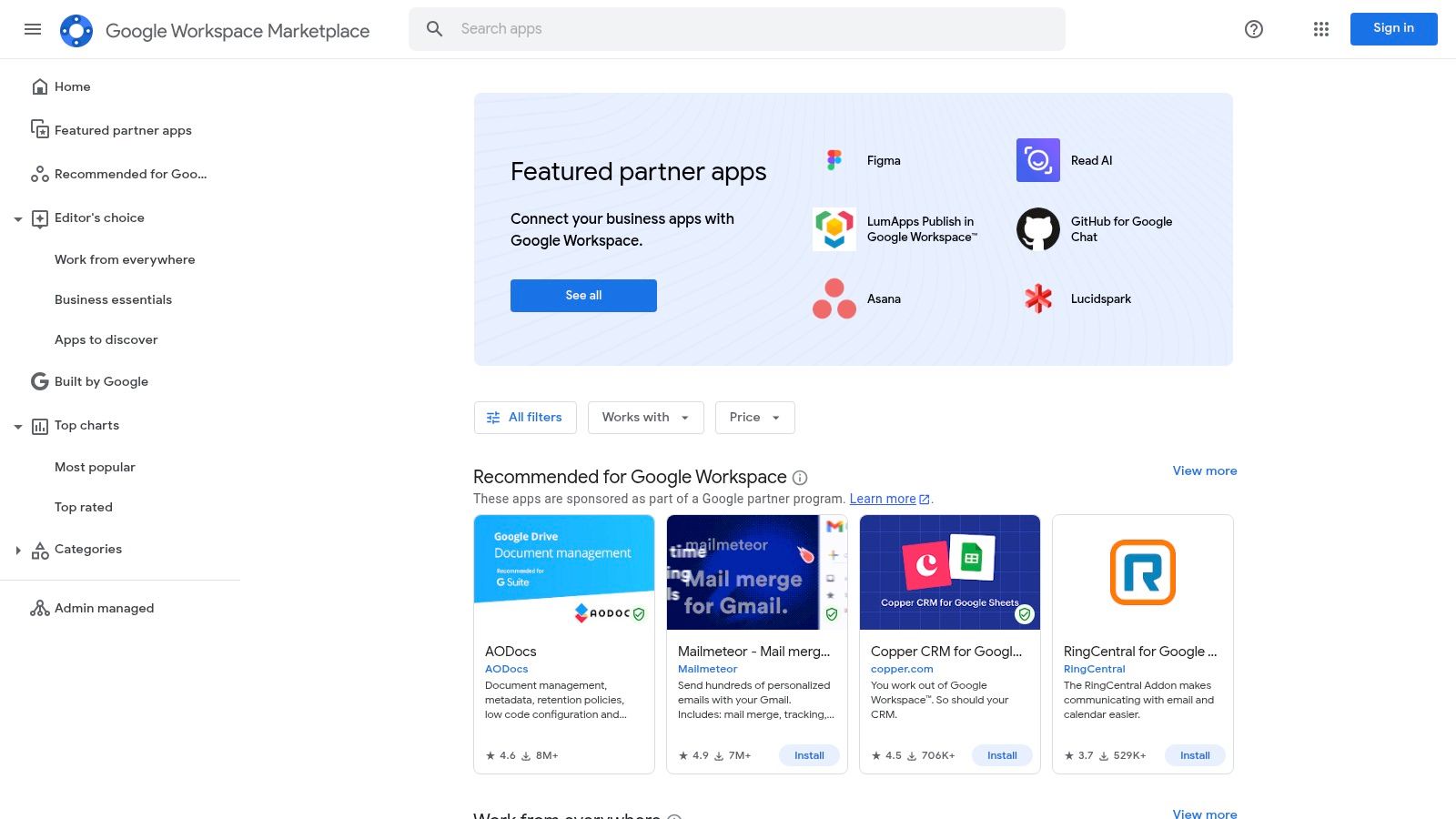
The platform allows you to find highly specific solutions for your workflow. For example, a real estate agent can install an AI writing assistant that works inside Google Docs to help draft property descriptions, or add a tool to Sheets that automatically analyzes market data from a spreadsheet. The interface is simple to navigate, with filters for different Google apps and categories like "Editor's Choice" to help you discover high-quality, verified add-ons.
Why It's a Top Pick
The true power of the Marketplace lies in its seamless integration. Instead of context-switching between different applications, the AI capabilities are brought directly into your existing documents, spreadsheets, and emails. This dramatically reduces friction and encourages adoption across the team. For a business owner, the ability to deploy a useful add-on to the entire company's Workspace domain with a few clicks is a significant administrative advantage.
| Plan | Price | Best For |
|---|---|---|
| Various | Varies (Many free & freemium options) | Businesses heavily invested in Google Workspace |
| N/A | Add-ons are priced individually by developers | Finding niche AI tools for specific tasks |
| N/A | N/A | Enhancing existing workflows without new software |
Pros:
- Seamless Integration: Adds AI features directly into the Google apps you already use.
- Large Selection: A wide variety of free and paid tools tailored for specific Workspace use cases.
- Easy Deployment: Admins can easily install and manage add-ons for the entire organization.
Cons:
- Variable Quality: The effectiveness and security of add-ons can vary; it's crucial to check reviews and permissions.
- Potential Data Privacy Issues: Some third-party apps may have different data processing policies, requiring careful review.
Website: https://workspace.google.com/marketplace/
7. Shopify App Store – AI apps for eCommerce
For any small business running on Shopify, the true power of AI isn't found in a single tool but within the platform’s own app ecosystem. The Shopify App Store is a treasure trove of specialized AI applications designed to solve specific eCommerce challenges, from writing compelling product descriptions to automating customer support. This integrated approach makes it one of the best AI tools for small business owners who want to enhance their store without juggling multiple, disconnected platforms.
Beyond third-party apps, Shopify is embedding its own AI, Shopify Magic, directly into the admin panel to streamline content creation for product pages, blog posts, and email campaigns. You can find apps that offer intelligent product recommendations, AI-powered chatbots to handle customer queries 24/7, and tools that optimize your store’s SEO automatically. The direct integration means these apps can access your store data to provide highly relevant, effective solutions right out of the box.
Why It's a Top Pick
The main advantage is the seamless integration. These aren't generic AI tools; they are purpose-built for the Shopify environment. An AI product description app, for example, can pull product attributes directly from your catalog to generate relevant copy. As e-commerce consultant Jenna Lee says, "This is where the magic happens. An AI that knows your inventory, sales history, and customer data can provide personalization at a scale that was previously impossible for a small shop." This provides a clear and measurable return on investment.
| Plan | Price | Best For |
|---|---|---|
| Free Apps | $0/month | Startups testing basic AI functions |
| Paid Apps | Varies (e.g., $5-$100+/month) | Businesses scaling specific functions like support or marketing |
| Shopify Magic | Included with Shopify plan | All merchants needing built-in content generation |
Pros:
- Deep Integration: Apps work seamlessly with your Shopify store data and workflow.
- Targeted Solutions: Find an AI tool for nearly any eCommerce challenge, from marketing to logistics.
- Ease of Installation: Most apps can be installed and configured with just a few clicks.
Cons:
- Cost Creep: Subscriptions to multiple apps can add up, requiring careful budget management.
- Variable Quality: App quality can differ, so it's vital to check recent reviews and developer support.
Website: https://apps.shopify.com/
8. G2 – Small-business AI software comparisons
Choosing the right tool from a sea of options can be overwhelming, which is where G2 comes in. Instead of being a single AI tool, it’s a massive B2B software review platform that acts as a crucial research hub. For small businesses, it offers dedicated AI categories and filters, allowing you to compare dozens of the best AI tools for small business based on verified, real-user reviews. Think of it as your starting point for building a tech stack, helping you cut through marketing hype to see how tools actually perform in the real world.
The platform’s strength lies in its structured data. You can filter results specifically for small businesses to ensure the reviews are relevant to your scale. The famous G2 Grid visually maps out tools by market presence and user satisfaction, giving you a quick snapshot of industry leaders and rising stars. You can dive into detailed reviews, which often include specific pros, cons, and the problems the user was solving, providing invaluable, unbiased context before you commit to a demo.
Why It's a Top Pick
What makes G2 essential is its role as an impartial aggregator of user sentiment. While vendors showcase their best features, G2 reveals the complete picture, including the frustrations and limitations highlighted by actual customers. For a small business with a tight budget, this insight is critical for avoiding costly mistakes. Using its comparison feature, you can place up to four tools side-by-side to scrutinize everything from feature sets to ease of setup, ensuring you make an informed decision.
| Plan | Price | Best For |
|---|---|---|
| User Access | Free | Businesses of all sizes researching software |
| Vendor Profiles | Varies | Software companies looking to be listed |
Pros:
- Trustworthy Insights: The massive volume of verified user reviews provides an authentic look at a tool's performance.
- Powerful Discovery: Helps you find niche AI solutions you might not have known existed.
- Free to Use: All comparison data and reviews are accessible without a subscription.
Cons:
- Sponsored Bias: Pay attention to sponsored placements, as they can influence which tools appear at the top.
- Broad Categories: You may need to use filters carefully to narrow down the vast selection to find the perfect fit.
Website: https://www.g2.com/
9. Capterra – AI software category
Instead of being a single tool, Capterra is a comprehensive software directory, and its dedicated "Artificial Intelligence Software" category is an indispensable starting point for any small business. It acts as a research hub, allowing you to survey the landscape before committing to demos or trials. For business owners who don't know where to begin, this platform provides a structured way to discover and compare some of the best AI tools for small business needs, all in one place.
The platform excels at helping you filter the vast market. For example, a small consulting firm can filter specifically for AI tools that serve businesses with fewer than 50 employees, offer a free trial, and have features like "predictive analytics" for forecasting project revenue. This granular control saves countless hours of manual research. The user interface is built for comparison, presenting key information, pricing models, and user ratings in a scannable format that makes it easy to create a shortlist of potential solutions.
Why It's a Top Pick
Capterra's strength lies in its aggregated, real-world data from verified users. While vendor websites showcase ideal scenarios, Capterra’s user reviews often highlight practical implementation challenges or unexpected benefits. This user-generated insight, combined with analyst-style overviews, provides a balanced perspective that is crucial for making an informed purchasing decision. It empowers you to move from a general idea of needing an "AI tool" to identifying specific products that solve your unique business problems.
| Plan | Price | Best For |
|---|---|---|
| Directory Access | Free | Businesses in the research and discovery phase |
| Vendor Listings | Varies | Software companies looking to be listed |
| User Reviews | Free | Anyone wanting to evaluate software based on peer experience |
Pros:
- Market Research: Invaluable for the early stages of finding and comparing AI solutions.
- Comparison Tools: Enables quick, side-by-side evaluation of pricing, features, and user ratings.
- Free to Use: Access to all research tools, reviews, and guides is completely free for buyers.
Cons:
- Sponsored Listings: Be aware that some top results are sponsored; always cross-reference with organic results.
- Review Variability: The depth and quality of user reviews can vary significantly from one product to another.
Website: https://www.capterra.com/artificial-intelligence-software/
10. Canva – Design suite with built-in AI for marketing
Canva has long been the go-to design platform for non-designers, but its recent integration of AI-powered "Magic Studio" tools has made it indispensable for small businesses. It levels the playing field, allowing anyone to create professional-grade marketing assets without hiring a graphic designer. Think of it as your entire marketing department's creative suite, capable of generating images from text, writing copy for social media posts, and even creating entire branded presentations with a single prompt.
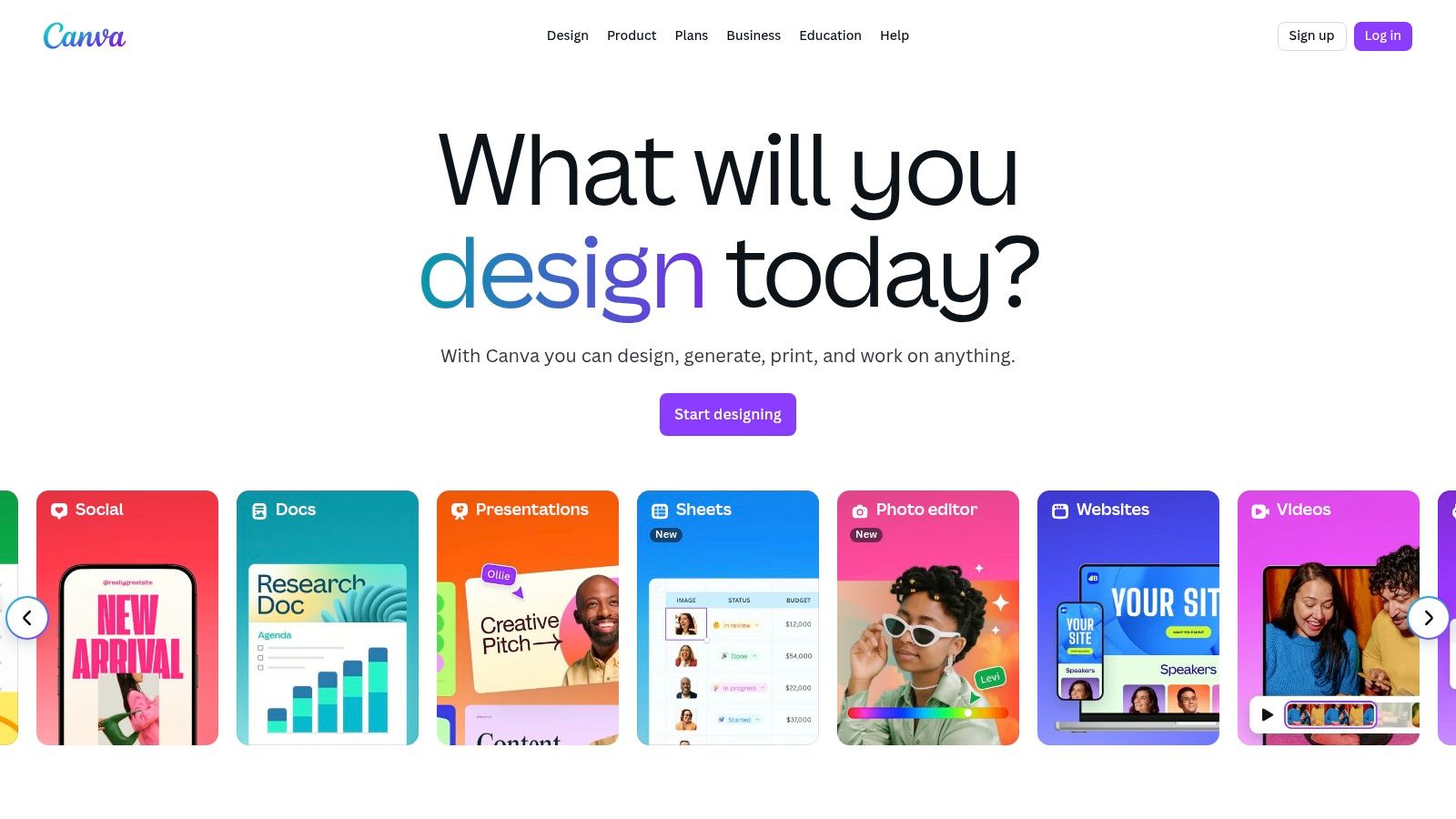
The platform’s strength lies in its seamless workflow. For example, a local coffee shop could use its "Magic Media" feature to generate a custom image of "a cozy autumn morning with steaming coffee," then use "Magic Write" to craft a social media caption about their new pumpkin spice latte, and finally use "Magic Switch" to instantly resize that post for an Instagram Story and a Facebook banner. For businesses looking to understand how to use AI for marketing, Canva provides one of the most practical and integrated starting points.
Why It's a Top Pick
What makes Canva one of the best AI tools for small business is its accessibility. It packages complex AI capabilities like text-to-image generation and background removal into simple, one-click functions within a familiar interface. The Brand Kit feature ensures that every AI-generated design remains consistent with your company’s logo, colors, and fonts, solving a major branding challenge for small teams. This blend of powerful AI and user-friendly design makes high-quality marketing achievable on a small business budget.
| Plan | Price | Best For |
|---|---|---|
| Free | $0 | Individuals trying out basic features |
| Pro | $14.99/user/month | Solopreneurs & Freelancers |
| Teams | $29.99/user/month | Small businesses needing collaboration |
Pros:
- All-in-One Platform: Combines design, AI content generation, and collaboration in one place.
- Ease of Use: Extremely intuitive interface, making AI features accessible to complete beginners.
- Brand Consistency: The Brand Kit feature helps maintain a professional look across all materials.
Cons:
- Pricing for Teams: The per-user cost for teams can become a significant expense as the business grows.
- AI Feature Limits: Some advanced AI tools and higher usage limits are locked behind the more expensive plans.
Website: https://www.canva.com/
11. Zapier – Automation platform with AI features
While not a pure AI tool in the traditional sense, Zapier is the connective tissue that lets you embed AI into every corner of your business. It’s a no-code automation platform that links over 7,000 different apps, and its new AI features make it an indispensable tool for efficiency. For a small business, this means you can automate repetitive tasks across your software stack, from routing new leads in your CRM to sending AI-generated summary emails to your team. It truly embodies the spirit of robotic process automation for everyone.
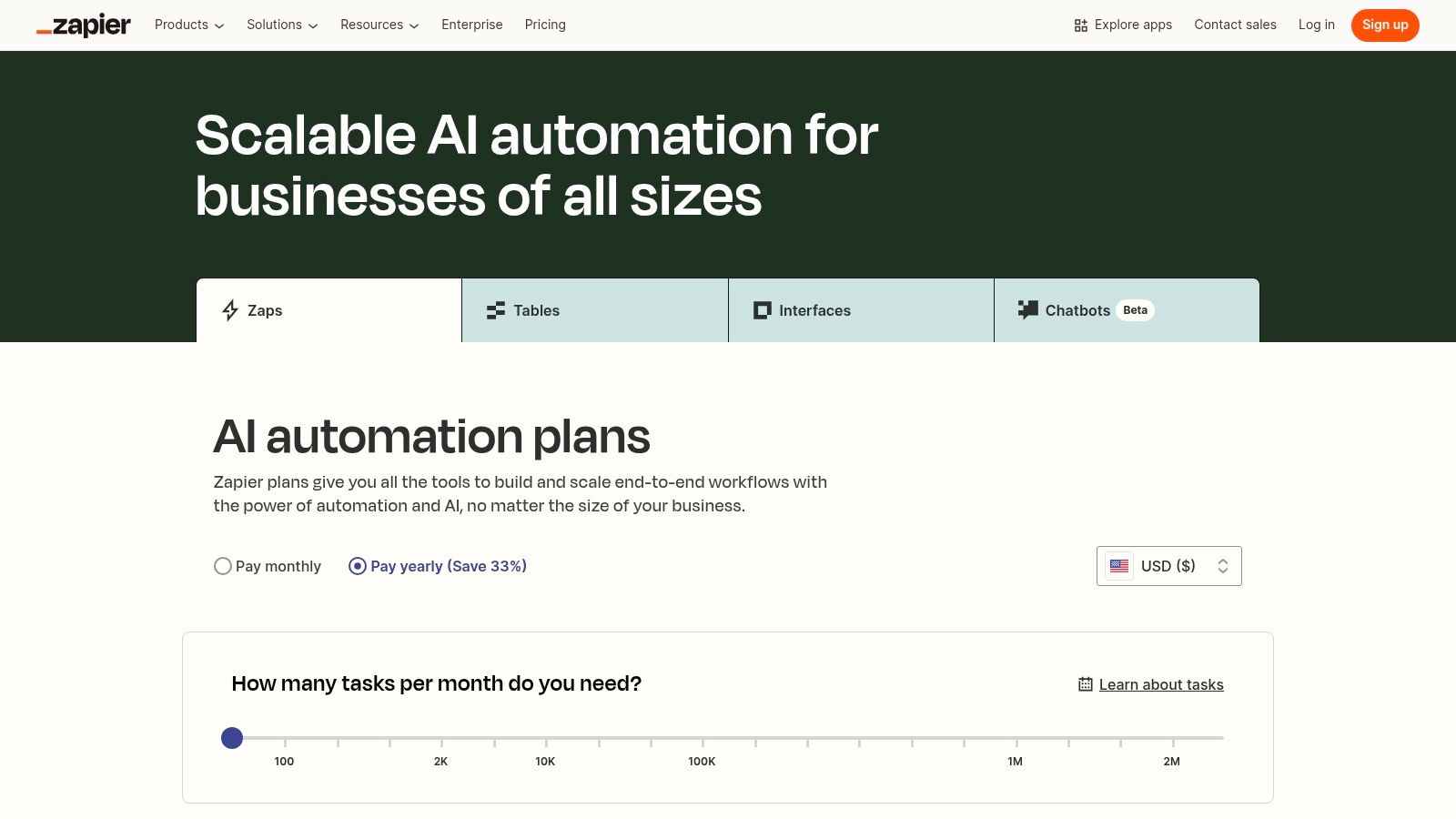
Imagine a new customer fills out a form on your website. A Zapier workflow (called a "Zap") can instantly send that data to ChatGPT to draft a personalized welcome email, add the contact to your Mailchimp list, and create a task for a sales rep in Asana. "This is where AI gets really practical for a small team," explains automation consultant David Allen. "You're not just using AI in one app; you're making all your apps smarter by having them talk to each other. It's about building an efficient, automated business engine." The user interface is visual and intuitive, making complex automations feel like putting together LEGO blocks.
Why It's a Top Pick
Zapier's strength lies in its unmatched library of app integrations. No other platform connects as many tools, which is critical for small businesses that often use a diverse set of specialized software. The addition of AI Agents and its integration with major AI models (like OpenAI and Anthropic) transforms it from a simple automation tool into one of the best AI tools for small business operations. It’s the key to making your existing software smarter and more efficient.
| Plan | Price | Best For |
|---|---|---|
| Free | $0 | Individuals starting with basic automation |
| Starter | From $19.99/month (billed annually) | Solopreneurs needing multi-step Zaps |
| Professional | From $49/month (billed annually) | Small teams with growing automation needs |
Pros:
- Quick Automation Wins: Get powerful workflows running in minutes without developer help.
- Extensive Integrations: Connects virtually any app you use, creating a unified system.
- Clear Upgrade Path: Plans scale effectively as your automation needs become more complex.
Cons:
- Cost at High Volume: The task-based billing can become expensive for businesses with high transaction volumes.
- Complexity Barrier: Mission-critical or highly intricate automations may still require expert setup for reliability.
Website: https://zapier.com/pricing
12. Product Hunt – Trending AI tools and early-stage products
While not an AI tool itself, Product Hunt is an indispensable resource for discovering the next wave of innovation. Think of it as a daily launchpad where new tech products, including countless AI solutions, make their debut. For a small business owner, this is the place to find niche, cutting-edge tools before they become mainstream. It’s a goldmine for identifying the best AI tools for small business needs that solve highly specific problems, from AI-powered social media schedulers to automated contract analysis tools.
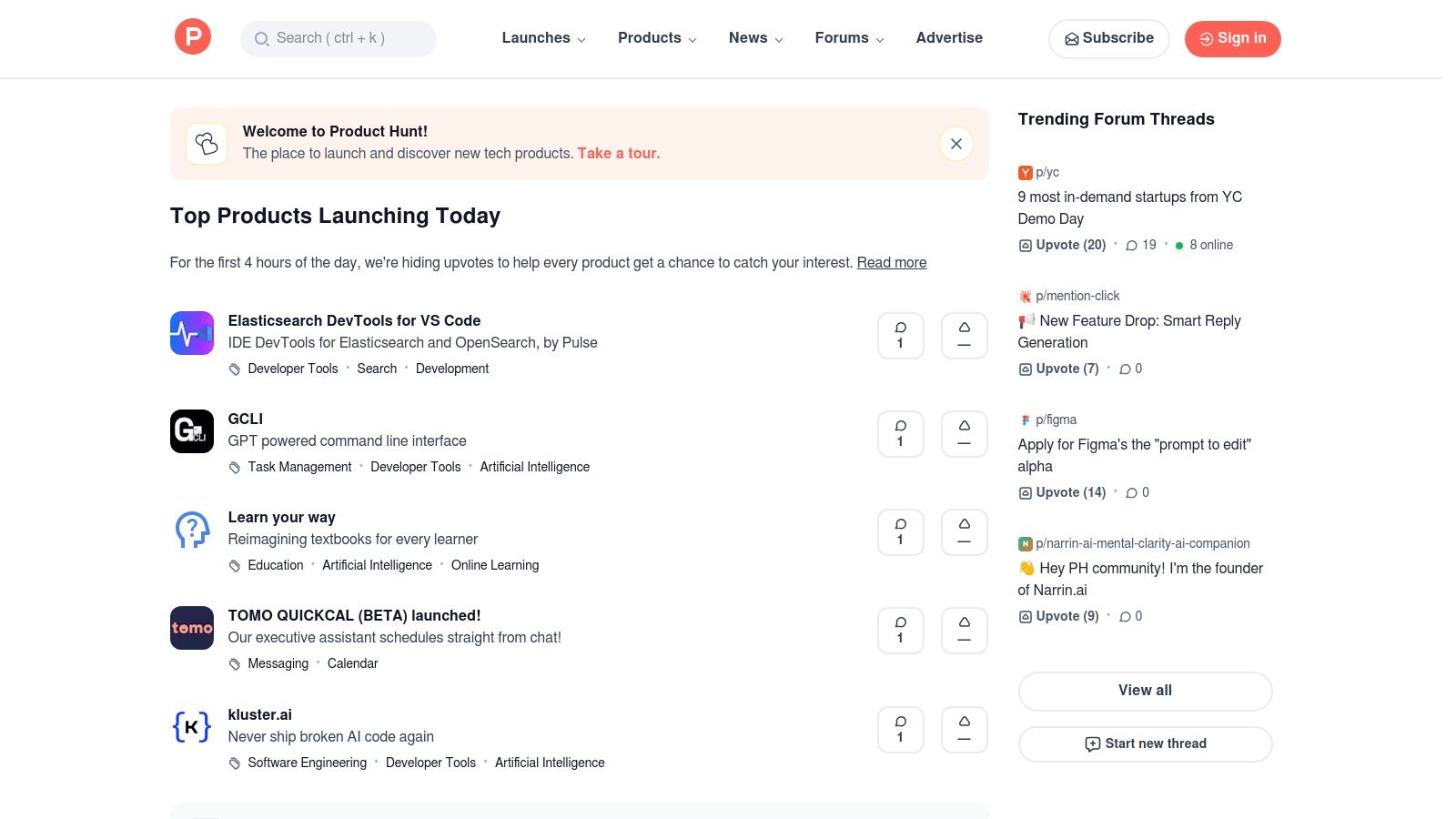
The platform's value comes from its community. Each day, new products are featured on a leaderboard, and users upvote, comment on, and review them. This allows you to see what’s gaining traction and read real-world feedback from early adopters. You can filter by tags like "AI" or "SaaS" to zero in on relevant solutions, and the discussions often reveal practical use cases and limitations that you won't find in marketing materials.
Why It's a Top Pick
Product Hunt gives small businesses a competitive edge by providing a window into emerging technology. You can find hyper-specific tools that larger competitors might overlook and often get in on early-bird pricing. Following the daily launches helps you stay informed about the rapidly evolving AI landscape. For example, a freelance photographer might discover a new AI-powered photo culling tool that saves hours per shoot, long before it becomes a well-known industry standard.
| Plan | Price | Best For |
|---|---|---|
| Browsing | Free | Discovering and vetting new AI tools |
| Pro | From $59/month (billed annually) | Founders & marketers launching products |
Pros:
- Discovery Engine: Unrivaled source for finding brand-new and niche AI applications.
- Community Vetting: Real user reviews and discussions help you gauge a product's potential.
- Free to Use: Browsing and discovering tools costs nothing.
Cons:
- Variable Quality: Many products are in early beta and may lack robust support or polish.
- Requires Discernment: You need to sift through the hype to find genuinely useful tools.
Website: https://www.producthunt.com/
Top 12 AI Tools for Small Business: Features & Pricing Comparison
| Solution | Core Features/Capabilities | User Experience ★ | Value Proposition 💰 | Target Audience 👥 | Unique Selling Points ✨ | Price Points 💰 |
|---|---|---|---|---|---|---|
| OpenAI – ChatGPT for work | Multimodal AI, custom GPTs, file uploads, data analysis | ★★★★☆ | Scalable plans; strong ecosystem | Individuals, businesses | Business-grade security, extensible agents 🏆 | Per-seat, published 💰 |
| Microsoft Copilot for Microsoft 365 | Integrated AI in MS apps, meeting summaries | ★★★★☆ | No minimum seats; familiar UI | Small to large businesses | Native MS365 integration, compliance controls ✨ | Requires MS365 license 💰 |
| Google Workspace – Gemini | AI assistant in Gmail, Docs, Sheets, Meet | ★★★★☆ | Flexible billing; seamless Workspace | Google Workspace users | Advanced meeting AI, enterprise-grade privacy ✨ | Varies by plan 💰 |
| AWS Marketplace – AI & ML | Pre-trained AI/ML models, usage-based pricing | ★★★★☆ | Pay-as-you-go for experimentation | SMBs, developers | Wide AI/ML model selection, AWS integration 🏆 | Usage-based 💰 |
| Microsoft AppSource – AI + ML | AI add-ins for MS365, Dynamics, Power Platform | ★★★☆☆ | Curated apps, easy deployment | SMBs on Microsoft platforms | One-click trials, admin-friendly management ✨ | Varies by app 💰 |
| Google Workspace Marketplace – AI | AI add-ons for Workspace apps, admin deployment | ★★★☆☆ | Many free/freemium options | Google Workspace users | Editor’s choice, security badges ✨ | Mostly free/freemium 💰 |
| Shopify App Store – AI apps for eCommerce | AI tools for product descriptions, chatbots, SEO | ★★★★☆ | Deep Shopify integration, ROI boost | Shopify merchants | Shopify-native AI features, AI Store Builder ✨ | Varies by app 💰 |
| G2 – Small-business AI software | AI tool reviews, ratings, SMB filters | ★★★★☆ | Free, trusted user reviews | SMB buyers/researchers | Large review volume, detailed pros/cons 🏆 | Free to use |
| Capterra – AI software category | AI software directory with filters, comparisons | ★★★☆☆ | Helpful early-stage research | SMB buyers/researchers | Verified reviews, pricing matrices ✨ | Free to use |
| Canva – Design suite with AI | AI text-image gen, brand kits, templates, collaboration | ★★★★☆ | Fast marketing content creation | SMB marketing teams | Built-in AI design tools, print scheduling ✨ | Tiered pricing 💰 |
| Zapier – Automation with AI | No-code automation, AI agents, app integrations | ★★★★☆ | Automation without coding | SMBs, automation users | Extensive app catalog, AI workflows ✨ | Task-based billing 💰 |
| Product Hunt – Trending AI tools | New AI tools discovery, community reviews | ★★★☆☆ | Early-stage product insights | SMBs, early adopters | Daily leaderboards, community vetting ✨ | Free to browse |
Making AI Your Business's Most Valuable Player
We've journeyed through a comprehensive landscape of AI tools, from foundational platforms like OpenAI’s ChatGPT and Google’s Gemini to specialized marketplaces and creative powerhouses like Canva. The sheer volume of options can feel overwhelming, but the central takeaway is one of empowerment, not complexity. Integrating AI is no longer a futuristic concept reserved for large corporations with massive budgets; it’s a tangible, accessible strategy for small businesses ready to punch above their weight.
The core benefit threaded through every tool we've discussed is leverage. AI provides the leverage to automate mundane tasks, generate creative ideas on demand, analyze customer data for hidden patterns, and streamline complex workflows. It acts as a force multiplier, allowing a small, agile team to achieve the output of a much larger one. Think of it less as hiring a new employee and more as equipping every current team member with a super-powered assistant.
Your Roadmap to AI Implementation
Feeling inspired but unsure where to begin? The path to successfully adopting the best AI tools for small business doesn't require a giant leap. Instead, it’s a series of small, intentional steps.
- Identify Your Biggest Bottleneck: Don't chase the newest, shiniest AI tool. Look inward first. Is your team drowning in customer service emails? Is content creation for social media a constant struggle? Is managing project timelines chaotic? Pinpoint a single, high-impact pain point.
- Start with a Single Tool: Based on that bottleneck, choose one tool from our list to pilot. If marketing content is the issue, start a free trial with Canva’s Magic Studio. If you need to connect different apps and automate simple tasks, explore Zapier’s AI features. A focused, low-risk experiment is far more effective than trying to implement five new platforms at once.
- Measure the Impact: Before you start, define what success looks like. Will it be "time saved per week," "number of marketing assets created," or "faster customer response times"? Track this metric for a few weeks. The data will give you a clear, objective view of the tool's ROI and help you build a case for wider adoption.
Key Considerations for a Successful Rollout
As you begin integrating these solutions, keep a few guiding principles in mind. First, prioritize user-friendliness. The most powerful tool is useless if your team finds it too complicated to use. Look for platforms with intuitive interfaces and strong support resources. Second, remember that AI is a co-pilot, not the pilot. Always have a human in the loop to review, refine, and add the critical touch of brand voice and strategic oversight to any AI-generated output.
Finally, approach AI with a mindset of continuous learning. The field is evolving at an incredible pace. What seems cutting-edge today might be standard tomorrow. Staying curious and encouraging your team to experiment will be your greatest competitive advantage. By starting small, focusing on real problems, and empowering your team, you can transform AI from a buzzword into your business's most valuable player, driving efficiency, creativity, and growth.
Ready to stay ahead of the curve? The world of AI tools is constantly changing. For the latest breakdowns, practical tutorials, and expert insights on how to leverage AI for your business, YourAI2Day is your go-to resource. Visit YourAI2Day to continue your learning journey and discover the next tool that will transform your business.