Best AI Tools for Financial Analysis (2026 Guide)
You’re probably in one of three situations right now.
You have too many filings, transcripts, and spreadsheets open, and you want a faster way to get to the insight. Or you’re testing AI for the first time and trying to figure out whether these tools are useful for financial analysis, or just polished demos. Or you already know they can help, but the market is crowded enough that every product page starts sounding the same.
That’s the gap this guide is meant to close.
The promise of AI in finance is simple. You ask a question in plain English, like which companies are expanding margins while the market punishes the stock, and the system helps you move from raw data to a usable answer. In practice, though, the best ai tools for financial analysis are not interchangeable. Some are built for institutional research. Some are much better for charting and client reporting. Some are trading tools wearing an AI label. Some are strong, but only if you already have the data stack and compliance setup to support them.
If you want a broader starting point before going deep, this roundup of Top 12 AI Tools for Financial Analysis is a useful companion. This guide takes a more practical angle. Instead of ranking everything as if the same buyer is comparing all of it, I’m grouping the field by who gets value from each tool.
The short version is this. Solo investors usually need speed, clarity, and manageable cost. Advisors and small teams need clean outputs and repeatable workflows. Enterprise research desks need data breadth, permissions, auditability, and integration. If you pick a tool outside your lane, you can easily pay for a lot of capability you will never use, or miss the few features that matter day to day.
Let’s get into the tools.
1. Bloomberg Terminal with BloombergGPT enhanced features
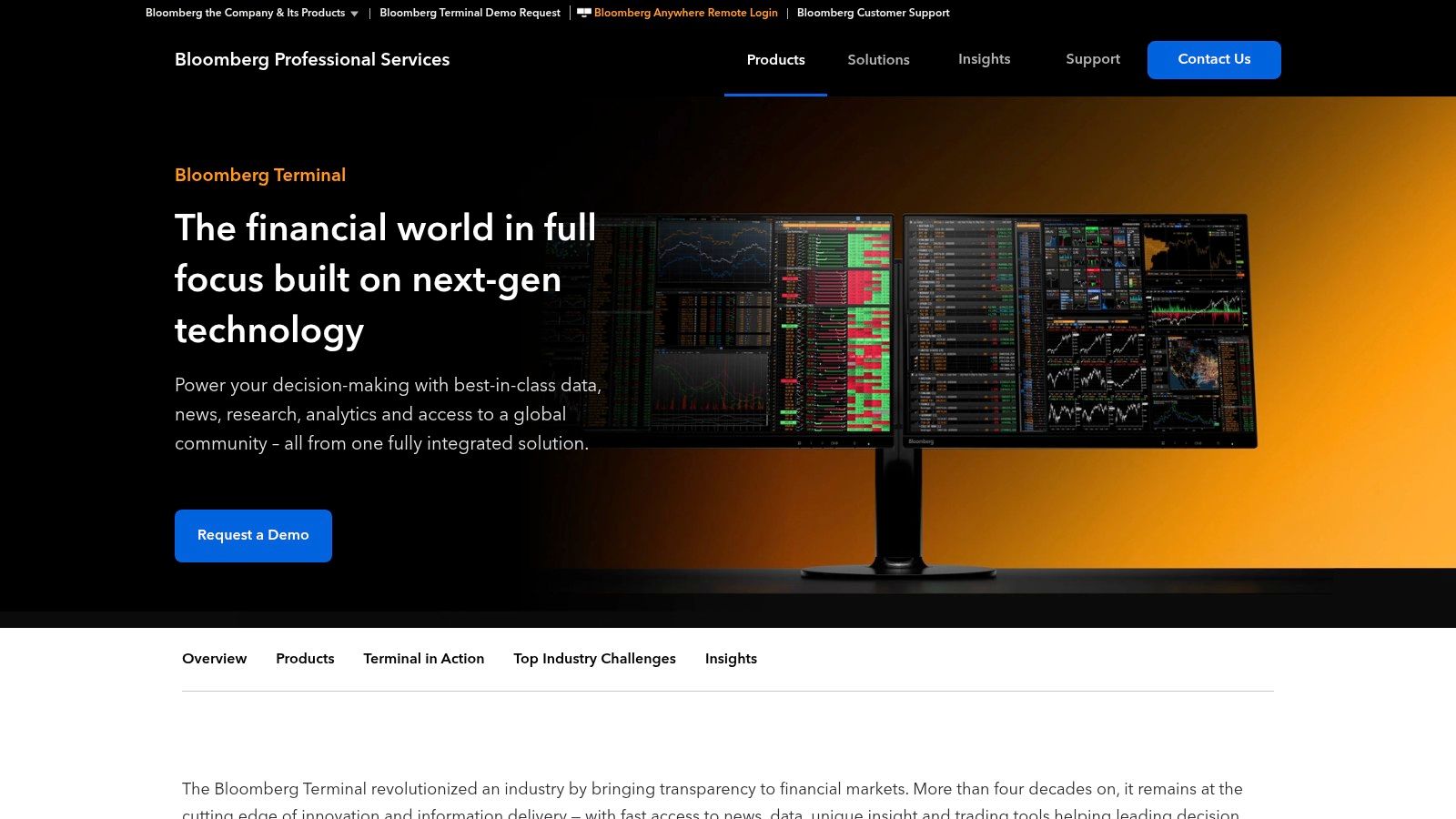
Bloomberg Terminal is still the answer when a bank, asset manager, or trading desk needs the whole operating environment in one place. Market data, news, messaging, analytics, charting, Excel hooks, portfolio tools. It is less a single app than the desktop layer many institutions work inside all day.
The AI angle matters here because Bloomberg is not asking professionals to leave the workflow they already trust. It is pushing natural language search and question answering into a system people already use for execution, monitoring, and research.
Best for institutions that need everything connected
If your day involves jumping between filings, real-time pricing, estimates, and portfolio risk, Bloomberg makes sense in a way simpler AI tools do not.
The practical upside is not just “AI answers questions.” It’s that those answers sit next to the rest of your workflow. You ask a question, pull the related data, move into Excel, and keep going. That matters more than flashy chat features.
A few things Bloomberg does especially well:
- Workflow depth: Real-time data, news, charting, and messaging live in the same environment.
- Excel usability: Many finance teams still live in spreadsheets. Bloomberg meets them there.
- Compliance fit: Institutions care about permissions, auditability, and controlled data access.
The trade-off is obvious. This is enterprise software with enterprise complexity and enterprise cost. If you’re a solo investor, it is usually overkill. If you only need faster document search and earnings call summaries, lighter tools get you there faster.
A good rule is simple. If your work ends with an investment memo, a screen, or a watchlist, Bloomberg may be too much. If your work ends with trading, client communication, and risk review inside a controlled environment, Bloomberg starts to make a lot more sense.
The AI piece also helps newcomers understand what a modern language model is doing inside a finance product. If you want a plain-English primer, this quick guide on what is a large language model gives useful context before you evaluate vendor claims.
2. FactSet with Mercury conversational AI
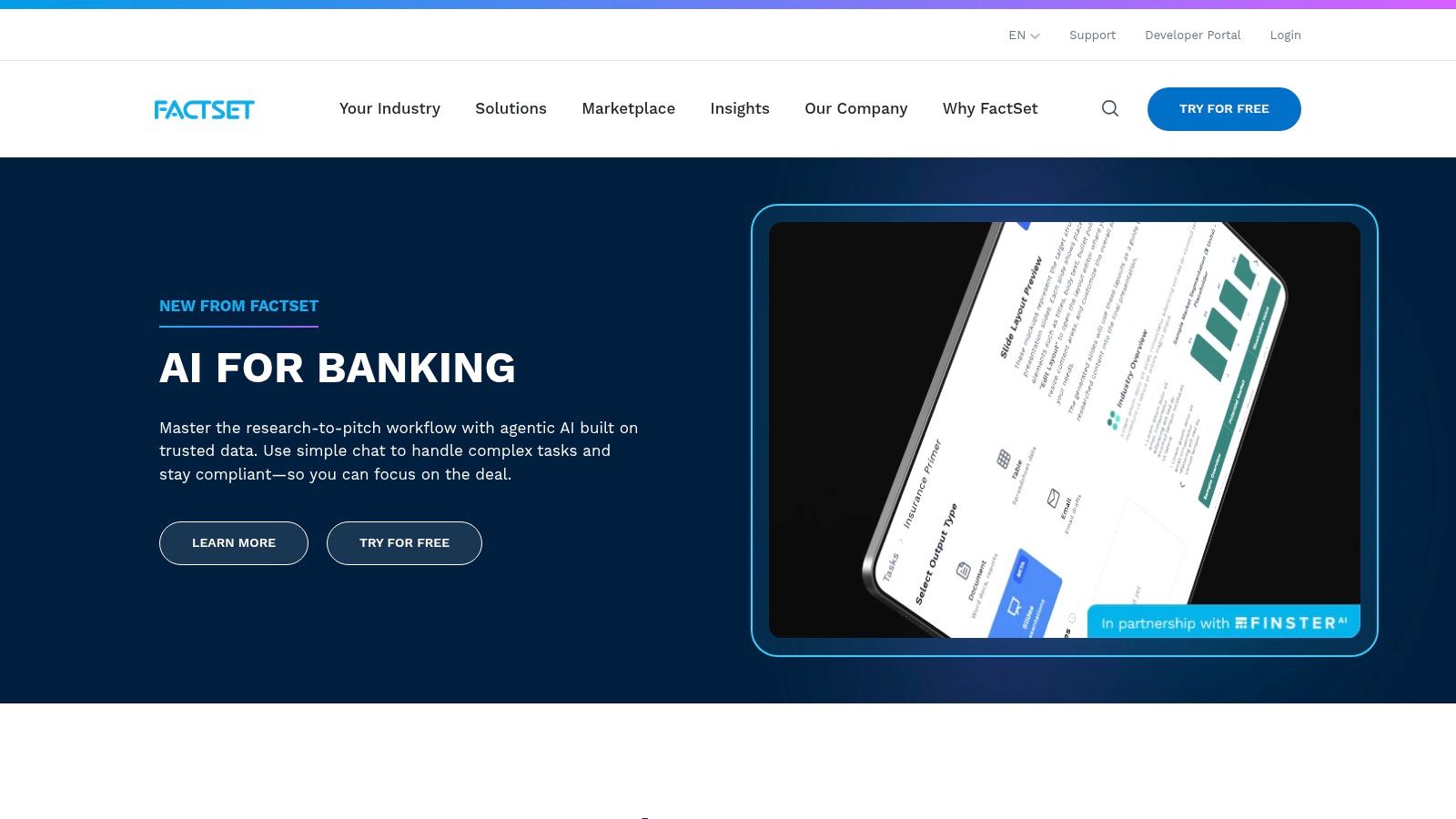
FactSet is one of those platforms that people often underestimate until they have to use it for institutional research. It is strong where serious teams usually need help most. Structured data, estimates, ownership, events, portfolio analytics, and a workflow that fits regulated environments.
Mercury adds a more conversational layer on top of that foundation. Instead of hunting through modules and fields, users can move faster with natural language prompts tied to FactSet’s own data and research workflows.
Where FactSet works best
FactSet shines for teams that care less about shiny demos and more about consistency.
If you’re running equity research, manager due diligence, or portfolio analytics across a team, FactSet’s strength is how much of the stack it can cover without feeling stitched together. It also tends to suit teams that want structured data and document discovery in the same platform.
That said, FactSet is not beginner-first software.
- Strong fit: Institutional research teams, portfolio teams, and firms with recurring coverage workflows.
- Less ideal: Casual investors who want quick insights without setup or onboarding.
- Main friction: Enterprise sales process, implementation, and a learning curve if you use advanced modules.
What I like about FactSet in practice is that it usually feels built for repeat work. If an analyst has to answer similar questions every quarter, that matters. The platform is designed less for one brilliant query and more for repeatable coverage.
Understanding the trade-off
FactSet is often easier to justify when a team already has a research process and data governance expectations. It is harder to justify if you are still figuring out what you want AI to do for you.
That distinction is important. A beginner may think they need “the best” platform, when what they need is a tool they can learn quickly and use every week.
If your priority is breadth, institutional polish, and regulated workflow support, FactSet belongs on the shortlist. If your priority is affordability and low-friction onboarding, it usually doesn’t.
3. S&P Capital IQ Pro with Kensho AI
S&P Capital IQ Pro sits in a sweet spot for many professional users. It combines deep fundamentals and estimates with text-heavy research workflows, then layers Kensho tools on top for chat, document extraction, and API access.
For many practitioners, the appeal is trust. You are not just chatting with a model and hoping it understood the filing. You are using a research platform built around attribution, source traceability, and widely used market datasets.
Best for professionals who care about source traceability
This matters more than beginners often realize.
When you’re building an investment case, a credit view, or a company teardown, you do not just want a confident answer. You want to know where the answer came from, whether it maps back to the underlying filing or transcript, and whether someone else on your team can reproduce it.
That is where Capital IQ Pro and Kensho stand out:
- Document intelligence: Useful when the work involves many filings, transcripts, and disclosures.
- Attribution focus: Better suited to teams that need defensible research trails.
- API potential: Helpful for firms building custom internal workflows on top of trusted data.
The downside is that Capital IQ Pro rarely feels lightweight. It rewards users who know what they are looking for. Newer users can find it dense.
Who should skip it
If you are a retail investor who mostly wants an AI assistant to summarize a company and show a few charts, this is not the easiest entry point.
If you are on an institutional team, though, especially one already using S&P data, it can be a very practical upgrade. The AI is not a gimmick bolted on the side. It helps reduce the friction of getting answers from a very large data and document ecosystem.
That difference is easy to miss in software demos. In live work, it matters a lot.
4. LSEG Workspace with Microsoft Copilot integrations
LSEG Workspace is especially interesting for teams that already live in Microsoft 365. Bankers, investor relations teams, portfolio managers, and sell-side researchers often spend half their day in Excel, Outlook, Teams, and PowerPoint anyway. Workspace leans into that reality.
That Office alignment is the product story here. Not abstract AI, but AI where many financial professionals already work.
A strong fit for Microsoft-centric firms
If your team builds decks, updates models, preps for meetings, and shares notes through Microsoft tools, Workspace has a practical advantage. It can reduce the friction between getting the data and turning it into something a colleague or client can use.
That sounds mundane. It is not. In finance, a lot of time disappears in handoffs.
A few reasons teams choose it:
- Excel and PowerPoint relevance: Good for users who need analysis to travel into client-facing materials fast.
- Teams interoperability: Helpful for collaborative workflows, meeting prep, and internal communication.
- Enterprise posture: Better aligned with large organizations that need security and administrative control.
What to watch out for
The catch is rollout maturity. AI capabilities tied to large enterprise platforms often arrive unevenly. One client may have a polished experience while another is still waiting on feature parity.
That means buyers should test the specific workflow they care about. Not the vendor story. The workflow.
For example, if your analysts mostly need natural language discovery over market data and documents inside Excel-heavy research, Workspace can be compelling. If they want a self-contained AI research terminal with a stronger standalone experience, another platform may feel cleaner.
This is one of those tools where ecosystem fit matters as much as product quality.
5. AlphaSense
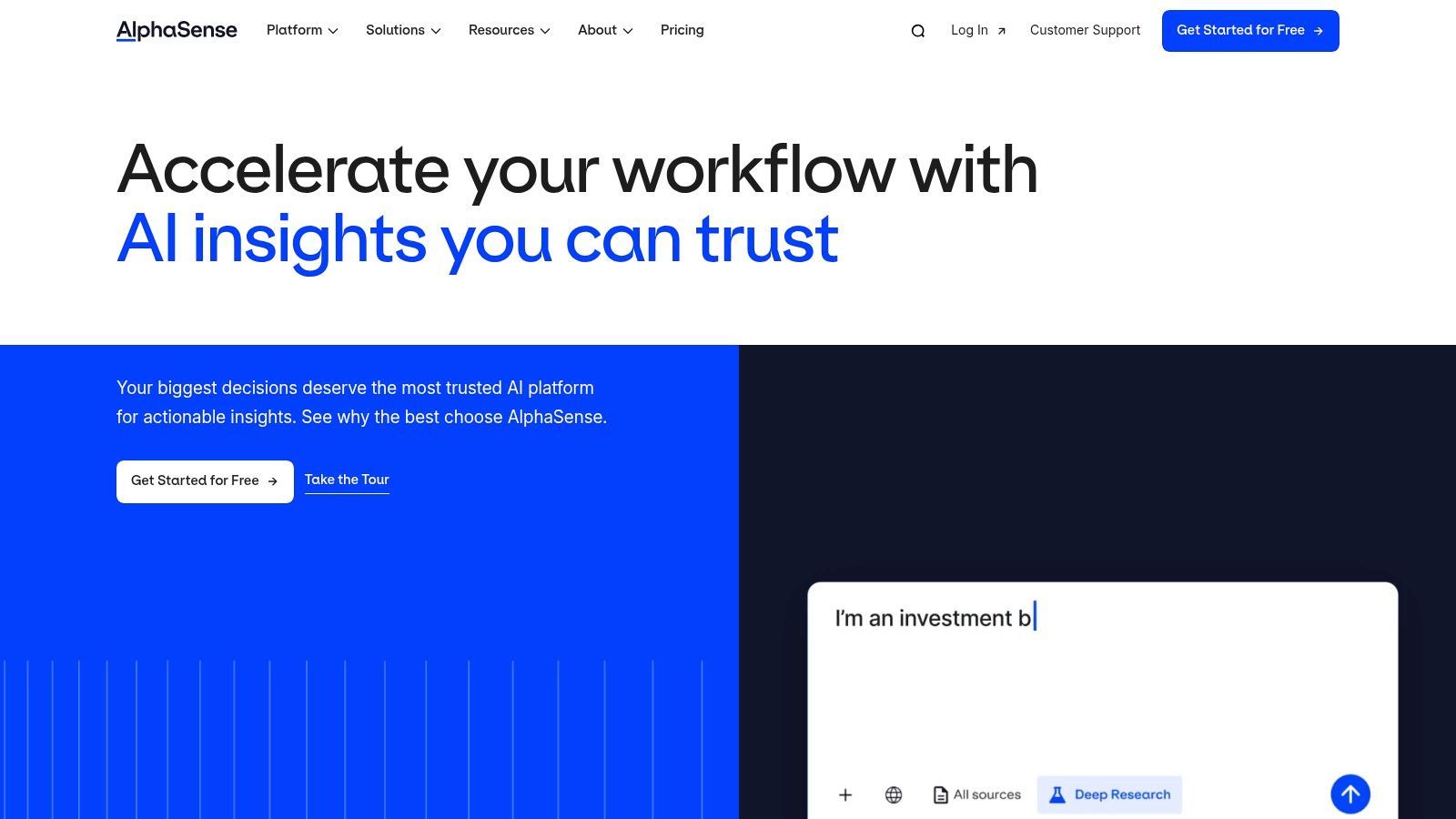
Monday morning, earnings season, 8:15 a.m. Your inbox is full, three portfolio names reported before the bell, and someone wants the key changes from management commentary before the meeting starts. AlphaSense is built for that kind of workload.
AlphaSense earns attention because it handles document-heavy research better than many general AI assistants. It pulls together filings, earnings call transcripts, broker research, expert calls, and company updates into one search and summarization workflow. In the company’s 2026 buyer’s guide, AlphaSense says teams can cut research time during earnings season by up to 80%. Vendor numbers deserve skepticism, but the core value is real. Analysts spend less time hunting for the paragraph that matters and more time deciding what it means.
Best for document-first investors and research teams
AlphaSense fits a specific type of user. If your process starts with reading, comparing, and pressure-testing management language across filings and transcripts, it can save real hours. That makes it a better match for equity research desks, buy-side teams, corporate strategy groups, and competitive intelligence work than for traders who care more about execution speed or chart-based setups.
It also helps answer a practical tool-selection question in this guide. Solo investors usually need cheaper, narrower products. Enterprise teams often need broader entitlements, premium content, and workflow controls. AlphaSense sits closer to the professional end of that range. The price can be justified when the team is expensive, document volume is high, and missed information costs more than the license.
One useful way to evaluate it is by asking how your team works through text today. If analysts are still copying notes from PDFs, ctrl-F searching filings, and manually comparing wording changes across quarters, AlphaSense can clean up a lot of that mess. Teams trying to build stronger research systems may also benefit from a broader grounding in machine learning workflows for data analysis so they can connect AI outputs to repeatable internal processes.
Here’s a related read if your focus is research workflows inside investing teams: artificial intelligence in asset management.
AlphaSense pays off when the bottleneck is reading and synthesizing large volumes of financial text.
Trade-offs to understand before you buy
The downside is straightforward. AlphaSense is expensive for small teams, and it is only as useful as the habits around it. I have seen firms buy strong research platforms and still fall back to old workflows because senior analysts preferred their inbox, their saved PDFs, and their own note templates.
It also works best as a research layer, not an all-in-one finance stack. You may still need separate tools for modeling, market data, portfolio management, or trading. For the right user, that is fine. AlphaSense does not need to do everything. It needs to help the team find the right information faster, with less noise, and enough context to make the next judgment call.
6. Fiscal.ai formerly FinChat
Fiscal.ai fits a common scenario. You want to sanity-check a company after earnings, compare a few key metrics, and search recent filings without paying for a full terminal your workflow will never use. For solo investors, analysts at small funds, and lean research teams, that middle ground matters.
Fiscal.ai stays focused on public company research. The product is built around fundamentals, company filings, AI Q&A, and a cleaner interface than the larger institutional platforms above. That makes it easier to choose if your job is company analysis rather than market monitoring, trading, or enterprise data administration.
A practical fit for fundamentals-first users
Fiscal.ai works best for people who spend their time on single-name research and want faster first-pass analysis. I would put it in the bucket for advanced retail investors, independent researchers, and small teams that care more about understanding a business than wiring together a giant data stack.
In practice, the value is pretty simple. You ask a narrow question, pull the answer from filings or company data, and get back to judgment.
Common use cases include:
- Filings Q&A: Useful for checking segment commentary, revenue mix, margin discussion, and management language across periods.
- Fundamentals workflow: Better suited to company research, watchlists, and idea validation than to intraday trading.
- Lower setup friction: Easier to learn if you do not have a dedicated data team or prior terminal experience.
That user profile deserves attention because plenty of investors do not need Bloomberg, FactSet, or CapIQ on day one. They need a tool they will open, understand, and keep using. If you are still building your process, it helps to understand the basics behind machine learning workflows for financial analysis so the AI layer supports your research instead of replacing it with shortcuts.
Where it earns a spot on this list
Fiscal.ai is a focused research tool. That is its strength and its limit.
It can save time on the repetitive part of equity research: finding the line item, pulling the disclosure, checking what management said last quarter, and getting a quick answer before you decide whether the question is worth a full model update. For a solo investor, that can be enough. For a small team, it can remove a lot of low-value searching.
Where it falls short
Teams that need real-time market depth, broad alternative datasets, portfolio analytics, compliance controls, or execution workflows will outgrow it fast. Fiscal.ai is not trying to be the operating system for an institution.
That trade-off is fine if you choose it for the right reason. Among the tools in this article, Fiscal.ai makes the most sense for users who want a lighter, more affordable research setup centered on public companies, not for firms that need one platform to serve research, trading, risk, and operations.
7. YCharts with AI Chat
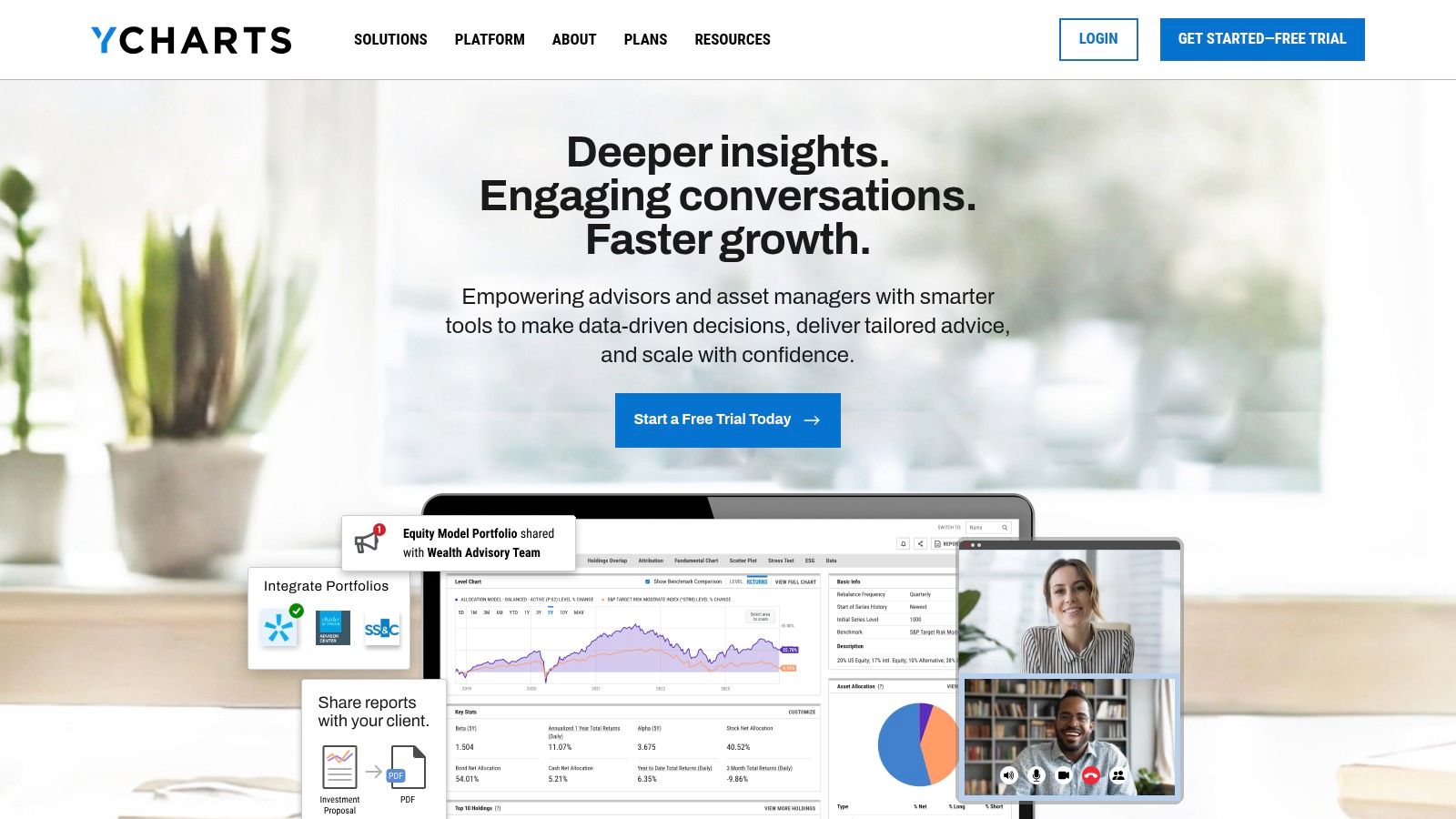
YCharts is one of the easiest tools to like if your work ends in client communication. Advisors, wealth managers, and small research teams often need something slightly different from hardcore institutional platforms. They need data, yes, but they also need charts, comparisons, screens, and visuals they can use for clients.
That’s why YCharts deserves a place here.
Best for advisors and presentation driven analysis
YCharts has long been strong on charting and comparison workflows. AI Chat makes that workflow more accessible. Instead of digging through menus, you can ask for a screen, a chart, or a comparison in natural language and move faster.
Here is where it tends to win:
- Presentation-ready visuals: Good for client decks and internal discussions.
- Simple navigation: Easier to learn than many enterprise terminals.
- Model portfolio support: Helpful for advisory practices and small teams.
If you are comparing funds, building market context for a client review, or screening for companies with specific fundamental traits, YCharts keeps the process approachable.
What it is not
YCharts is not an execution platform, and it is not trying to be a primary research database for institutional analysts. Its alternative dataset depth will not match the big enterprise suites.
That is not a flaw. It is just product reality.
A small RIA can get value from YCharts because the outputs are easy to explain and easy to reuse. A hedge fund analyst doing very deep primary research may outgrow it quickly. Different job, different tool.
8. TrendSpider with Sidekick AI
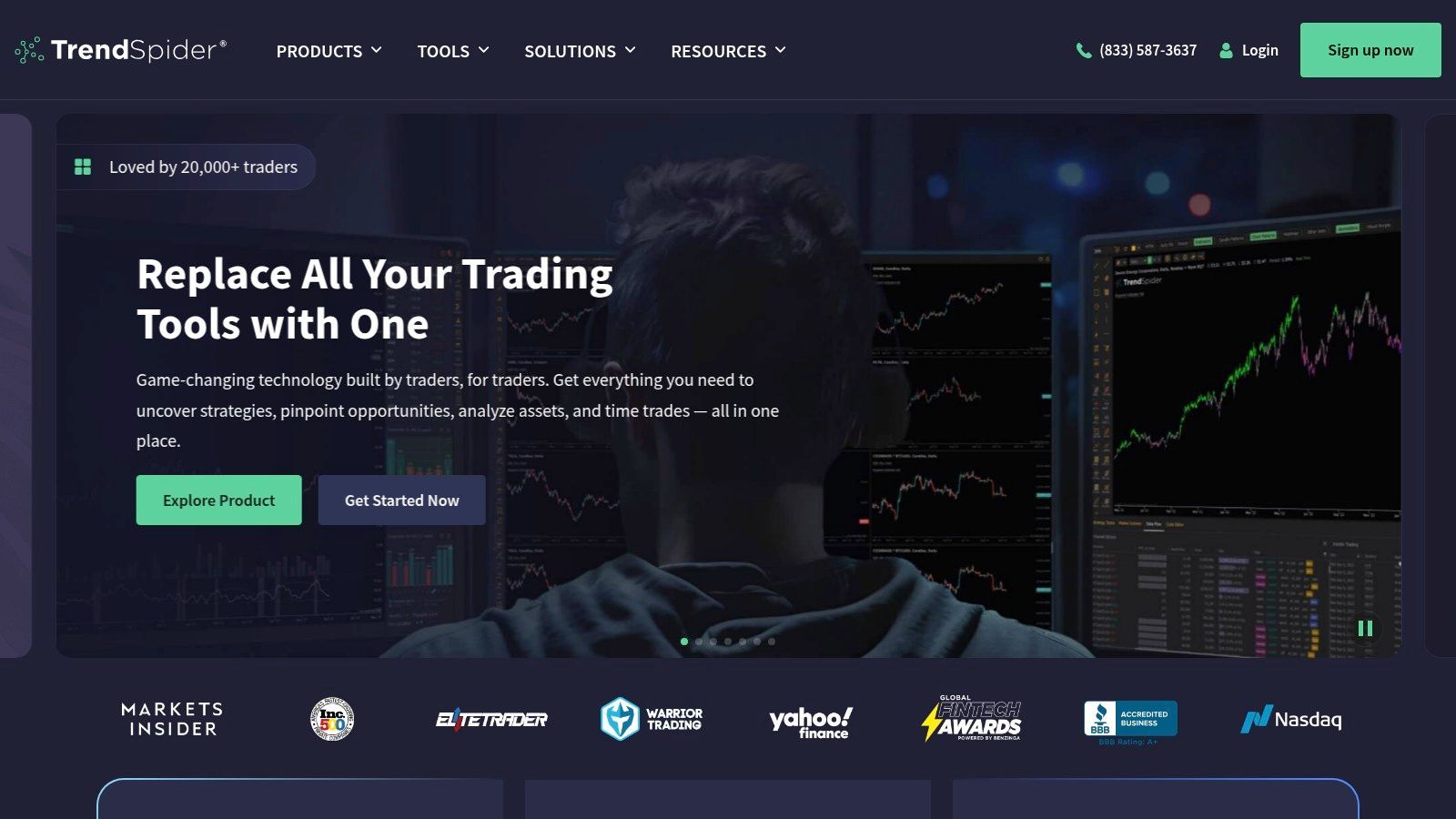
TrendSpider is for a different kind of analyst. If your process is chart-first, signal-driven, and built around active trading, TrendSpider makes a lot more sense than a fundamentals research tool.
This is one of the places where buyers get confused. They search “financial analysis,” find a trading platform, and then wonder why it doesn’t help with earnings transcripts or valuation work. TrendSpider is for technical analysis. On that turf, it is useful.
Why traders like it
Manual chart work is repetitive. Drawing trend lines, checking levels, setting scans, testing ideas. TrendSpider automates a lot of that.
Its appeal comes from reducing the mechanical work around technical setups:
- Automated pattern detection: Useful for traders who do not want to draw everything by hand.
- Backtesting and scanners: Helps turn chart ideas into repeatable rules.
- Sidekick AI: Better as a workflow assistant than as a deep reasoning engine.
If your process is based on price action, TrendSpider can save time and bring more structure to your work. It is especially handy for traders who have rules but need better tooling to apply them consistently.
Where users overestimate it
TrendSpider does not replace fundamental analysis. It does not give you institutional-quality document research. It helps you analyze charts and test trading ideas.
That narrow focus is a strength. I’d rather see a tool do one job clearly than claim to do everything with AI.
If you care more about earnings quality than entry timing, skip TrendSpider. If timing is the job, put it on the list.
9. Trade Ideas with Holly AI
Trade Ideas is built for intraday traders who want idea generation during market hours, not after-the-fact research summaries.
Its Holly AI feature is one of the more recognizable AI brands in retail trading software. The important part is understanding what Holly is doing for you. It is not giving broad financial analysis across companies, filings, and macro trends. It is generating and surfacing trade ideas based on strategy logic and backtested setups.
Best for active day traders
This tool makes the most sense when speed matters and your holding period is short.
Trade Ideas works best for users who want:
- Intraday signal generation: Alerts and setups while the market is moving.
- Backtesting support: A way to stress-test strategy logic.
- Broker connectivity: More direct action from signal to execution.
The platform also has a strong community and educational layer, which helps newer active traders get up to speed faster than they would with a more sterile platform.
The catch
For most investors, Trade Ideas is too specialized.
If you build multi-year theses, do valuation work, or spend time on business quality and management commentary, this is the wrong tool. It is built to answer a narrower question. What can I trade today, and how do I structure that process better?
That makes it useful for its intended audience and easy to skip for everyone else.
10. RavenPack
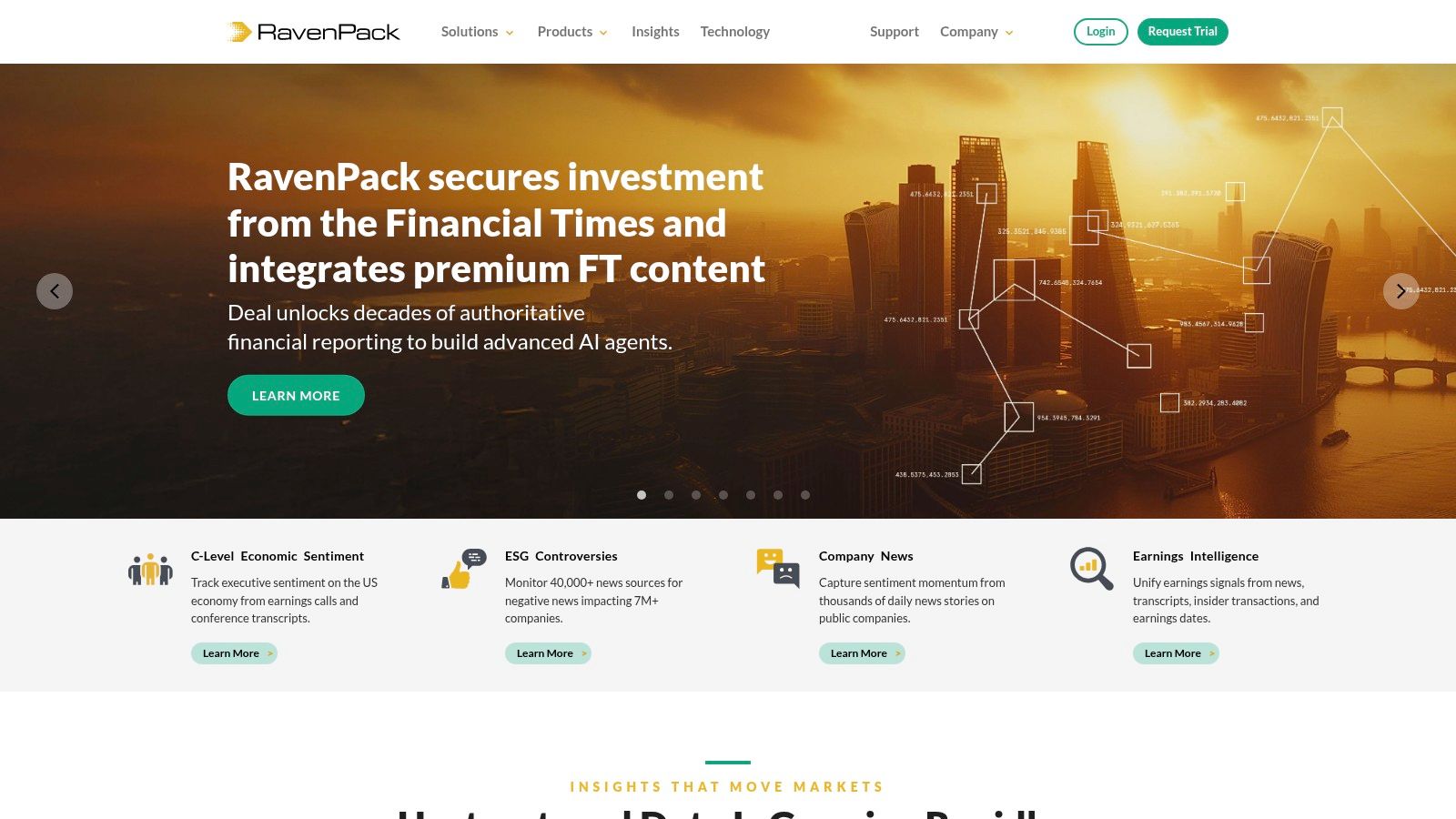
RavenPack is a fit for teams that already have a data pipeline and know how they want to turn text into signals. It processes huge volumes of news, filings, transcripts, and other text, then converts that mess into structured inputs a quant team can test, rank, and feed into models.
That user profile matters.
A solo investor or small discretionary research team usually wants faster answers from documents. A hedge fund research group or bank data science team often wants something different. They want machine-readable event data, sentiment measures, and time-series inputs they can plug into a process that already exists. RavenPack is much closer to the second camp.
Best for quant research and event-driven workflows
The practical value here is consistency at scale. If a team is tracking thousands of companies, sectors, or macro events, manual reading breaks down fast. RavenPack helps standardize how text gets classified so researchers can test whether a signal has predictive value instead of arguing over anecdotal reads on headlines.
That makes it useful for teams that need:
- Structured text signals: Sentiment, relevance, event detection, novelty, and entity-level tagging.
- Dataset and API delivery: Data that can move into internal research systems, factor models, or execution workflows.
- Coverage at institutional scale: A better fit for firms screening broad universes than for analysts building a handful of deep company write-ups.
In practice, this is the kind of platform that shines when a team asks questions like: Did earnings pre-announcements in suppliers show up in the news flow before estimates moved? Did litigation coverage change sentiment around a basket of names before spreads widened? Those are research questions. RavenPack is built for that style of work.
Where it falls down for smaller teams
RavenPack can be overkill if your main job is fundamental research on a limited watchlist. The implementation burden is higher than with chat-first research tools, and the output is only as useful as the process around it. If no one on the team can clean inputs, test features, and monitor signal decay, the platform becomes an expensive feed rather than an edge.
That is the trade-off with institutional AI tools in finance. More data and more structure can be powerful, but only when the team has the engineering support, research discipline, and patience to turn raw signal into a repeatable workflow.
For this article's framework, RavenPack belongs in the enterprise bucket. It makes sense for quant funds, systematic desks, and banks with real data infrastructure. For solo investors or small teams choosing a first AI finance tool, it is usually too specialized and too heavy to justify.
Top 10 AI Financial Analysis Tools, Feature Comparison
| Product | Core features | UX / Quality | Value / Price | 👥 Target audience | 🏆 / ✨ Unique selling points |
|---|---|---|---|---|---|
| Bloomberg Terminal (BloombergGPT) | Real-time market data, NL search & analytics, trading/Excel integrations | ★★★★★, professional, workflow-embedded | 💰💰💰💰, enterprise, quote-based | 👥 Institutional traders, banks, compliance teams | 🏆 Unmatched data breadth; ✨ BloombergGPT for filings Q&A |
| FactSet (Mercury) | Conversational AI, deep fundamentals & estimates, Office add-ins | ★★★★☆, integrated analytics, steep learning curve | 💰💰💰, enterprise pricing | 👥 Research teams, asset managers | 🏆 Strong structured+document integration; ✨ Mercury conversational layer |
| S&P Capital IQ Pro (Kensho) | ChatIQ, Document Intelligence, LLM-ready API | ★★★★★, attributioned, research-grade | 💰💰💰💰, enterprise-only | 👥 Analysts, compliance-focused teams | 🏆 High-quality, traceable data; ✨ Kensho for multi-doc extraction |
| LSEG Workspace (Refinitiv) | Natural-language discovery, Copilot & M365 integrations, real-time data | ★★★★☆, Office-native, rolling feature parity | 💰💰💰, quote-based | 👥 Bankers, portfolio managers using MS Office | 🏆 Office interoperability; ✨ Copilot integrations for meetings/reports |
| AlphaSense | Generative search, citation traceability, expert transcripts | ★★★★☆, fast discovery, citation-led | 💰💰💰, premium content licensing | 👥 Professional investors, sell-side researchers | 🏆 Consolidates premium sources; ✨ Generative Grid & transcript access |
| Fiscal.ai (formerly FinChat) | Conversational fundamentals-first Q&A, screening, collaboration | ★★★★, research-focused, approachable UX | 💰💰, tiered, lower-cost entry | 👥 Advanced retail, small institutional teams | ✨ Fast fundamentals ramp; 💰 better value vs institutional terminals |
| YCharts (with AI Chat) | Portfolio analytics, charting, AI chat for charts/screens | ★★★★, advisor-friendly, presentation-ready | 💰💰, mid-market subscription | 👥 RIAs, financial advisors, small research teams | ✨ Presentation-ready visuals; 🏆 Explainable results with links to data |
| TrendSpider (Sidekick AI) | Automated pattern detection, backtesting, market scanners | ★★★★, automation-focused, technical UX | 💰💰, transparent pricing + add-ons | 👥 Active technical traders | ✨ Sidekick AI for trade ideas; 🏆 Powerful automation for charting |
| Trade Ideas (Holly) | AI intraday signals, OddsMaker backtesting, alerts & brokerage links | ★★★★, real-time idea-generation | 💰💰💰, Premium tier for AI features | 👥 Intraday traders, day traders | ✨ 'Holly' nightly strategy optimizer; 🏆 Strong community & education |
| RavenPack | NLP sentiment signals, event tagging, low-latency APIs | ★★★★☆, quant-grade, data-heavy | 💰💰💰, enterprise, integration costs | 👥 Quant funds, banks, data engineers | 🏆 Orthogonal signals for quant models; ✨ Multi-language, large-source coverage |
How to Choose Your First AI Finance Tool
Monday morning usually makes the decision for you. A solo investor is buried in filings and earnings calls. An advisor needs client-ready charts by noon. A research team is trying to answer a portfolio manager’s question without breaking compliance rules or waiting on data access. All three are shopping in the same category, but they do not need the same product.
The fastest way to overspend is to buy for status instead of workflow. I have seen people reach for Bloomberg because it feels safe, or trial a lower-cost retail tool because it feels low risk. Both choices can miss the mark if the tool does not fit the actual job.
Start with the bottleneck.
If the primary pain is document overload, AlphaSense or Fiscal.ai usually deserves the first look. If the job is portfolio reviews, client presentations, and explainable visuals, YCharts is a better fit than a research terminal. If the work centers on trade setups, backtests, and signal generation, TrendSpider or Trade Ideas will help more than a platform built around filings, transcripts, and broker research.
Then sort by user type, because that changes the answer fast.
For solo investors and beginners, the right first tool is usually the one you will open every week without friction. Fiscal.ai and YCharts are easier starting points than Bloomberg, FactSet, or Capital IQ Pro. The goal is not maximum feature depth. The goal is a better research routine.
For advisors and small teams, the output matters as much as the data. You need clean charts, side-by-side comparisons, notes, and material you can reuse with clients or colleagues. YCharts often wins on usability. AlphaSense can earn its keep if the team spends enough time digging through transcripts, filings, and expert commentary to justify the higher cost.
For enterprise research and investment teams, the decision gets less romantic and more operational. Data rights, permissioning, audit trails, interoperability, procurement, and internal support matter as much as the AI layer. Bloomberg, FactSet, Capital IQ Pro, and LSEG Workspace belong in that conversation. AlphaSense often comes in when teams want faster search and summarization across a large content stack.
The next filter is data maturity. First-time buyers often find surprises here. The demo works on polished sample data. Real use depends on what the tool can access on day one, how clean that data is, and who will maintain the setup after the pilot ends. Integration effort, privacy review, user training, and workflow changes can cost more time than the subscription suggests, especially for smaller firms without dedicated data or IT support.
Before you commit, ask one blunt question: what data will this tool connect to on day one, and who on our team will own that setup?
A practical short list helps:
- Pick one primary workflow: research, trading, portfolio reporting, or enterprise analysis.
- Test output, not just answers: a fluent response is useless if you cannot trust or reuse it.
- Check source traceability: if clients, compliance, or investment committees will review the work, citations and drill-down matter.
- Assume setup work: tools that touch multiple systems rarely run cleanly out of the box.
- Price the full decision: subscription cost is only one line item. Training, implementation, and unused seats count too.
Specialist tools also tend to separate themselves once the work gets technical. Wall Street Prep’s 2026 evaluation of finance AI tools found that a finance-specific product outperformed general-purpose assistants in a financial modeling benchmark in its ranking of AI tools for financial modeling. That matches what practitioners see in the field. General AI is useful for drafting, brainstorming, and quick synthesis. Purpose-built finance tools usually hold up better when the job requires source fidelity, domain-specific workflows, and repeatable output.
That does not mean the most specialized platform is the right first purchase. It means the right level of tool depends on the rigor your work requires.
If you are early in the process, run a trial, a limited pilot, or a narrow team rollout. Watch behavior, not vendor claims. Are analysts spending less time hunting for answers? Are advisors producing cleaner deliverables? Are traders finding setups they can test and act on? Or did the tool become another tab that looked good in procurement and disappeared in practice?
That answer matters more than any feature matrix.
If you want another perspective on the software side of this market, this list of best financial analysis software platforms is worth reviewing alongside the AI-specific tools above. YourAI2Day is also useful if you want broader, practical coverage of AI tools and implementation without relying only on vendor messaging.
The right finance AI tool is the one that removes friction from the work you already do.
If you’re comparing AI tools and want plain-English coverage of how they work in the world, YourAI2Day is a useful place to keep researching. It covers AI tools, trends, and practical implementation ideas for readers who want more than vendor hype.