12 Best AI Tools for Small Business in 2025
Finding the right AI tools for small business can feel overwhelming, right? You're trying to boost productivity and cut costs, not spend weeks sifting through endless options. Don't worry, this guide is built to solve that exact problem. We've done the heavy lifting to create a straight-to-the-point resource list, helping you discover, compare, and implement the best AI solutions for your specific needs.
Instead of just another generic list, think of this as your friendly roadmap to building a smarter, more efficient business. We'll dive into the platforms and marketplaces where you can find powerful, vetted tools, exploring everything from app stores like Shopify and Google Workspace to foundational AI models like ChatGPT and Claude. As business technology expert, Sarah Evans, puts it, "For small businesses, AI isn't about replacing people; it's about empowering them to do their best work. The key is finding tools that fit your existing workflow, not forcing a new one." This guide is designed for entrepreneurs and business owners who are new to AI and want practical, actionable advice.
Each entry includes a clear overview, practical use cases, and an honest look at its pros and cons. To make your decision-making easier, you'll find direct links and screenshots for every platform mentioned. Our goal is to equip you with the information needed to confidently select and integrate AI, saving you valuable time and resources. Let's find the tools that will make a real difference for your business.
1. AppSumo
AppSumo isn't a single AI tool but rather a treasure trove for finding them. It's a leading digital marketplace that specializes in offering lifetime deals (LTDs), making it a goldmine for small businesses wanting to access powerful AI tools for small business without committing to hefty monthly subscriptions. Instead of paying recurring fees, you can often secure a tool for a one-time payment, dramatically lowering your long-term software costs.
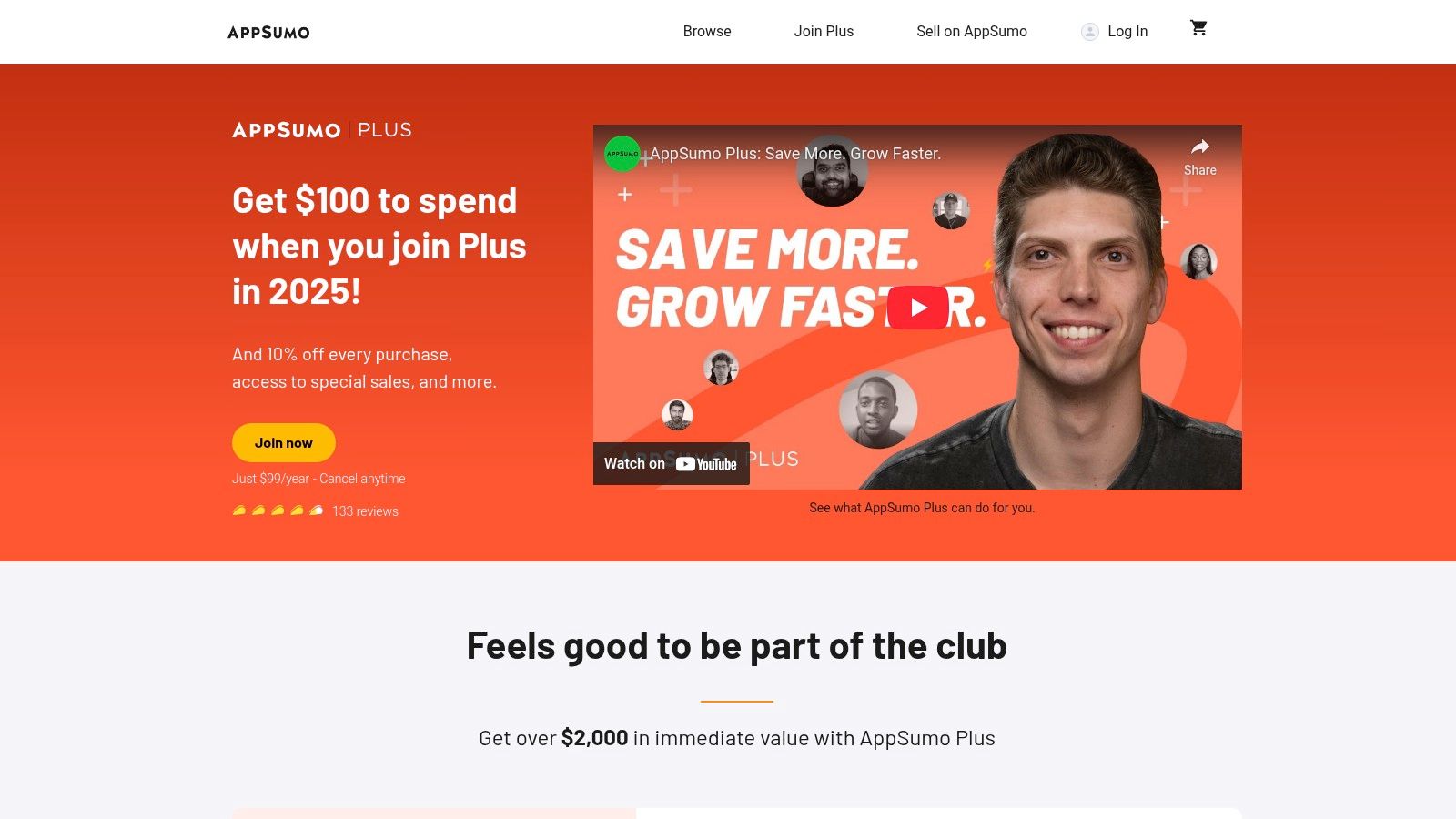
This platform is perfect for experimenting. You can discover emerging AI copywriting assistants, chatbot builders, video generators, and analytics platforms, often before they hit the mainstream market. The user experience is straightforward, with reviews and Q&A sections helping you vet each deal.
Why It's a Great Resource
For a small business owner, the biggest win is cost-efficiency. Imagine getting lifetime access to a sophisticated AI content creator for the price of just two or three months of a competitor's subscription. However, it requires careful evaluation. Many tools are from early-stage startups, so their features and long-term support can be a mixed bag.
- Practical Example: A local bakery owner could buy a lifetime deal on an AI-powered social media scheduler for $59. This tool could then generate post ideas, write captions, and schedule a month's worth of content, saving them hours each week.
- Best Use Case: Experimenting with various AI tools on a budget.
- Pro Tip: Always read the user reviews and the founder's comments in the Q&A section. Also, check the refund policy (usually 60 days) to test the tool thoroughly before committing.
- Pricing: Deals are one-time purchases, typically ranging from $39 to $99 for lifetime access. An optional "Plus" membership ($99/year) offers 10% off purchases.
Website: https://appsumo.com
2. G2
While not an AI tool itself, G2 is the world's largest B2B software marketplace and an essential research hub. Think of it as the ultimate comparison engine for finding the best AI tools for small business based on real, verified user reviews. Instead of just taking a vendor's word for it, you can see how a tool performs in the real world for businesses just like yours, making it a critical first stop before you buy.
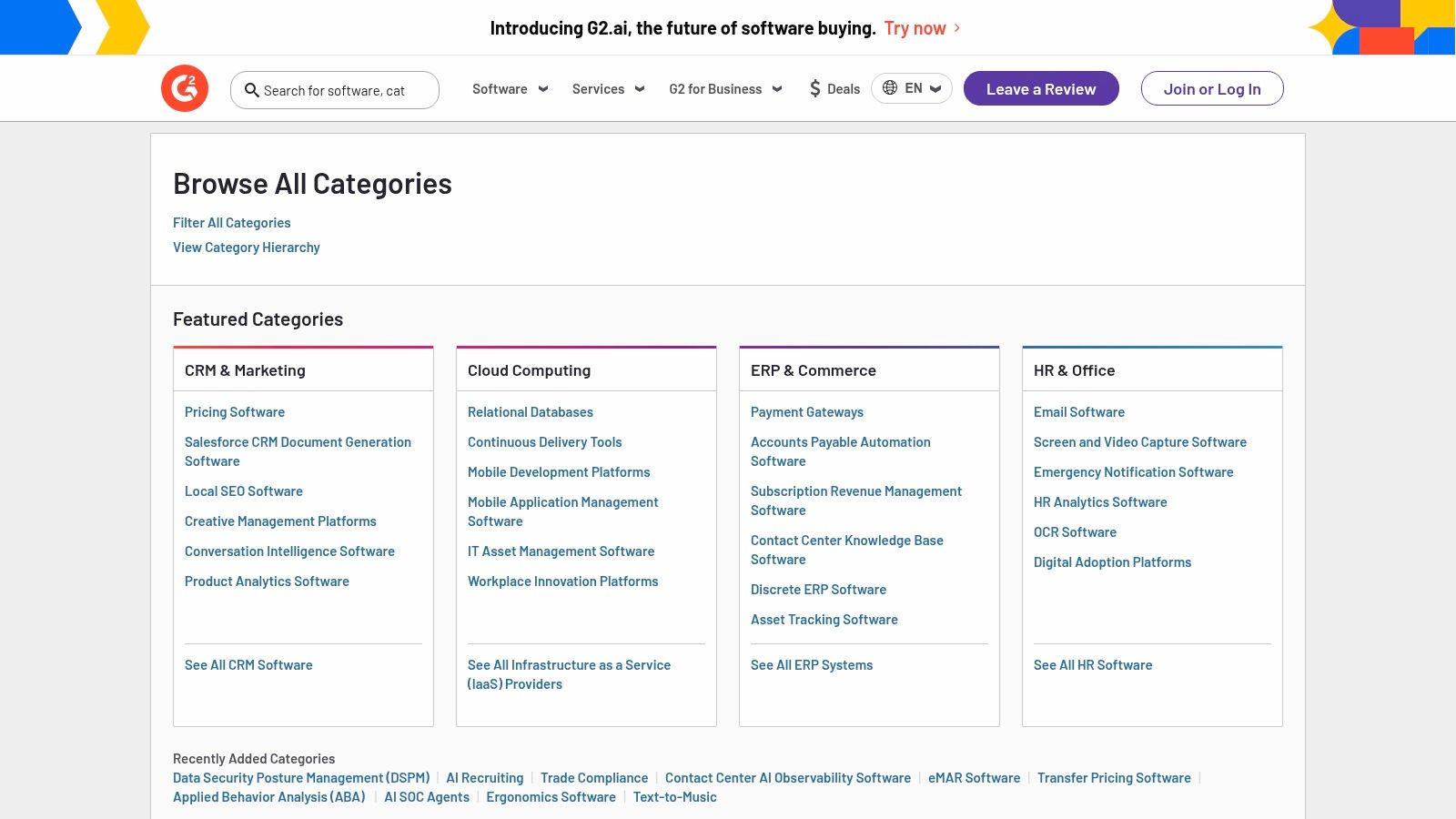
The platform’s strength lies in its incredible detail. You can filter AI software by company size, specific features, and user satisfaction ratings. The G2 Grid reports visually map out leaders in various AI categories, helping you quickly identify top-rated and trending solutions without endless searching. It’s like having an expert consultant guide you through the crowded AI market.
Why It's a Great Resource
For a small business, G2 removes the guesswork from software purchasing. You can read in-depth reviews, compare features side-by-side, and understand a tool's pros and cons before committing time or money. The only downside is that G2 is a research platform, not a store; you'll be redirected to vendor sites to purchase, and you should be aware that sponsored listings sometimes appear at the top.
- Practical Example: A small marketing agency wants to find the best AI email marketing tool. They use G2 to compare three leading options, filtering reviews specifically from other agencies with fewer than 10 employees. This helps them choose the tool that best fits their unique needs and budget.
- Best Use Case: Comparing top AI solutions and validating choices with verified user reviews.
- Pro Tip: Use the comparison feature to select up to four tools and generate a side-by-side report of their features, pricing, and user ratings. Pay attention to reviews from companies of a similar size to yours.
- Pricing: Free to use for research and comparison.
Website: https://www.g2.com/categories
3. Capterra
Capterra acts as a comprehensive software encyclopedia, and its dedicated sections for artificial intelligence are invaluable for research. It’s not a place to buy software, but rather a trusted directory where you can compare, vet, and discover AI tools for small business based on extensive, verified user reviews. Its structured approach helps cut through the marketing noise to find what truly works.
The platform shines with its powerful filtering system. You can easily shortlist AI software by company size, specific features, pricing models, and industry. For small business owners who feel overwhelmed by options, Capterra’s buyer guides and side-by-side comparison tools provide a clear, data-driven path to making an informed decision.
Why It's a Great Resource
The biggest advantage for a small business is the confidence that comes from verified reviews and transparent comparisons. Instead of relying on a vendor's website, you get insights from actual users who share your business profile. However, be mindful that sponsored listings often appear at the top, so it’s wise to explore beyond the first few results.
- Practical Example: A consultant looking for an AI-powered scheduling tool uses Capterra to filter for options under $20/month that integrate with their calendar and have an average rating of 4.5 stars or higher from other solo business owners.
- Best Use Case: Researching and comparing established AI tools with verified user reviews.
- Pro Tip: Use the "Small Business" filter and sort by "Highest Rated" instead of "Sponsored" to find hidden gems that are popular with your peers.
- Pricing: Free to use for research. Pricing for tools is listed on the respective vendor websites.
Website: https://www.capterra.com/artificial-intelligence-software/
4. AWS Marketplace
For businesses already operating within the Amazon Web Services ecosystem, the AWS Marketplace is a logical next step for sourcing powerful AI capabilities. It functions as a digital catalog where you can find, buy, and immediately deploy third-party AI software and services. This makes it one of the most direct ways to integrate enterprise-grade AI tools for small business into your existing cloud infrastructure, all with the convenience of consolidated billing.
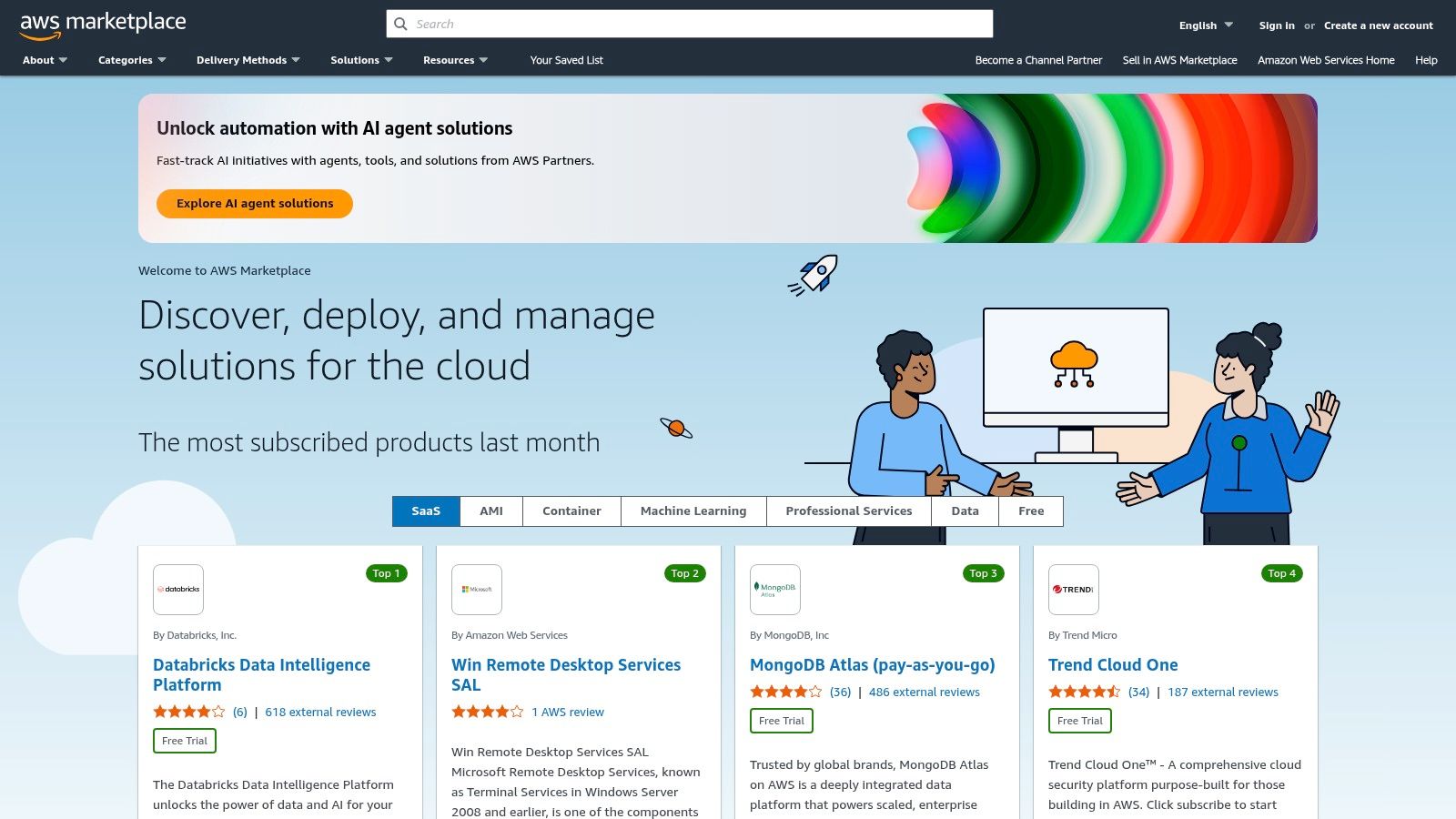
The marketplace offers a vast selection of AI solutions, from advanced chatbot APIs and computer vision models to specialized contact center AI. The user experience is geared towards developers and IT professionals, with one-click deployment that simplifies what could otherwise be a complex integration process.
Why It's a Great Resource
The primary benefit is centralized management. Procuring AI tools through the AWS Marketplace means your software subscriptions appear on your single AWS bill, streamlining accounting and budget tracking. However, it's crucial to note that while some tools are accessible, many are designed for mid-market or enterprise clients, and you must also account for the separate AWS infrastructure costs needed to run them.
- Practical Example: A small tech startup wants to add image recognition to their app. Instead of building it from scratch, they use AWS Marketplace to find and deploy a pre-trained AI model on a pay-per-use basis, saving months of development time.
- Best Use Case: Integrating sophisticated AI APIs directly into an existing AWS environment.
- Pro Tip: Pay close attention to the pricing models. Many are pay-as-you-go, which is flexible but requires monitoring to avoid unexpected costs. Use the AWS Cost Explorer to track your spending.
- Pricing: Varies widely by vendor. Models include metered usage (pay-per-API-call), monthly contracts, and custom private offers.
Website: https://aws.amazon.com/marketplace/
5. Microsoft AppSource
For small businesses already embedded in the Microsoft ecosystem, AppSource is the most direct path to finding powerful AI integrations. It serves as Microsoft's official app store, offering thousands of add-ins, assistants, and copilots designed to work seamlessly with tools you likely use daily, like Outlook, Teams, Excel, and Dynamics 365. This makes it an essential hub for discovering AI tools for small business that enhance existing workflows rather than replacing them.
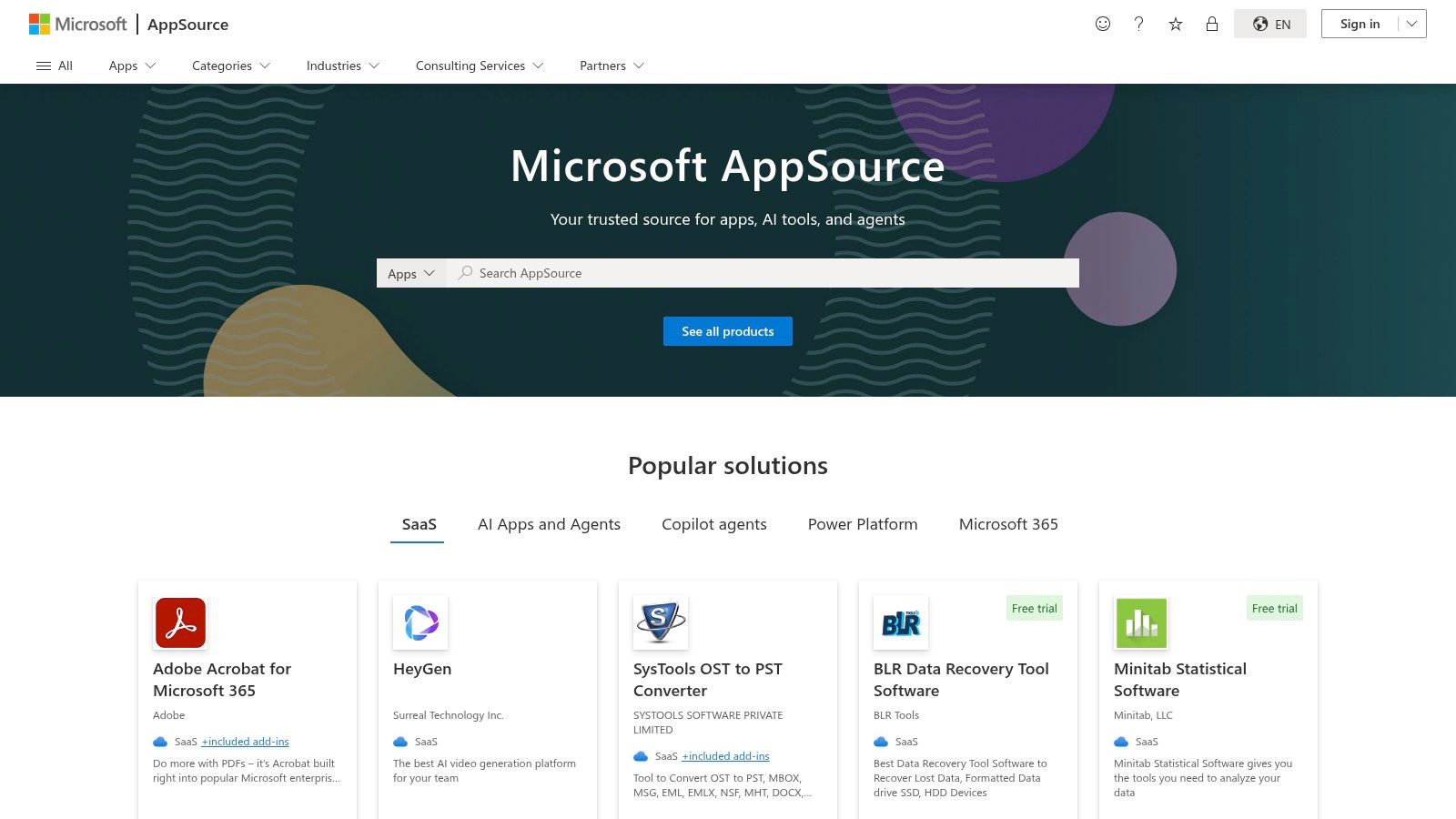
Unlike open marketplaces, every app on AppSource is vetted for compatibility and security within the Microsoft environment. The user experience feels familiar, with purchases and installations managed directly through your existing Microsoft business account, simplifying administration and billing. You can filter by category, industry, and product compatibility to find exactly what you need.
Why It's a Great Resource
The primary advantage is the deep, native integration. Imagine an AI sales assistant that lives inside Dynamics 365 or an AI-powered data analysis tool that appears directly in your Excel ribbon. This tight coupling reduces friction and training time. However, its strength is also its limitation; it offers little value for businesses centered around Google Workspace or other non-Microsoft platforms.
- Practical Example: A project manager installs an AI meeting assistant from AppSource into their Microsoft Teams. The AI automatically records meetings, generates a transcript, and creates a shareable summary with action items, saving an hour of manual note-taking after each call.
- Best Use Case: Extending Microsoft 365, Dynamics 365, or Power Platform with specialized AI capabilities.
- Pro Tip: Use the "Test Drive" or "Free Trial" filters to try out apps without commitment. Check if the app is "Microsoft Preferred" for a higher level of vetting and quality.
- Pricing: Varies widely by vendor. Some are free add-ins, while others require monthly or annual subscriptions that are billed through your Microsoft account.
Website: https://appsource.microsoft.com/
6. Google Workspace Marketplace
For businesses already living in Google's ecosystem, the Workspace Marketplace is the most direct way to enhance your existing tools. It’s not a standalone AI platform but an app store that lets you inject powerful AI tools for small business directly into Gmail, Docs, Sheets, and Slides. You can find everything from GPT-powered email assistants and document summarizers to AI-driven data analysis add-ons for Sheets, all designed to work within your current workflow.
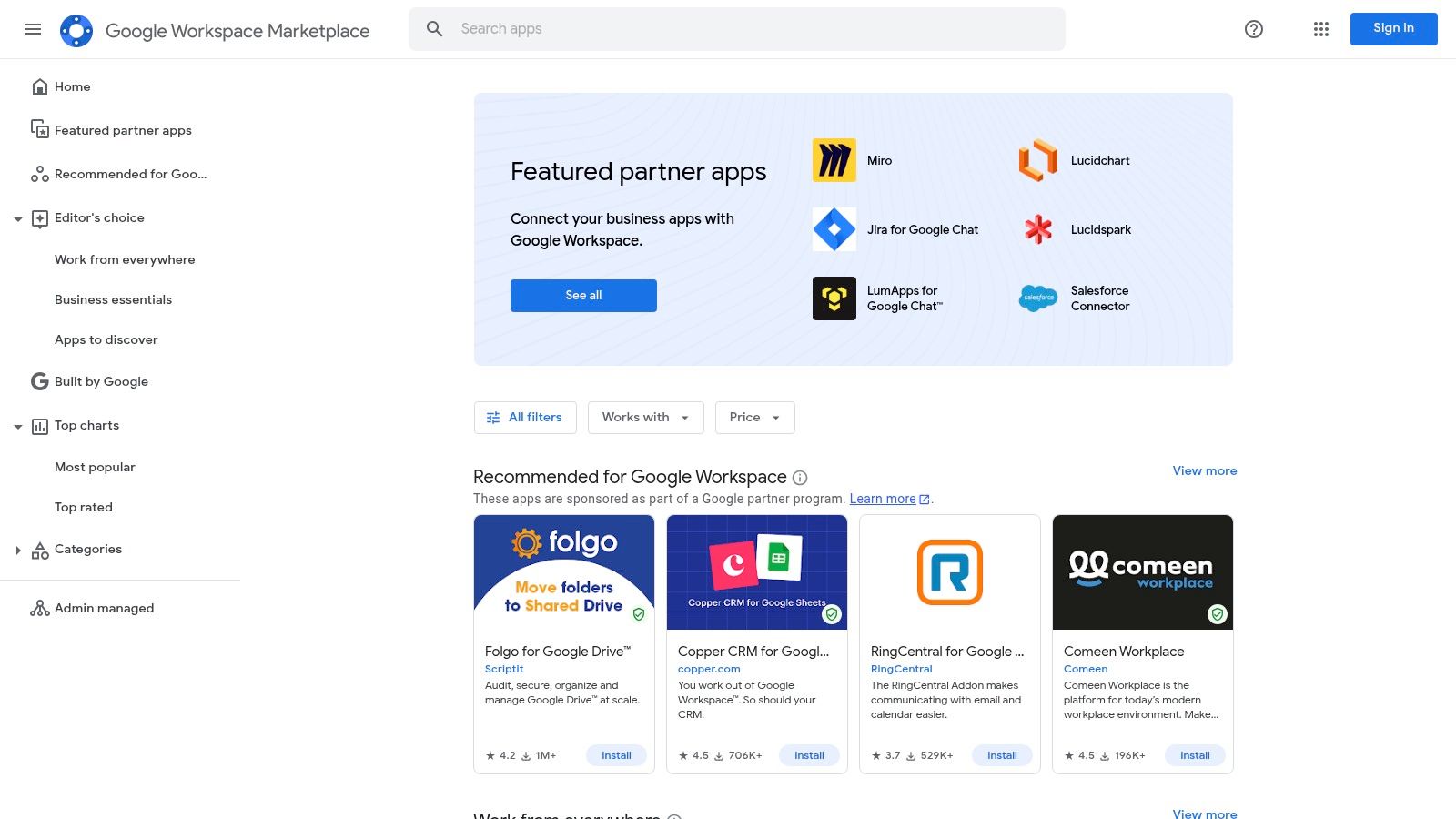
This approach eliminates the need to constantly switch between different applications, saving valuable time. For instance, you could install an add-on that helps you draft a professional reply directly inside a Gmail thread or one that uses AI to clean and analyze a dataset without ever leaving your spreadsheet. The user experience is seamless, as these apps often appear as a convenient side-panel.
Why It's a Great Resource
The primary advantage is convenience and speed. Integrating AI features into the tools your team uses daily removes friction and encourages adoption. However, the quality of apps can be inconsistent. It’s crucial to scrutinize an app’s requested permissions and reviews before installing, as some require extensive access to your data. Many high-quality add-ons also operate on a freemium model or require a separate subscription.
- Practical Example: A freelance writer installs an AI add-on for Google Docs. Now, right inside their document, they can ask the AI to suggest alternative headlines, check for tone consistency, or summarize a long research article, speeding up their entire writing process.
- Best Use Case: Augmenting existing Google Workspace tools with specific AI functionalities.
- Pro Tip: Pay close attention to the "Permissions" tab on any app listing. Only grant access you're comfortable with and check the last update date to ensure the tool is actively maintained.
- Pricing: Varies widely. Many apps are free or offer free tiers, while others require a separate subscription with the third-party developer.
Website: https://workspace.google.com/marketplace/
7. Shopify App Store
For e-commerce entrepreneurs, the Shopify App Store is less of a general marketplace and more of a specialized arsenal. It's the central hub where merchants find powerful, pre-vetted AI tools for small business designed to integrate seamlessly into their online stores. From AI-powered product recommendation engines to automated customer service chatbots and AI-driven merchandising, the platform puts e-commerce-specific AI directly at your fingertips.
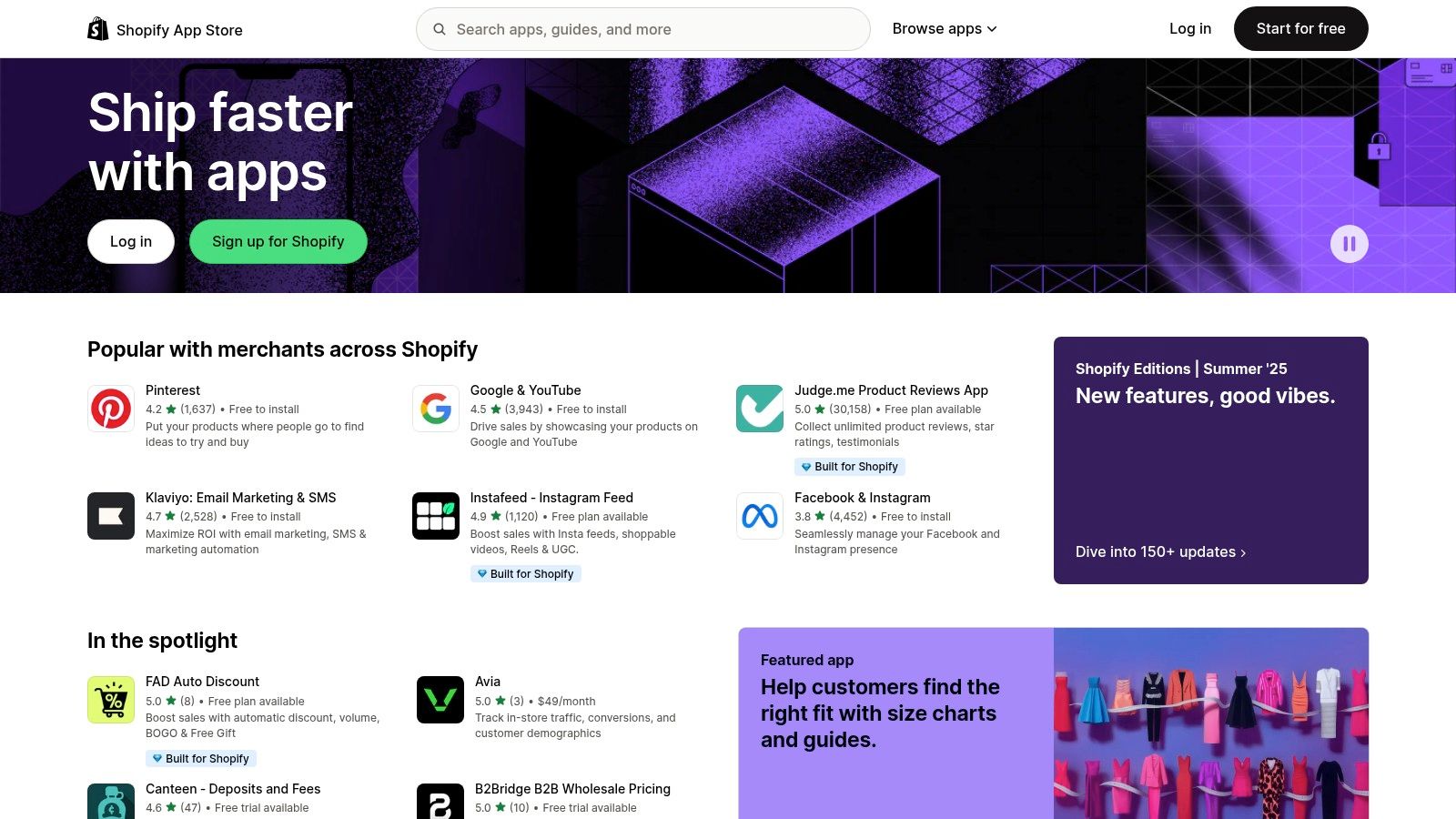
This marketplace includes Shopify's native "Magic" features for tasks like generating product descriptions, alongside a vast ecosystem of third-party apps. The user experience is tailored for store owners, often featuring one-click installations that require no technical expertise to get started.
Why It's a Great Resource
The primary advantage is its hyper-focus on e-commerce. These apps are purpose-built to solve merchant problems like cart abandonment, low conversion rates, and customer support bottlenecks. However, the quality of apps can vary, and the monthly subscription fees for multiple apps can add up quickly if not managed carefully.
- Practical Example: An online clothing store owner installs an AI-powered personalization app. The app analyzes customer browsing behavior and displays a "Recommended for You" section on the homepage, leading to a 15% increase in average order value.
- Best Use Case: Enhancing an e-commerce store with AI for upselling, personalization, and support.
- Pro Tip: Utilize the free trial periods most apps offer to test their impact on your sales or workflow before committing. Also, pay close attention to recent reviews, not just the overall rating.
- Pricing: Varies widely by app. Many offer free plans with limited features, while paid plans typically range from $10 to $100+ per month per app.
Website: https://apps.shopify.com
8. Wix App Market
For small businesses already using the Wix platform, the Wix App Market is the most direct way to enhance their websites with AI capabilities. Rather than seeking out third-party tools that may be complex to integrate, this marketplace offers AI-powered apps specifically designed to work seamlessly within the Wix ecosystem. This makes it an incredibly practical source of AI tools for small business, especially for local service providers and solo entrepreneurs.
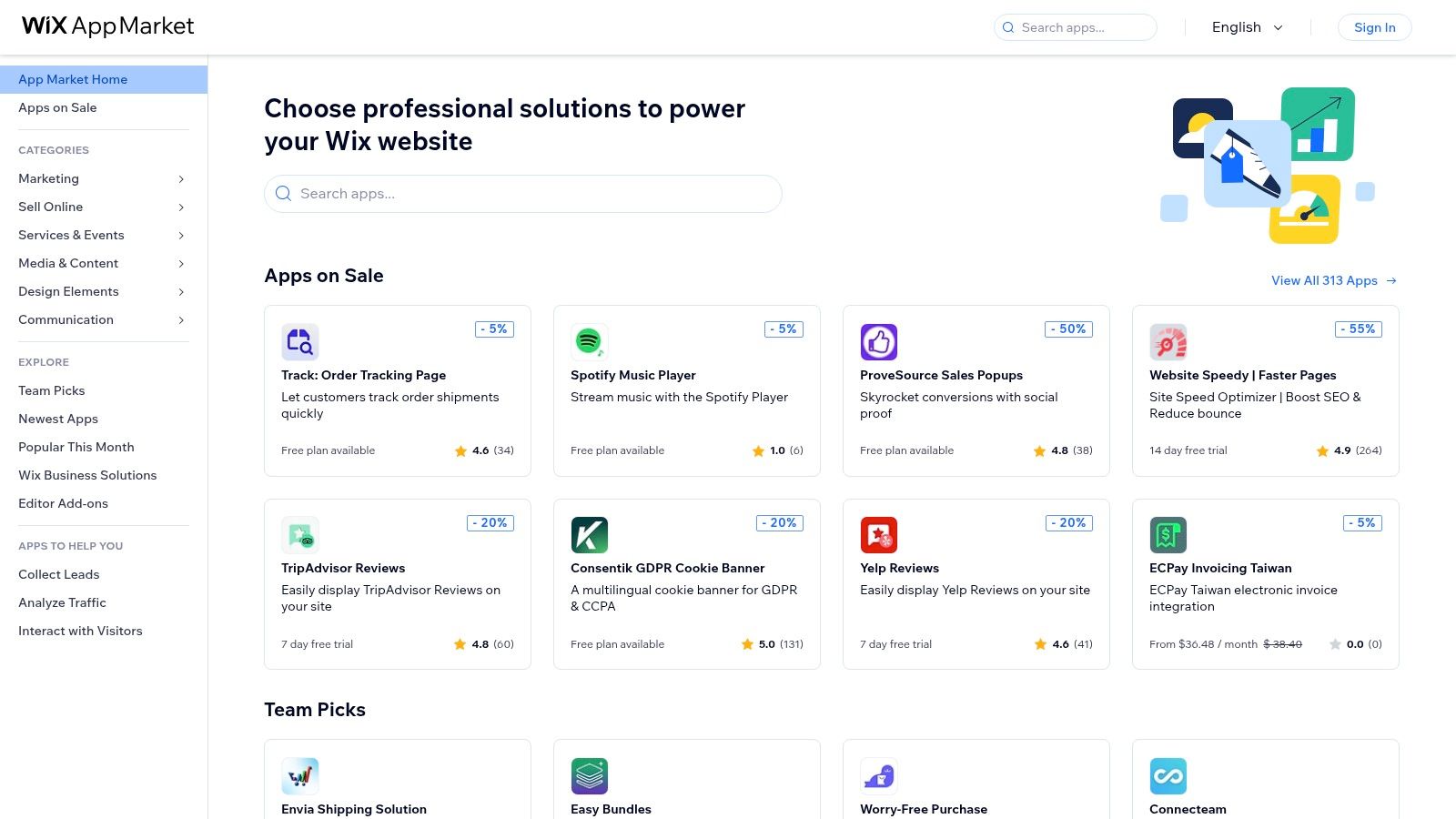
From AI chatbots that handle customer inquiries 24/7 to automated ad creation tools, the apps are built for easy, one-click installation. The platform provides clear usage notes, user reviews, and transparent pricing information, helping non-technical teams make informed decisions without needing a developer.
Why It's a Great Resource
The primary advantage is simplicity. Integrating an AI chat assistant or a business name generator takes just a few clicks, eliminating the technical hurdles often associated with new software. However, the app selection is more limited than larger platforms like WordPress. Some AI apps also come with a disclaimer about potential inaccuracies, so it’s wise to test them thoroughly before fully deploying them on your live site.
- Practical Example: A local photographer adds an AI chatbot app from the Wix market to their site. The bot is trained on their service packages and can answer common questions like "What are your prices?" and "Are you available on October 26th?", freeing the photographer up from answering repetitive emails.
- Best Use Case: Adding AI-powered features like chatbots and ad tools directly to an existing Wix website.
- Pro Tip: Look for apps with free trials or freemium plans. This allows you to test the tool's functionality and see if it genuinely adds value to your site before committing to a paid subscription.
- Pricing: Varies by app. Many offer free basic plans with premium tiers ranging from $5 to $50+ per month.
Website: https://www.wix.com/app-market
9. WordPress.org Plugin Directory
For the millions of small businesses running their websites on WordPress, the official Plugin Directory is an essential resource, not a single tool. It's an enormous, open-source marketplace where you can find thousands of plugins that integrate powerful AI tools for small business directly into your site. This allows you to add features like AI-driven content generation, SEO optimization, intelligent chatbots, and image creation without ever leaving your dashboard.
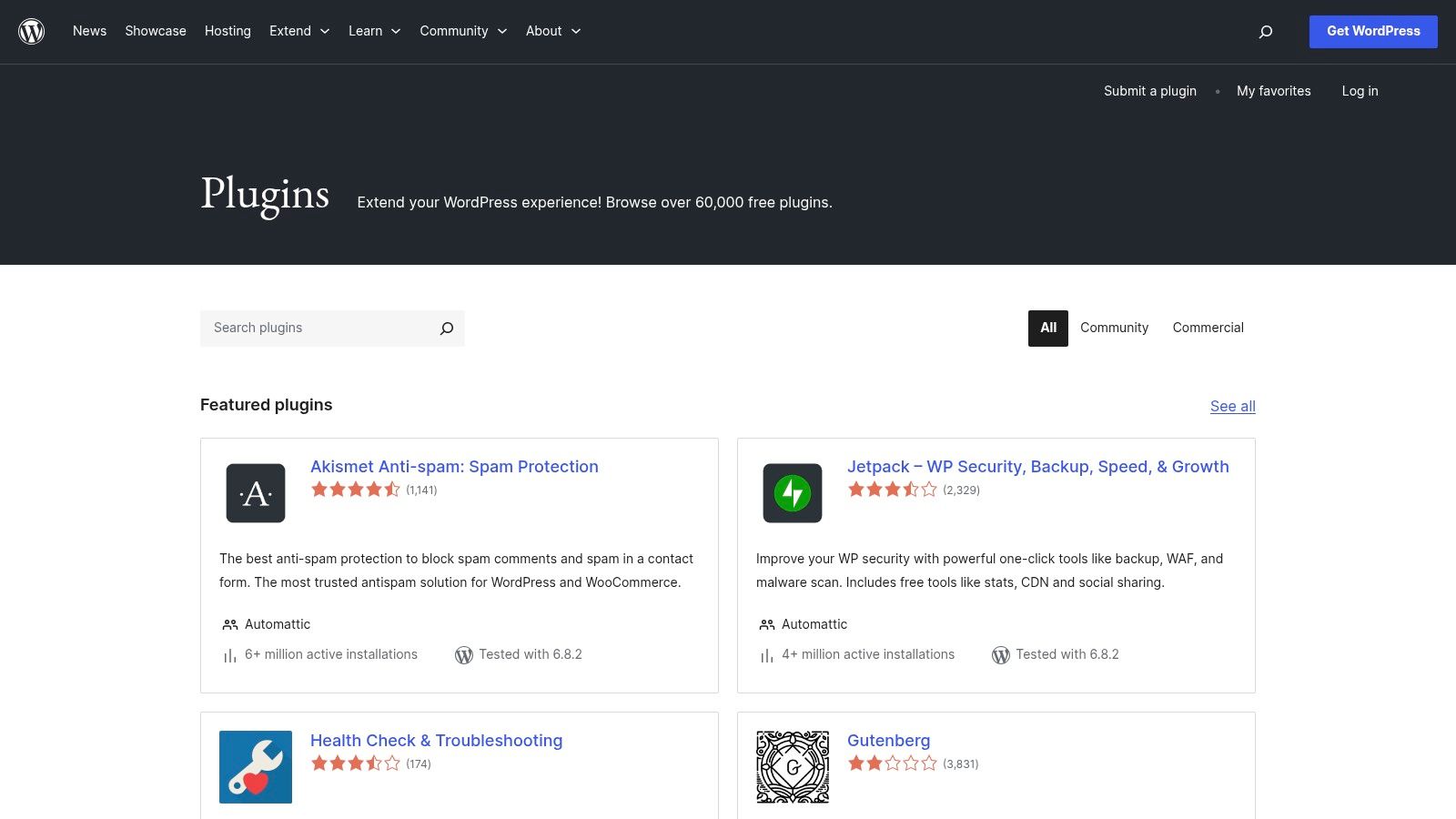
Unlike standalone platforms, these tools are built to work within the WordPress ecosystem. You can find plugins that help write blog posts, automatically generate product descriptions for your WooCommerce store, or even build entire pages with AI assistance. The user experience varies between plugins, but the integration is typically seamless.
Why It's a Great Resource
The primary advantage is cost-effectiveness and convenience. Many powerful AI plugins offer a free version that’s perfect for testing, allowing you to upgrade only when you need more advanced features. However, the quality can be inconsistent. Since it's an open marketplace, you must carefully check reviews, last updated dates, and active installation numbers to avoid poorly maintained or insecure plugins.
- Practical Example: A blogger installs a free AI-powered SEO plugin. As they write a new post, the plugin suggests relevant keywords, analyzes readability, and even helps generate a compelling meta description directly within the WordPress editor, improving their chances of ranking on Google.
- Best Use Case: Integrating AI features directly into a WordPress website for content, SEO, and customer service.
- Pro Tip: Look for plugins with strong community support, frequent updates, and positive recent reviews. Install new plugins on a staging site first to test for conflicts before deploying them on your live website.
- Pricing: A vast number of plugins are free or offer a "freemium" model. Pro versions with advanced features are sold separately by developers, with prices varying widely.
Website: https://wordpress.org/plugins/
10. OpenAI – ChatGPT (Plus, Pro, Business, Enterprise)
Going straight to the source, OpenAI offers direct access to its powerful ChatGPT models through various tiered plans. While many people are familiar with the free version, the paid plans (Plus, Pro, and Business) unlock the full potential of this technology, making it one of the most versatile AI tools for small business. These subscriptions provide access to the latest models like GPT-4, advanced features like voice and image analysis, and crucial workspace controls for team collaboration.
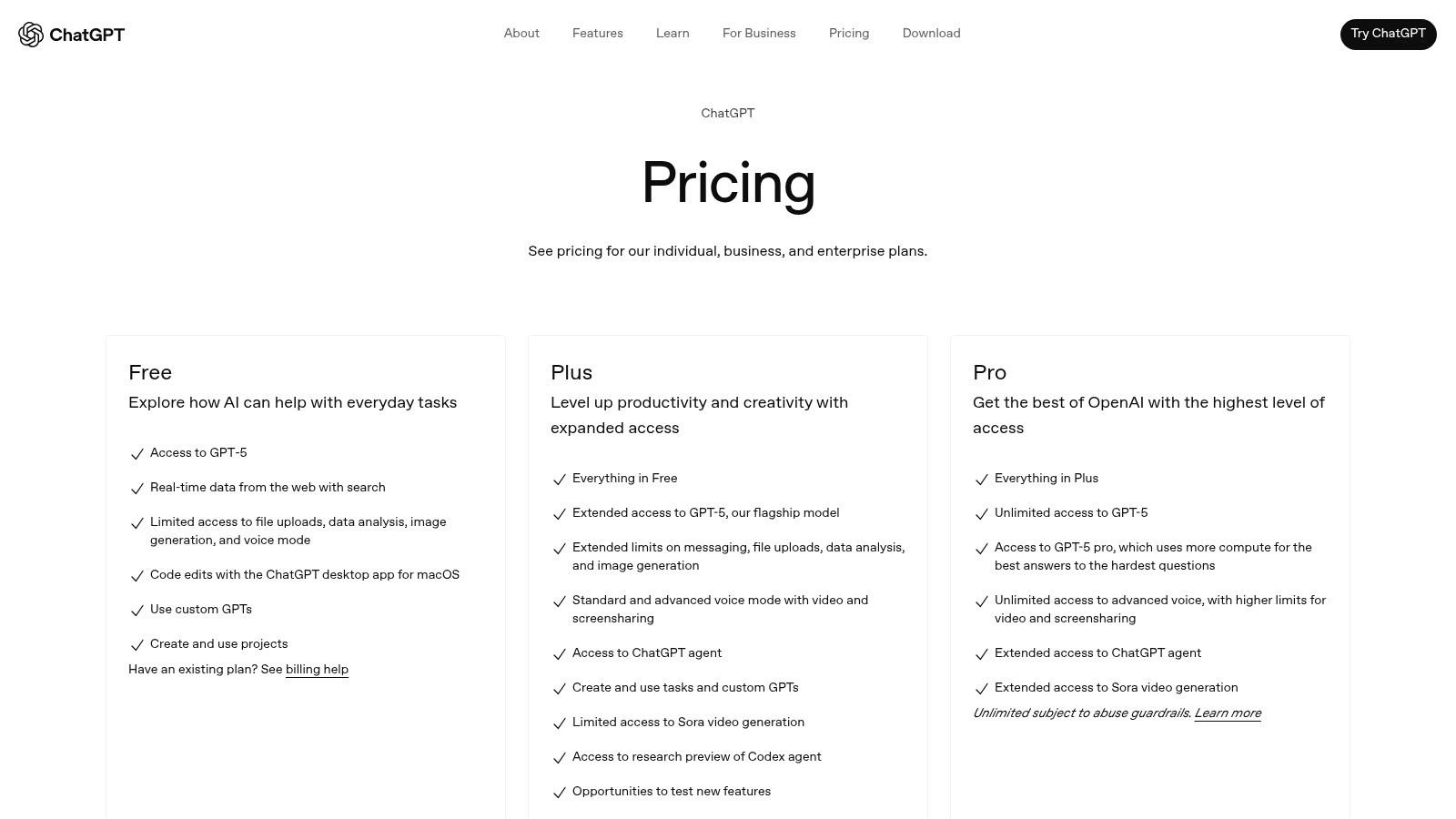
The Business and Enterprise plans are specifically designed for organizational use, offering admin consoles, shared workspaces, and a guarantee that your business data won't be used for training OpenAI's models. This makes it a secure and powerful solution for everything from drafting marketing copy and analyzing customer feedback to brainstorming business strategies. Its straightforward interface ensures a minimal learning curve for your team.
Why It's a Great Resource
For small businesses, the primary benefit is direct access to cutting-edge AI without a middleman. You get the newest features first and a clean, focused user experience. The tiered pricing allows you to scale up as your team grows or your needs become more complex. While it excels at direct interaction, integrating it into complex automated workflows might require using a tool like Zapier. For more ideas on how to use it, you can explore other top AI tools for content creation.
- Practical Example: A small consulting firm uses a ChatGPT Business account to analyze client feedback from surveys. They paste in the raw data and ask it to "Identify the top three positive themes and the most common complaint," getting a concise summary in seconds instead of hours of manual reading.
- Best Use Case: All-purpose AI assistant for content, analysis, and brainstorming within a team.
- Pro Tip: Use the "Custom Instructions" feature to give ChatGPT context about your business, brand voice, and target audience. This saves you from repeating yourself in every prompt.
- Pricing: Free version available. Paid plans start at $20/user/month for Plus, with custom pricing for Business and Enterprise tiers that include enhanced privacy and admin controls.
Website: https://openai.com/chatgpt/pricing
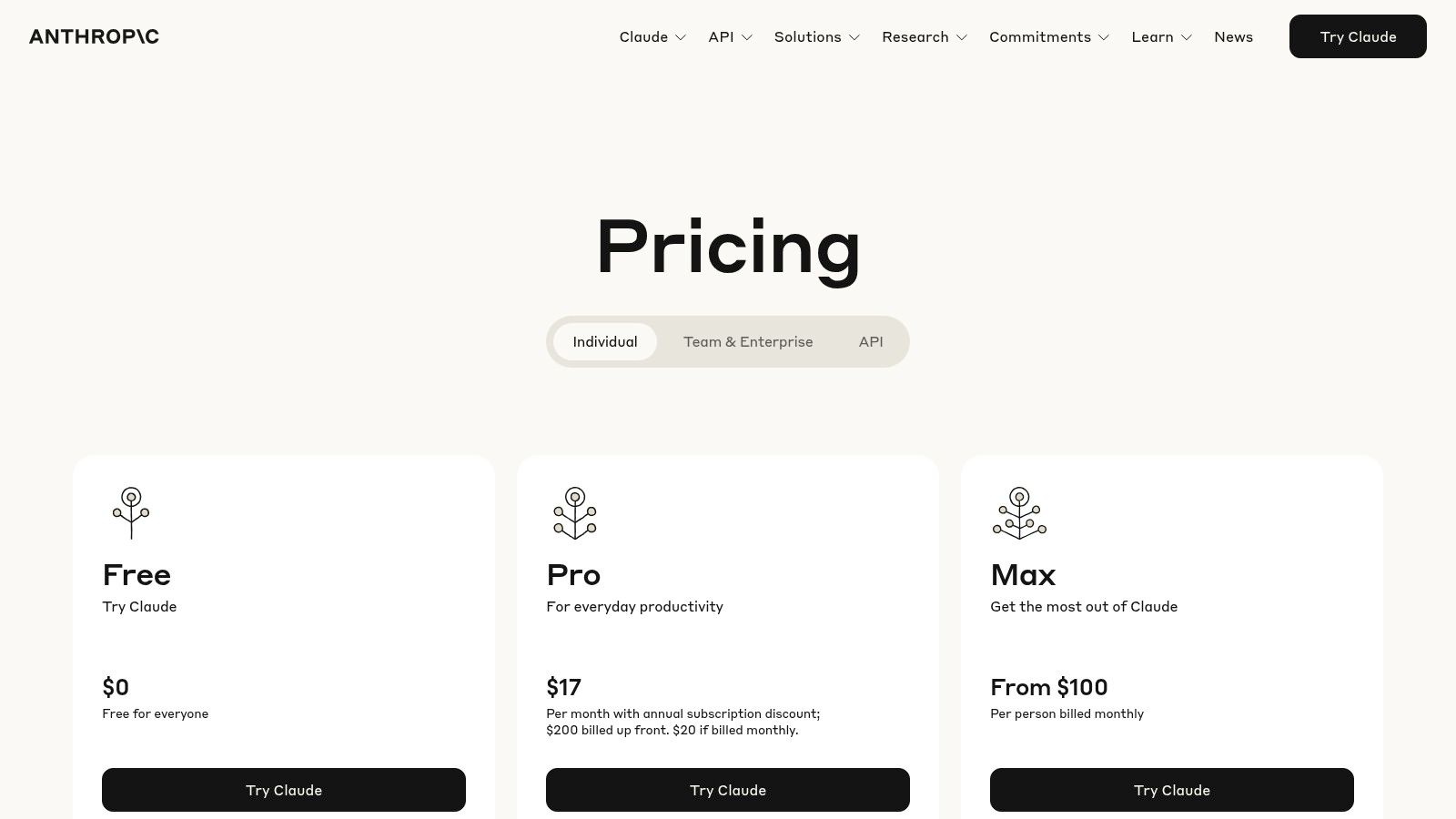
11. Anthropic – Claude (Pro, Team, Max, Enterprise)
Anthropic's Claude is an advanced AI assistant that excels in nuanced conversation, content creation, and complex reasoning. For small businesses, it acts as a powerful thought partner, capable of everything from drafting sophisticated business plans to analyzing dense market research documents. Its tiered plans are designed to scale, making it one of the most adaptable AI tools for small business available, whether you're a solopreneur or a growing team.
Unlike some competitors, Claude is often praised for its "constitutional AI" approach, which focuses on safety and producing helpful, harmless responses. This makes it a reliable choice for creating customer-facing content or internal communications. The interface is clean and user-friendly, allowing for immediate productivity without a steep learning curve.
Why It's a Great Resource
Claude's strength lies in its high-quality reasoning and writing, which can feel more natural and less robotic than other models. The Team plan is particularly valuable, offering central billing, admin tools, and a larger context window for processing long documents like contracts or financial reports. This allows a small team to collaborate on complex tasks using a shared AI resource, ensuring consistency and efficiency across projects.
- Practical Example: A non-profit uses the Claude Team plan to summarize a 100-page grant application. They upload the PDF and ask it to "Create a two-page executive summary focusing on our project goals and budget." This allows the board to quickly understand the proposal without reading the entire document.
- Best Use Case: In-depth content creation, data analysis, and collaborative brainstorming for teams.
- Pro Tip: Use the "Team" plan to create a shared knowledge base. Feed it your company's style guides, product information, and past reports to train it as a bespoke internal expert.
- Pricing: Free version available with limitations. Paid plans include Pro ($20/month), Team ($30/user/month), and custom Enterprise pricing.
Website: https://www.anthropic.com/pricing
12. Zapier
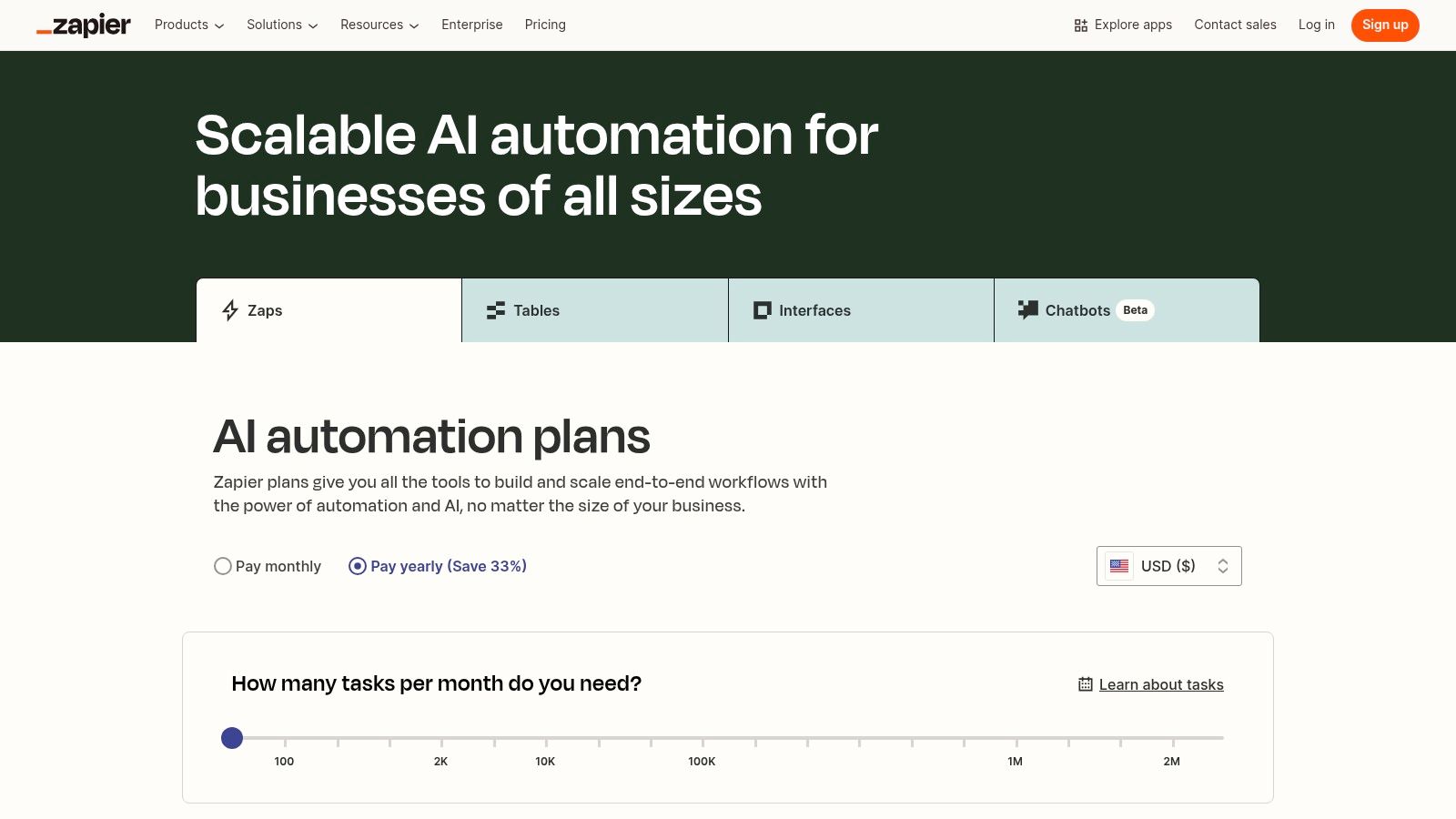
Zapier is the central nervous system for business automation, connecting over 7,000 apps to create seamless workflows without writing a single line of code. It has evolved into one of the most powerful AI tools for small business by integrating AI directly into its automation engine. This allows you to build sophisticated, multi-step processes where AI agents, chatbots, or data formatters can handle tasks automatically, bridging the gap between all your other software.
The platform’s strength lies in its visual "if this, then that" builder. A small business can, for example, create a "Zap" that automatically analyzes a new customer email with AI, extracts key details, adds them to a CRM, and then sends a personalized welcome message. For a more in-depth look, you can learn more about how to leverage Zapier for AI-powered marketing.
Why It's a Great Resource
For a small business, Zapier eliminates the need for costly custom integrations or developer resources. Its massive app ecosystem means you can connect virtually any tool you already use. The new AI features are designed to be accessible, allowing you to build intelligent agents that can make decisions and execute tasks across your app stack. The primary challenge is managing your task quota, as complex Zaps can consume tasks quickly, leading to higher costs.
- Practical Example: A real estate agent creates a "Zap" where every new lead form submission on their website triggers an AI action. The AI drafts a personalized follow-up email based on the lead's query (e.g., "interested in 3-bedroom homes"), and then sends it from the agent's Gmail account automatically within five minutes.
- Best Use Case: Automating repetitive tasks between apps using intelligent AI actions.
- Pro Tip: Start with the free plan to map out your most critical workflows. Monitor your task usage carefully before upgrading, and use filters in your Zaps to ensure they only run when absolutely necessary, saving you tasks.
- Pricing: Free plan available with limited tasks. Paid plans start at $19.99/month (billed annually) for more tasks and features. AI capabilities like Agents and Chatbots are available as add-ons.
Website: https://zapier.com/pricing
AI Tools for Small Business: Key Features Comparison
| Platform | Core Features ✨ | User Experience ★★★★☆ | Value Proposition 💰 | Target Audience 👥 | Unique Selling Points 🏆 | Pricing Overview 💰 |
|---|---|---|---|---|---|---|
| AppSumo | Lifetime AI deals, Plus membership, buyer protections | Mixed quality, deal discovery | Cost-saving on emerging AI tools | Cost-conscious SMBs, teams | Rotating lifetime deals, early access | Low upfront, no recurring fees |
| G2 | Extensive AI categories, verified reviews, buyer guides | Rich data, review transparency | In-depth comparison & discovery | SMB buyers, decision-makers | Best AI lists, strong taxonomy tracking | Free to browse; purchase on vendor sites |
| Capterra | Verified reviews, SMB filters, buyer guides | Easy SMB filtering, transparent reviews | Broad SMB AI coverage | SMBs seeking vetted AI tools | Transparent methodology, SMB focus | Free; vendor direct purchase |
| AWS Marketplace | One-click AWS deployment, contract/metered pricing | Centralized billing, usage tracking | Seamless AWS integration | Mid-market to enterprise SMBs | AWS environment, compliance features | Pay-as-you-go & contracts |
| Microsoft AppSource | Microsoft ecosystem apps, admin control | Smooth MS tool integration | Microsoft stack SMBs benefit | Microsoft tool users in SMBs | Tight Office 365, Dynamics integration | Vendor-based, varies widely |
| Google Workspace Marketplace | AI add-ons for Google apps, admin controls | Fast deployment, mixed app quality | SMBs using Google Workspace | Google Workspace SMB users | Native GPT/Gemini/Claude integrations | Mix of free & paid subscriptions |
| Shopify App Store | Ecommerce AI apps, Shopify Magic features | Quick install, variable review quality | Ecommerce SMB ROI focus | Shopify merchants & SMBs | Shopify-native AI for sales & support | Monthly fees, many free tiers |
| Wix App Market | AI chat, ad tools, easy install | Simple setup, smaller app selection | Local & solo SMBs friendly | Local services, solo SMBs | Easy for non-tech users | Free trials; tiered plans |
| WordPress.org Plugin Dir. | Large free/Pro AI plugins, WooCommerce compatible | Community driven, variable vetting | Low cost entry with broad options | WordPress SMB sites | Open ecosystem, active developer base | Mostly free + paid upgrades |
| OpenAI – ChatGPT | Multiple plans, advanced AI models, workspace controls | Rapid updates, clear usage limits | Versatile for individuals & SMBs | SMB teams & individuals | Official OpenAI tech, privacy controls | Transparent tiers, from $20+/mo |
| Anthropic – Claude | Tiered plans, collaboration, model variants | High-quality output, transparent pricing | Strong reasoning & writing focus | Teams & business users | Collaboration tools, plan transparency | Tiered pricing, API pay-per-use |
| Zapier | No-code AI workflows, 7,000+ apps, AI agents | Visual builder, scalable role control | Automate AI integrations easily | SMBs without developers | Extensive app ecosystem, multi-step tasks | Tiered, task-based pricing |
Final Thoughts
Navigating the expansive landscape of AI can feel overwhelming, but as we've explored, the right AI tools for small business are not just accessible; they are transformative. The key isn't to adopt every shiny new object, but to strategically integrate solutions that solve your most pressing challenges, whether that's winning back time from administrative tasks or creating marketing content that truly connects with your audience.
We've covered everything from comprehensive marketplaces like AppSumo and G2, where you can find niche, lifetime deals, to the foundational powerhouses like ChatGPT and Claude that are reshaping how we approach content and communication. We also delved into integration champions like Zapier, which acts as the essential glue, connecting your favorite apps into seamless, automated workflows.
Your Actionable Roadmap to AI Integration
So, where do you go from here? The journey from discovery to implementation requires a clear, methodical approach. Don't try to overhaul your entire business overnight. Instead, focus on incremental, high-impact changes.
Here’s a simple framework to get started:
- Identify Your Biggest Bottleneck: What single task, if automated or improved, would free up the most time or resources for you and your team? Is it customer support, social media content creation, or lead generation? Start there.
- Start Small and Test: Choose one tool from our list that directly addresses that bottleneck. Opt for a free trial or a low-cost entry-level plan. For example, if content is your challenge, experiment with ChatGPT's free version or Claude's Pro plan for a month.
- Measure the Impact: Before you fully commit, define what success looks like. Is it hours saved per week? An increase in social media engagement? A higher email open rate? Track these metrics to ensure the tool is delivering a tangible return on investment.
- Prioritize Integration: A powerful tool is only as good as its ability to work with your existing systems. Before purchasing, confirm it can connect to your CRM, email marketing platform, or project management software, perhaps using a connector like Zapier. A disconnected tool often creates more work than it saves.
The Human Element in an AI-Powered World
Ultimately, the goal of using AI tools for small business is not to replace the human element but to amplify it. These technologies are co-pilots, designed to handle the repetitive, data-heavy tasks so you can focus on what you do best: building relationships, innovating, and steering your business toward its vision.
The most successful entrepreneurs will be those who learn to partner with AI, viewing it as a force multiplier for their creativity and strategic thinking. Embrace the learning curve, stay curious, and start experimenting. Your future-proofed business will thank you for it.
Feeling overwhelmed by the sheer number of options and not sure where to start your AI journey? At YourAI2Day, we specialize in demystifying AI for small businesses by providing curated insights, practical guides, and up-to-the-minute news on the tools that matter most. Visit YourAI2Day to subscribe to our newsletter and get expert advice delivered directly to your inbox.