
10 Best AI Tools for Market Research in 2026
You’ve got a product idea, a market hunch, or a new audience segment you want to reach. The problem is that many organizations still start with partial evidence. A few competitor screenshots, some scattered reviews, a survey draft nobody trusts, and a spreadsheet that gets stale before the meeting starts. That’s not research. That’s educated guessing.
Traditional market research has usually been slow and expensive. Projects often take 4 to 12 weeks and cost between $15,000 and $50,000, which is why many startups and small teams either skip research entirely or do it too late. AI has changed that. The best ai tools for market research can compress discovery, synthesis, and reporting into a workflow that feels practical instead of painful.
That doesn’t mean every tool is good, or that AI replaces researcher judgment. It doesn’t. Some tools are excellent for social listening and terrible for market sizing. Some are strong for survey analysis but weak for exploratory desk research. Others are polished in demos but hard to operationalize once legal, privacy, and internal adoption become real issues.
This guide is built for that reality. It’s a practical playbook, not a feature dump. You’ll see which tools are best for competitor tracking, trend discovery, survey analysis, digital demand validation, and fast qualitative work. You’ll also see how to combine them into a repeatable workflow so you can move from a vague idea to usable market intelligence without drowning in dashboards.
If you’re new to AI, start with the checklist. If you already know your use case, jump straight to the tools.
1. How to Choose Your AI Market Research Tool Checklist
Users often pick the wrong tool because they shop by brand name instead of research job. That’s how you end up paying for a platform built for enterprise brand tracking when what you really needed was faster competitor scans and cleaner interview analysis.
Start with four questions. What business decision are you trying to make? Which data source do you trust most? Who on your team will use the platform? And how much setup friction can you tolerate before the tool starts creating resistance instead of speed?
The short buyer checklist
- Clarify the question first: “Who is our customer?” is too broad. “Which buyer segment is most likely to care about refillable dog shampoo?” is usable.
- Match the tool to the evidence type: Surveys, social listening, earnings calls, website traffic, and interviews answer different questions. Don’t expect one platform to do all of them well.
- Check adoption risk: If your team is new to AI, a simple interface often matters more than advanced modeling. A basic grounding in machine learning concepts for beginners helps, but ease of use still matters day to day.
- Decide how much rigor you need: For lightweight idea validation, AI summaries may be enough. For pricing, segmentation, or high-stakes positioning, you’ll want research-grade inputs and stronger validation.
- Plan for open-ended analysis: A lot of value sits in messy text. If that’s a major part of your workflow, compare these platforms against dedicated best qualitative data analysis tools.
Practical rule: Buy for your most frequent research question, not your occasional one.
One more thing matters more than vendors admit. Implementation. Some guides praise features but barely touch setup burden, privacy reviews, or stakeholder trust, even though those are exactly the issues that slow adoption for smaller teams and first-time buyers.
2. AlphaSense
AlphaSense is what I reach for when the question needs defensible, source-backed business intelligence. It’s especially useful when you’re researching categories shaped by public companies, regulation, investor narratives, or technical product positioning. Think B2B software, healthcare, industrials, energy, fintech.
Its strength isn’t just search. It’s search across earnings calls, filings, news, research, and expert content in a way that helps you spot what management teams, analysts, and competitors keep repeating.
Where AlphaSense works best
If you’re doing competitive intelligence, category mapping, or thesis-building for a market entry memo, AlphaSense can save a lot of manual reading. Instead of opening dozens of documents, you can search for a topic like “SMB churn,” “channel conflict,” or “pricing pressure” and quickly trace where that theme appears.
This is also one of the better tools for teams that need auditability. If leadership asks, “Where did this claim come from?” you can point back to the underlying materials instead of waving at a generic AI summary.
- Best fit: Strategy teams, PE or VC researchers, investor relations, competitive intelligence
- Strongest inputs: Filings, transcripts, news, premium research, expert content
- Less ideal for: Early-stage founders who mainly need customer language and fast demand sensing
A practical workflow
Use AlphaSense to build the category brief first. Pull recurring themes from earnings calls and filings, create a watchlist for the competitors that matter, and set alerts for pricing, partnerships, leadership changes, or demand commentary.
Then move those findings into a customer-facing tool like Remesh, Qualtrics, or Brandwatch to test whether what executives say matches what buyers care about.
If your market question has legal, financial, or regulatory consequences, start with a source-backed platform. General-purpose AI is too easy to over-trust.
The trade-off is simple. AlphaSense is not a casual tool. It has a learning curve, and it’s built for serious research teams more than solo operators.
3. Brandwatch Consumer Intelligence
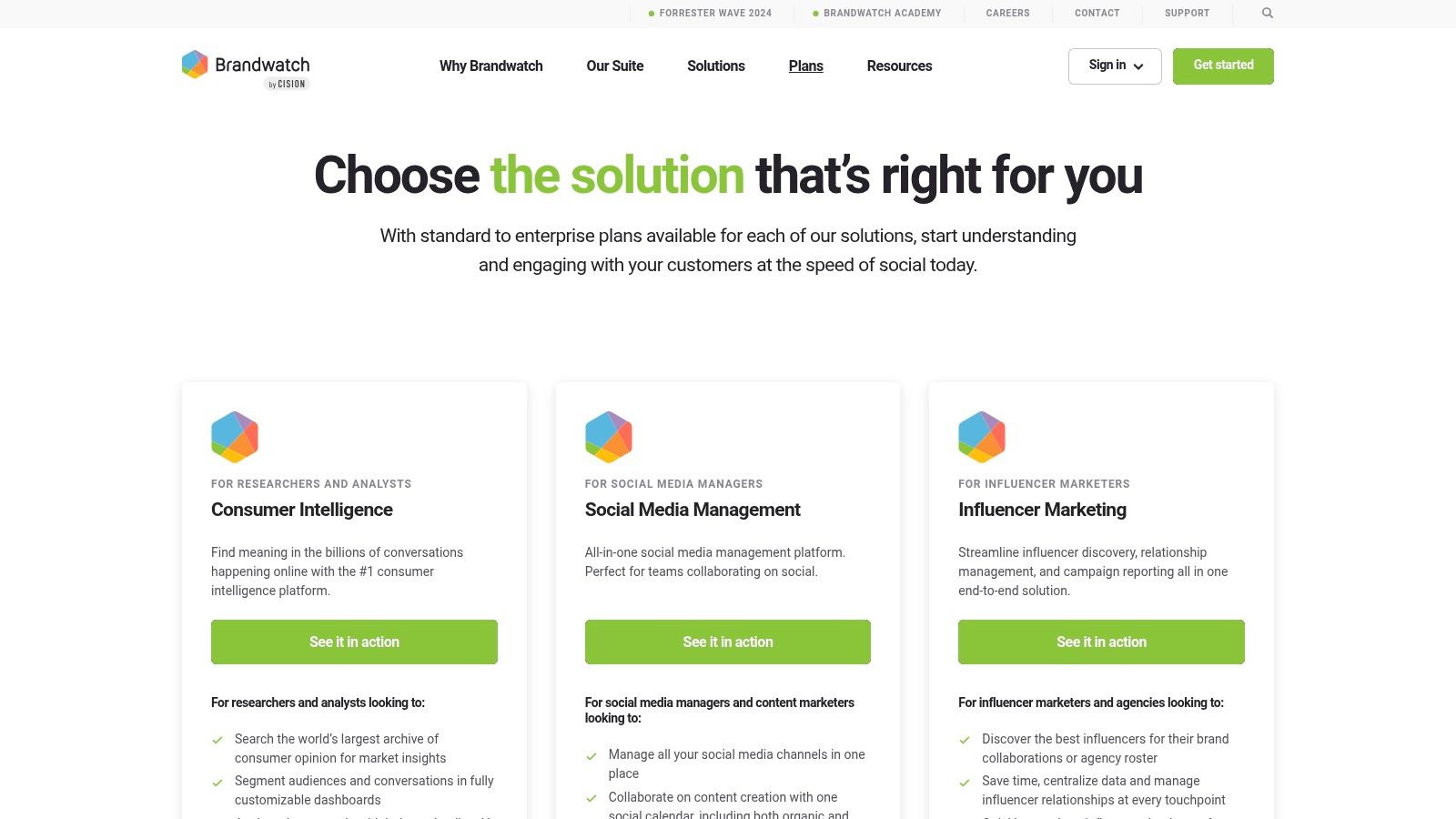
Brandwatch is one of the better choices when you need to understand what people are saying in the wild, at scale. Not what they said in a survey under ideal conditions. What they post, complain about, praise, compare, and share across social and web sources.
That makes it strong for brand tracking, message testing, category language discovery, and competitor benchmarking in consumer-facing markets.
What it’s good at in practice
A common mistake in market research is confusing declared preference with lived behavior. Brandwatch helps close that gap by surfacing the terms, frustrations, product associations, and sentiment shifts people express publicly.
For a skincare brand, for example, Brandwatch can help you compare how people discuss “gentle,” “barrier repair,” “non-comedogenic,” or “fragrance-free” across your brand and competitor set. That’s useful for messaging, creative briefs, and issue detection.
Its dashboards are also mature enough for ongoing monitoring, not just one-off studies. Teams that need regular reporting usually appreciate that.
Where the trade-offs show up
- Great for: Brand teams, agencies, social intelligence, category monitoring
- Less great for: Small teams that only need occasional insight pulls
- Watch out for: Data cleanliness, taxonomy setup, and internal overreliance on sentiment labels without manual review
Social listening tools are only as good as the queries and classification logic behind them. If your keyword set is sloppy, the output will be noisy. That’s not Brandwatch’s fault. It’s part of the job.
I also wouldn’t use Brandwatch alone to size a market or make pricing decisions. Use it to understand conversation patterns and emerging concerns, then validate with survey or behavioral tools.
4. Talkwalker Consumer Intelligence
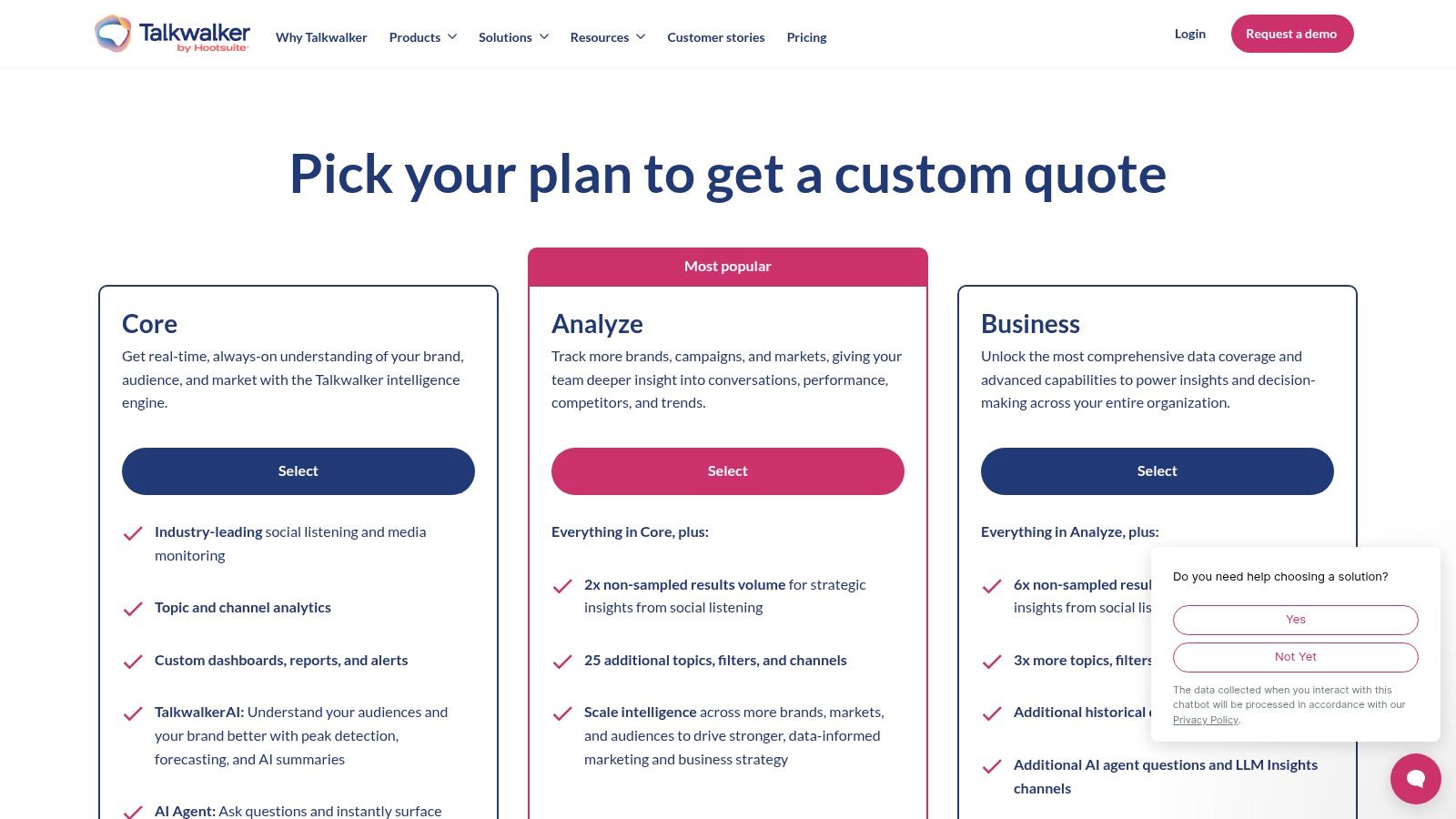
Talkwalker sits close to Brandwatch in the buyer journey, but I’d separate them by workflow style. Brandwatch often feels like the better fit for broad consumer intelligence programs. Talkwalker stands out when teams care a lot about alerts, early warning signals, and always-on monitoring.
That matters for PR, reputation, campaign tracking, and fast-moving categories where you want to know what changed before the weekly report.
When Talkwalker earns its place
If you’re monitoring a brand launch, influencer backlash, competitor controversy, or category spike, Talkwalker’s alerting and summaries are useful. It’s built for teams that can’t wait for a monthly deck. They need signals now.
Its multisource ingestion also makes it practical when the story isn’t only on social platforms. Reviews, forums, news, and broader media context often matter just as much as direct mentions.
A good way to use it
One workflow I like is this:
- Set taxonomies around themes: Product quality, pricing, customer service, sustainability claims, packaging, and delivery issues
- Create alert thresholds: Not just for mention volume, but for unusual changes in negative phrasing or competitor spikes
- Pair with internal context: Feed findings into product, comms, or CX teams so the signal turns into action
Talkwalker can become expensive complexity if the team only logs in when there’s a crisis. It works best when someone owns the listening program and knows how to refine the categories over time.
For beginner users, that’s the main caution. You’re not just buying data access. You’re buying an operational responsibility.
5. Quid
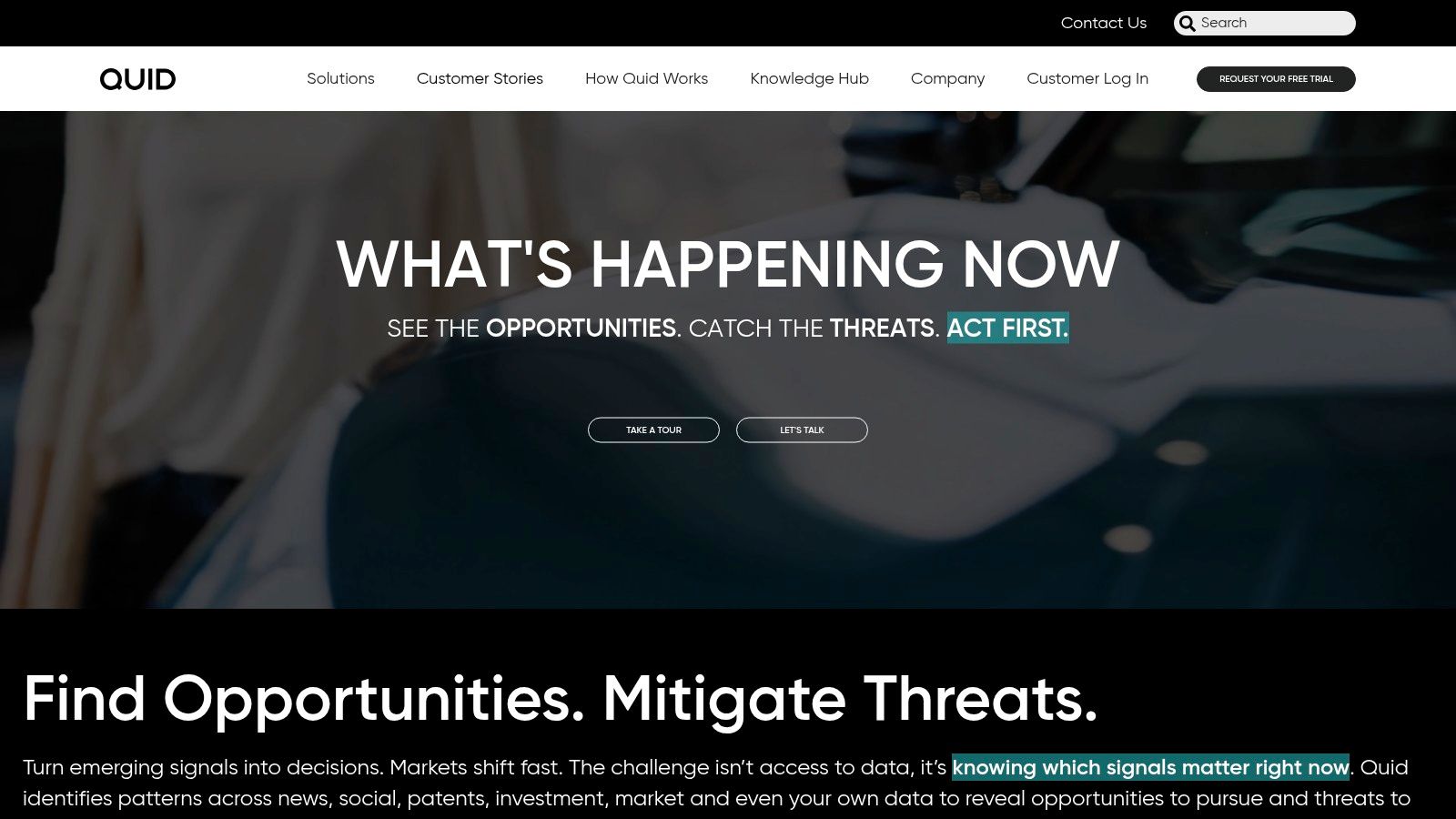
Quid is strong when your research problem is messy, broad, and still taking shape. It’s less about answering one narrow query and more about mapping a changing environment. That makes it useful for innovation teams, strategy groups, and researchers trying to understand what’s shifting in a market and why.
If AlphaSense is strong for source-backed business evidence, Quid is better for pattern discovery across large text-heavy datasets.
Why researchers like Quid
Quid helps organize noisy information into themes, clusters, and trend maps. That’s useful when you’re exploring a category without fully knowing which themes will matter yet.
Say you’re researching functional beverages. You may start with a broad set of signals around ingredients, health claims, lifestyle narratives, retail trends, and adjacent product conversations. Quid helps you see where those threads connect and where they separate.
That kind of map is valuable early in product strategy, whitespace exploration, and innovation planning.
Best use case
I’d use Quid near the start of a project, not the end. It’s ideal when you need to move from “We think something is happening” to “Here are the themes, tensions, and emerging narratives we should investigate further.”
Then validate those insights elsewhere. Similarweb can help with digital demand direction. Brandwatch or Talkwalker can show live conversation patterns. Qualtrics or Remesh can test reactions with real respondents.
Quid is a discovery engine, not a final answer machine.
The downside is familiar. It’s an enterprise platform, pricing is not lightweight, and it’s easier to justify when multiple teams can use the same environment.
6. Remesh
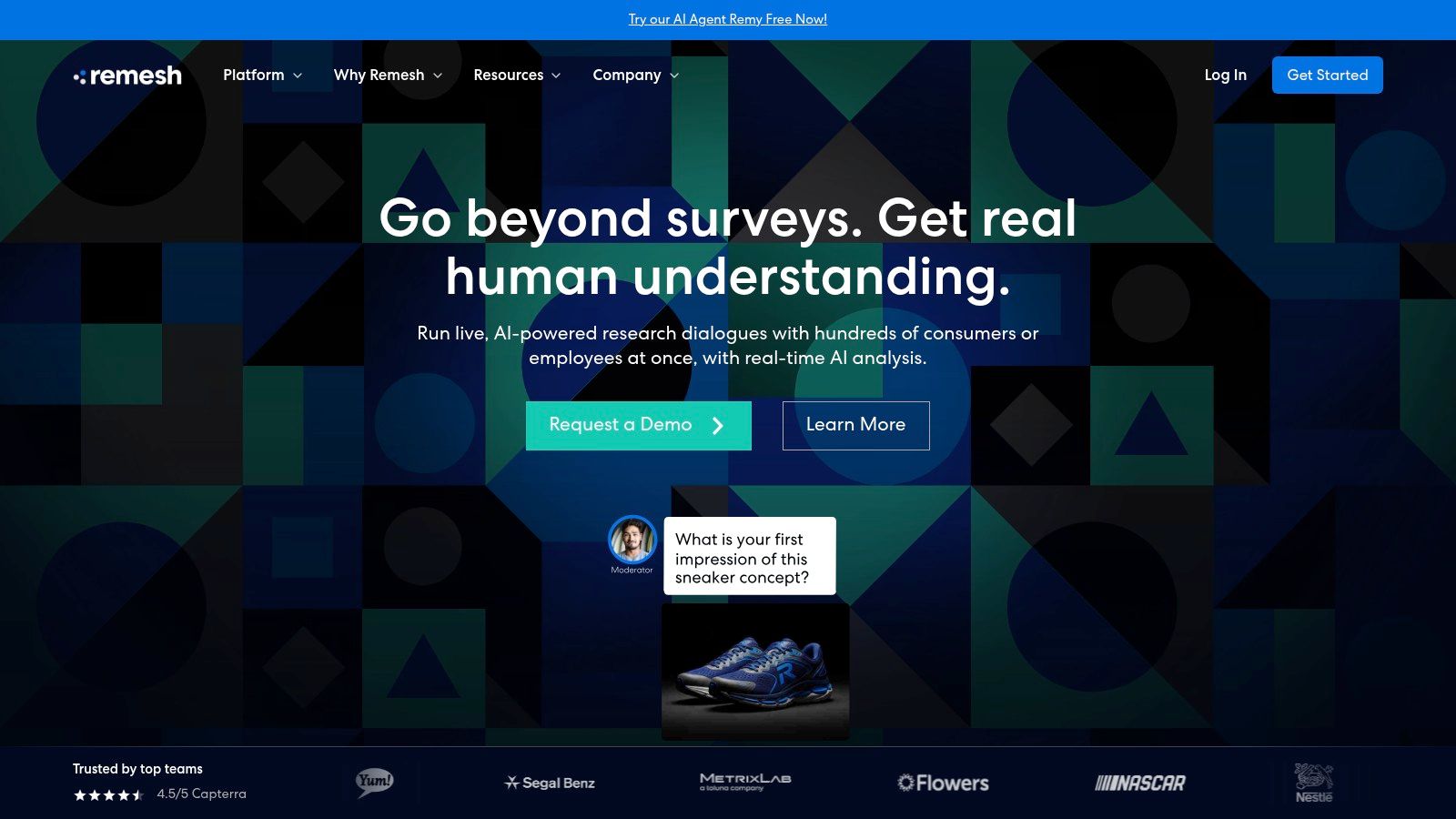
Remesh solves a painful problem in qualitative research. Traditional focus groups can be rich, but they’re slow, expensive, and often too small to give stakeholders much confidence. Remesh gives you live, large-scale conversations with AI helping cluster responses, surface themes, and score agreement while the session is happening.
That’s useful when you need real human input fast, especially for concept testing or message refinement.
What makes Remesh different
You’re not just sending a survey and reading open-ends later. You’re running a structured conversation with many participants at once, then using AI to make sense of the volume in-session.
That format is particularly good for:
- Concept testing: What’s confusing, appealing, unbelievable, or missing
- Message testing: Which framing lands with different audience types
- Rapid qual: Early exploration before investing in a larger study
Example workflow
If you’re testing a new subscription meal service, you might start with three prompts: first impression, biggest hesitation, and what would make the offer more compelling. Remesh can cluster those responses quickly enough for the moderator to ask better follow-ups in the same session.
That changes the quality of the research. Instead of waiting days to interpret notes, you can react while the conversation is still live.
The trade-off is that Remesh isn’t a cheap replacement for every survey or interview workflow. It’s best when the business benefits from live interaction and quick consensus reads. If you only need a basic questionnaire, a survey-first platform will be simpler.
7. Yabble
Yabble is one of the more approachable platforms for lean teams that want faster research without jumping straight into heavyweight enterprise software. It combines automated theming, summarization, and AI-powered “Virtual Audiences” in a way that’s practical for marketers, product teams, and founders who need frequent learning loops.
I like it most as a speed layer. It helps you get from raw qualitative material to usable insight without spending days coding responses.
Where Yabble fits
Yabble makes sense when you regularly deal with open-ended survey responses, interview transcripts, or exploratory concept questions and want faster synthesis. It’s also appealing for smaller teams because it’s easier to understand what you’re buying than with some larger enterprise tools.
The “Virtual Audiences” angle is interesting too. Synthetic personas and digital twins are becoming a real part of the research stack, with a 2025 Harvard Business Review analysis describing how generative AI is reshaping market research through synthetic personas and digital twins. Used well, they’re useful for hypothesis generation, early idea pressure-testing, and scenario exploration.
What not to do with it
Don’t treat AI personas as a replacement for fielded research when the decision is high stakes. They’re a complement. Good for fast iteration. Not a free pass to skip real respondents.
A smart workflow is to use Yabble’s AI audience features to refine your questions and possible objections before you invest in live research. Then bring those sharper prompts into Remesh, Qualtrics, or another primary research tool.
That’s where Yabble shines. It reduces wasted cycles and helps teams ask better questions sooner.
8. Similarweb Digital Research Intelligence
Similarweb is one of the most useful tools for directional digital market sizing. If you want to know who’s winning attention online, where traffic appears to come from, what adjacent sites matter, and how category behavior is shifting, it’s very handy.
I use “directional” carefully here because Similarweb is not first-party analytics. It gives estimates, and those estimates need validation, especially for smaller sites or niche categories.
What it answers well
Similarweb is good for questions like:
- Which competitors dominate digital visibility in this category?
- Are users finding these brands through search, social, referrals, or direct traffic?
- Which adjacent websites suggest audience overlap or partnership opportunities?
- Is this market concentrated or fragmented online?
That makes it useful for go-to-market planning, category scans, channel prioritization, and quick TAM or SAM reality checks.
A practical example
If you’re evaluating a pet wellness category, pull the top competitors into Similarweb and compare traffic trends, acquisition channels, top referral sources, and audience interests. You’ll quickly see whether growth seems driven by branded demand, content-led search, affiliates, marketplaces, or paid activity.
Then take that directional picture into a survey or qualitative platform. Ask customers why they trust certain brands, what they searched for, and what nearly stopped them from buying. Similarweb shows the behavioral outline. Primary research fills in the motive.
Similarweb is excellent for “where demand seems to be happening.” It is weaker for “why people chose.”
For many teams, that’s enough to justify it. Just don’t oversell estimated traffic as audited truth in the board deck.
9. Semrush Market Explorer and Traffic Toolkit
Semrush isn’t always the first name people mention in best ai tools for market research roundups, but it deserves a place because it’s practical. If you already care about SEO, content strategy, or digital competition, Semrush gives you market reconnaissance without requiring a separate heavy research stack.
For solo operators and small teams, that matters.
Why beginners often do well with Semrush
Semrush is self-serve, widely documented, and easier to learn than many enterprise research tools. Market Explorer and the traffic-oriented modules help you benchmark competitors, inspect audience overlap, and validate whether a category has visible digital momentum.
It won’t replace primary research. But it does answer some early-stage questions quickly:
- Who looks established in this space?
- Which domains compete for the same audience?
- Is search interest concentrated around a few head terms or spread across many niche queries?
- Are we entering a category with obvious online demand, or one that will require market education?
A smart stack for smaller teams
For a bootstrapped founder, I’d often recommend Semrush plus a general-purpose AI assistant plus one primary research method. That gives you desk research, competitive signals, and actual customer evidence without immediately buying enterprise software.
Pricing transparency and small-business scalability are still weak spots across many buyer guides. A lot of content covers enterprise tools but doesn’t really help solopreneurs compare accessible options, even though that’s a common pain point noted in discussions around AI market research tool selection.
Semrush’s main limitation is the same as Similarweb’s. It’s excellent for digital pattern reading, but not enough on its own for segmentation, pricing, or message validation.
10. Qualtrics XM and iQ
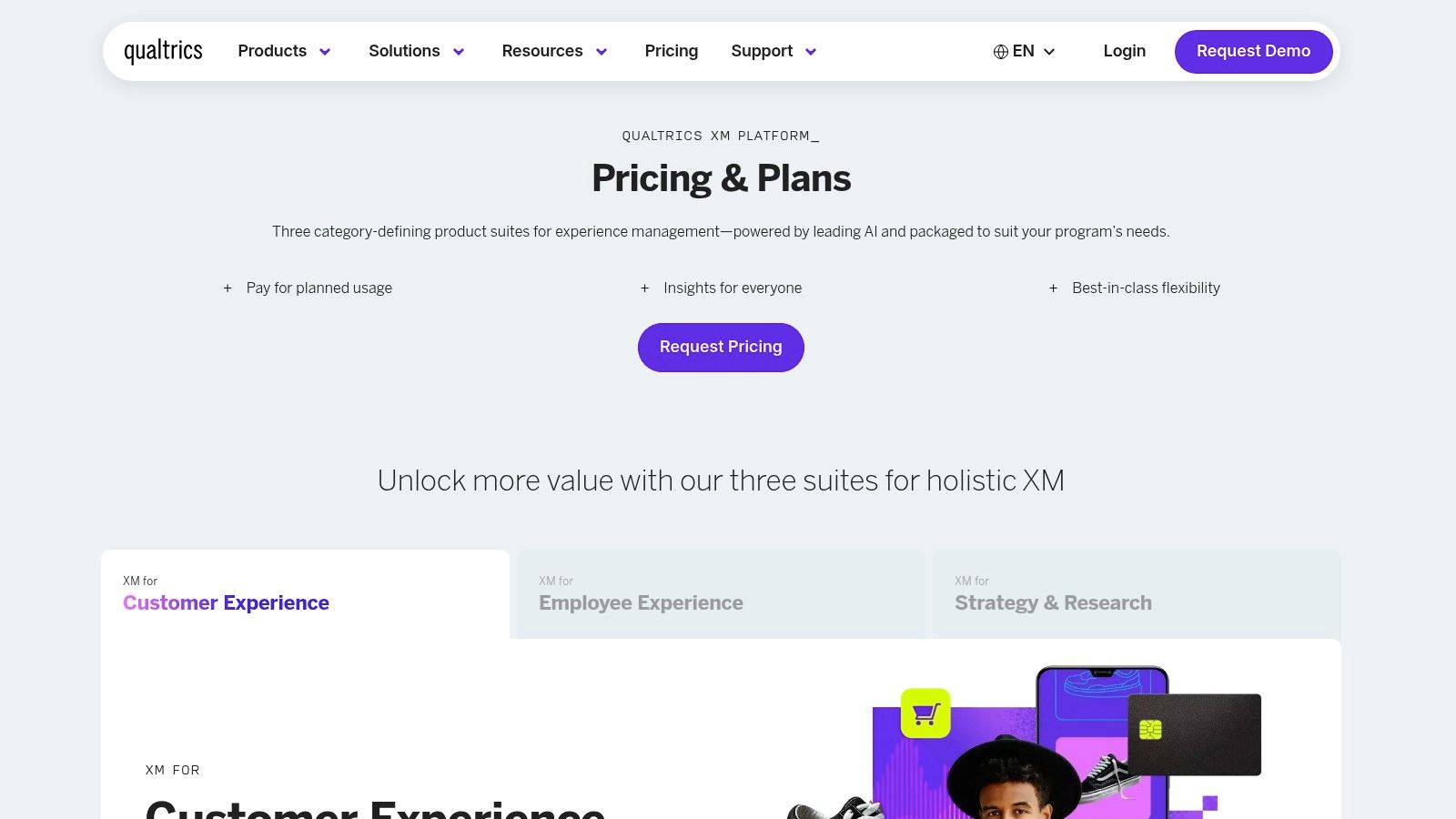
Qualtrics remains one of the strongest choices when you need research-grade rigor. It’s built for organizations running ongoing programs, not just one-off projects. Brand tracking, concept tests, employee research, experience measurement, and longitudinal studies all fit naturally here.
Its iQ modules help with text, video, automated analysis, and predictive work, which reduces the labor that used to slow down enterprise research teams.
Where Qualtrics stands out
This is a platform for teams that care about repeatability, governance, and scale. If you’re running multiple studies across business units, with stakeholder reporting and compliance requirements, Qualtrics has a lot going for it.
It’s also a good counterweight to purely synthetic or social-first research. When you need structured sampling, cleaner survey logic, and formal reporting, Qualtrics is a safer choice.
Example use case
A product team testing new packaging claims could use Qualtrics to field a concept test with structured comparisons, open-ended feedback, and segment cuts. The AI modules can speed up open-text analysis and summary generation, but the underlying workflow stays grounded in proper research design.
That’s the right mix for larger decisions. AI helps with speed. Methodology still carries the study.
The downside is complexity. Qualtrics is not the tool I’d hand to a first-time founder who just wants a quick read on competitor positioning. It’s stronger when the organization already has a research process and needs AI to reduce friction inside it.
11. Exploding Topics Pro
A founder is deciding between three adjacent ideas. Refillable cleaners, dog gut health, or AI tools for therapists. Before spending on interviews, panels, or a full competitor teardown, they need a fast read on which topic is gaining attention early. That is the job Exploding Topics Pro handles well.
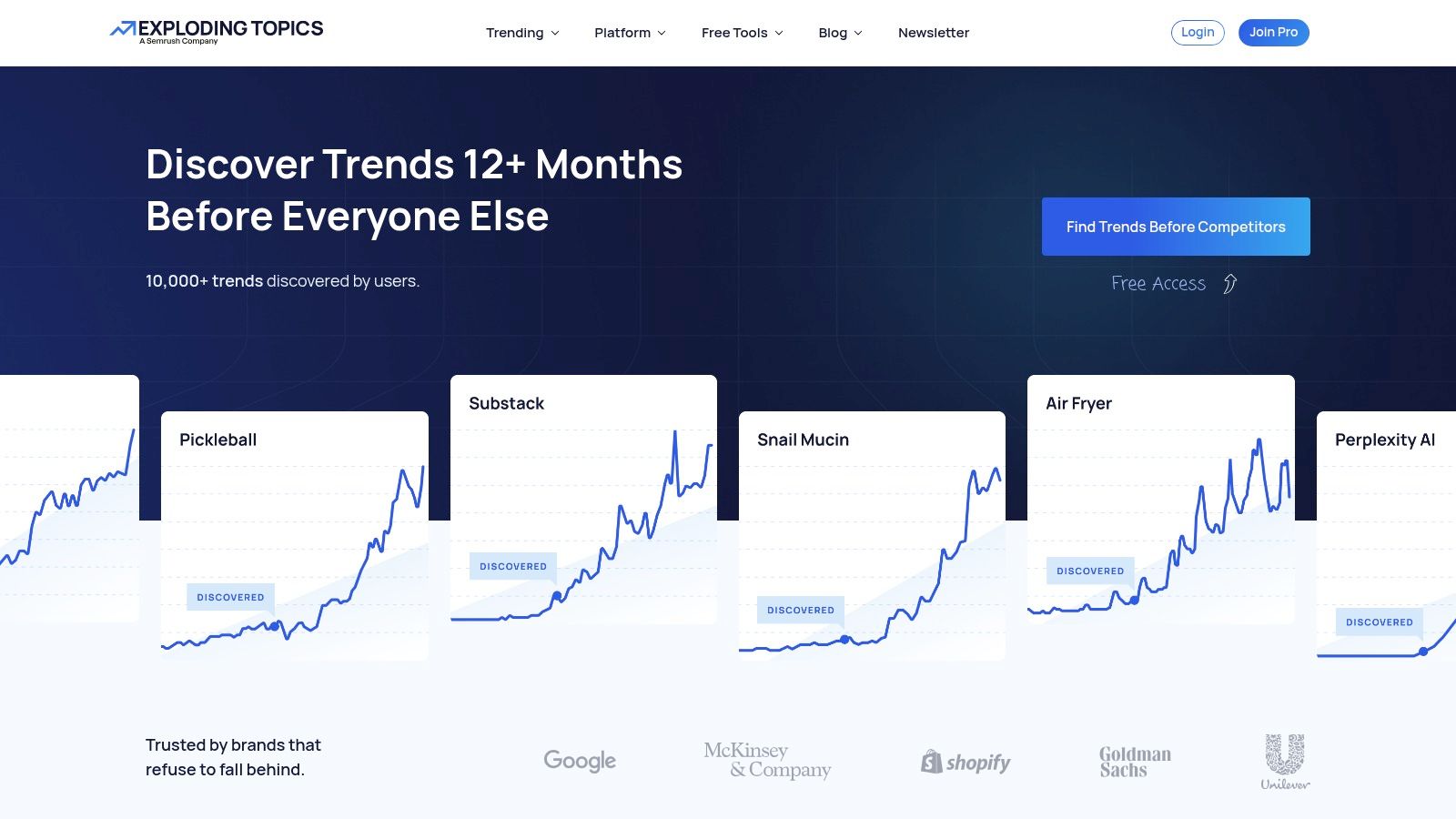
It works best at the top of the research process. You use it to spot rising categories, related phrases, and niche angles that may deserve proper validation.
Best use of Exploding Topics
Exploding Topics Pro is a signal finder. I would use it for early-stage market mapping, category discovery, and hypothesis generation, especially when the brief is still fuzzy and the team needs a shortlist of ideas worth testing.
That also defines its limit. It does not replace customer research, traffic analysis, or competitive intelligence. It helps you choose where to point those methods next.
Example workflow
Start by pulling a handful of candidate topics inside Exploding Topics Pro and comparing how each one is developing. Look for patterns around adjacent keywords, product formats, and use cases.
Then validate the short list in other tools:
- Similarweb or Semrush to check demand direction and traffic patterns
- Brandwatch or Talkwalker to examine live discussion, complaints, and purchase intent
- Remesh or Qualtrics to test reactions with real people
- AlphaSense for markets where investor, earnings, or company signals matter
If your team is building a repeatable process, this kind of machine learning workflow for research operations keeps trend spotting connected to actual decision-making.
Where it stands out
The strength of Exploding Topics Pro is focus. It helps teams avoid a common beginner mistake. Treating a broad market hunch as if it were already a validated opportunity.
Used well, it can save time and narrow the field fast. Used poorly, it can push teams toward shiny topics with weak commercial value. A rising term is only an opening clue. The actual work starts after that.
12. Putting It All Together A Sample AI Research Workflow
Let’s say you want to validate a new idea: eco-friendly pet toys. Not “pet products” broadly. A focused niche with a real buying decision behind it.
A good AI workflow doesn’t start with one tool. It starts with a sequence.
Step 1 to 3
First, scan the niche with Exploding Topics and Semrush. You’re looking for directional evidence that the category, language, and adjacent queries have enough visible movement to warrant deeper work.
Next, use Similarweb to compare likely competitors. Which brands attract attention? Which channels appear to drive discovery? Are customers arriving through search, retail partners, or content-led awareness?
Then open Brandwatch or Talkwalker. Search for discussions around durability, safety, sustainability, pricing, and pet owner skepticism. In eco categories, the key issue often isn’t awareness. It’s trust.
Step 4 to 6
Now collect structured customer input. Run a quick concept test in Remesh if you want richer reactions fast, or in Qualtrics if you need more formal study design. Ask what makes the concept credible, what trade-offs buyers expect, and what concerns block purchase.
If you’re moving quickly, Yabble can help summarize transcripts, cluster open-ends, or pressure-test early themes with virtual audiences before you commit to another round.
For B2B or retail expansion questions, AlphaSense can add the business layer. Are incumbents talking about sustainability as a growth lever, a compliance issue, or mostly marketing language?
The operating principle
This is what a solid machine learning workflow for practical AI projects looks like in research too. You combine tools by job, validate signals across methods, and avoid trusting a single source too much.
One more reality check matters here. Traditional projects often move slowly because humans collect and interpret data manually. AI tools can compress that process dramatically, and some newer platforms position themselves around near-instant report generation and wide source coverage. That speed is valuable. But it only becomes reliable when you layer methods instead of treating one dashboard as truth.
12 AI Market Research Tools: Feature Comparison
| Item | ✨ Core Features | 👥 Target Audience | 🏆 Unique Selling Point | ★ UX & Quality | 💰 Pricing / Value |
|---|---|---|---|---|---|
| How to Choose: Your AI Market Research Tool Checklist | ✨ Decision checklist; criteria (budget, team, sources) | 👥 Buyers, teams, researchers | 🏆 Practical guide to pick the best-fit tool | ★★★★, Clear, actionable | 💰 Free resource |
| AlphaSense | ✨ Neural/semantic search; transcripts; alerts | 👥 Corporate strategy, CI, PE/VC, IR | 🏆 Source-backed, high recall on financial topics | ★★★★, Enterprise-grade, learning curve | 💰 Premium enterprise pricing |
| Brandwatch Consumer Intelligence | ✨ Social firehose; AI categorization; dashboards | 👥 Brand/insights/PR teams | 🏆 Depth & coverage of consumer conversations | ★★★★, Robust dashboards | 💰 High; packaging opaque |
| Talkwalker Consumer Intelligence | ✨ Peak detection, forecasting, AI summaries | 👥 PR, brand, insights teams | 🏆 Strong alerting & early-warning signals | ★★★★, Flexible for campaigns | 💰 Sales-led enterprise pricing |
| Quid (NetBase Quid) | ✨ Agentic AI trend mapping; visual networks | 👥 Innovation, brand, insights teams | 🏆 Discovery & pattern mapping at scale | ★★★, Powerful but specialized UI | 💰 Enterprise/custom pricing |
| Remesh | ✨ Live AI-moderated conversations; real-time themes | 👥 Researchers, insights, product teams | 🏆 Rapid qual at scale with agreement scoring | ★★★★, Fast time-to-insight | 💰 Session-based; custom pricing |
| Yabble | ✨ Virtual Audiences; automated theming; modules | 👥 Lean teams, SMB researchers | 🏆 Fast, research-grade AI personas & summaries | ★★★★, Transparent, speedy | 💰 Lower-cost; clearer entry pricing |
| Similarweb Digital Research Intelligence | ✨ Web/app traffic estimates; market share tools | 👥 GTM, marketing, product teams | 🏆 Quick directional competitive reads | ★★★, Broad adoption; estimates vary | 💰 Sales-led; mid–enterprise tiers |
| Semrush (Market Explorer) | ✨ Market Explorer; traffic & audience tools; AI helpers | 👥 Marketers, SEO, small–mid teams | 🏆 Self-serve pricing + large learning ecosystem | ★★★★, Good value & usability | 💰 Transparent tiers; affordable entry |
| Qualtrics (XM + iQ) | ✨ Text/Video iQ; panels; predictive models | 👥 Enterprise research & CX teams | 🏆 Research-grade rigor, compliance, templates | ★★★★, Powerful, complex setup | 💰 Complex; best value at scale |
| Exploding Topics (Pro) | ✨ Curated trend DB; alerts; dashboards | 👥 Product, strategy, marketers | 🏆 Fast early-signal trend discovery | ★★★★, Lightweight & quick to use | 💰 Pro subscription; mid-range |
| Putting It All Together: A Sample AI Research Workflow | ✨ Process flow; tool integration example | 👥 Practitioners, teams learning workflows | 🏆 Practical, step-by-step tool orchestration | ★★★★, Scannable workflow guide | 💰 Free walkthrough |
Your Market Research Is Now Smarter, Not Harder
A product team has a pricing question on Monday, a competitor launches a new offer on Wednesday, and leadership wants a readout by Friday. That used to force a bad choice. Wait for a full research project, or make the call with partial evidence. AI gives teams a middle path. You can get to a defensible first answer quickly, then spend time checking what matters before you act.
That shift matters because speed alone is not the point. Better research operations are the point. Good teams use AI to shorten the slow parts of the job: transcript review, theme clustering, competitor tracking, search-based discovery, and early pattern detection. Then they bring judgment back in where it belongs, in question design, source selection, and validation.
The tools in this guide are strongest when they sit inside a workflow. AlphaSense can surface source-backed company signals. Brandwatch or Talkwalker can show how customers talk about a problem in the wild. Similarweb or Semrush can pressure-test whether that interest shows up in digital behavior. Remesh or Qualtrics can test reactions with real people. Yabble can speed up synthesis when the team is small. Quid can help map a market before you commit to a category story. Exploding Topics can give you an early read on where attention may be heading.
That is why a buyer's checklist matters as much as the feature list.
In practice, the best setup usually combines two or three tools with different jobs. One finds signals. One validates them. One helps the team turn evidence into a decision with a record of how they got there. That is a more reliable model than chasing one platform that claims to do everything.
Beginners should start narrower than they think. Use one business question and one workflow. A better prompt for research is, "Which buyer segment is showing early purchase intent, and what proof would reduce hesitation?" That question gives you something you can test across search data, social conversation, interviews, or surveys.
Budget and team maturity should shape the stack. A lean team might pair Semrush or Similarweb with one primary research tool such as Remesh or Qualtrics. A larger research or strategy team may justify AlphaSense for company intelligence or Quid for category mapping because those tools save time on harder, higher-value questions. I have found that adoption rises faster when the workflow is simple enough to repeat, not when the toolset is as large as possible.
Trade-offs still matter. Synthetic respondents are useful for message exploration and hypothesis generation, but they should not carry a high-stakes market entry decision on their own. Estimated traffic data is helpful for directional validation, but it is still modeled data. Social listening can reveal emerging pain points and language patterns, but it does not automatically explain who will buy, why they will convert, or how large the opportunity is. Strong researchers cross-check signals before they recommend action.
The practical win is clarity. Choose tools based on the decision you need to make, follow a repeatable workflow, and use the checklist to avoid paying for features your team will never use.
Start with one question. Run one real project. Review what the tool helped you learn, where it saved time, and where human review still mattered. That is how AI becomes part of a research practice instead of another software experiment.