
The Top 12 Python Libraries for Data Analysis in 2025
Hey there! Diving into the world of Python libraries for data analysis can feel like trying to choose just one tool from a massive, overflowing workshop. With so many options, each claiming to be the best, how do you know which one is right for your project? Whether you're wrangling massive datasets, building predictive models, or creating stunning visualizations, picking the right library is your first big step toward success. This guide is here to cut through the noise and be your definitive toolkit.
We've put together a list of the most essential and powerful libraries that form the backbone of modern data analysis in Python. Forget generic feature lists and marketing fluff. Here, you'll find an honest, friendly breakdown of each library, complete with practical use cases, installation tips, and code snippets to get you started right away. We'll explore everything from foundational tools like NumPy and pandas to advanced libraries for big data processing like PySpark and GPU-accelerated computing with RAPIDS.
For each entry, we'll give you a clear look at its core strengths and potential limitations, helping you understand not just what a library does, but when and why you should choose it over another. This resource is built for everyone, from beginners just starting their data science journey to seasoned pros looking to sharpen their skills and discover new tools. We'll show you exactly where to find these libraries, linking directly to official documentation and key resources. Let's dive in and build your ultimate Python data analysis toolkit.
1. pandas
If data analysis in Python were a kingdom, pandas would be its undisputed ruler. It’s the foundational library that most data pros learn first, and for good reason. At its core, pandas introduces two super-useful data structures: the Series (a one-dimensional labeled array) and the DataFrame (a two-dimensional labeled structure that looks a lot like a spreadsheet or an SQL table). These structures are the bedrock for nearly all data manipulation tasks.
Think of pandas as your Swiss Army knife for data. Need to load data from a CSV file, clean up missing values, filter rows based on a condition, or group data to calculate summary stats? Pandas handles all of this with a clean and intuitive syntax. Its ability to effortlessly manage and reshape tabular data makes it an essential first stop in the ecosystem of Python libraries for data analysis.
Expert Opinion: "Every data analyst I know starts their day with
import pandas as pd. It's not just a library; it's the language we speak when we talk to our data. Mastering its indexing and grouping capabilities is the single most important skill for a new data analyst."
Key Features
- DataFrame Object: A powerful, flexible, and fast 2D tabular data structure with labeled axes (rows and columns).
- I/O Tools: A comprehensive set of functions for reading and writing data between in-memory data structures and different formats like CSV, Excel, SQL databases, and HDF5.
- Data Wrangling: Robust tools for cleaning, transforming, merging, and reshaping datasets.
- Time Series Functionality: Specialized features for handling and analyzing time-series data.
Use Case Example
Imagine you have a big sales dataset in a CSV file. You can use pandas to load it, quickly calculate the total revenue per product category, find the top-selling items, and filter out all transactions from a specific region, all in just a few lines of code.
Quick Install
pip install pandas
Example: Loading and analyzing sales data
import pandas as pd
Let's create a small DataFrame to see it in action.
This could just as easily be loaded from a CSV with pd.read_csv('sales.csv')
data = {'Category': ['Electronics', 'Books', 'Electronics', 'Clothing', 'Books'],
'Sales': [1200, 300, 850, 450, 150]}
df = pd.DataFrame(data)
Group by category and calculate total sales
category_sales = df.groupby('Category')['Sales'].sum()
print("— Total Sales by Category —")
print(category_sales)
Output:
Category
Books 450
Clothing 450
Electronics 2050
Name: Sales, dtype: int64
When to Choose pandas
Choose pandas when your main task involves manipulating, cleaning, and exploring structured (tabular) data. It's the starting point for almost every data analysis project in Python. While it's not built for heavy-duty numerical computation like NumPy or advanced machine learning, it provides the critical data preparation superpowers that those libraries depend on.
Link: pandas Official Website
2. Anaconda.org (Anaconda Cloud)
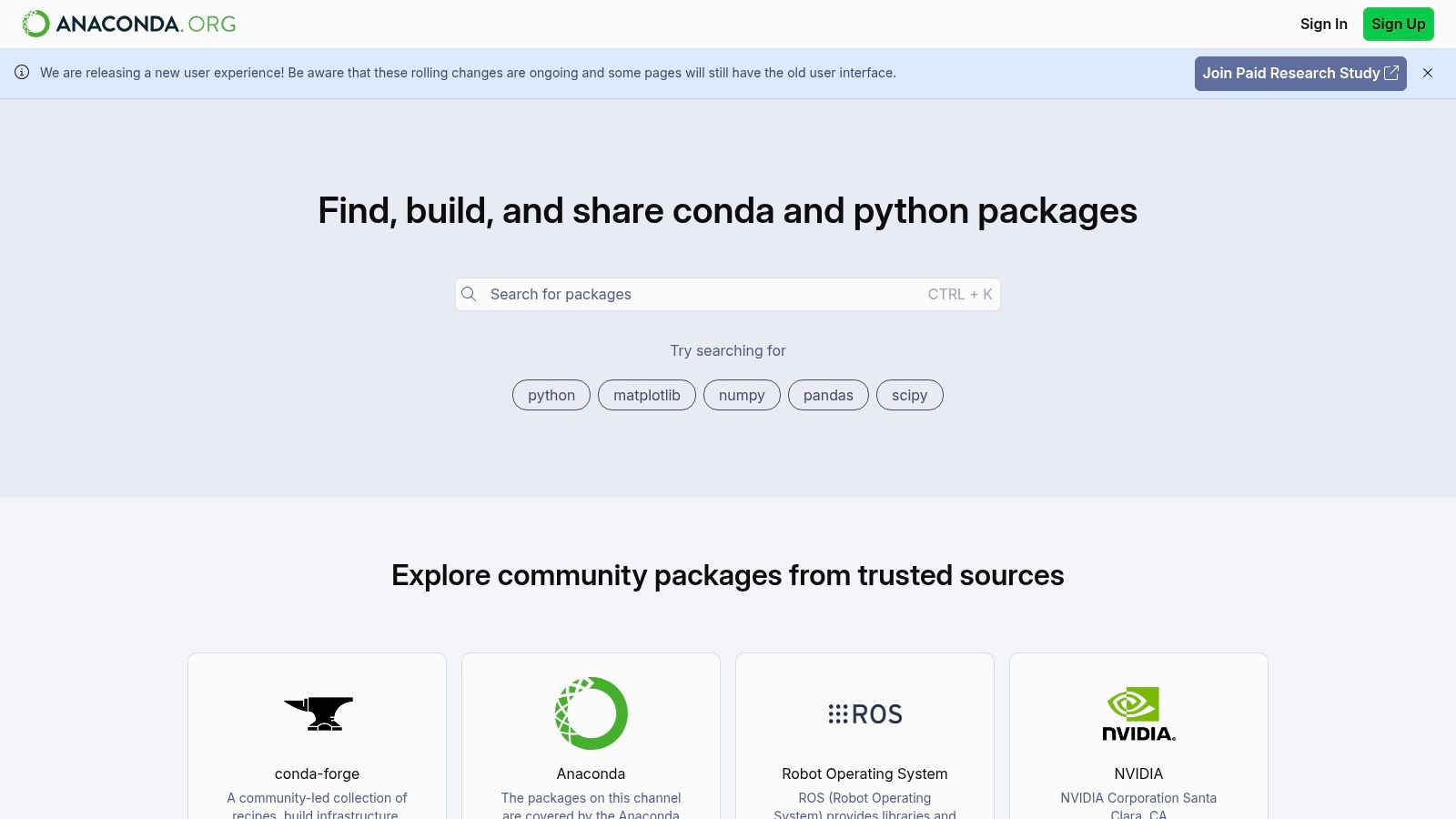
While not a library itself, Anaconda.org is a super helpful public package repository that makes managing your data science environment a breeze. Think of it as a specialized app store for data science tools. It hosts thousands of pre-compiled libraries optimized for different operating systems (Windows, macOS, Linux), which gets rid of the headache of setting up a solid environment for data analysis in Python.
For beginners, this is a total game-changer. Instead of wrestling with compilers and weird dependencies, you get one-click installations for complex libraries like SciPy or TensorFlow using the conda package manager. This "it just works" experience lets you focus on your analysis rather than troubleshooting your setup.
Key Features
- Centralized Repository: Hosts thousands of open-source packages and notebooks, searchable by name, platform, or channel.
- Conda Integration: Provides the simple
conda installcommand for any package hosted on the platform, resolving complex dependency chains automatically. - Channel Management: Allows users to find and use packages from various community and organizational "channels," like the popular
conda-forge. - Environment Reproducibility: Makes it easy to share and recreate entire data science environments, ensuring your code works the same way on different machines.
Use Case Example
Let's say you need to install a specific version of a geospatial library like geopandas, which has notoriously complex dependencies. Instead of trying to install its C++ dependencies by hand, you can search Anaconda.org, find the official conda-forge channel, and install a reliable, pre-built version with a single command. Easy peasy.
Quick Install (via Miniconda or Anaconda)
Search for a package on Anaconda.org, then use the provided command
Example: Installing a package from the popular conda-forge channel
conda install -c conda-forge scikit-learn
When to Choose Anaconda.org
Use Anaconda.org as your main source for packages when you value stability and easy installation over having the absolute bleeding-edge version. It's the standard for professionals and teams who need reproducible environments and want to avoid the common pitfalls of dependency conflicts. While PyPI is great, Anaconda's focus on curated, pre-compiled binaries makes it a safer and more reliable choice for the core python libraries for data analysis.
Link: Anaconda.org Official Website
3. conda-forge
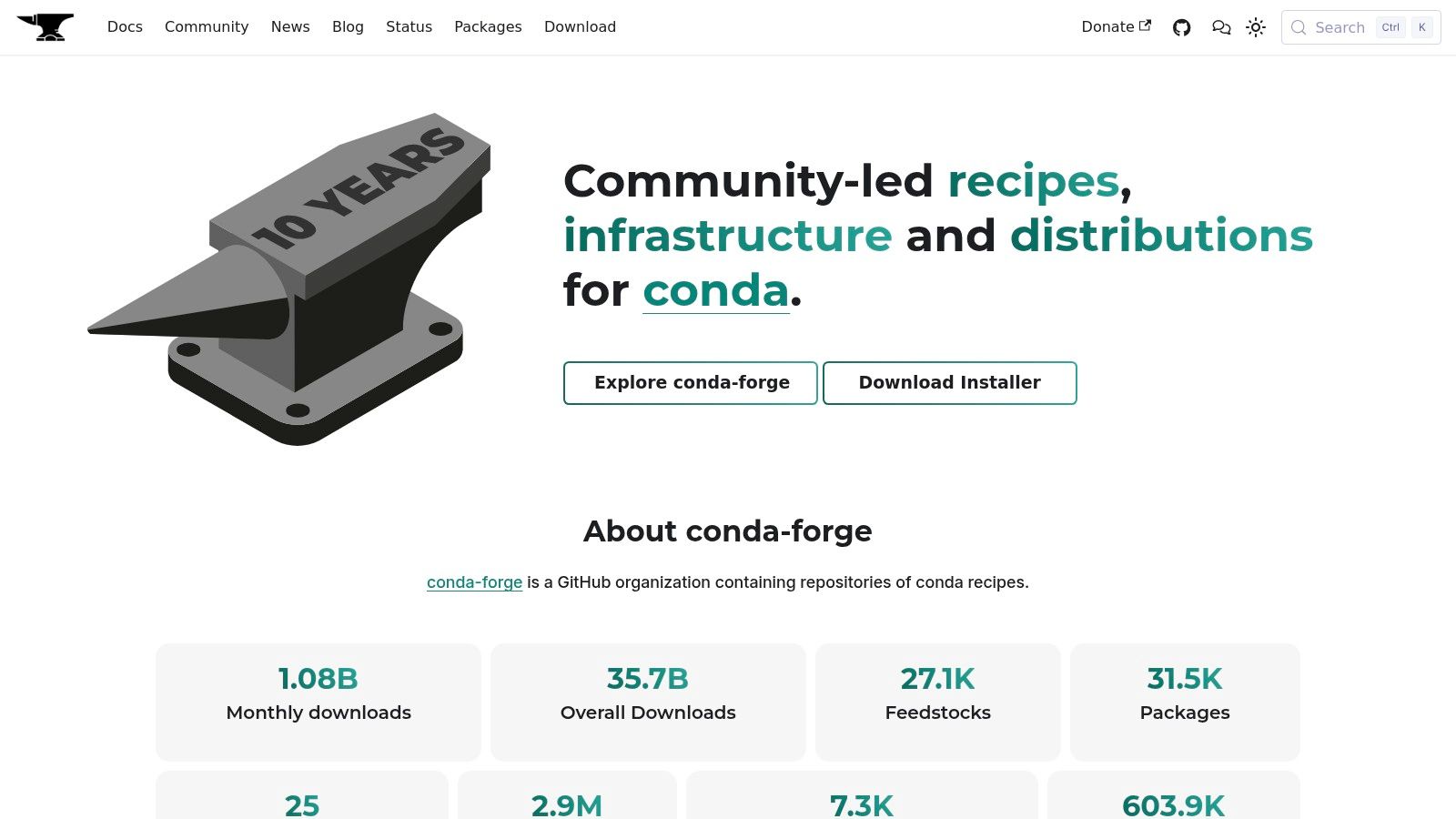
While not a library, conda-forge is the essential community-driven package repository that holds up the entire modern data science ecosystem in Python. Think of it as a massive, reliable, and up-to-date warehouse where you can find pretty much any data analysis tool, including all the other Python libraries for data analysis on this list. It’s a community-led effort to build and provide packages for the conda package manager.
When you install a library with conda, you're often pulling from a "channel," and conda-forge has become the gold standard for the scientific community. Its strength is its huge and current catalog, maintained by a transparent, GitHub-based system. Using conda-forge ensures you get consistent, cross-platform builds of your favorite tools, often faster than the default channels.
Key Features
- Massive Repository: An extensive collection of packages for data science, machine learning, and scientific computing.
- Community-Driven: All package recipes are open source on GitHub and maintained by a global community.
- Cross-Platform: Provides consistent and reliable package builds for Windows, macOS (including Apple Silicon), and Linux.
- Up-to-Date: Often has the latest versions of libraries available before other channels.
Use Case Example
Imagine you're starting a new data analysis project and need specific versions of pandas, scikit-learn, and a niche geospatial library. Instead of hunting them down one by one, you can create a single conda environment and tell it to pull all packages from the conda-forge channel, ensuring everything works together smoothly.
Quick Install: Using the conda-forge channel
You don't "install" conda-forge, you use it as a source (channel).
Example: Creating an environment and installing pandas from conda-forge
conda create -n my-analysis-env -c conda-forge pandas jupyterlab
Activate the new environment to start using it
conda activate my-analysis-env
When to Choose conda-forge
You should use the conda-forge channel for almost any project that relies on the conda package manager (like Anaconda or Miniconda). It's especially crucial when you need the latest library versions, require packages not available in the default channels, or want to ensure a consistent and reproducible environment across different computers. For serious data analysis work, making conda-forge your primary channel is considered a best practice.
Link: conda-forge Official Website
4. GitHub
Again, not a library itself, but GitHub is the central nervous system for the entire open-source world, including nearly all Python libraries for data analysis. It's the platform where these tools are born, developed, and maintained. For any serious data analyst, knowing your way around GitHub is non-negotiable, as it gives you direct access to the source code, bug reports, and the future plans of the libraries you use every day.
Think of GitHub as the library's official workshop. It’s where you can report a bug you've found, request a cool new feature, or even contribute code yourself. It also gives you a transparent look into a project's health. A library with recent updates and active discussions is a much safer bet than one that's been gathering dust for years.

Key Features
- Source Code Hosting: Provides direct access to the latest source code for almost every major data analysis library.
- Issue Tracking: An integrated system for users to report bugs, ask questions, and suggest enhancements directly to the developers.
- Release Management: Offers tagged releases with detailed change logs and downloadable assets, so you can see exactly what's new.
- Pull Requests: A workflow that lets the community contribute fixes and new features, fostering collaborative development.
Use Case Example
Imagine you run into a weird error while using a function from a popular library. After checking the official docs, you can head over to the library's GitHub repository. A quick search in the "Issues" tab often reveals that someone else has already reported the same problem, and a solution or workaround might already be available from the developers or the community.
Not installable, but here's how you'd clone a library's repo to look at the code
git clone https://github.com/pandas-dev/pandas.git
Example: Exploring the repository
1. Navigate to the project's GitHub page.
2. Click on the "Issues" tab to see bug reports and feature requests.
3. Click on "Releases" on the right sidebar to view version history.
4. Browse the "discussions" or "wiki" tabs for community insights and guides.
When to Use GitHub
Use GitHub when you need to go beyond the standard documentation. It's essential for reporting bugs, understanding the very latest (pre-release) features, or contributing to a project. While package managers like pip are for using libraries, GitHub is for understanding, troubleshooting, and participating in their development. It's the ultimate resource for advanced users and anyone wanting a deeper connection to their tools.
Link: GitHub Official Website
5. pandas
If data analysis in Python were a kingdom, pandas would be its undisputed ruler. It’s the foundational library that most data professionals learn first, and for good reason. At its core, pandas introduces two powerful data structures, the Series (a one-dimensional labeled array) and the DataFrame (a two-dimensional labeled structure akin to a spreadsheet or SQL table). These structures are the bedrock for most data manipulation tasks.
Think of pandas as your Swiss Army knife for data. Need to load data from a CSV file, clean up missing values, filter rows based on a condition, or group data to calculate summary statistics? Pandas handles all of this with an intuitive and expressive syntax. Its ability to effortlessly manage and reshape tabular data makes it an essential tool in the ecosystem of Python libraries for data analysis.
Key Features
- DataFrame Object: A powerful, flexible, and fast 2D tabular data structure with labeled axes (rows and columns).
- I/O Tools: A comprehensive set of functions for reading and writing data between in-memory data structures and different formats like CSV, Excel, SQL databases, and HDF5.
- Data Wrangling: Robust tools for cleaning, transforming, merging, and reshaping datasets.
- Time Series Functionality: Specialized features for handling and analyzing time-series data.
Use Case Example
Imagine you have a large sales dataset in a CSV file. You can use pandas to load it, quickly calculate the total revenue per product category, identify the top-selling items, and filter out all transactions from a specific region, all within a few lines of code.
Quick Install
pip install pandas
Example: Loading and analyzing sales data
import pandas as pd
Create a sample DataFrame
data = {'Category': ['Electronics', 'Books', 'Electronics', 'Clothing', 'Books'],
'Sales': [1200, 300, 850, 450, 150]}
df = pd.DataFrame(data)
Group by category and calculate total sales
category_sales = df.groupby('Category')['Sales'].sum()
print(category_sales)
When to Choose pandas
Choose pandas when your primary task involves manipulating, cleaning, and exploring structured (tabular) data. It's the starting point for nearly all data analysis projects in Python. While it's not built for heavy-duty numerical computation like NumPy or advanced machine learning, it provides the critical data preparation capabilities that those libraries rely on.
Link: pandas Official Website
6. NumPy
If pandas is the kingdom of data analysis, NumPy is the very earth that kingdom is built on. It’s the fundamental package for scientific computing in Python, introducing the powerful N-dimensional array object, or ndarray. This object is a high-performance, multi-dimensional array that provides the foundation for pretty much every other data science and machine learning library out there.
NumPy lets you perform lightning-fast math operations on large arrays of numbers. Its secret sauce is something called vectorization, which lets you express complex calculations without writing slow, clunky loops. Instead of looping through elements one by one, you apply operations to entire arrays at once. This efficiency makes NumPy a must-have tool among the Python libraries for data analysis, especially for the numerical heavy lifting in advanced algorithms.
Expert Opinion: "People often think they don't need to learn NumPy because pandas handles so much. That's a mistake. Understanding NumPy's broadcasting and vectorized operations is what separates a good analyst from a great one. It unlocks a new level of performance and computational thinking."
Key Features
- ndarray Object: An efficient, multi-dimensional array providing fast, vectorized arithmetic operations.
- Broadcasting: A powerful mechanism that allows NumPy to work with arrays of different shapes during arithmetic operations.
- Mathematical Functions: A vast library of high-level mathematical functions to operate on these arrays (e.g., linear algebra, Fourier transform, random number capabilities).
- C & Fortran Integration: Tools for integrating code from C, C++, and Fortran, allowing for even greater performance.
Use Case Example
Imagine you need to perform a complex mathematical transformation on a huge dataset of image pixels, which are just arrays of numbers. NumPy can apply a function like a sine or cosine transformation to every single pixel at the same time—a task that would be incredibly slow using standard Python lists.
Quick Install
pip install numpy
Example: Performing a vectorized operation on an array
import numpy as np
Create a sample array (e.g., pixel brightness values)
data = np.array([1, 2, 3, 4, 5])
Perform a fast, vectorized operation (no loop needed!)
Let's say we want to apply a formula: sin(value) * 10
transformed_data = np.sin(data) * 10
print(transformed_data)
Output: [ 8.41470985 9.09297427 1.41120008 -7.56802495 -9.58924275]
When to Choose NumPy
Choose NumPy whenever you need to perform fast numerical computations on arrays of data. While you might not use it directly for data loading and cleaning like pandas, it’s the powerful engine running under the hood for most data analysis tasks. It's an essential prerequisite for working with libraries like pandas, SciPy, Scikit-learn, and TensorFlow.
Link: NumPy Official Website
7. SciPy
If NumPy is the foundation for numerical computing, SciPy is the expansive house built on top of it, filled with specialized rooms for scientific and technical work. While NumPy provides the core ndarray object, SciPy offers a huge collection of user-friendly and efficient numerical routines, like optimization, integration, and statistics. It takes the fundamental building blocks from NumPy and provides the high-level algorithms needed to solve complex problems.
For a data analyst, SciPy is like having a team of specialized mathematicians and engineers on call. It contains the algorithms that power many advanced analytical tasks, from statistical hypothesis testing to signal processing. This makes it an indispensable tool in the ecosystem of Python libraries for data analysis, bridging the gap between raw array manipulation and sophisticated scientific computation.
Key Features
- Scientific Algorithms: A broad collection of algorithms for optimization, linear algebra, integration, interpolation, and other scientific computing tasks.
- Statistical Functions: The
scipy.statsmodule provides a large number of probability distributions and a growing library of statistical functions. - Signal and Image Processing: Powerful functions for filtering, transforming, and analyzing signals and images.
- Optimized Performance: Wraps highly optimized, battle-tested Fortran and C libraries, making complex computations fast and reliable.
Use Case Example
Suppose you want to figure out if the difference in average sales between two marketing campaigns is statistically significant or just random chance. You can use SciPy's stats module to perform an independent t-test directly on your data arrays, giving you a p-value to back up your conclusion.
Quick Install
pip install scipy
Example: Performing a t-test on two sample sales datasets
import numpy as np
from scipy import stats
Sales data from two different campaigns
campaign_a_sales = np.array([102, 110, 98, 105, 95])
campaign_b_sales = np.array([96, 88, 101, 92, 90])
Perform an independent t-test to see if the means are significantly different
t_statistic, p_value = stats.ttest_ind(campaign_a_sales, campaign_b_sales)
print(f"P-value: {p_value:.4f}")
If the p-value is small (e.g., < 0.05), we can be confident the difference is real!
When to Choose SciPy
Choose SciPy when your analysis goes beyond basic data manipulation and into the realm of scientific and statistical computing. It's the right tool when you need to perform hypothesis testing, optimize a function, solve differential equations, or process complex signals. SciPy works seamlessly with NumPy and pandas, acting as the computational engine for more advanced analytical workflows.
Link: SciPy Official Website
8. scikit-learn
When your data analysis moves from exploring the past to predicting the future, scikit-learn becomes your best friend. It is the gold standard for classical machine learning in Python, offering a huge array of accessible, well-documented algorithms. Scikit-learn brilliantly simplifies the machine learning workflow by providing a unified and consistent API for its models. Whether you're building a regression, classification, or clustering model, the fit(), predict(), and transform() methods stay the same.
This focus on consistency and ease of use makes it incredibly powerful for both beginners and seasoned pros. It’s not just a collection of algorithms; it's a complete toolkit with utilities for data preprocessing, feature selection, and model evaluation. This makes it one of the most indispensable Python libraries for data analysis when predictive modeling is your goal.
Expert Opinion: "The beauty of scikit-learn is its 'batteries-included' philosophy. It provides everything you need to go from a clean dataset to a tuned, production-ready model. For 90% of business problems that can be solved with classical ML, scikit-learn is the most direct and reliable path to a solution."
Key Features
- Unified Estimator API: A consistent interface for all machine learning models (
fit,predict,transform). - Supervised & Unsupervised Learning: A wide range of algorithms for classification, regression, clustering, and dimensionality reduction.
- Model Selection and Evaluation: Tools for cross-validation, hyperparameter tuning, and performance metrics.
- Preprocessing Utilities: Features for scaling, encoding categorical variables, and imputing missing values.
Use Case Example
Imagine you've analyzed customer data with pandas and now want to predict which customers are likely to cancel their subscriptions. You can use scikit-learn to preprocess the data, train a classification model like Logistic Regression or a Random Forest, and evaluate its accuracy to build a predictive tool.
Quick Install
pip install scikit-learn
Example: Training a simple classification model
from sklearn.model_selection import train_test_split
from sklearn.linear_model import LogisticRegression
from sklearn.metrics import accuracy_score
import numpy as np
Sample data: features (X) like 'time_on_site' and 'purchases'
and target (y) like 'churned' (0 for no, 1 for yes)
X, y = np.arange(10).reshape((5, 2)), range(5)
Split data into training and testing sets
X_train, X_test, y_train, y_test = train_test_split(X, y, test_size=0.3, random_state=42)
Train a model
model = LogisticRegression().fit(X_train, y_train)
Make predictions on new data
predictions = model.predict(X_test)
print(f"Model Accuracy: {accuracy_score(y_test, predictions):.2f}")
When to Choose scikit-learn
Choose scikit-learn when you need to apply classical machine learning models to your dataset. It's the perfect next step after exploring and cleaning your data with pandas. While it doesn't cover deep learning (use TensorFlow or PyTorch for that), it is the number one choice for tasks like predictive modeling, customer segmentation, and feature importance analysis.
Link: scikit-learn Official Website
9. Plotly
While libraries like Matplotlib and Seaborn are great for static charts, Plotly takes data visualization to the next level with fully interactive, D3.js-powered graphs. This library is designed for creating beautiful, publication-quality charts that users can pan, zoom, and hover over to explore the data themselves. It's both an open-source library (plotly.py) and a broader platform for building full-stack data applications.
Plotly is your go-to when your data story needs to be explored, not just shown. It bridges the gap between a static analysis in a Jupyter Notebook and a shareable, interactive web-based dashboard. This makes it a crucial tool among Python libraries for data analysis, especially for communicating your findings. Whether you’re embedding a chart in a blog post or building a complex BI tool with its sister framework, Dash, Plotly helps make your data engaging.

Key Features
- Interactive Visualizations: Produces a wide range of interactive charts, including 3D plots, maps, and financial charts.
- Dash Framework Integration: Seamlessly integrates with Dash to build and deploy powerful analytical applications and dashboards with pure Python.
- High-Level Express API: A simple, concise syntax (
plotly.express) for creating entire figures at once, making complex charts much easier to build. - Cross-Platform Compatibility: Renders visuals consistently across notebooks, standalone HTML files, and web applications.
Use Case Example
Imagine you've analyzed global sales data and want to present it to stakeholders. Instead of a static map, you can use Plotly to create an interactive choropleth map. Stakeholders can then hover over different countries to see exact sales figures, zoom into specific regions, and filter the data using controls, all within their web browser. Plotly is one of the premier AI data analysis tools for creating such dynamic user experiences.
Quick Install
pip install plotly pandas
Example: Creating an interactive scatter plot
import plotly.express as px
import pandas as pd
Plotly comes with some sample data to play with
df = px.data.iris()
Create an interactive scatter plot with just one line of code!
fig = px.scatter(df, x="sepal_width", y="sepal_length", color="species",
title="Interactive Iris Dataset Visualization")
When you run this in a notebook, the plot will be interactive
fig.show()
When to Choose Plotly
Choose Plotly when your main goal is to create interactive, web-ready visualizations. It's the ideal choice if you need to share your findings with a non-technical audience or want to build data dashboards. While Matplotlib might be quicker for simple, static plots during your initial exploration, Plotly shines when you need to deliver a polished, engaging, and explorable data product.
Link: Plotly Official Website
10. Dask
So what happens when your dataset grows too large to fit into your computer's memory? You could spend a fortune on a more powerful machine, or you could turn to Dask. This clever library is designed for parallel computing in Python, effectively scaling your existing pandas and NumPy workflows across multiple cores on your laptop or even an entire cluster of machines—without forcing you to rewrite all your code.
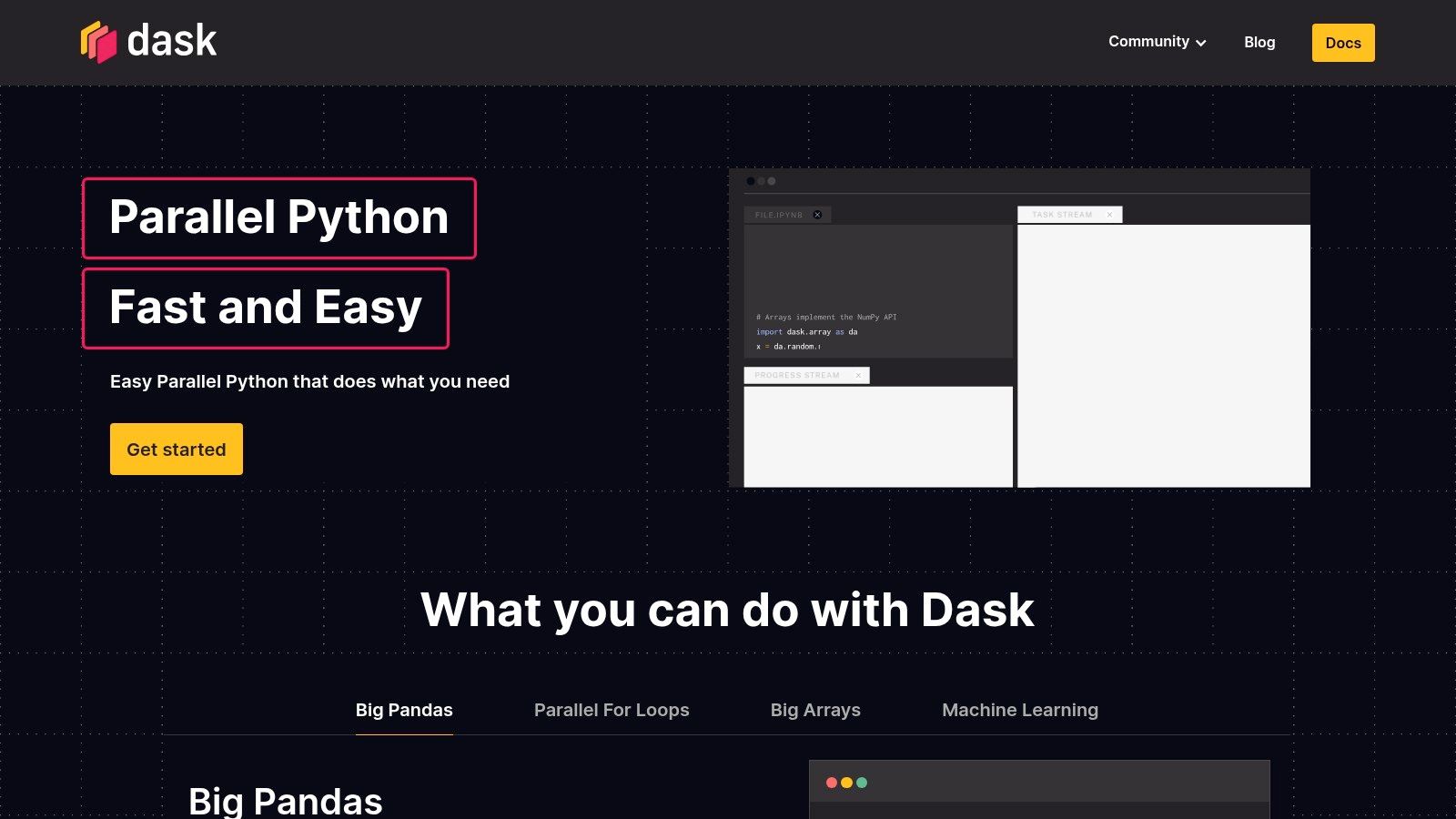
Think of Dask as "big data pandas." It provides DataFrame, Array, and Bag collections that look and feel just like the APIs of pandas and NumPy. But under the hood, Dask breaks these large datasets into smaller, manageable chunks (like lots of little pandas DataFrames) and coordinates computations on them in parallel. This lets you work with datasets far larger than your RAM, making it one of the most practical python libraries for data analysis when you're dealing with scale.
Key Features
- Parallel Collections: Dask DataFrames and Dask Arrays partition large datasets into smaller pieces, allowing for out-of-core and parallel processing.
- Dynamic Task Scheduling: Features schedulers optimized for both single-machine multicore use and distributed clusters.
- API Familiarity: Its API intentionally mirrors pandas and NumPy, which is a huge win because it dramatically lowers the learning curve.
- Scalable Machine Learning: Integrates with popular libraries like scikit-learn and XGBoost to parallelize model training on large datasets.
Use Case Example
Imagine you need to analyze a 100GB log file on a laptop with only 16GB of RAM. Loading this with pandas would instantly crash your computer. With Dask, you can load and process the file as a Dask DataFrame, which reads and computes on the data in chunks, never trying to hold the whole file in memory at once.
Quick Install
pip install "dask[complete]"
Example: Processing a large CSV with Dask
import dask.dataframe as dd
Dask reads the CSV in chunks, creating a DataFrame representation
This line runs instantly because Dask uses "lazy evaluation"—it plans the work but doesn't do it yet.
ddf = dd.read_csv('large_dataset.csv')
The calculation only happens when you call .compute()
Dask performs this in parallel on chunks of the data
mean_value = ddf['column_name'].mean().compute()
print(f"The mean value is: {mean_value}")
When to Choose Dask
Choose Dask when your pandas or NumPy workflow is hitting a wall because of memory or performance issues. If your code is running too slow or crashing because the data is too big, Dask is the next logical step. It’s perfect for scaling your existing data analysis skills to larger datasets without needing to learn a completely new big data ecosystem like Apache Spark.
Link: Dask Official Website
11. PySpark (Apache Spark for Python)
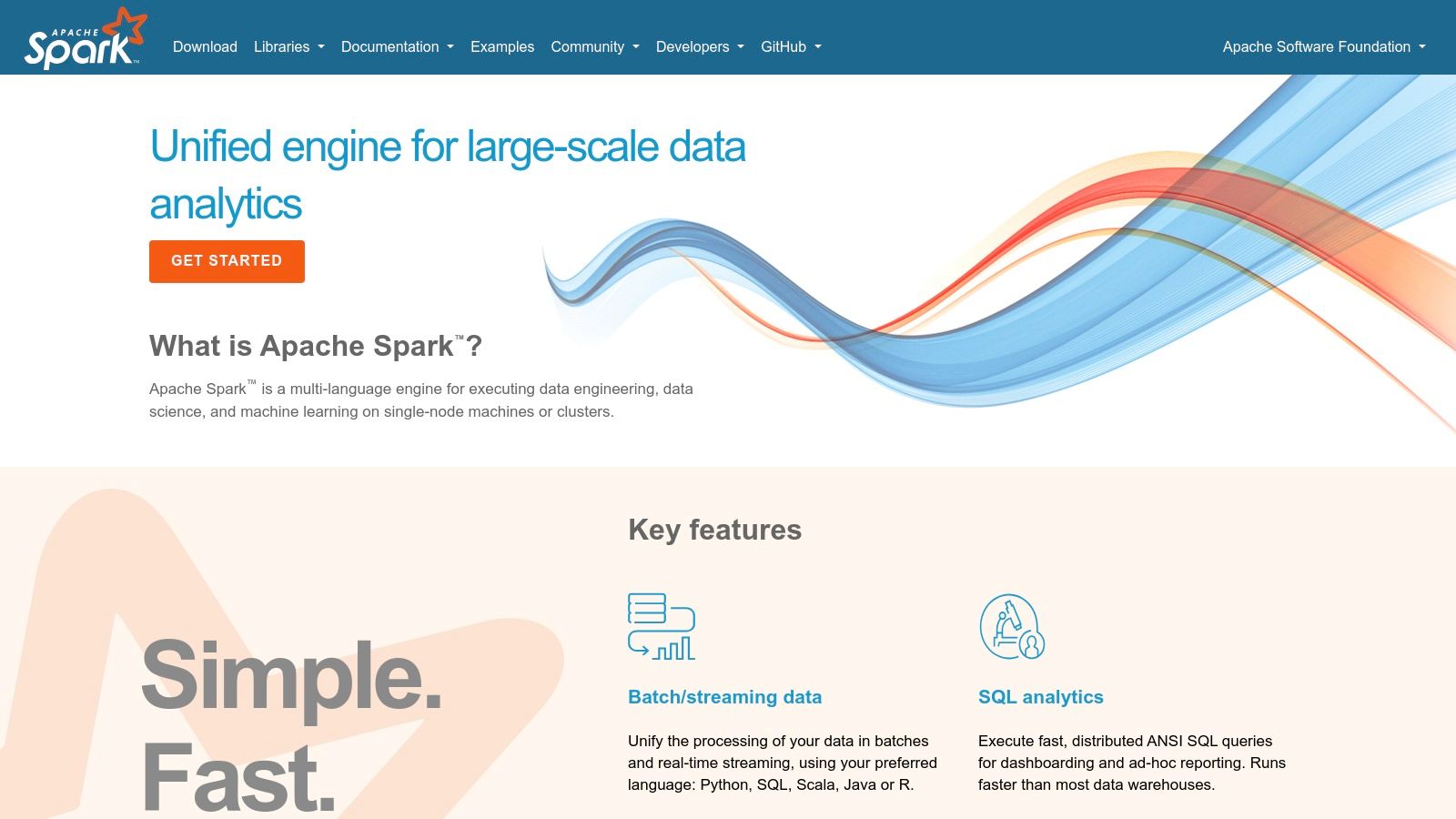
When your dataset grows from gigabytes to terabytes, even Dask can start to feel the strain. This is where PySpark, the Python API for Apache Spark, comes in. It's not just another library; it's a gateway to a powerful distributed computing engine designed for true big data processing. PySpark lets you run data analysis and machine learning tasks in parallel across a whole cluster of computers, dramatically speeding up workflows that would be impossible on a single machine.
Think of it as leveling up from a workshop to a full-scale factory. While pandas is perfect for crafting detailed projects on a workbench, PySpark provides the assembly line for industrial-scale data processing. It allows you to apply familiar concepts, like SQL queries and DataFrame operations, to massive datasets without being limited by the memory of one computer, making it a cornerstone among Python libraries for data analysis at a massive scale.
Key Features
- Distributed Processing: Executes data processing in parallel across multiple nodes in a cluster for massive performance gains.
- Resilient Distributed Datasets (RDDs): A low-level, fault-tolerant data structure that forms the backbone of Spark's operations.
- Spark SQL: Allows for querying structured data using both SQL and a DataFrame API, which is syntactically similar to pandas.
- Pandas API on Spark: Provides a familiar pandas-like API for working with Spark DataFrames, easing the transition for pandas users.
Use Case Example
Imagine you're tasked with analyzing a petabyte-scale log file from a popular web service to find user behavior patterns. Using PySpark, you can distribute this massive file across a cluster, filter for specific events, and aggregate the data to build an analytics dashboard, all in a fraction of the time it would take on a single machine.
Quick Install
pip install pyspark
Example: Counting words in a distributed dataset
from pyspark.sql import SparkSession
Initialize a Spark session (the entry point to Spark functionality)
spark = SparkSession.builder.appName("WordCount").getOrCreate()
Create a sample Resilient Distributed Dataset (RDD)
In a real scenario, this would be loaded from a huge file in HDFS or S3
data = ["Hello Spark", "Hello World", "Data Analysis with Spark"]
rdd = spark.sparkContext.parallelize(data)
Perform word count in a distributed fashion
word_counts = rdd.flatMap(lambda line: line.split(" "))
.map(lambda word: (word, 1))
.reduceByKey(lambda a, b: a + b)
Display results by collecting them back to the main driver node
for word, count in word_counts.collect():
print(f"{word}: {count}")
spark.stop()
When to Choose PySpark
Choose PySpark when your data is truly big—too big to fit in the memory of a single machine or when your processing jobs are taking way too long to run locally. It's the industry standard for large-scale ETL (Extract, Transform, Load) pipelines, big data analytics, and distributed machine learning. If you're hitting performance walls with pandas, it's time to consider moving your workflow to the distributed power of Spark.
Link: Apache Spark Official Website
12. RAPIDS (NVIDIA)
When your datasets become too large for a single CPU to handle efficiently, it's time to bring in the heavy artillery: your Graphics Processing Unit (GPU). RAPIDS is a suite of open-source software libraries from NVIDIA that brings the immense parallel processing power of GPUs to data science. It's designed to accelerate your entire data science pipeline, from data loading to machine learning, completely on GPUs.
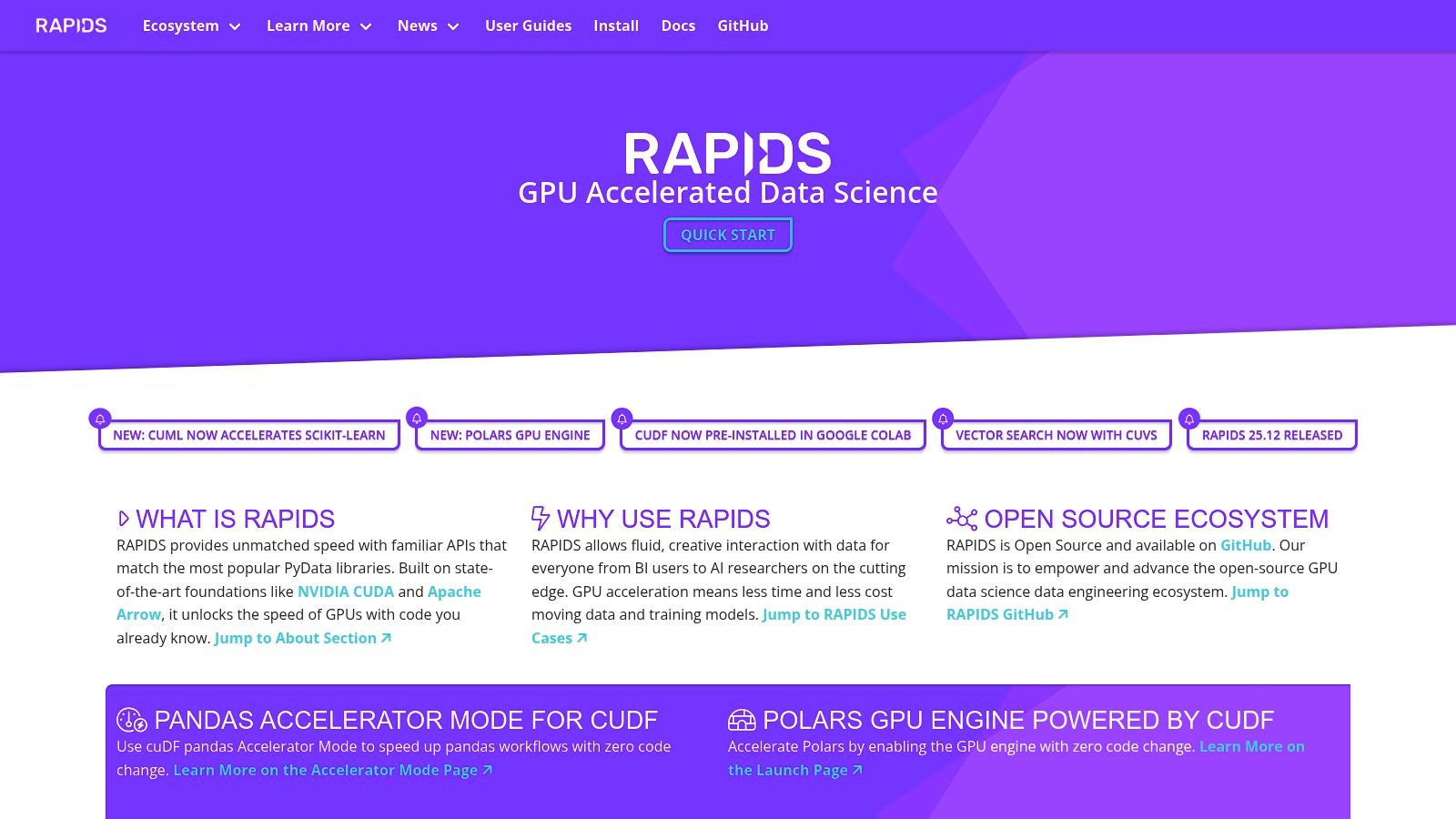
The magic of RAPIDS is that it uses familiar APIs. Its core components, like cuDF and cuML, mirror the APIs of pandas and scikit-learn. This smart design choice dramatically lowers the barrier to entry, letting data scientists supercharge their existing workflows with minimal code changes. If you’ve ever waited hours for a pandas groupby or a scikit-learn model to train, RAPIDS could turn that wait into just a few minutes, making it one of the most powerful python libraries for data analysis available today.
Key Features
- cuDF: A GPU DataFrame library that provides a pandas-like API for loading, joining, aggregating, and filtering data directly on the GPU.
- cuML: A collection of GPU-accelerated machine learning algorithms that follow the scikit-learn API, including XGBoost, Random Forest, and various clustering models.
- cuGraph: A GPU-accelerated graph analytics library based on the NetworkX API for tasks like PageRank and community detection.
- Seamless Integration: Designed to work with Dask for scaling across multiple GPUs and nodes, providing a unified experience for massive datasets.
Use Case Example
Imagine you're an e-commerce analyst trying to build a customer segmentation model using a terabyte-scale transaction log. Using pandas and scikit-learn on a CPU would be painfully slow or flat-out impossible. With RAPIDS, you can load the data into a cuDF DataFrame and train a K-Means model with cuML, leveraging the GPU to get results in a tiny fraction of the time.
Quick Install (via conda is recommended)
conda create -n rapids-24.06 -c rapidsai -c conda-forge -c nvidia
cudf=24.06 python=3.10 cudatoolkit=11.8
Example: Using cuDF for faster data manipulation
import cudf
import numpy as np
Create a sample GPU DataFrame (much larger in practice!)
Notice the syntax is almost identical to pandas
gdf = cudf.DataFrame()
gdf['key'] = [1, 1, 2, 2, 3, 3]
gdf['value'] = [10, 20, 30, 40, 50, 60]
Perform a groupby operation on the GPU, which is massively faster than pandas for large data
grouped_gdf = gdf.groupby('key').mean()
print(grouped_gdf)
When to Choose RAPIDS
Choose RAPIDS when you are hitting performance bottlenecks with pandas or scikit-learn on large datasets and you have access to a compatible NVIDIA GPU. It is the ideal choice for accelerating existing data science workflows that are computationally intensive. However, it does require specific hardware (NVIDIA GPUs) and system setups (Linux or WSL2 on Windows), which can be a barrier if you don't already have the right infrastructure.
Link: RAPIDS Official Website
Top 12 Python Data Analysis Resources Comparison
| Resource | Core features ✨ | Experience & quality ★🏆 | Target audience 👥 | Value & Pricing 💰 |
|---|---|---|---|---|
| PyPI (Python Package Index) | ✨ Central index, pip installs, version history, wheels | ★★★★ · Ubiquitous access 🏆 | 👥 Python devs, library consumers & authors | 💰 Free · Vet package security |
| Anaconda.org (Anaconda Cloud) | ✨ Conda packages, prebuilt binaries, channel filters | ★★★★ · Curated binaries, easy installs | 👥 Data scientists, Windows/macOS users | 💰 Free tier · Paid org features |
| conda-forge | ✨ Community conda channel, cross-platform builds, GitHub recipes | ★★★★ · Up‑to‑date, community‑driven 🏆 | 👥 Conda/mamba users, scientific community | 💰 Free · Community-supported |
| GitHub | ✨ Source hosting, releases, issues, PR workflows | ★★★★ · Maximum transparency, early access | 👥 Developers, contributors, maintainers | 💰 Free for OSS · Paid enterprise plans |
| pandas (official) | ✨ Tabular API, tutorials, cheat sheets, in‑browser sandbox | ★★★★★ · Industry standard for tabular analysis 🏆 | 👥 Data analysts, scientists, engineers | 💰 Free · May need scaling tools |
| NumPy (official) | ✨ n‑D arrays, broadcasting, stable API, tutorials | ★★★★★ · Foundational library 🏆 | 👥 Researchers, ML engineers, devs | 💰 Free · Core dependency for many libs |
| SciPy (official) | ✨ Optimization, stats, signal, numerical algorithms | ★★★★ · Production‑tested numerical routines | 👥 Scientists, engineers, quantitative analysts | 💰 Free · Requires toolchain for some builds |
| scikit‑learn (official) | ✨ Estimator API, pipelines, model selection, examples | ★★★★★ · Mature, well‑documented 🏆 | 👥 ML practitioners, educators | 💰 Free · Classical ML focus (not DL) |
| Plotly | ✨ Interactive charts, Dash apps, cloud hosting options | ★★★★ · Strong interactivity & docs | 👥 Analysts, BI teams, product owners | 💰 OSS plotting · Paid hosting/security |
| Dask | ✨ Parallel/distributed pandas/NumPy APIs, scheduler | ★★★★ · Scales pandas workflows | 👥 Users needing out‑of‑core/cluster processing | 💰 Free · Requires tuning/cluster ops |
| PySpark (Apache Spark) | ✨ Spark Python API, SQL, distributed ML, cluster client | ★★★★ · Cluster‑scale ETL & analytics | 👥 Big‑data engineers, enterprises | 💰 Free OSS · Cluster management costs |
| RAPIDS (NVIDIA) | ✨ GPU‑accelerated cuDF/cuML, conda installs, Dask integration | ★★★★ · Massive speedups on NVIDIA GPUs 🏆 | 👥 GPU users, performance‑focused teams | 💰 Free OSS · Requires NVIDIA GPU (hardware cost) |
Choosing Your Tools and Taking the Next Step
Whew! We've journeyed through a powerful ecosystem of resources and libraries that form the backbone of modern data analysis in Python. From foundational repositories like PyPI and Anaconda to the core workhorses of pandas and NumPy, and onward to the specialized power of Dask, PySpark, and RAPIDS, it's clear that the Python community offers a tool for pretty much every analytical challenge. The sheer number of options can feel overwhelming, but it's also a testament to the language's incredible flexibility.
The key takeaway is that there is no single "best" library. The right choice always depends on your project—your data's size, the complexity of your analysis, and your hardware. Your goal isn't to master every single tool, but to build a versatile toolkit and understand which instrument to pull out for a specific job. Think of it like a workshop: you need more than just a hammer.
Synthesizing Your Toolkit: A Practical Framework
So, how do you choose? Let’s break it down into a simple framework. Ask yourself these key questions before starting any new data analysis project:
-
How big is my data? If your dataset fits comfortably into your computer's RAM (usually under a few gigabytes), the classic stack of pandas, NumPy, and scikit-learn is your undisputed champion. It's fast, intuitive, and has a massive support community. When your data is too big for memory, it’s time to reach for Dask for parallel computing on a single machine, or PySpark for truly massive, distributed datasets. If you have access to NVIDIA GPUs, RAPIDS offers a phenomenal performance boost by keeping everything on the GPU.
-
What am I trying to do? Are you focused on data manipulation and cleaning? pandas is your go-to. Performing complex mathematical and scientific computations? NumPy and SciPy are essential. Building predictive models? scikit-learn is a comprehensive and user-friendly starting point. Creating interactive, web-ready visualizations to share with others? Plotly is designed for exactly that.
-
What hardware do I have? Your available hardware is a big factor. The standard libraries run on any modern computer. However, to unlock the true potential of RAPIDS, you need a compatible NVIDIA GPU. Similarly, while you can run PySpark on your laptop, its real power is unleashed on a multi-node cluster, which involves a more complex setup.
Think of these tools as building blocks. A typical project might start with pandas for initial exploration, use scikit-learn for modeling, and leverage Plotly to present the final results. The beauty of these python libraries for data analysis is that they are designed to work together seamlessly.
Your Path Forward: From Learning to Mastery
Navigating the world of python libraries for data analysis is an ongoing journey of learning and doing. Don't fall into the trap of "analysis paralysis," where you spend more time choosing a tool than actually using it.
Your next steps should be hands-on. Find a dataset that genuinely interests you, come up with a question, and try to answer it using these tools. Start with the basics, like pandas, and only bring in more complex libraries like Dask or PySpark when you hit a clear performance or memory bottleneck. This practical approach will build your skills far more effectively than just reading documentation. The journey from beginner to expert is paved with solved problems and debugged errors, so embrace the process, stay curious, and keep building.
Feeling excited about the possibilities but want to stay ahead of the curve? The world of AI and data analysis moves fast. At YourAI2Day, we cut through the noise, delivering the latest breakthroughs, tool updates, and practical guides directly to you. Subscribe to the YourAI2Day newsletter to get curated insights and tutorials that will keep your skills sharp and your projects innovative.