12 Best AI Tools for Beginners to Try in 2025
Hey there! Diving into the world of artificial intelligence can feel like walking into a massive library where every book is written in a different language. It's totally normal to feel a bit lost with all the options out there. This guide is your friendly map, designed to cut through the noise and point you straight to the best AI tools for beginners. We're skipping the dry, technical lists and giving you a hands-on look at platforms that are both super powerful and surprisingly easy to use, whether you want to write clearer emails, design eye-catching images, or just make your daily to-do list a little less daunting.
Think of this as your personal, curated tour of the AI world. For each tool, we'll show you what it's all about with real-world examples you can actually use, screenshots so you know what to expect, and direct links to get you started right away. We'll break down how to use them for practical projects—like drafting a business plan with ChatGPT or creating awesome social media graphics with Canva's Magic Studio. As AI expert Dr. Anya Sharma puts it, "The best way to learn AI is by doing, and these tools are the perfect playground for discovery." Our goal is simple: to help you have that 'aha!' moment and find the perfect tool to kickstart your AI journey without any of the frustration.
1. OpenAI – ChatGPT
As the quintessential starting point for anyone exploring AI, ChatGPT by OpenAI has become synonymous with the technology itself. It’s arguably one of the best ai tools for beginners because its conversational interface is incredibly intuitive. You simply type a question or a command, and the AI responds in natural, human-like language, making complex tasks feel as simple as sending a text message.
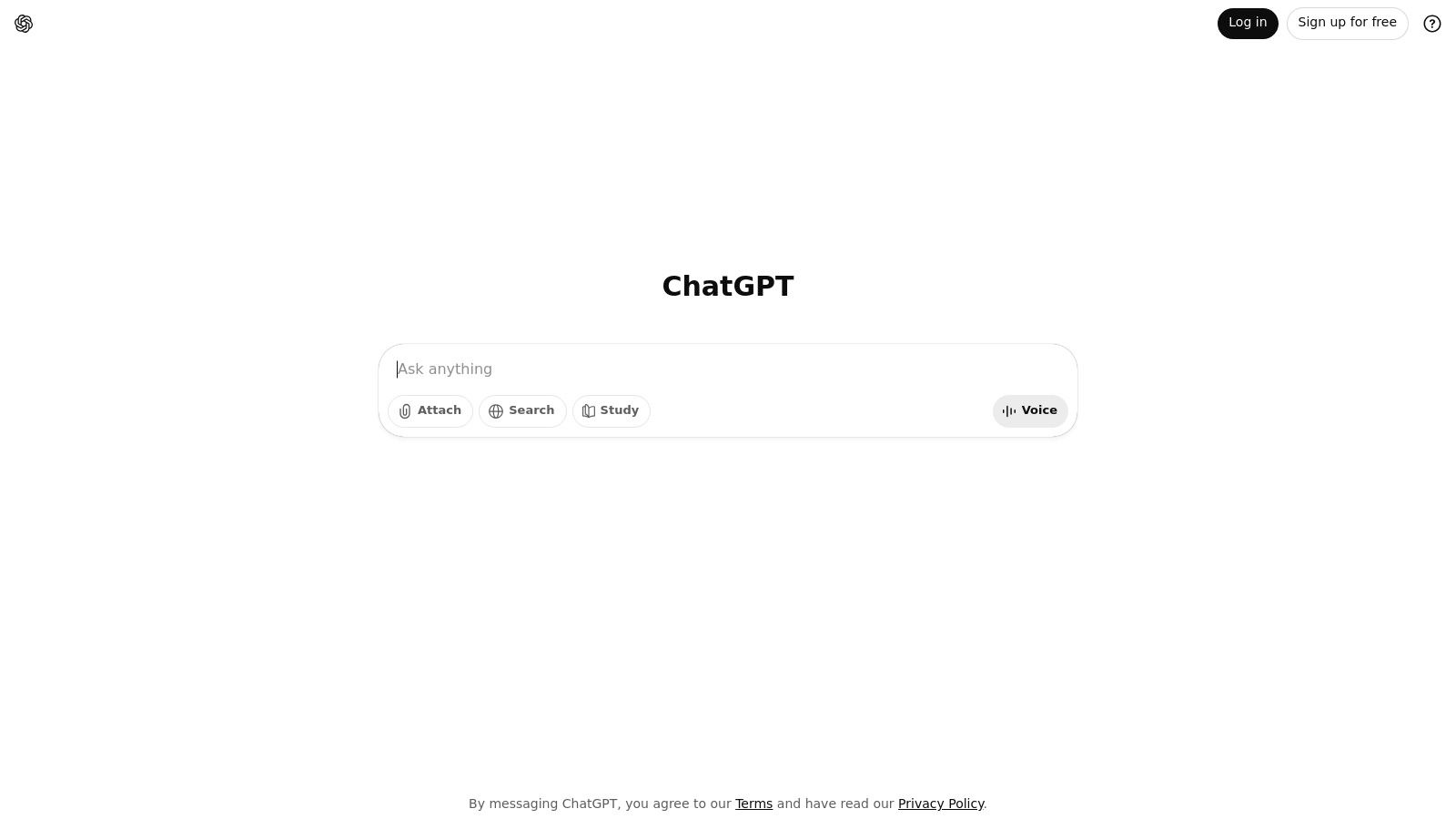
Its power lies in its versatility. You can use it to brainstorm ideas for your kid's birthday party, draft a polite follow-up email to a client, summarize a long article you don't have time to read, write a simple bit of code for a website, or even get recipe suggestions for dinner. The free version is incredibly generous, while paid plans unlock more advanced features, faster response times, and the ability to create your own custom GPTs for specialized tasks. For a deeper dive into the underlying technology, you can learn more about how large language models work.
Key Considerations
- Pricing: A robust free tier is available. Paid plans start at $20/month for individuals.
- Best For: General-purpose tasks, creative writing, learning assistance, and coding help.
- Pros: Extremely easy to use, highly versatile, powerful free version, and continuous updates.
- Cons: The free tier can experience slowdowns during peak hours, and responses may occasionally contain inaccuracies.
Expert Tip: To get better results, provide ChatGPT with context and a specific "persona." For example, instead of asking it to "write about marketing," try "Act as an expert digital marketer and write a 3-point plan for a small coffee shop's social media launch." This simple trick dramatically improves the quality of the response.
Website: https://chatgpt.com
2. Microsoft Copilot (Pro and Microsoft 365 Copilot)
For those of us already living in the Microsoft world (hello, Word and Excel!), Copilot is one of the most practical ai tools for beginners because it’s built right into the apps you use every single day. Instead of switching between different websites, Copilot brings AI help directly into your documents, spreadsheets, and emails. It feels less like a separate tool and more like a super-smart upgrade to your existing software.
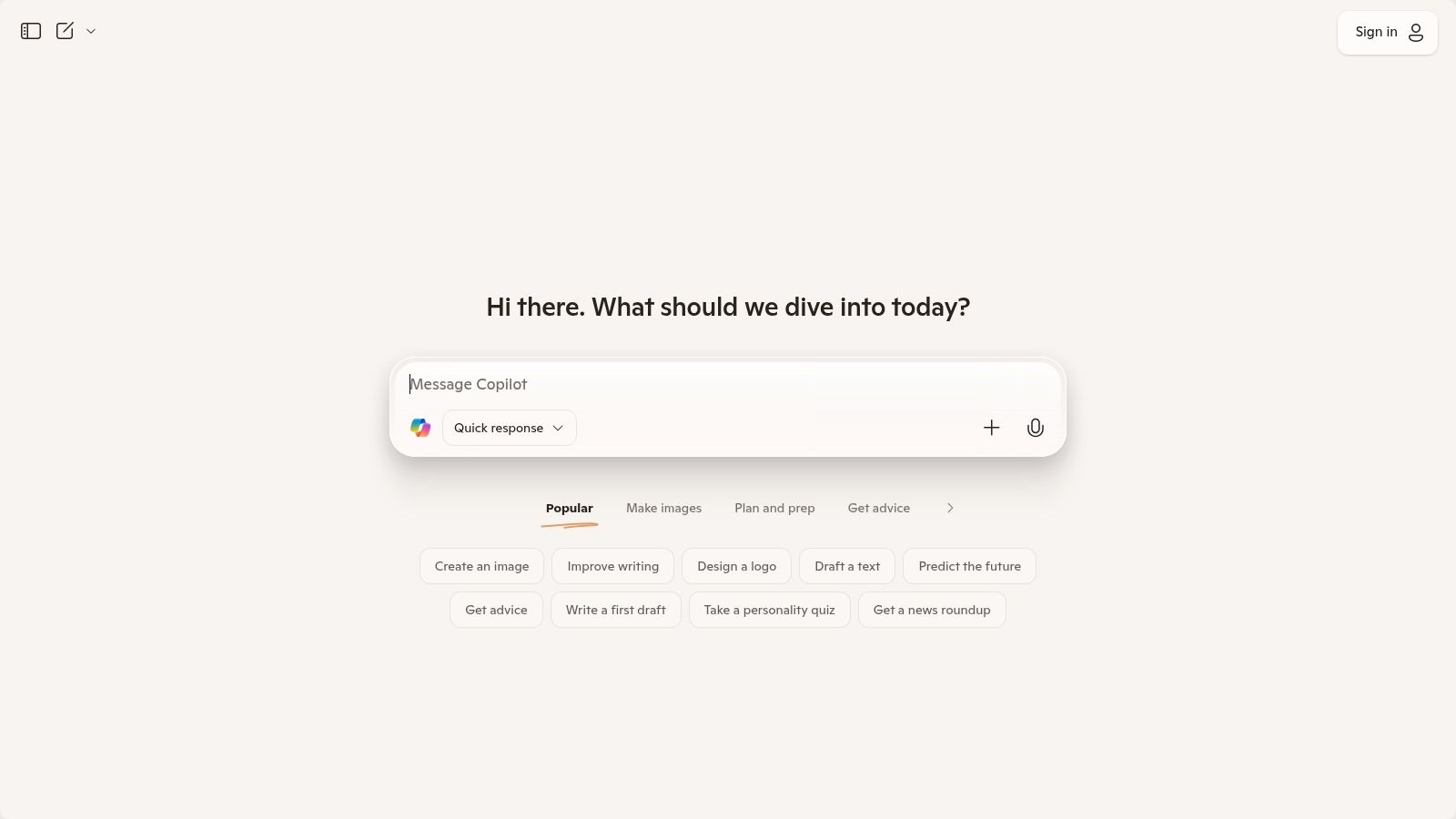
Its real strength is understanding the context of your work. Imagine being able to ask Copilot to summarize a ridiculously long email thread in Outlook, generate a complete PowerPoint presentation from a simple Word outline, or spot trends in an Excel sheet just by asking a question in plain English. The free web version gives you a great chat experience, while the paid Copilot Pro unlocks priority access and deeper integration, making it a powerful sidekick for work and school.
Key Considerations
- Pricing: Free version available. Copilot Pro starts at $20/month per user (requires a Microsoft 365 Personal or Family subscription).
- Best For: Microsoft 365 users, professionals, students, and anyone wanting to boost productivity within Office apps.
- Pros: Seamless integration into widely used Microsoft apps, low learning curve for existing users, and enterprise-grade security for business plans.
- Cons: Full features require a paid Microsoft 365 subscription on top of the Copilot Pro plan, and the credit system can be confusing initially.
Expert Tip: In PowerPoint, use the "Create a presentation from a file" feature. Point Copilot to a detailed Word document or outline, and it will generate a complete, designed slideshow with text, images, and speaker notes, saving you hours of work. It’s like having a design assistant who does all the heavy lifting.
Website: https://copilot.microsoft.com
3. Google – Gemini (Google AI plans via Google One)
As a direct competitor to ChatGPT, Google's Gemini is a powerhouse AI assistant that stands out for its deep integration within the Google ecosystem. It’s an exceptional choice among ai tools for beginners because it's built into many products you likely already use. Accessible via its website or dedicated apps, Gemini shines when it comes to tasks like summarizing emails in Gmail, drafting documents in Docs, and analyzing data in Sheets, making it incredibly practical for everyday productivity.

Its core strength is leveraging Google’s vast information index, often providing real-time, up-to-date answers connected to the web. The free version is highly capable, while paid tiers through Google One unlock more powerful models (like Gemini Advanced), higher usage limits, and enhanced creative tools. Features like NotebookLM, with its ability to "chat" with your uploaded documents, make it a fantastic study buddy for students and a research assistant for professionals.
Key Considerations
- Pricing: A generous free version is available. Paid plans start at $19.99/month through the Google One AI Premium subscription.
- Best For: Google Workspace users, research tasks, everyday productivity, and real-time information retrieval.
- Pros: Seamless integration with Google apps, powerful and recently updated models, and generous context windows in tools like NotebookLM.
- Cons: The naming and structure of paid plans can be confusing and are subject to change, with some features varying by region.
Expert Tip: Use the “@” symbol in Gemini to connect with Google apps directly. For example, you can type "@Gmail find all emails from my boss last week and summarize the key action items" to perform a powerful, cross-app task without leaving the chat. It's a game-changer for organization.
Website: https://gemini.google.com
4. Anthropic – Claude
Positioned as a thoughtful and reliable conversational AI, Claude by Anthropic is another excellent choice for those new to generative technology. It excels at tasks requiring strong reasoning, careful analysis, and high-quality writing. Its clean and minimalist interface makes it one of the most approachable ai tools for beginners, removing clutter so you can focus on your conversation and organize different chat threads into "Projects."
Claude is particularly good at summarizing complex documents (think legal contracts or academic papers), drafting professional emails, and generating creative text that feels nuanced and natural. It has a reputation for being "safer" and more cautious in its responses, which many first-time users appreciate. You can easily upload files like PDFs or spreadsheets and ask Claude to analyze their contents, making it a powerful assistant for both work and personal projects. The free version is quite capable, with paid plans offering significantly higher usage limits for power users.
Key Considerations
- Pricing: A generous free tier is available with daily message limits. The Pro plan is $20/month.
- Best For: Professional writing, document analysis, summarizing dense text, and brainstorming.
- Pros: High-quality and thoughtful responses, simple user interface, and strong safety guardrails.
- Cons: The free version can hit usage limits quickly, and some users report capacity issues during peak times.
Expert Tip: Use Claude's large context window to your advantage. Upload a lengthy report or a book chapter and ask it to "Create a 5-bullet point summary of the key findings from this document and identify the main argument the author is making." It's like having a super-fast research assistant.
Website: https://claude.ai
5. Canva – Magic Studio
Canva has long been the go-to platform for non-designers, and its Magic Studio suite brings that same simplicity to generative AI. This makes it one of the most accessible ai tools for beginners looking to create professional-quality visuals without a steep learning curve. Instead of juggling multiple apps, you can generate images, write copy, edit photos, and even create videos directly within your design workflow, making the creative process fun and easy.
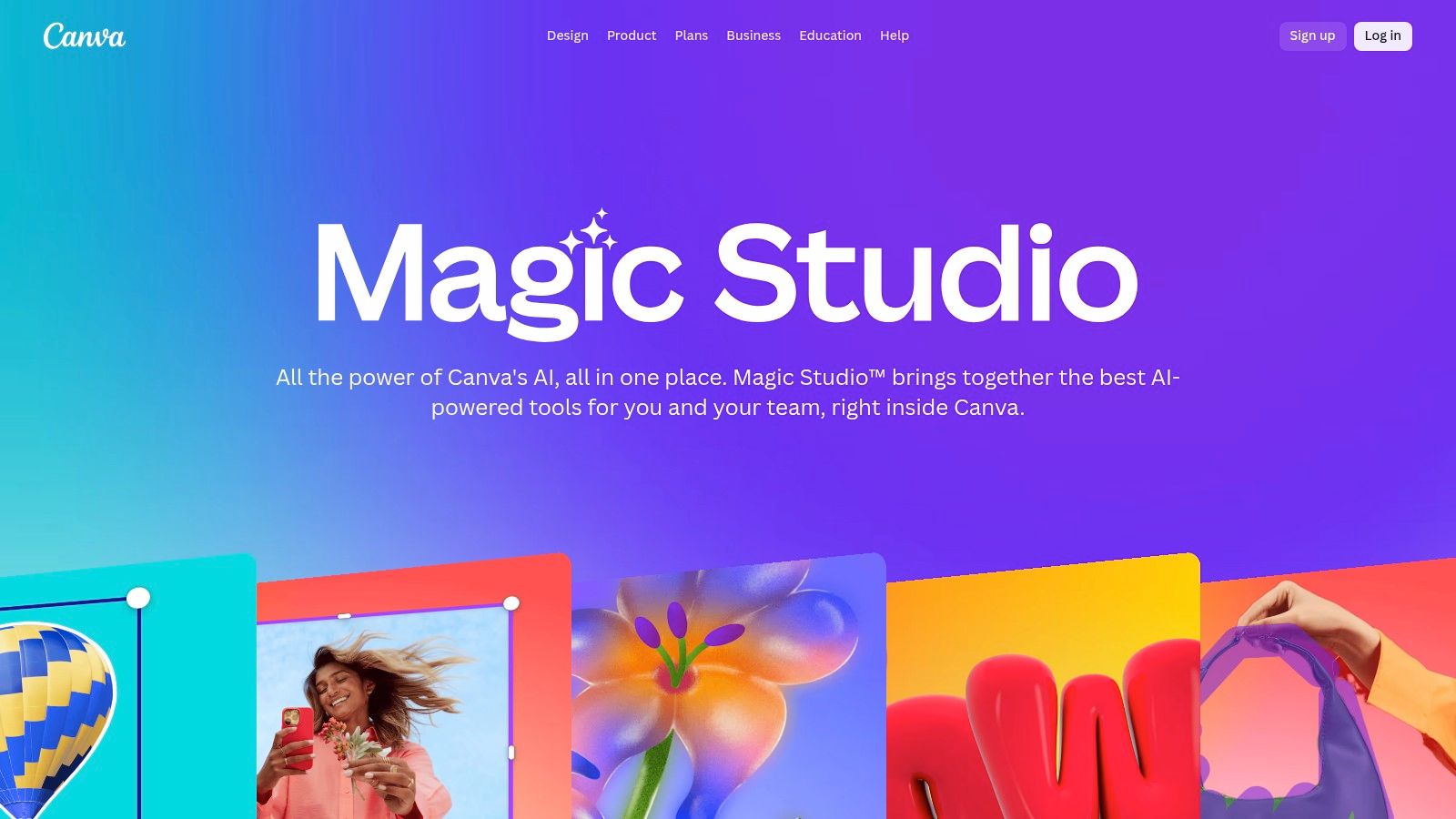
Its strength is how smoothly it weaves AI into a familiar, user-friendly interface. Tools like Magic Write can help you whip up social media captions in seconds, while Magic Media turns your text ideas into unique images or videos. Need to remove a photo's background? It's just one click. This all-in-one approach saves a ton of time and empowers anyone to produce polished, consistent content effortlessly.
Key Considerations
- Pricing: Free tier includes limited Magic Studio credits. Paid Pro and Teams plans offer higher monthly usage caps.
- Best For: Social media content creators, small business owners, marketers, and anyone needing quick, high-quality visual designs.
- Pros: Extremely easy for non-designers, integrates AI directly into the design workflow, and includes a massive template library.
- Cons: Most advanced AI features require a paid plan, and AI usage is based on a credit system that can be limiting.
Expert Tip: Use Magic Switch to instantly repurpose your content. You can turn a presentation into a blog post or an Instagram post into a formal document with one click, letting the AI handle all the tricky resizing and reformatting. It feels like magic.
Website: https://www.canva.com/magic/
6. Adobe Firefly (and Creative Cloud Pro)
For creative folks looking to dive into AI, Adobe Firefly offers a seamless bridge between generative AI and professional design workflows. It stands out because it's trained on Adobe Stock's licensed library, which means the images you create are designed to be commercially safe. This makes it one of the most reliable ai tools for beginners who plan to use their creations in professional or business projects and want to avoid any copyright headaches.
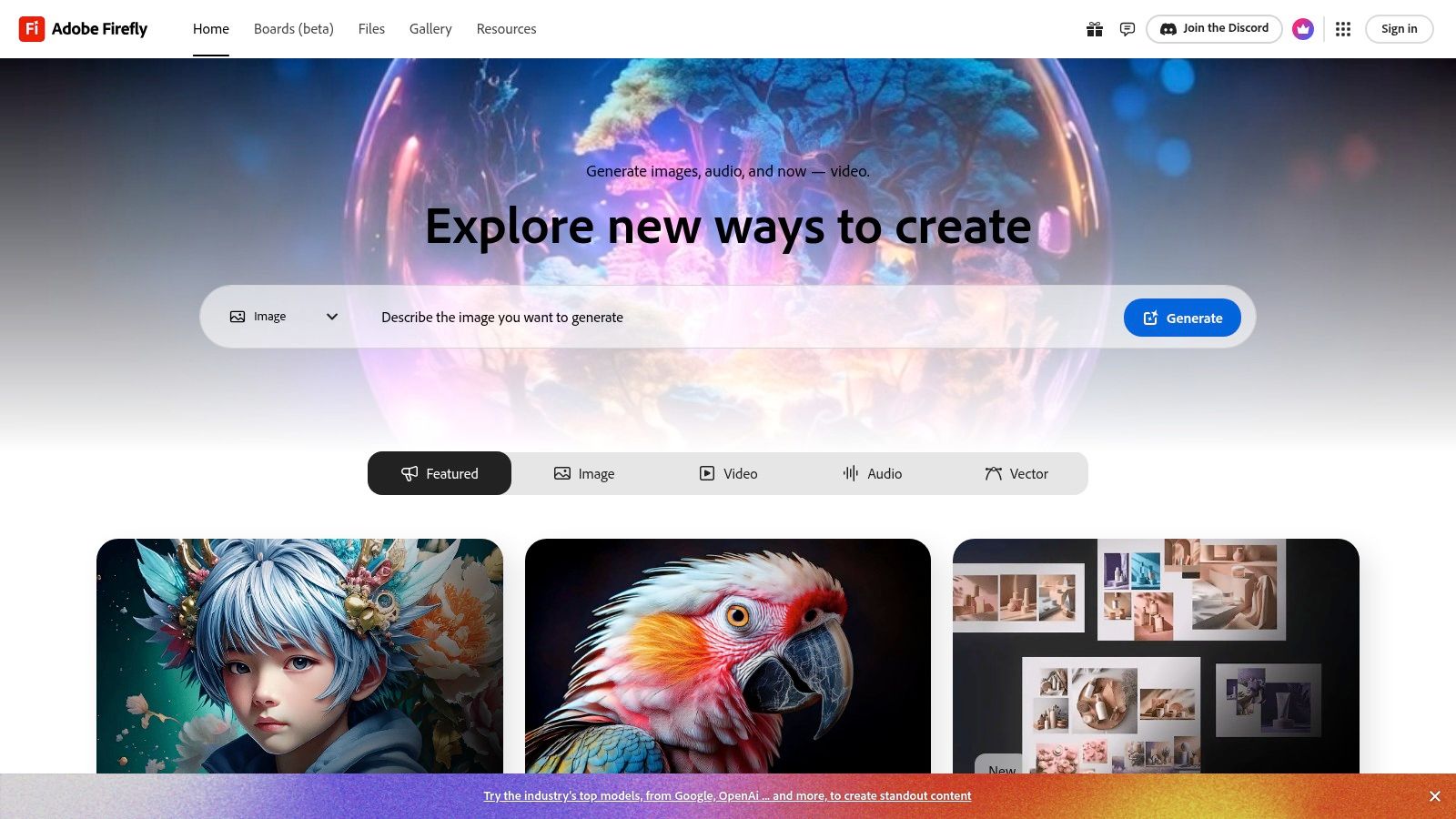
Adobe has integrated Firefly's features directly into its flagship apps like Photoshop and Adobe Express, allowing you to generate an image and immediately start editing it with familiar tools. The system operates on a credit basis, where a free plan provides a monthly allowance, and paid Creative Cloud plans offer significantly more. This integration makes it a powerful ecosystem for anyone already using Adobe products. For more on this, you can explore other AI tools for content creation.
Key Considerations
- Pricing: Free tier with monthly generative credits. Paid Creative Cloud plans start from $9.99/month for more credits and features.
- Best For: Graphic designers, marketers, and content creators needing commercially safe, high-quality AI imagery.
- Pros: Strong content safety and commercial use policies, excellent integration with Adobe's creative suite, and a trusted brand reputation.
- Cons: The subscription and credit system can be complex to navigate, and recent price increases have affected some plans.
Expert Tip: Use Firefly's "Generative Fill" feature inside Photoshop. You can select part of an existing photo (like an empty patch of grass) and ask the AI to add something new (like "a picnic basket"), giving you incredible editing power that blends in perfectly.
Website: https://firefly.adobe.com
7. Notion – Notion AI
Notion has evolved from a beloved productivity app into a powerful, all-in-one workspace with AI deeply integrated into its core functions. For those already using Notion for notes, tasks, or project management, Notion AI is one of the most seamless ai tools for beginners because it lives right where your work happens. You can instantly summarize meeting notes, draft blog posts, or translate text without ever leaving your document.
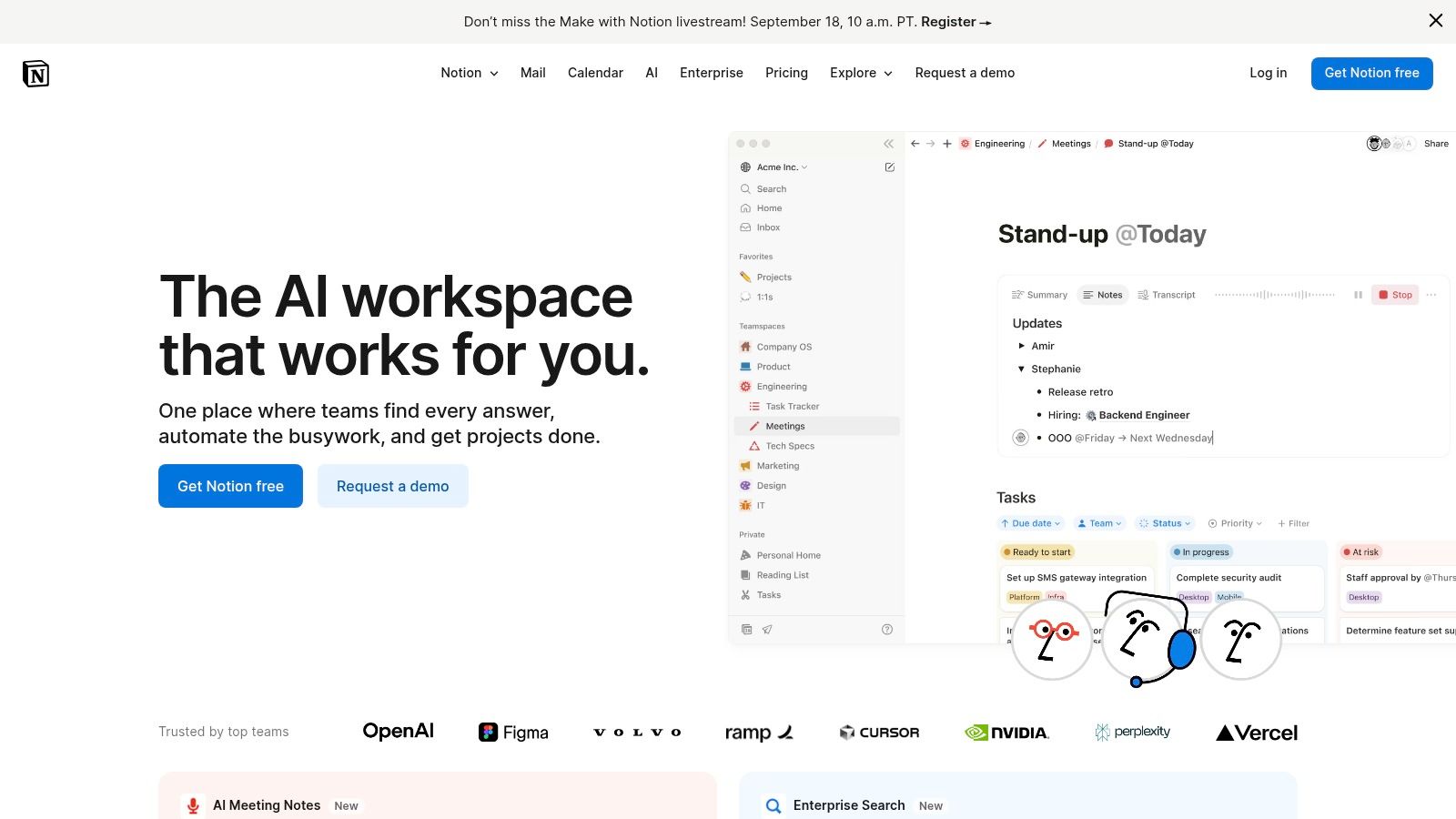
Its strength is its contextual help. Highlighting a block of messy, rambling text and clicking "Ask AI" to clean it up into clear bullet points feels incredibly intuitive. This low-friction experience makes it perfect for boosting daily productivity rather than being a separate destination for AI tasks. While its AI features are now primarily bundled into paid plans for new users, its value for organizing information and generating content in one place is undeniable.
Key Considerations
- Pricing: AI features are included in paid plans like Plus ($8/user/month billed annually) and Business. A limited number of AI responses may be available on the free plan.
- Best For: Organizing projects, note-taking, content creation, and team collaboration.
- Pros: Seamless integration into an existing workspace, excellent for summarizing and repurposing existing notes, great value on team plans.
- Cons: AI features are less of a standalone product and more of an add-on; the most powerful AI capabilities are tied to higher-tier plans.
Expert Tip: Use the AI-powered autofill feature in Notion databases. Let's say you have a database of articles you've read. You can create a new column and instruct the AI to automatically write a one-sentence summary for every article you add. It's a huge time-saver for staying organized.
Website: https://www.notion.so
8. GitHub Copilot
For those dipping their toes into the world of programming, GitHub Copilot acts as an AI-powered pair programmer directly within your code editor. It is one of the most practical ai tools for beginners in development because it demystifies complex syntax and logic by offering real-time, inline code suggestions. Instead of getting stuck and frustrated, you can type a comment describing what you want to do (like "create a function that adds two numbers"), and Copilot will generate the code for you, making learning feel much faster and more interactive.
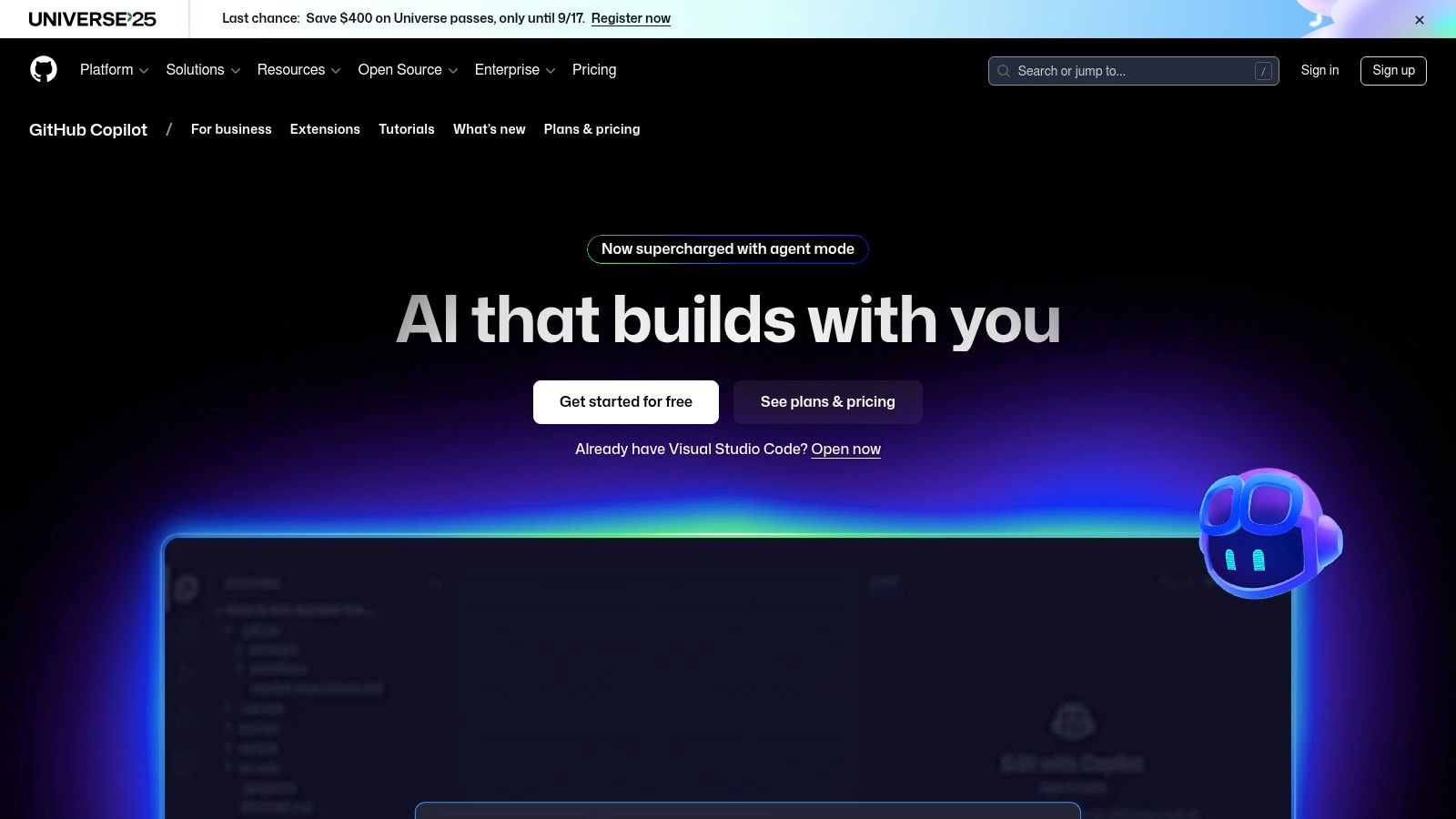
Copilot integrates seamlessly with popular editors like VS Code and JetBrains, so it's easy to set up. Beyond just writing code, you can use its chat feature to ask questions about a confusing piece of code or get suggestions on how to improve it. While its main audience is developers, seeing it in action is a great way to understand how specialized AI can work. For a more in-depth comparison, you can explore other AI tools specifically built for developers.
Key Considerations
- Pricing: A limited free tier is available. Paid plans start at $10/month or $100/year for individuals.
- Best For: Aspiring developers, students, and programmers looking to increase productivity and learn new languages.
- Pros: Accelerates learning with contextual coding help, integrates into existing workflows, and supports numerous languages.
- Cons: Can sometimes suggest inefficient or incorrect code, and the most powerful features are behind a paywall.
Expert Tip: Use Copilot as a learning assistant, not a crutch. When it suggests a block of code, take a moment to understand why it works. Ask Copilot to explain the code it just wrote to deepen your comprehension. It's like having a patient tutor available 24/7.
Website: https://github.com/features/copilot
9. Midjourney
For those looking to turn text descriptions into stunning, artistic images, Midjourney is a leading choice and a fantastic ai tool for beginners in the creative space. It operates primarily through the Discord chat app, which might seem a little unusual at first, but its command-based interface is surprisingly simple. You just type /imagine followed by a description of what you want to see, and the AI generates four unique visual interpretations for you to choose from and refine.
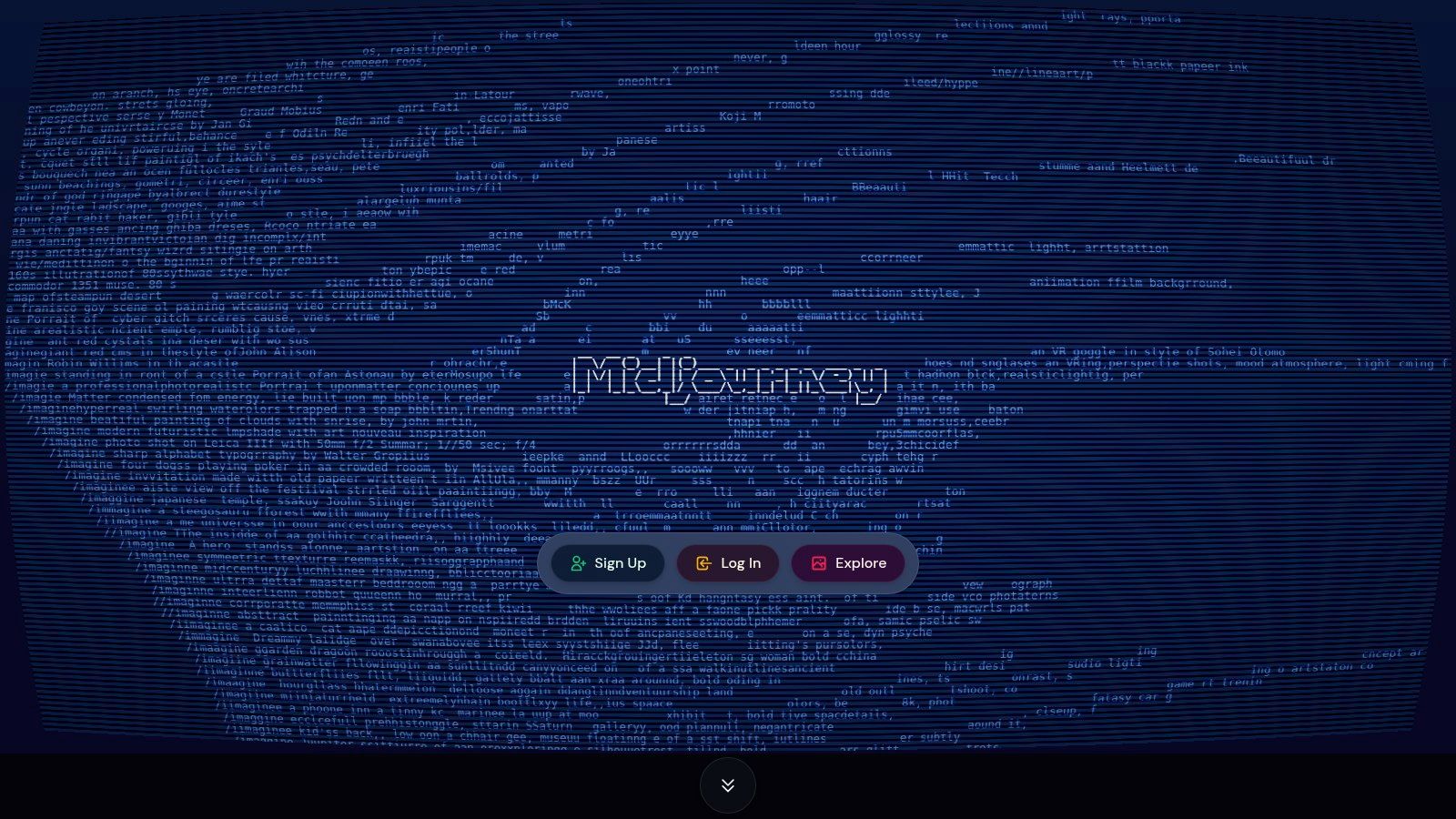
What sets Midjourney apart is its distinct, highly artistic output and the vibrant community of creators who are always sharing prompts and techniques. This collaborative vibe makes learning much faster and more fun. While there is no longer a free trial, its subscription tiers offer different amounts of "Fast" generation time, with an unlimited "Relax" mode on higher plans for when you're not in a rush. This makes it accessible for both hobbyists and professionals who need high-quality concept art, illustrations, or unique visuals.
Key Considerations
- Pricing: Subscription is required, with plans starting around $10/month.
- Best For: Creating high-quality, artistic images, concept art, and digital illustrations.
- Pros: Produces exceptionally beautiful and artistic visuals, has an active and helpful community, and offers scalable plans for different usage levels.
- Cons: Requires a subscription for any use, and the Discord interface has a slight learning curve compared to web-based tools.
Expert Tip: Start simple. Instead of a long, complicated prompt, describe a core subject and a style, like "a watercolor painting of a fox in a forest." You can then use Midjourney's variation and remix features to incrementally add complexity and guide the AI toward your vision. It's an iterative, creative process.
Website: https://www.midjourney.com
10. Runway
For anyone venturing into AI video creation, Runway stands out as a powerful yet accessible suite of creative tools. It transforms complex video editing and generation into a user-friendly experience, making it one of the most exciting ai tools for beginners interested in visual media. You can generate entire video clips from a simple text prompt, transform existing videos into new artistic styles, or remove backgrounds with a single click—tasks that used to require expensive software and years of training.
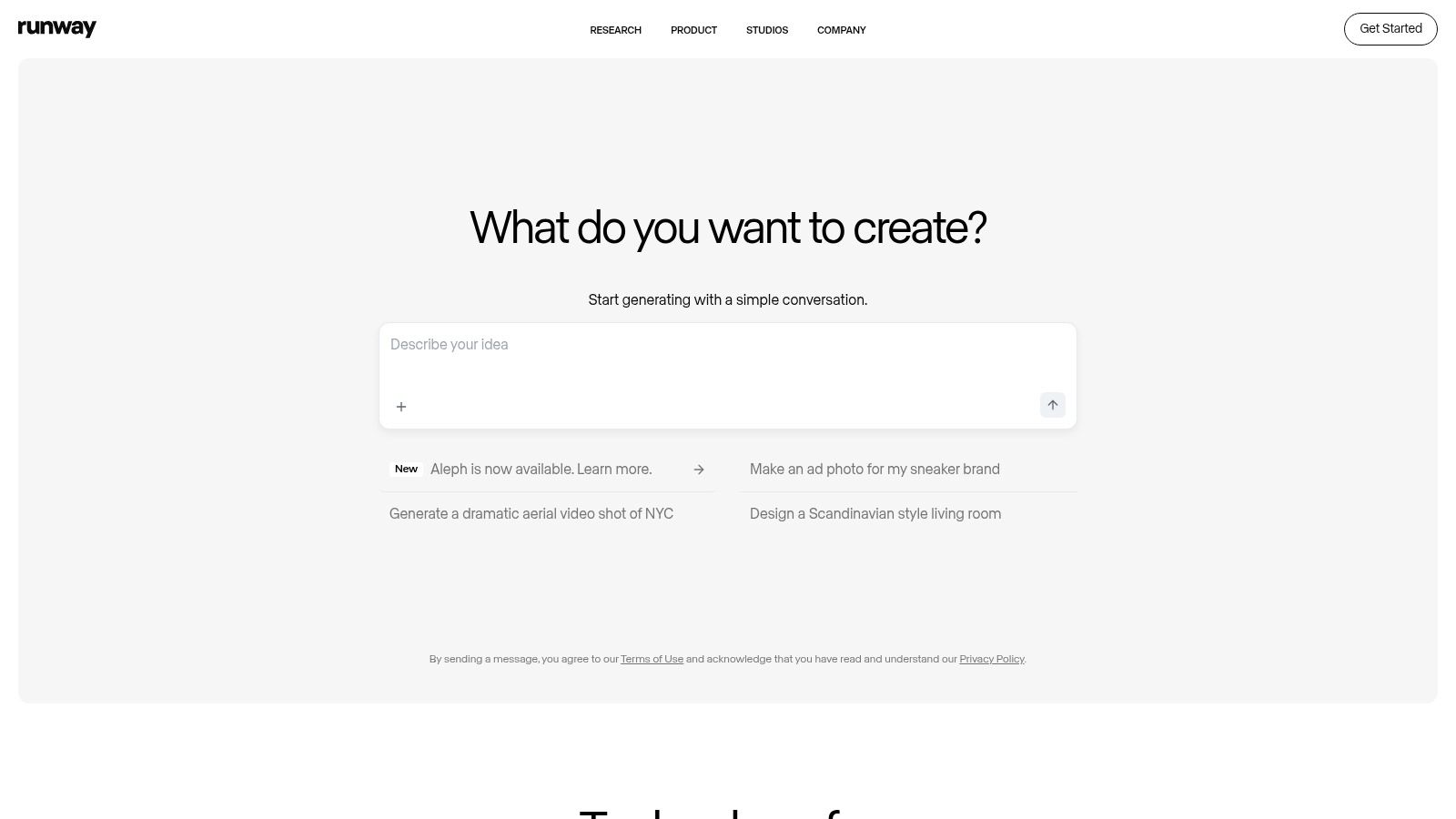
Runway’s magic lies in its "Gen-2" text-to-video model and a host of other AI-powered features like "motion brush," which lets you animate specific parts of a still photo just by painting over them. Its guided interface is perfect for non-professional creators who want to produce eye-catching social media content, marketing shorts, or artistic experiments. The platform operates on a credit-based system, allowing you to try it out before committing to a paid plan.
Key Considerations
- Pricing: Free tier available with limited credits and watermarks. Paid plans start at $12/user/month.
- Best For: Creating short-form video clips, social media content, marketing materials, and artistic video experiments.
- Pros: Intuitive interface for complex tasks, rapid generation for quick iteration, and a wide array of creative tools.
- Cons: The credit system can be consumed quickly, and free-tier exports are watermarked and have lower resolution.
Expert Tip: For more coherent text-to-video results, be highly descriptive in your prompts. Instead of "a car driving," try "cinematic shot, a vintage red convertible driving along a coastal highway at sunset, golden hour lighting." The extra detail makes a huge difference.
Website: https://runwayml.com
11. Coursera (AI courses for beginners)
While not a tool in the traditional sense, Coursera is an essential platform for anyone serious about understanding and using AI effectively. It offers structured learning paths with courses from top universities and companies like Google, IBM, and DeepLearning.AI. This makes it one of the best educational ai tools for beginners, transforming complex topics like machine learning and neural networks into digestible, project-based lessons that build a strong foundational knowledge.

The platform’s strength lies in its guided projects and professional certificates. You can spend just an hour or two learning to build a specific AI application in a hands-on environment, or enroll in a multi-week specialization to deeply understand the theory behind the tools. This approach empowers you to not just use AI, but to understand how and why it works, giving you a significant advantage.
Key Considerations
- Pricing: Many courses can be audited for free. Certificates and full access typically require payment per course or a Coursera Plus subscription (starting around $59/month).
- Best For: Structured learning, understanding AI fundamentals, and earning career-focused certificates.
- Pros: High-quality content from industry leaders, clear beginner-to-advanced tracks, and hands-on guided projects.
- Cons: Certificates do not equal formal degrees, and some course content can occasionally become outdated as the AI field moves quickly.
Expert Tip: Start with a high-rated introductory course like "AI For Everyone" by Andrew Ng to get a solid, non-technical overview. Auditing the course first is a great way to see if the teaching style and content are right for you before committing to a paid certificate.
Website: https://www.coursera.org
12. Udemy (AI tools for beginners courses)
While not a tool in itself, Udemy is an essential platform for anyone serious about mastering the other ai tools for beginners on this list. It's a massive online course marketplace where you can find practical, project-based video courses on everything from prompt engineering for ChatGPT to creating AI art with Midjourney, all designed for absolute beginners with no prior experience.
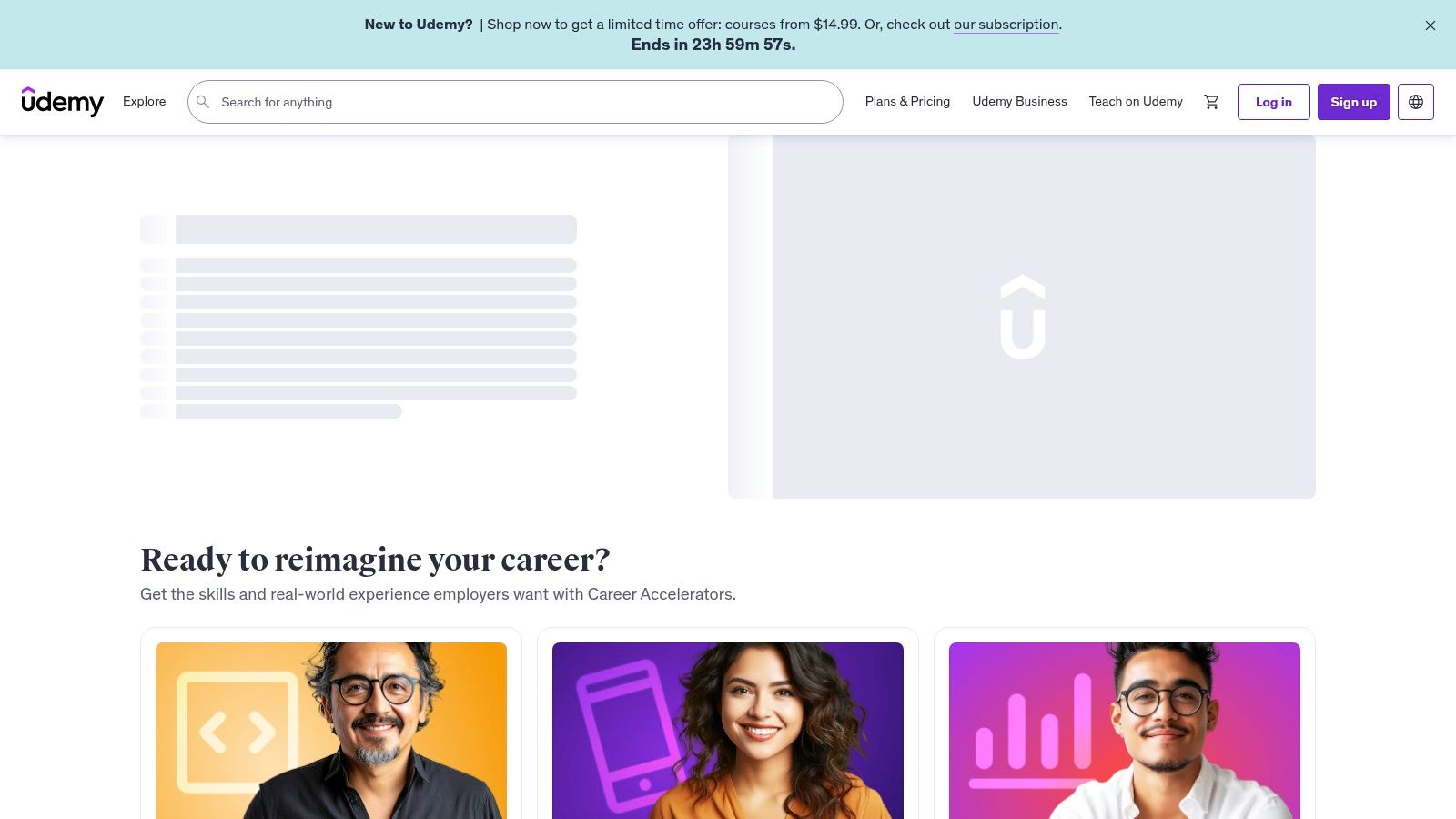
Its strength lies in its vast catalog and affordable, on-demand format. Instead of committing to a lengthy, theoretical program, you can buy a single course focused on a specific tool and learn through hands-on projects. With frequent sales, you can often gain lifetime access to a high-quality, 10-hour course for the price of a couple of coffees, making it one of the most accessible ways to build practical AI skills quickly.
Key Considerations
- Pricing: Courses are individually priced, but frequent sales often bring costs down to $10-$20 per course for lifetime access.
- Best For: Hands-on learners wanting project-based instruction on specific AI tools and concepts.
- Pros: Very low cost of entry, wide variety of beginner-specific classes, and lifetime access to purchased courses.
- Cons: Quality can vary significantly between instructors, and there's no unified, structured learning path unless you curate it yourself.
Expert Tip: Never pay full price on Udemy. Add courses you're interested in to your wishlist and wait for one of their frequent site-wide sales. Also, read recent reviews and check the "last updated" date to ensure the content is current.
Website: https://www.udemy.com
AI Tools for Beginners: Feature & Pricing Comparison
| Product | Core Features/Characteristics ✨ | User Experience/Quality ★★★★☆ | Value Proposition 💰 | Target Audience 👥 | Unique Selling Points 🏆 |
|---|---|---|---|---|---|
| OpenAI – ChatGPT | Multimodal AI assistant; Custom GPTs; Business plans | Best-in-class AI; Robust apps | Free tier + Plus ($20/mo), Pro ($200/mo) | Beginners to advanced users, teams | Rapid updates; strong privacy (Business) |
| Microsoft Copilot | MS 365 integrated AI; Agent/Studio automations | Native MS app integration; low learning curve | Free + Copilot Pro ($20/mo); Enterprise security | Microsoft users & businesses | Enterprise-grade compliance |
| Google – Gemini | AI in Google Workspace; large context windows | Smooth Google app integration | Free + AI Pro/Ultra tiers | Beginners with Google apps | NotebookLM; creative tools |
| Anthropic – Claude | Reasoning-focused chatbot; multi-tier plans | High output quality; simple UI | Free + Pro (~$20/mo) + Enterprise | First-time users & teams | Safety guardrails; Projects feature |
| Canva – Magic Studio | AI design tools: text-to-image/video, writing | Very easy for non-designers | Free + Pro and Teams plans | Non-designers & teams | Huge template library; Claude integration |
| Adobe Firefly | AI text-to-image/video; Adobe app integration | Trusted brand; smooth editing workflow | Part of Creative Cloud Pro | Creative professionals | Legal/commercial safeguards |
| Notion – Notion AI | Workspace + AI for writing, tasks, notes | Low friction; good team value | Included in Business/Enterprise plans | Beginners & teams organizing work | AI meeting notes; unified workspace |
| GitHub Copilot | AI coder assistant in IDEs; code chat & review | Accelerates learning; wide model options | Free tier + Pro/Pro+ paid | Developers, coding beginners | Inline suggestions; AI agent capabilities |
| Midjourney | Artistic image/video generation with community support | High-quality outputs; scalable | Subscription tiers | Artists & beginners | Stealth mode; Relax/Fast modes |
| Runway | AI video creation/editing with text-to-video | Beginner-friendly UI; fast iterations | Credit-based tiers | Social media creators | Stylization & green screen tools |
| Coursera (AI courses) | Structured AI courses/projects from universities | Clear beginner tracks; certification | Free audit + paid certs + Plus subscription | Beginners seeking formal learning | University-backed; hands-on projects |
| Udemy (AI beginner courses) | Massive practical course catalog; project-based | Varied quality; ratings guide selection | Low-cost entry; frequent sales | Beginners & self-learners | Wide variety; lifetime course access |
Your AI Journey Starts Now: What's Next?
You’ve just explored a curated launchpad of the best AI tools for beginners, from conversational powerhouses like ChatGPT and Claude to creative dynamos like Canva Magic Studio and Midjourney. We've moved beyond simple feature lists, diving into practical use cases, pricing realities, and the genuine learning curves you can expect. The main takeaway is clear: the world of AI is no longer a far-off, futuristic concept. It's a tangible, accessible toolkit ready to enhance your productivity, creativity, and problem-solving skills today.
The key is understanding that there is no single "best" tool, only the best tool for your specific goal. The AI assistant that's perfect for a software developer (like GitHub Copilot) will be vastly different from the ideal choice for a social media manager (like Canva Magic Studio). The first step in your journey is defining what you want to achieve. Are you looking to write better, design faster, or simply learn the fundamentals of this transformative technology?
How to Choose Your First AI Tool
Selecting your starting point doesn't have to be overwhelming. Think about your immediate needs and interests to guide your decision.
- For General Productivity and Writing: If you need an all-purpose assistant for drafting emails, summarizing articles, or brainstorming ideas, start with ChatGPT, Microsoft Copilot, or Google Gemini. Their free tiers are incredibly powerful and provide a fantastic introduction to what conversational AI can do.
- For Visual Content and Design: If your work involves creating presentations, social media graphics, or marketing materials, Canva Magic Studio is an unparalleled starting point. Its intuitive interface removes the technical barriers often associated with AI image generation. For more advanced or artistic image creation, Adobe Firefly and Midjourney are your next logical steps.
- For Structured Learning and Skill Development: If your primary goal is to build a foundational understanding of artificial intelligence itself, dedicated learning platforms are essential. Enrolling in beginner courses on Coursera or Udemy will provide the structured knowledge you need to use all these other tools more effectively.
An Expert's Advice for Getting Started
To truly get comfortable, you need to move from reading to doing. Don't just learn about these tools; use them.
Expert Tip: "The biggest mistake beginners make is trying to learn everything at once," says tech educator Marco Chen. "My advice is simple: pick just one tool from this list that excites you. Commit to using it for a small, fun project for one week. Whether it's using ChatGPT to plan a weekend trip or Canva to design a birthday card, this hands-on experience will build your confidence faster than anything else. Remember, you can't 'break' these tools, so experiment freely and see what you can create."
The field of AI is evolving at an incredible pace, and the tools we discussed today are just the beginning. The most important skill you can develop is a mindset of continuous learning and experimentation. Embrace the journey, stay curious, and you'll be well-equipped to navigate the exciting future of artificial intelligence.
Which of these AI tools are you most excited to try first? Share your choice in the comments below!
Ready to stay ahead of the curve on your AI journey? The tools and trends in artificial intelligence change fast. Follow YourAI2Day for the latest news, in-depth guides, and practical tips on the AI tools that matter most. Visit us at YourAI2Day to continue learning and master the technology of tomorrow.