12 Best AI Solutions for Small Business in 2025
Feeling overwhelmed by the buzz around artificial intelligence? Let's be honest, many small business owners hear "AI" and immediately think of complex, expensive tools reserved for giant corporations with massive budgets. But the reality is quite different and, frankly, much more exciting. The right AI solutions for small business can be your secret weapon, acting as a force multiplier that automates tedious tasks, unlocks new marketing channels, and gives you customer insights that were previously out of reach. Think of it as hiring a team of ultra-efficient specialists without the hefty payroll.
This guide is your friendly, practical roadmap. We've cut through the hype to bring you a curated list of 12 powerful and accessible AI platforms that solve real-world business problems. Forget generic descriptions; we're diving into what makes each tool tick. For every platform, you'll find:
- Practical examples tailored for marketing, operations, and customer support.
- An honest look at features and potential limitations.
- Screenshots and direct links to get you started immediately.
We'll cover everything from comprehensive suites like Microsoft Copilot and Google Workspace with Gemini to specialized tools within Shopify and Canva that can streamline your daily workflow. As business strategist Maria Vance puts it, "The goal for small businesses isn't to 'do AI,' it's to solve a problem. Find the friction point in your day—whether it's writing emails or analyzing sales data—and there's likely an AI tool that can make it disappear." Let’s find the perfect AI partner to help you grow.
1. Microsoft Copilot for Microsoft 365
For small businesses already living and breathing in the Microsoft ecosystem, Copilot for Microsoft 365 is a powerhouse upgrade. It's one of the most integrated ai solutions for small business because it lives directly inside the apps you use daily: Word, Excel, Outlook, and Teams. This isn't just another chatbot; it's a work assistant that understands your company's own data—from emails and chats to documents and spreadsheets.
Imagine you just missed a client call. You can ask Copilot in Teams to summarize the meeting, pull out the key decisions, and list the action items assigned to each team member. Or, in Excel, instead of wrestling with formulas, you can just tell it, "Analyze our Q3 sales data and create a pivot table showing top-performing products by region." It understands context from your internal data via Microsoft Graph, making its assistance highly relevant and secure. This deep integration is its killer feature, saving countless hours by bringing AI capabilities directly into existing workflows.
Key Details & Use Cases
- Best For: Businesses heavily reliant on the Microsoft 365 suite seeking to boost productivity with minimal disruption.
- Practical Use: A real estate agent could ask Copilot to draft a proposal in Word based on notes from a recent Teams call with a client and property data from an Excel file. In Outlook, it can summarize a long email thread about a negotiation and draft a concise reply.
- Pricing & Access: Requires an eligible Microsoft 365 Business Standard or Business Premium license. Copilot is an add-on, costing $30 per user, per month.
- Limitation: The cost can be a significant investment for smaller teams, and staying on top of its frequent updates requires some administrative attention.
Website: https://www.microsoft.com/en-us/microsoft-365/copilot/pricing
2. Google Workspace with Gemini for Workspace
If your business runs on Google's ecosystem, Gemini for Workspace is a seamless and powerful enhancement. Instead of a separate add-on, this AI is built directly into the tools you use every day like Gmail, Docs, and Sheets. This makes it one of the most accessible ai solutions for small business, as it works within familiar interfaces to make your life easier. It’s like having a smart assistant ready to help draft emails, organize data, and summarize long documents without ever leaving your work environment.
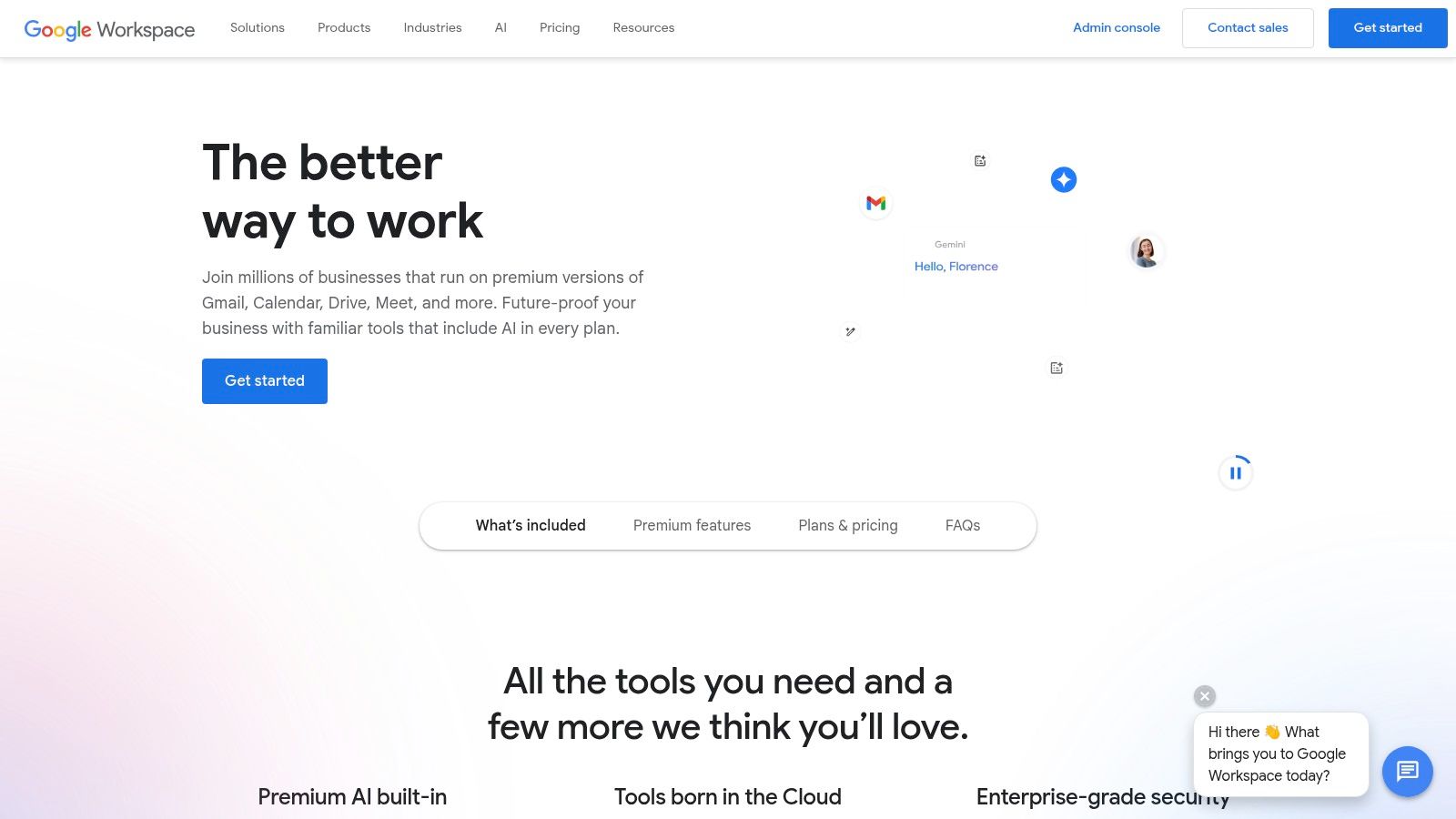
The key advantage is its contextual intelligence within your organization's data. For instance, a small marketing agency can ask Gemini in Google Sheets to "analyze our Q4 lead sources from our sales tracker and create a chart showing the top 3 conversion channels." In Gmail, it can summarize a lengthy client feedback email and help you draft a professional, empathetic response in seconds. Because it's part of the Workspace suite, it benefits from Google's enterprise-grade security and admin controls, ensuring your company data remains protected.
Key Details & Use Cases
- Best For: Small to medium-sized businesses that use Google Workspace for daily operations and want integrated AI without a separate subscription.
- Practical Use: In Google Docs, use the "Help me write" feature to generate a first draft of a job description based on a few bullet points. In Google Meet, get real-time summaries and action items without taking manual notes—perfect for when you're leading the call.
- Pricing & Access: Gemini features are included in most Google Workspace Business and Enterprise plans, with more advanced capabilities in higher tiers. Plan price increases in 2025 will affect the total cost.
- Limitation: The value is tied directly to your use of the Google ecosystem; businesses using other productivity suites won't benefit from the deep integration.
Website: https://workspace.google.com/
3. OpenAI ChatGPT (Business/Enterprise)
For teams needing a powerful, all-purpose AI assistant that's incredibly easy to start using, ChatGPT's business plans are a top contender. Unlike systems that are deeply woven into other software, its strength is its pure versatility and speed. It’s one of the most popular ai solutions for small business because it requires no complex IT setup. Your team can immediately start generating content, brainstorming ideas, analyzing data, and summarizing documents within a secure, private workspace.
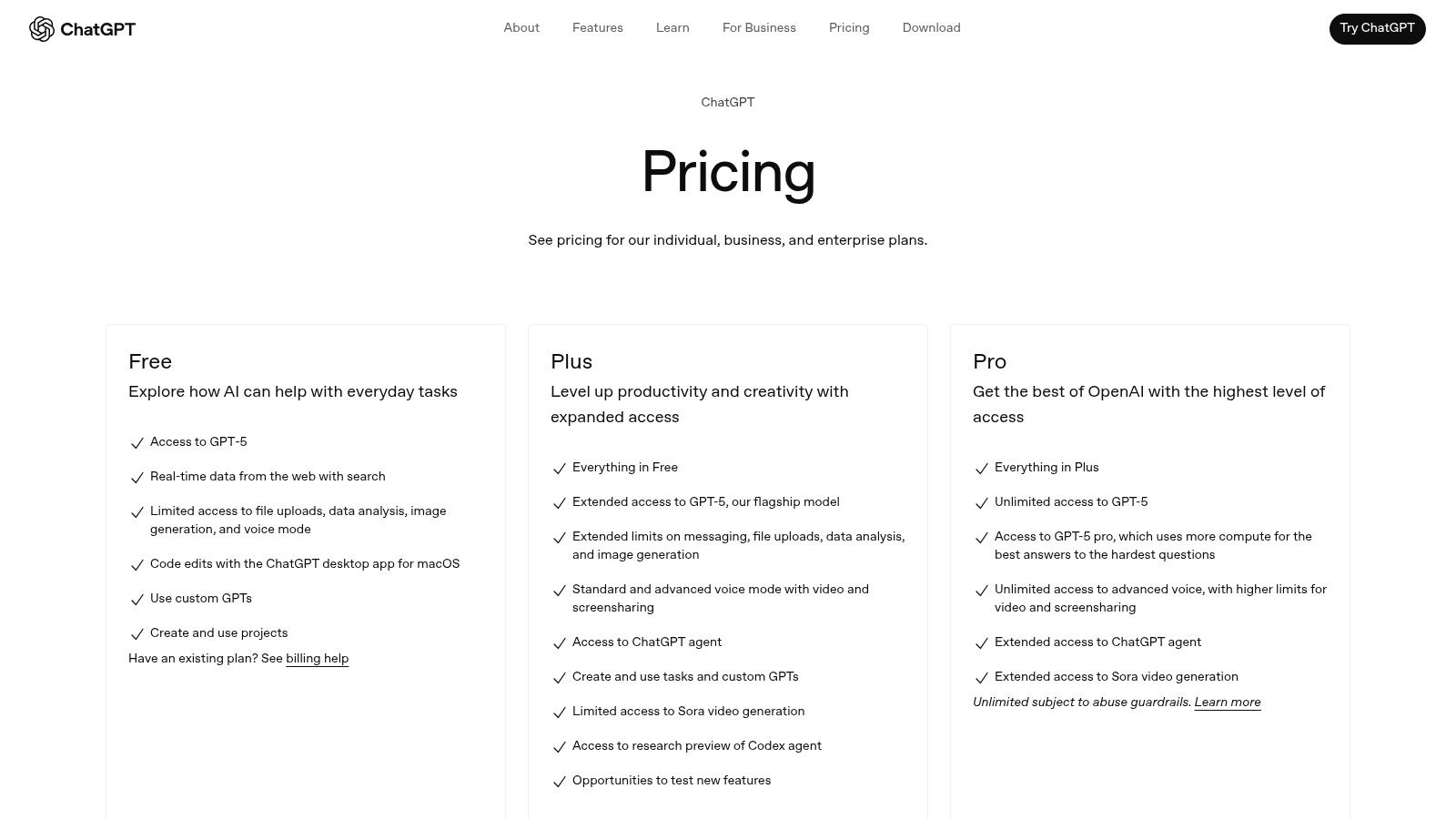
The Business and Enterprise tiers are crucial because they provide admin controls, team management, and—most importantly—a promise that your company's data will not be used to train OpenAI's models. This addresses major privacy concerns for businesses. Imagine your marketing team using it to generate a dozen different Facebook ad headlines in minutes, or your support staff creating clear, simple troubleshooting guides from a page of technical notes. Its primary advantage is its raw power and broad utility, acting as an on-demand creative partner and analyst for almost any task you can think of.
Key Details & Use Cases
- Best For: Small businesses wanting a versatile AI tool for content creation, research, and data analysis without deep integration requirements.
- Practical Use: A local bakery could upload a spreadsheet of customer feedback and ask ChatGPT to "identify the top three most common complaints and suggest potential new pastry ideas based on the positive comments."
- Pricing & Access: The "Team" plan is priced per user, per month (billed annually or monthly). The "Enterprise" plan offers more robust security and customization with custom pricing.
- Limitation: It operates as a separate platform, meaning you'll be copying and pasting information between it and your other business applications more frequently.
Website: https://chat.openai.com/pricing
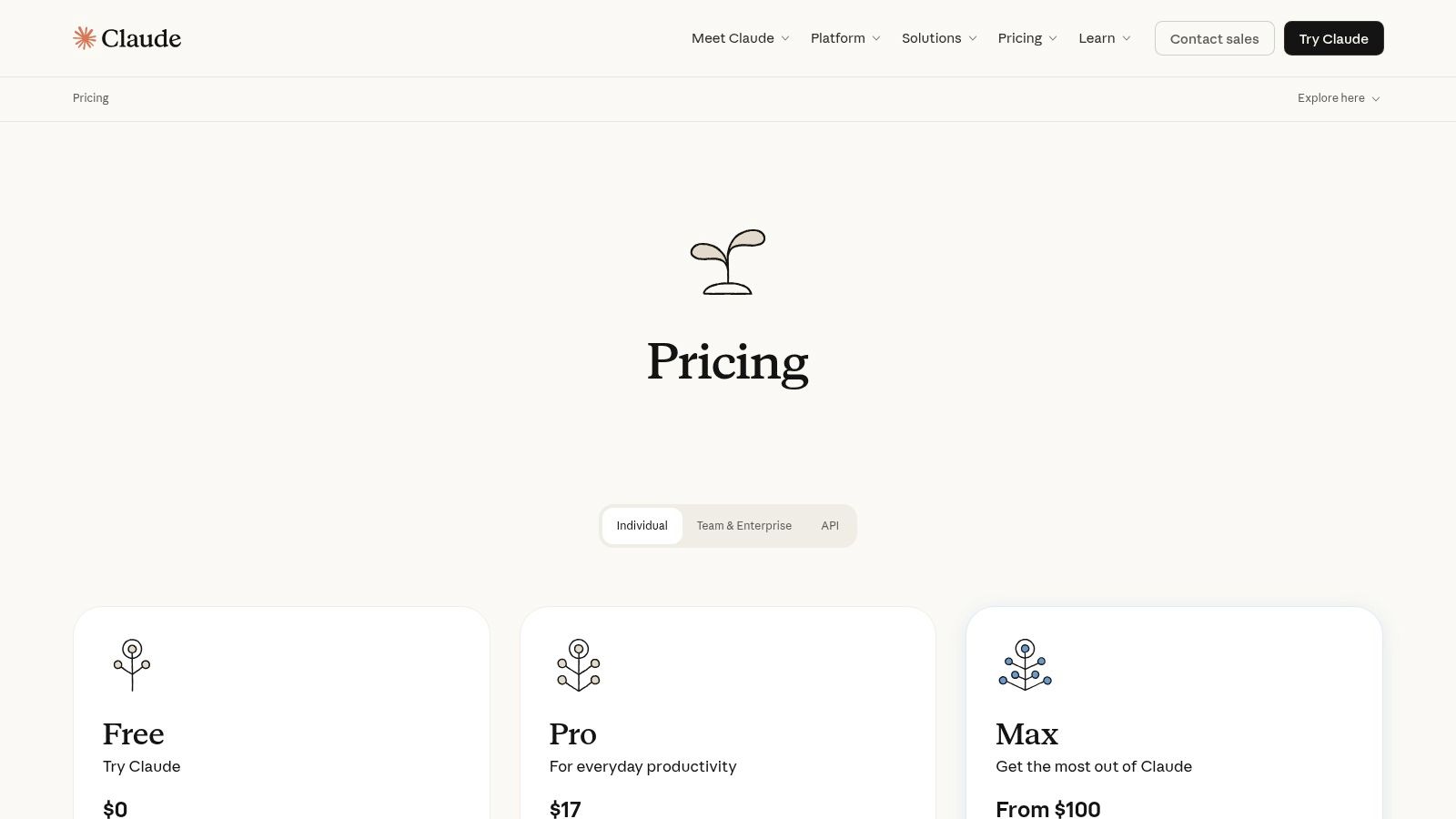
4. Anthropic Claude for Teams/Enterprise
For small businesses that need to do heavy lifting with text—like sophisticated research, analysis, and writing—Anthropic’s Claude is a fantastic choice. Unlike assistants embedded in office suites, Claude excels as a dedicated conversational AI with a strong focus on safety and nuanced reasoning. It's a leading ai solutions for small business when your main need is a powerful partner for complex tasks like drafting detailed reports, analyzing dense documents, or even generating code.
Its key differentiator is its massive "context window," which is a fancy way of saying it can process and remember information from huge documents (like an entire book) in a single conversation. The recently added Memory feature makes it even better by letting Claude remember your preferences and context across multiple chats, creating a more personalized and efficient workflow for you and your team.
Key Details & Use Cases
- Best For: Teams that need a powerful AI for research, writing, and analysis of long documents without being tied to a specific software ecosystem.
- Practical Use: A small consulting firm could upload a 150-page market research PDF and ask Claude to "summarize the key competitive threats and create a bulleted list of strategic recommendations for a new startup in this space."
- Pricing & Access: The Team plan is $30 per user, per month, with a minimum of 5 users. This provides central billing, admin controls, and higher usage limits.
- Limitation: The 5-user minimum can be a hurdle for very small teams or solo entrepreneurs. API usage for custom integrations is billed separately, which could add to the cost.
Website: https://www.anthropic.com/pricing
5. HubSpot (AI in the HubSpot Customer Platform)
For small businesses that need their AI to be fully connected with their customer data, HubSpot’s AI platform is a game-changer. Instead of being a separate tool, HubSpot weaves AI directly into its entire customer platform. This makes it one of the most practical ai solutions for small business because the AI understands the full customer journey, from the first marketing email they opened to their most recent support ticket. It’s built on the foundation of your CRM data, providing context that generic tools simply can't match.
Imagine creating an entire marketing campaign with AI: it drafts the landing page copy, writes the follow-up email sequence, and even suggests the best time to post on social media, all based on what has worked for you in the past. Tech analyst and SMB consultant Arjun Desai notes, "The magic of CRM-based AI like HubSpot's is that it's not just generating generic content; it's crafting messages based on actual customer behavior. That's a massive competitive advantage." This unified approach significantly lowers the workload for small teams by keeping everything under one roof.
Key Details & Use Cases
- Best For: Businesses using or planning to use HubSpot as their central CRM, who want to consolidate marketing, sales, and service AI into a single platform.
- Practical Use: Use the AI Content Assistant to generate blog post ideas relevant to questions your actual customers have asked. Deploy the Breeze Customer Agent (powered by AI credits) to handle common questions on your website, freeing up your team for more complex issues.
- Pricing & Access: AI features are included in various tiers, with usage governed by a monthly AI credit system. The amount of credits depends on your subscription plan and number of seats.
- Limitation: The pricing structure, which combines seat-based licenses with AI credits, can be complex to navigate, and costs for Professional or Enterprise tiers can be high for very small businesses.
Website: https://www.hubspot.com/
6. Shopify Magic and Sidekick
For small businesses running on Shopify, the platform's built-in AI tools are an absolute game-changer. Shopify Magic and Sidekick are powerful ai solutions for small business because they are woven directly into the ecommerce system you already use for payments, shipping, and inventory. This isn't a separate tool you have to log into; it’s an AI assistant that helps you manage your store, from automatically writing compelling product descriptions to giving you instant answers about your own business data.
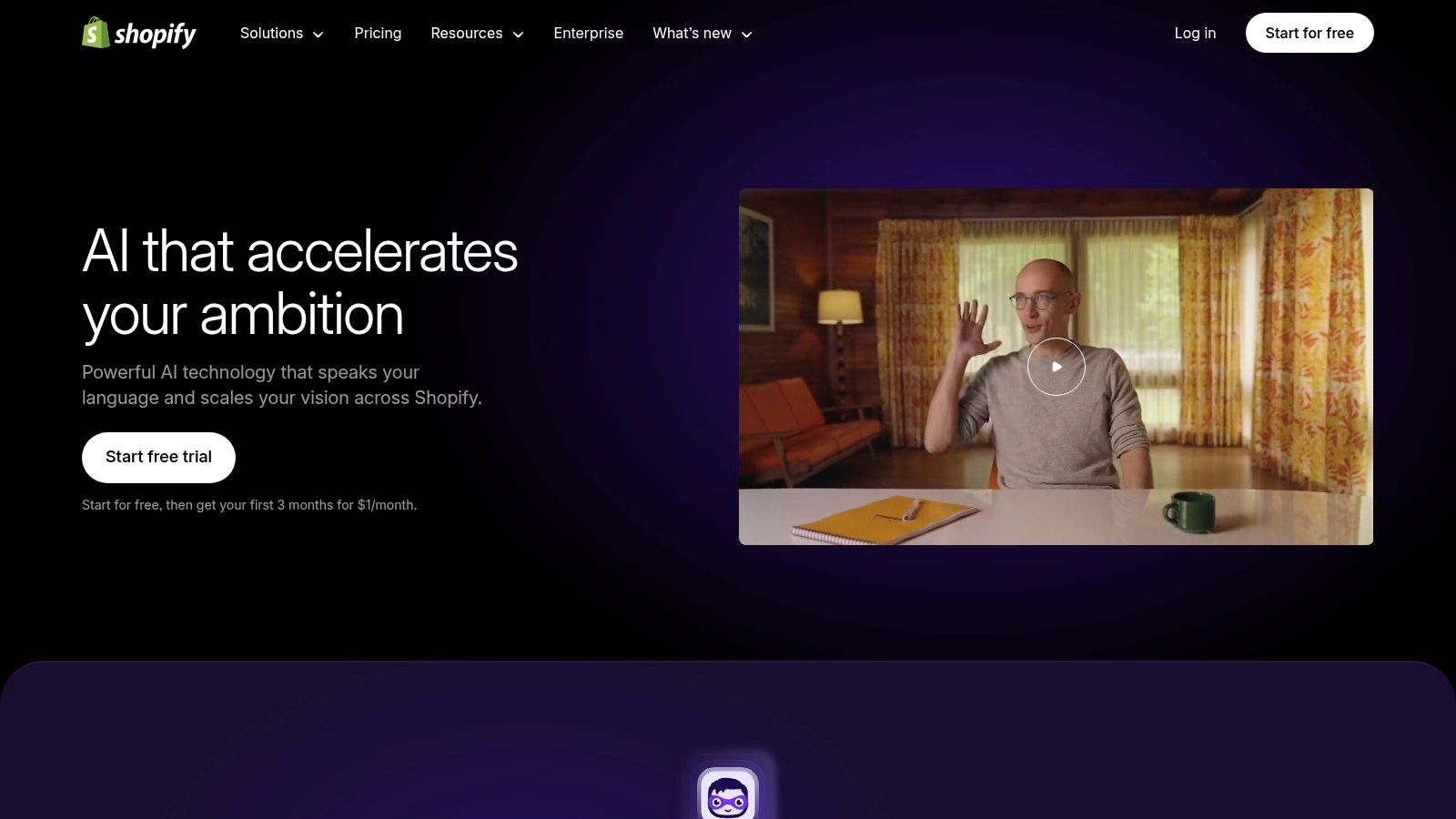
Think of Sidekick as your personal e-commerce expert. You can ask it conversational questions like, "Create a 15% off discount code for our summer sale," or "Show me my best-selling products last month." This deep integration makes getting things done incredibly fast. For a small online shop, being able to generate blog posts, optimize email subject lines, and get chatbot help without paying for extra apps is a massive win. This built-in functionality helps level the playing field for solo entrepreneurs and small teams. If you want a deeper dive, you can explore more ways on how to use AI for marketing.
Key Details & Use Cases
- Best For: Solo entrepreneurs and small retail businesses that use Shopify as their primary ecommerce platform.
- Practical Use: Instantly draft three unique product descriptions for a new T-shirt launch, each with a different tone (e.g., "playful," "professional," "adventurous"). Ask Sidekick to create a sales report comparing this quarter's revenue to the last.
- Pricing & Access: Shopify Magic features are included with all Shopify plans at no extra subscription cost. More advanced AI features may require higher-tier plans.
- Limitation: While the core AI is free, overall store costs can increase significantly with third-party app fees and transaction fees if not using Shopify Payments.
Website: https://www.shopify.com/magic
7. Canva Magic Studio
For small businesses that need to create professional marketing materials without a design team (or budget), Canva Magic Studio is a lifesaver. It integrates a whole suite of powerful AI tools directly into the user-friendly Canva interface you probably already know. These ai solutions for small business are designed to turbocharge content creation, allowing you to generate images, write copy, and even produce short videos with simple text prompts.
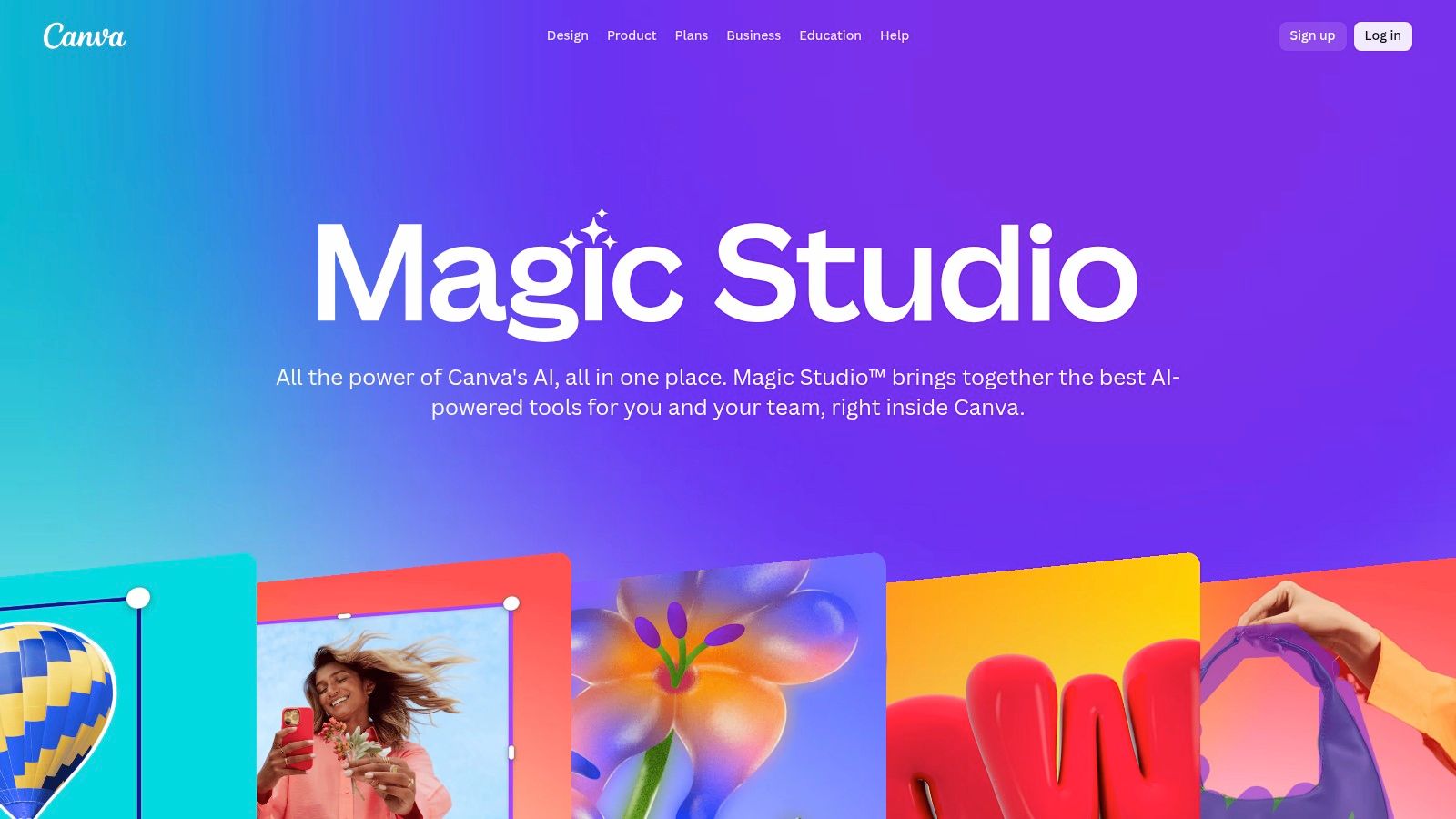
What makes Canva Magic Studio so effective is how easy it is to use. Instead of juggling multiple complex programs, you can design a social media post, use "Magic Write" to create an engaging caption for it, and then use "Magic Switch" to instantly resize the entire design for five different platforms. This seamless workflow is incredibly efficient for a small team or a solo entrepreneur trying to maintain a consistent and high-quality online presence. It truly democratizes design by putting powerful, intuitive AI tools into everyone's hands.
Key Details & Use Cases
- Best For: Small business owners and marketers who manage their own creative assets and need to produce high-quality content quickly and affordably.
- Practical Use: A local restaurant could use "Magic Edit" to generate a unique background for a photo of their new dish, draft an Instagram caption with "Magic Write," and then transform that static image into a short, eye-catching video for Instagram Reels, all within one platform. We have more tips on how you can use AI tools for content creation.
- Pricing & Access: A generous free tier is available. Magic Studio features are more widely accessible on the Pro plan (from $14.99/month) and Teams plans, which also include brand management tools.
- Limitation: While the free tier is great, the most powerful and time-saving AI features require a paid subscription, and the Teams plan pricing has increased over time.
Website: https://www.canva.com/magic/
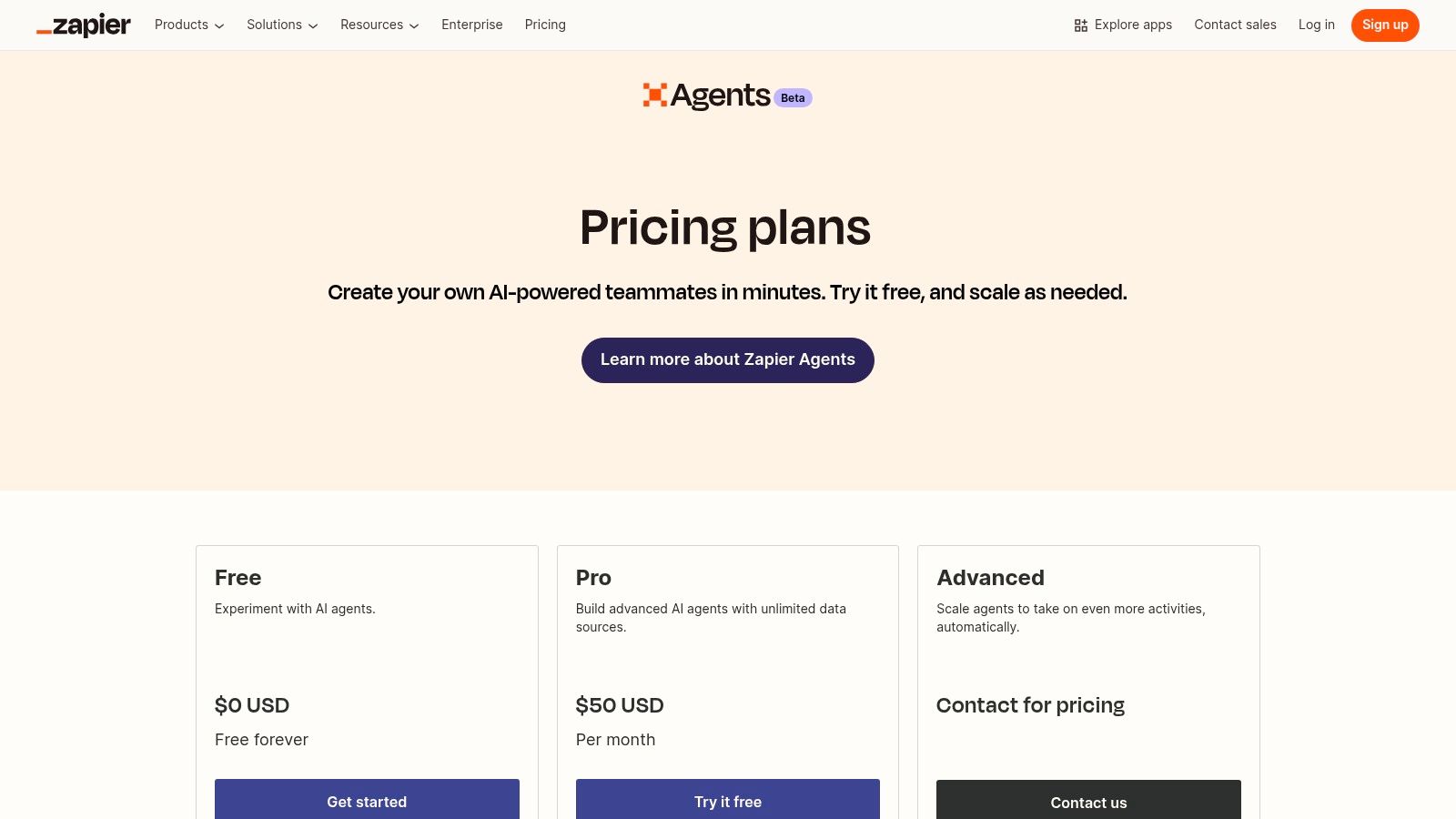
8. Zapier with AI Agents
For small businesses needing to connect various apps, Zapier's AI Agents are a revelation. This isn't just about simple "if this happens, then do that" automation anymore. It's about creating intelligent workers that can handle complex, multi-step tasks across all the different software you use. As one of the most versatile ai solutions for small business, it allows you to build AI-powered agents that connect everything from your CRM to your email marketing platform, without writing a single line of code.
Imagine an AI agent that monitors incoming leads from your website form. It could automatically browse LinkedIn to find more information about the contact, draft a personalized welcome email based on their industry, and then add the new lead to the correct pipeline in your CRM. Zapier’s strength is its ecosystem of over 6,000 app integrations, giving your AI agent the power to act on live data across virtually any tool your business uses. This turns standard automation into smart, autonomous workflows.
Key Details & Use Cases
- Best For: Businesses that use a diverse set of cloud-based apps and want to build custom, AI-powered automations to connect them.
- Practical Use: Build an AI agent to handle initial customer support. The agent could analyze an incoming support ticket, categorize its urgency using AI, search your knowledge base for a relevant article, and draft a helpful response or escalate it to a human if it's a complex problem.
- Pricing & Access: Plans start at $19.99/month (billed annually) for the "Starter" tier. Pricing is activity-based, scaling as your usage grows. A free trial is available to test the features.
- Limitation: While powerful, designing and monitoring more complex agents requires a clear understanding of your workflow logic. The retirement of their popular starter plan means full access now requires a paid subscription.
Website: https://zapier.com/l/central-pricing
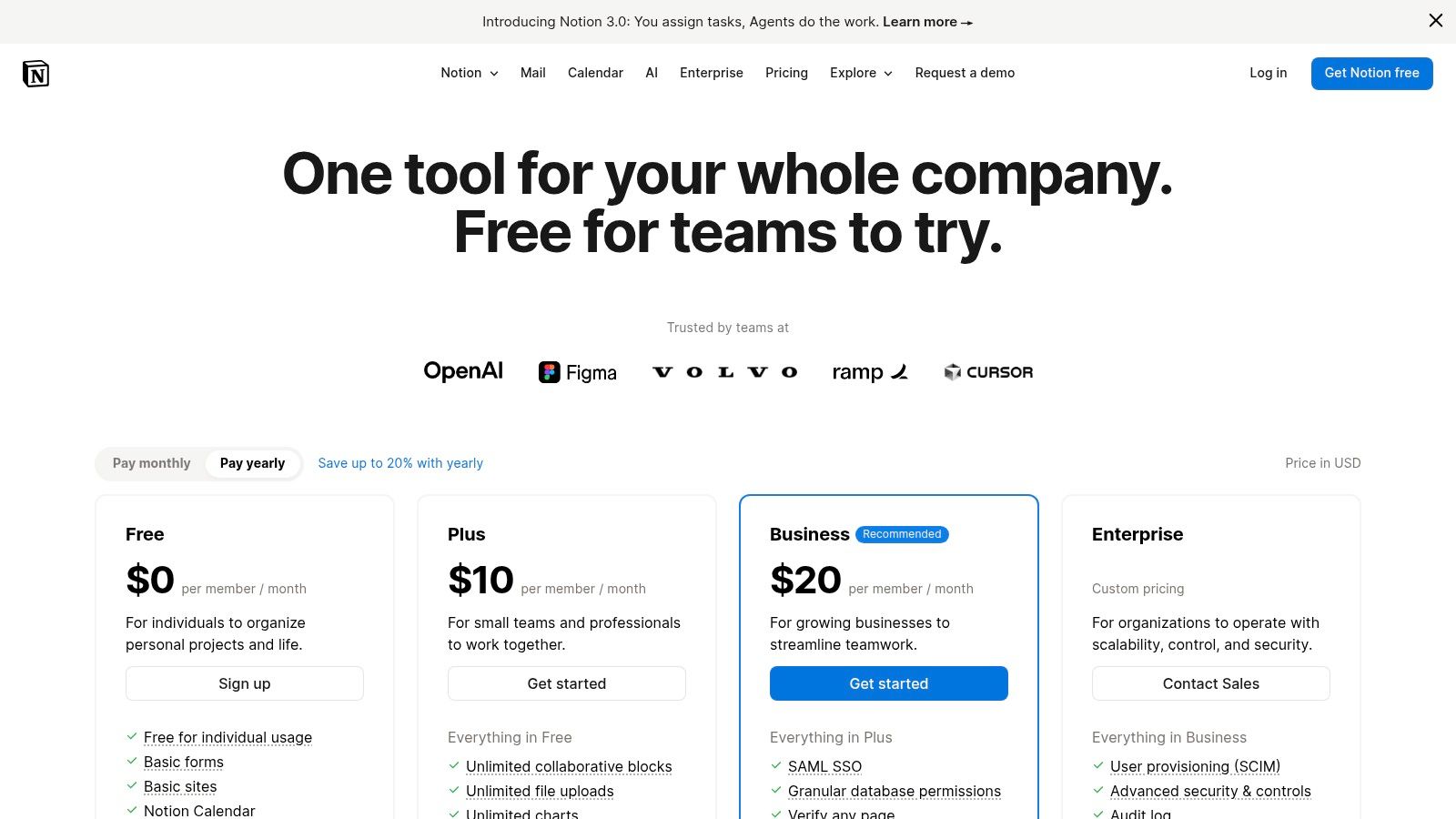
9. Notion AI
For small businesses drowning in scattered documents, Notion AI transforms an already beloved organizational tool into a central brain for your company. It stands out among ai solutions for small business by integrating AI directly into your team's wikis, project boards, and documents. Instead of being a separate tool, AI becomes a collaborative partner within the very pages you use to manage everything from Standard Operating Procedures (SOPs) to client proposals.
Imagine highlighting a page of messy meeting notes and asking Notion AI to instantly generate a clean summary with action items and deadlines. Or, picture a database of sales leads where you can use the "autofill" feature to automatically populate company descriptions and industry info. Its power lies in its context-awareness; it works with the information you already have stored in Notion, making it a seamless way to create, summarize, and synthesize knowledge without ever leaving your workspace. This centralization is key for keeping your team aligned and organized.
Key Details & Use Cases
- Best For: Teams that need a single source of truth for documents, projects, and company knowledge, and want to enhance it with AI.
- Practical Use: Autofill a database of competitors with their unique selling propositions. Ask AI to summarize a lengthy client brief into key takeaways and next steps, or draft an entire blog post from a simple outline you created in Notion.
- Pricing & Access: Notion plans start free, with paid plans from $8 per user/month. The Notion AI add-on costs an additional $8 per user/month (billed annually) and can be added to any plan, including the free one.
- Limitation: While excellent for documentation and project management, its advanced user permissions and analytics are locked behind higher-priced Enterprise plans.
Website: https://www.notion.so/pricing/US
10. Wix AI (AI Site Generator and tools)
For small businesses needing a professional web presence without the high cost of a developer, Wix's AI tools are a fantastic starting point. This isn't just about picking a template; it's a conversational AI that builds a custom website for you in minutes. You simply have a chat with the AI, describing your business and your needs, and it generates a unique site complete with relevant text, images, and sections like contact forms or service listings. This approach makes it one of the most accessible ai solutions for small business owners who need to get online fast.
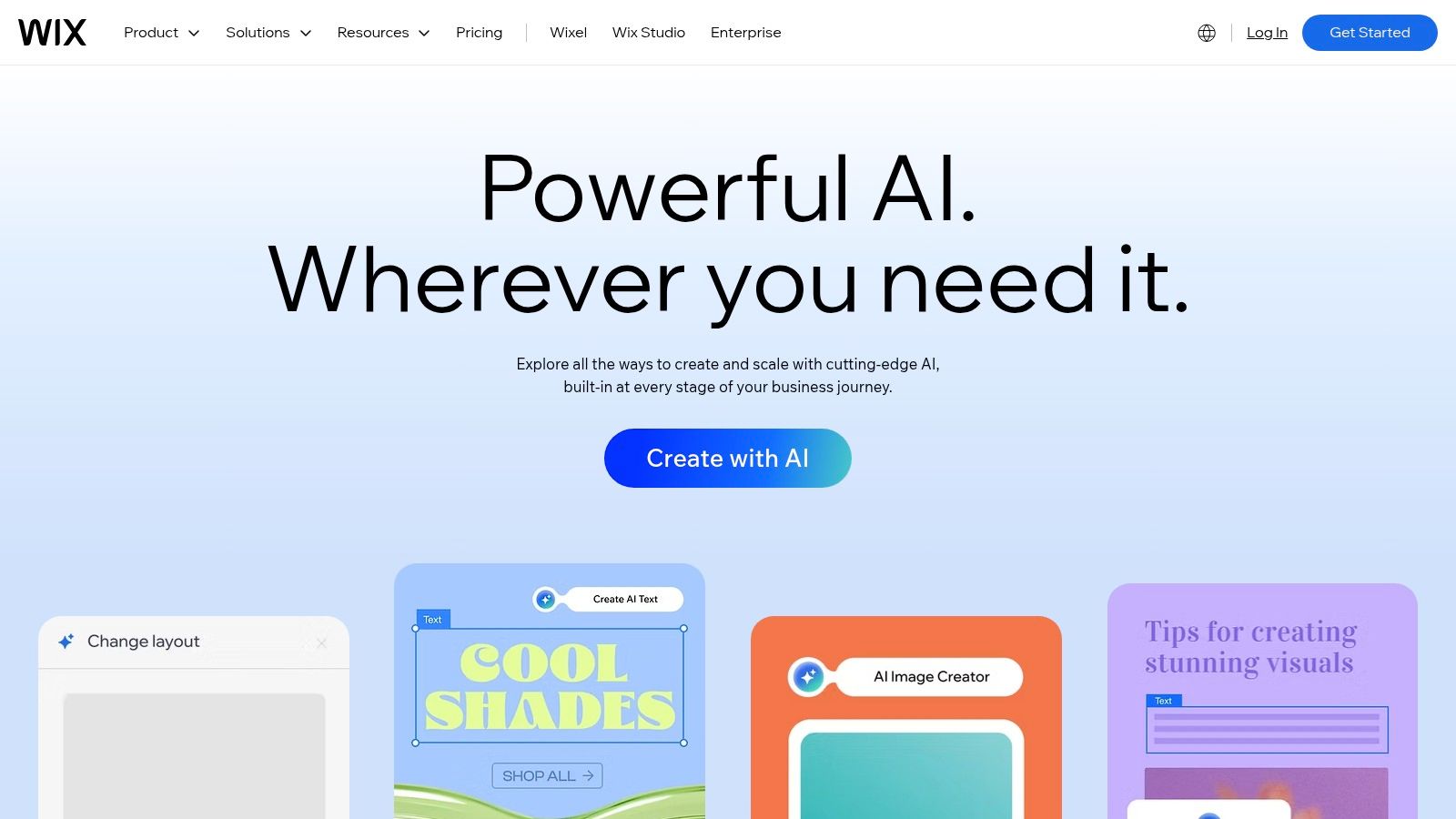
What makes Wix AI stand out is its blend of speed and customization. After the initial site is generated, you can continue to chat with the AI to make changes, like "change the color palette to be more earthy" or "add a section for customer testimonials." Beyond the site builder, Wix is embedding AI into its entire platform, offering tools for writing marketing copy, generating product descriptions, and even assisting with code for advanced customizations. This integrated ecosystem helps you not only launch but also grow your online presence effectively.
Key Details & Use Cases
- Best For: Startups, service providers, and solopreneurs who need to build a functional, modern website quickly with no coding experience.
- Practical Use: Describe your new coffee shop to the AI, and it will generate a complete site with a menu, an "About Us" page, a gallery, and an integrated booking system for events. Then, use the AI text generator to write your first few blog posts.
- Pricing & Access: Wix offers a free plan with basic AI features. Premium plans, required to connect a custom domain and access advanced features like e-commerce, start at around $17 per month.
- Limitation: While the AI gets you 80% of the way there, achieving a highly unique design still requires manual tweaking in the Wix editor. Ecommerce capabilities are locked behind more expensive business-tier plans.
Website: https://www.wix.com/features/ai
11. AWS Marketplace (AI/ML and Generative AI Solutions)
For small businesses with some technical know-how or those looking to deploy specific, powerful AI models without building them from scratch, AWS Marketplace is a goldmine. Think of it as an app store for enterprise-grade software and AI models that run on Amazon's cloud. It offers a curated catalog of ai solutions for small business from hundreds of vendors, allowing you to find, test, and deploy pre-trained models for tasks like sentiment analysis, object recognition, or natural language processing.
This approach gives you incredible flexibility and control. Instead of being locked into a single platform's ecosystem, you can choose best-in-class models that fit your exact needs. For example, a small e-commerce site could deploy a highly specialized fraud detection model without having to build it. AWS handles the billing and deployment, simplifying management and making sophisticated AI much more accessible, even for a small team.

Key Details & Use Cases
- Best For: Tech-savvy SMBs or businesses with IT support that need specialized, deployable AI models and software integrated into their cloud infrastructure.
- Practical Use: Find and deploy a third-party fraud detection model to integrate with your e-commerce platform. Purchase a specialized generative AI model for creating industry-specific technical documentation, all through your AWS account.
- Pricing & Access: Pricing varies widely by vendor and solution, including free trials, pay-as-you-go, and monthly subscriptions. Access requires an AWS account.
- Limitation: The platform is powerful but can be complex. Deploying and managing these solutions often requires a degree of technical expertise or a willingness to learn AWS services like SageMaker.
Website: https://aws.amazon.com/marketplace
12. AppSumo (AI software deals for SMBs)
For small businesses wanting to experiment with AI without breaking the bank, AppSumo is less of a single tool and more of a treasure chest. It’s a digital marketplace that offers heavily discounted, often lifetime, deals on new and emerging software. This makes it one of the most cost-effective ways to access a wide variety of ai solutions for small business, from content generators and video editors to CRM and marketing automation platforms, all powered by AI.
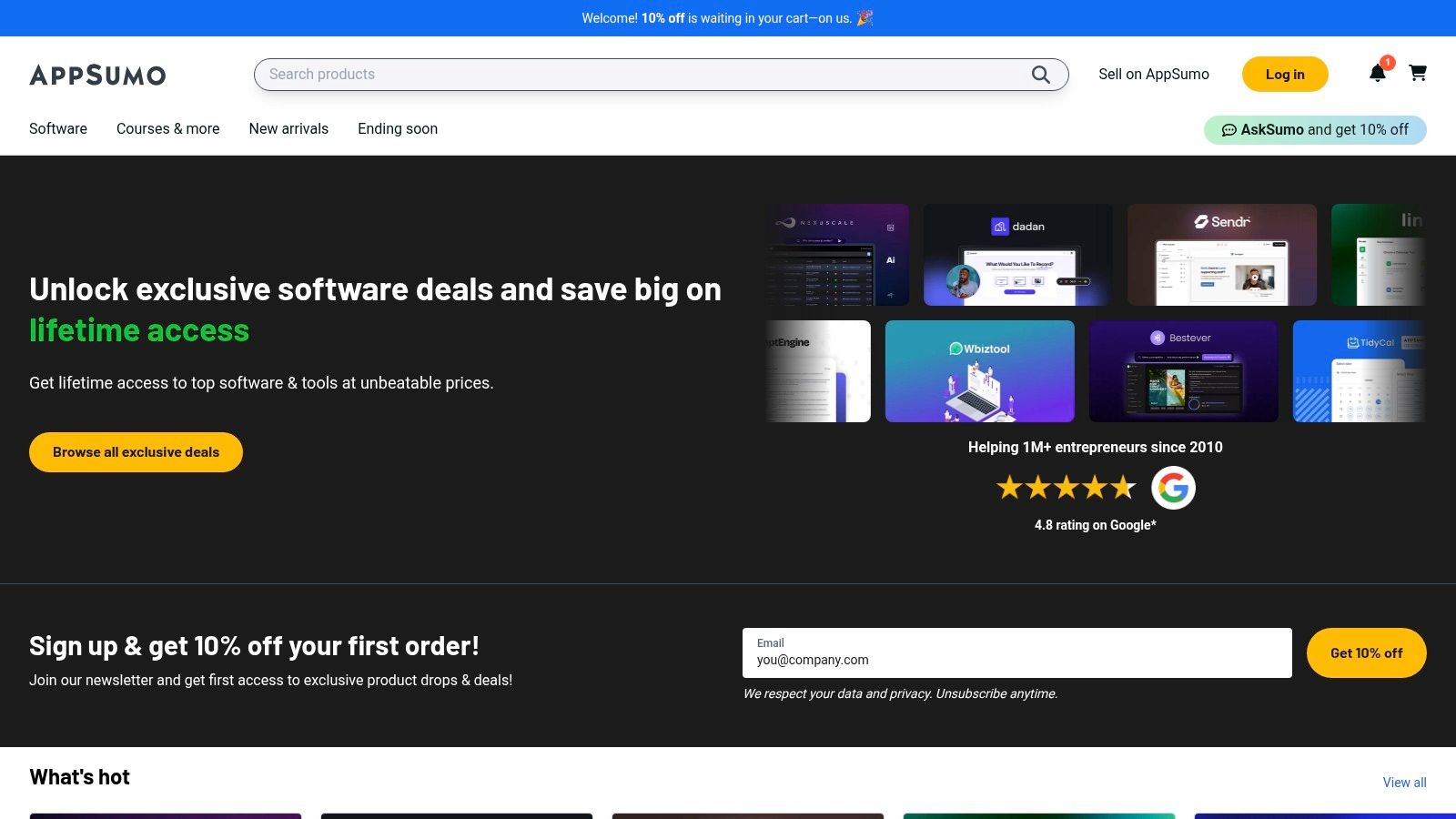
The platform's main appeal is its model: pay once for lifetime access to a tool that would normally require a monthly subscription. This allows you to build a powerful AI toolkit for a fraction of the typical cost. Because the tools are often from up-and-coming companies, it's a fantastic way for agile small businesses to get a competitive edge by adopting innovative technology before it becomes mainstream. AppSumo’s 60-day money-back guarantee also removes much of the risk associated with trying unproven software.
Key Details & Use Cases
- Best For: Budget-conscious SMBs, startups, and agencies looking to test and adopt multiple AI tools without committing to long-term subscriptions.
- Practical Use: Instead of paying $50/month for an AI writing assistant, you might find a lifetime deal on AppSumo for a one-time payment of $59, saving hundreds of dollars per year. You can similarly acquire tools for AI-powered social media scheduling, image generation, and customer support chatbots.
- Pricing & Access: Deals are purchased individually, with prices typically ranging from $29 to $99 for lifetime access. Access is granted directly through the software vendor after purchase.
- Limitation: The reliability of newer vendors can be a gamble. While AppSumo offers buyer protections, you still need to research each tool and its founding team before buying.
Website: https://appsumo.com
AI Solutions for Small Business: Feature Comparison of Top 12 Tools
| Product | Core Features ✨ | User Experience ★★★★☆ | Value Proposition 💰 | Target Audience 👥 | Unique Selling Points 🏆 | Price Point 💰 |
|---|---|---|---|---|---|---|
| Microsoft Copilot for Microsoft 365 | Embedded AI in MS apps, content drafting, data analysis | Seamless MS365 integration, strong security | Good for SMBs using Microsoft365 | SMBs using Microsoft365 | Strong security & admin controls ✨ | Requires MS365 license, per user cost 💰 |
| Google Workspace with Gemini | Generative AI in Gmail, Docs, Sheets | Smooth GSuite experience, certified security | AI included in Business & Enterprise plans | SMBs in Google ecosystem | No extra AI add-on needed ✨ | Price increase in 2025 💰 |
| OpenAI ChatGPT (Business/Enterprise) | GPT-5 content gen, admin controls, SSO | Fast adoption, versatile AI assistant | Affordable AI for teams | Small teams & businesses | Data excluded from training on paid plans 🏆 | Tiered pricing, higher for SLAs 💰 |
| Anthropic Claude for Teams/Enterprise | Multiple AI models, Memory feature, admin & billing | Strong reasoning & long-context workflows | Strong SMB team AI tool | SMBs with ≥5 users | Memory feature for context continuity ✨ | 5-user minimum; API metered 💰 |
| HubSpot (AI in Customer Platform) | AI tied to seats & credit system, marketing & service hubs | Unified CRM & AI workflow | Consolidates AI marketing & sales tools | SMBs needing integrated CRM | Predictable AI credit costs 💰 | Complex pricing, can be high 💰 |
| Shopify Magic and Sidekick | AI content, email optimization, chatbots in ecommerce | Integrated with Shopify ecosystem | AI features included in Shopify plans | SMB retailers & D2C brands | No added AI subscription cost 🏆 | Included with Shopify plans 💰 |
| Canva Magic Studio | AI writing, image/video gen, templates & brand tools | Easy for non-designers | Speeds content creation | SMB owners, marketers | Free tier + brand management on paid plans | Free + Pro/Teams paid tiers 💰 |
| Zapier with AI Agents | No-code AI agent builder, 6000+ app integrations | Rapid automation prototyping | Scalable pricing for SMB automation | SMBs automating workflows | Extensive app integrations 🏆 | Paid plans required, starter retired 💰 |
| Notion AI | AI writing, summarizing, database autofill, team collaboration | Centralized knowledge base | Affordable AI addon | Small teams & knowledge workers | Fair use unlimited AI with safeguards ✨ | Seat-based affordable plans 💰 |
| Wix AI (Site Generator & tools) | AI website creation, chat-based design, ecommerce features | Fast setup with free tier | DIY website builder with evolving AI help | SMBs needing quick websites | Growing AI helpers including coding ✨ | Free tier + business plans 💰 |
| AWS Marketplace (AI/ML solutions) | Pre-trained models, AI/ML marketplace, AWS integration | Enterprise-grade buying experience | Wide vendor choice & centralized billing | SMBs with AWS infrastructure | Vetted vendors, flexible pricing 🏆 | Pay-as-you-go, varies by product 💰 |
| AppSumo (AI software deals) | Curated AI deals, refund & shutdown guarantees | Cost-effective AI experimentation | Access to many AI tools | SMBs & agencies experimenting | Lifetime deals & buyer protections 🏆 | Discounted, deal-based 💰 |
Your Next Step: Making AI Work for You
We've explored a huge range of powerful AI tools, from all-in-one productivity suites like Microsoft Copilot and Google Workspace with Gemini to specialized platforms like Shopify Magic for e-commerce and Canva Magic Studio for design. The sheer number of options can feel like a lot, but the central message is one of opportunity. High-powered AI solutions for small business are no longer just for big corporations; they are accessible, affordable, and ready to help you compete on a larger scale.
The most important takeaway is that AI is not an all-or-nothing decision. You don't need to completely change how you work overnight. Instead, the journey into AI is a series of smart, small steps that build on each other, creating a powerful competitive advantage over time.
From Information to Implementation
The key to success is moving from reading about these tools to actually trying them. The best way to start is not by choosing the "perfect" tool, but by identifying your single biggest bottleneck.
- Struggling with content creation? A tool like Canva Magic Studio or a powerful assistant like ChatGPT could be your best friend.
- Drowning in administrative tasks? Look at automation platforms like Zapier or the AI features within Notion to streamline your workflows.
- Need to improve customer engagement? The AI built into HubSpot can help you personalize communication and manage relationships more effectively.
Start with a single, high-impact area. Choose a tool from our list that offers a free trial or a low-cost plan. Dedicate a week to playing with its features to solve that one specific problem. Then, measure the outcome: Did it save you time? Did it improve the quality of your work? Did it generate a new lead? This "start small, measure, and scale" approach takes the risk out of adoption and helps you build confidence and momentum.
Key Factors for Your First AI Tool
As you get ready to pick your first (or next) AI solution, keep these simple, practical things in mind:
- Integration is King: Does the tool easily connect with the software you already use every day? A powerful AI is useless if it just creates more manual work. Look for native integrations or compatibility with platforms like Zapier.
- Ease of Use: As a small business owner, your time is your most valuable asset. The ideal tool should be intuitive with a minimal learning curve. You shouldn't need a data science degree to get value from it.
- Scalability and Cost: Look at the pricing model. Does it scale fairly as your business grows? Avoid tools with confusing pricing or huge jumps between plans. Platforms like AppSumo can be a great place to find lifetime deals on new AI software, offering a low-cost way to experiment.
Ultimately, the goal isn't just to use AI; it's to use it strategically to reclaim your time, amplify your creativity, and focus on the important work that only you can do. By adopting the right AI solutions for small business, you're not just adding a tool—you're building a smarter, more resilient, and more competitive operation. The future of your business can be significantly shaped by the small steps you take today. So, what will you automate first?
Feeling excited but want more guidance on the fast-moving world of AI? At YourAI2Day, we specialize in breaking down complex AI topics into practical, easy-to-understand guides and reviews for business owners just like you. Visit YourAI2Day to stay ahead of the curve and discover how to make artificial intelligence your greatest business asset.